언어 선택

홈 페이지 arrow-right AG Audio Watermark Generator

9개의 무료 및 유료 대안을 AG Audio Watermark Generator에 대한 목록으로 정리했습니다. 주요 경쟁 업체는 Pazera Free Audio Extractor, Freemake Audio Converter입니다. 이 외에도 사용자들은 AG Audio Watermark Generator와 MediaHuman Audio Converter, To FLAC Converter Free for Mac OS X, onlineconvertfree.com 간에 비교를 하기도 합니다. 또한 여기서 다른 유사한 옵션을 살펴볼 수 있습니다: About.



클라우드에서 다양한 형식의 파일을 브라우저에서 바로 변환하십시오.

매직 오디오 소목 장이는 여러 오디오를 결합 할 수 있도록 설계된 소프트웨어 유틸리티입니다 ...

Audio Transcoder는 20 개 이상의 오디오 형식 간 빠른 변환을위한 강력한 오디오 변환기입니다.

AG Watermark Generator is an app tool for both mac and pc that will help you to add an audio...

AG Audio Watermark Generator 플랫폼

Mac Mac
Windows Windows

AG Audio Watermark Generator 비디오와 스크린샷

AG Audio Watermark Generator 개요

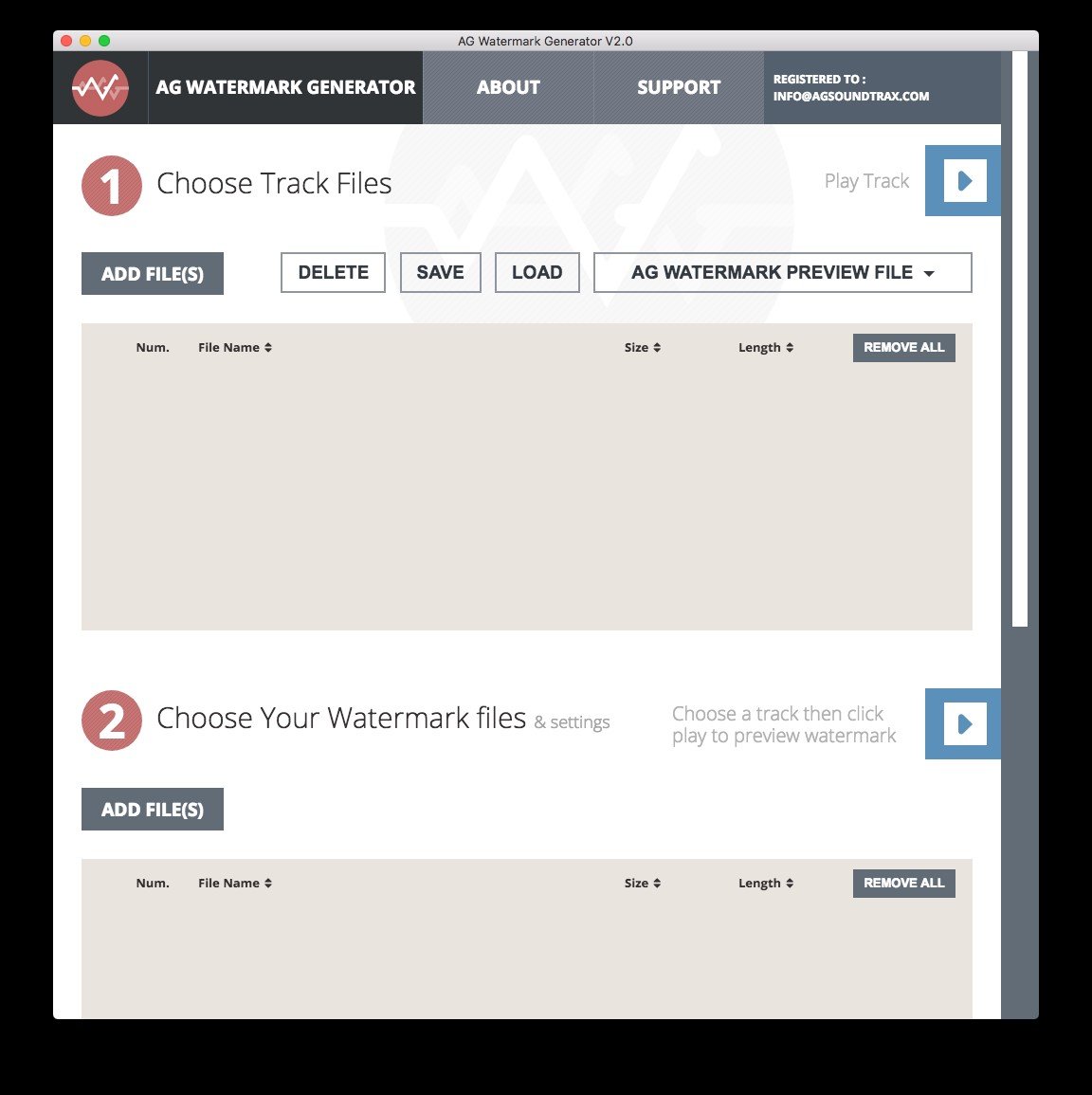
AG Watermark Generator is an intuitive program that enables you to insert an audio signature in the tracks you compose. The software allows you to insert audio fragments in your songs that play on top of the original sound, thus creating an audio watermark. It is easy to use and ensures an accurate preview of the result.

Audio signature for your songs

When you wish to publish or sell your music on the Internet, there are a few ways to add protection to it. Adding an audio watermark allows you to alter the song enough so that it cannot be used without authorisation. The track can still be listened to, as preview for the original piece.

An audio watermark is a short piece that you can merge into the original track in order to personalize it. With AG Watermark Generator, the piece cannot be more than 4 seconds long and can be repeated every 5 seconds, 10 or 15 seconds, depending on how much you wish to restrict the song.

Most watermarks temporarily cover the song, thus interrupting it, but with AG Watermark Generator, the piece can play simultaneously with the original track.

Watermark configuration

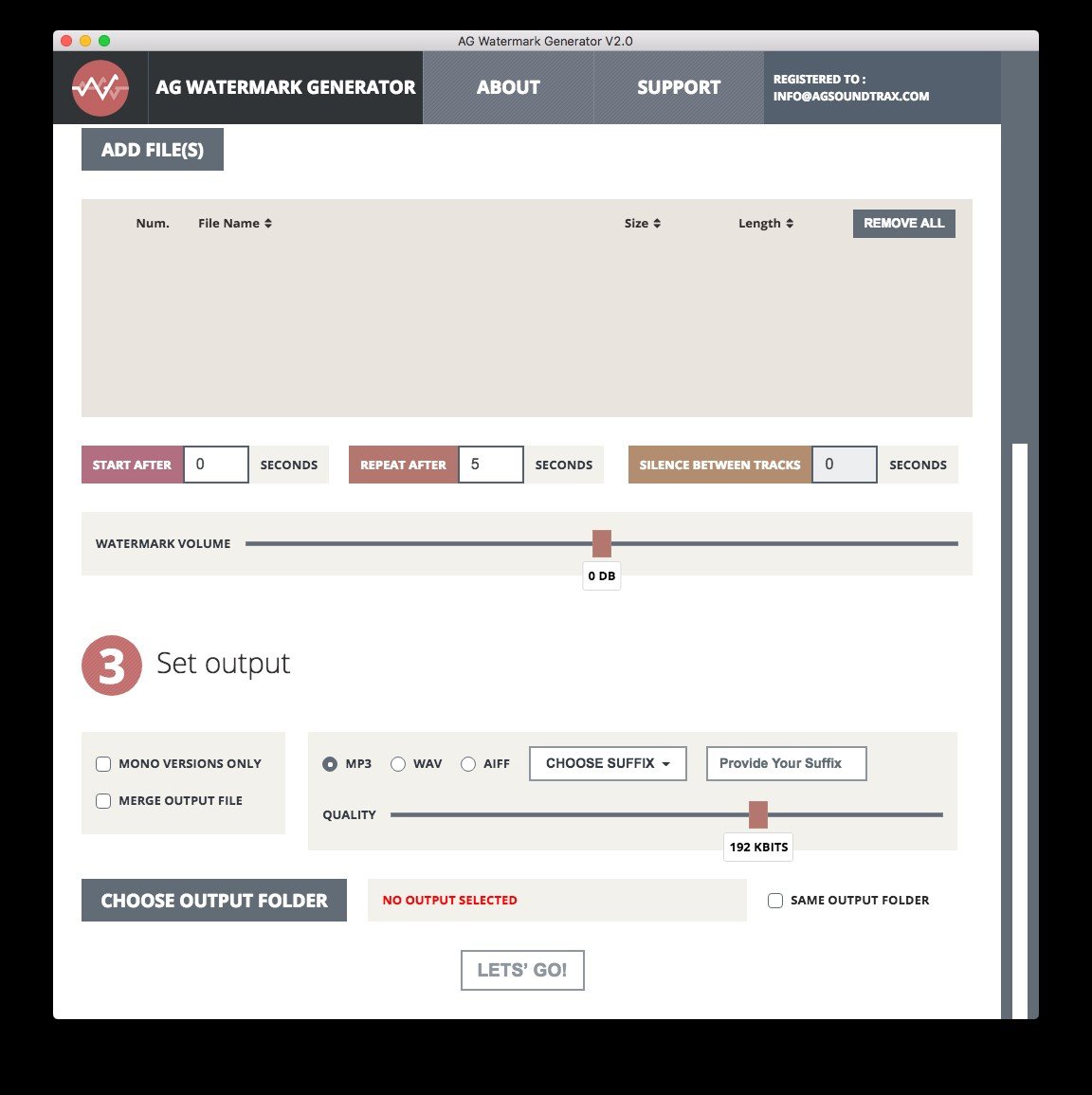
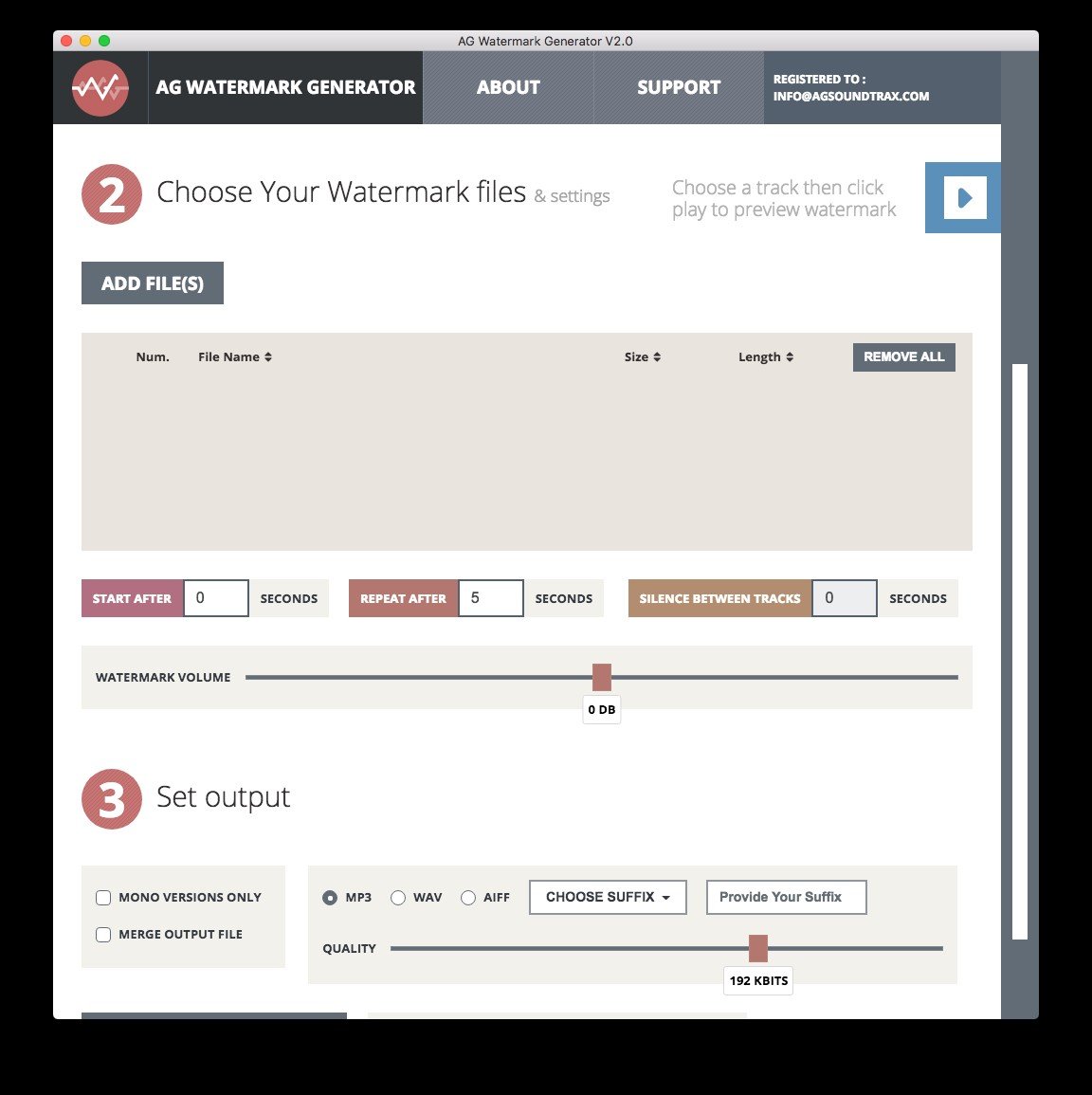
AG Watermark Generator allows you to add several audio files to serve as watermark and play successively with the original track. You may choose the offset for the watermark, as well as the repetition interval.

When configuring the output file, you may choose to apply the watermark to each file in the list, then save them as individual songs or to merge the output files. Moreover, you may adjust the audio quality, output folder and a prefix/suffix for automatically renaming the results.

AG Audio Watermark Generator 특징

tick-square Batch Editing

최고의 AG Audio Watermark Generator 대안

소프트웨어에 대한 의견을 공유하고 리뷰를 남겨 더 나아지도록 도와주세요!

AG Audio Watermark Generator 태그

protect-music music-protection audio-watermarking

변경 제안

() out of 5
비교 보기

귀하의 의견

등급을 선택하세요
평점을 선택하세요

Your vote has been counted.

Do you have experience using this software?