A secure, cross-platform browser offering fast search, seamless integration with Google apps (Gmail, Google Pay, Assistant), and customizable features.
Trello is a project management tool that organizes tasks using boards, lists, and cards. It helps teams collaborate, track progress, and manage workflows visually. Trello simplifies task tracking, improves communication, and boosts productivity for …
Asana is a comprehensive project management software that enables teams to efficiently manage tasks and projects. Its features include task creation and assignment, priority setting, progress tracking, and file attachment.
Brave is a high-speed, secure web browser for PC, Mac, and mobile, featuring ad blocking, data and battery savings, along with an integrated AI assistant and VPN. It provides an efficient, ad-free browsing experience with strong privacy and security…
Coda was a macOS-based web development application by Panic, combining a text editor, FTP client, terminal, and preview pane in a single interface. It supported multiple programming languages, real-time collaboration, and plugin extensibility.
Google Inbox, Gmail, Outlook, Office 365, Slack, Trello & any Web link right at your fingertips
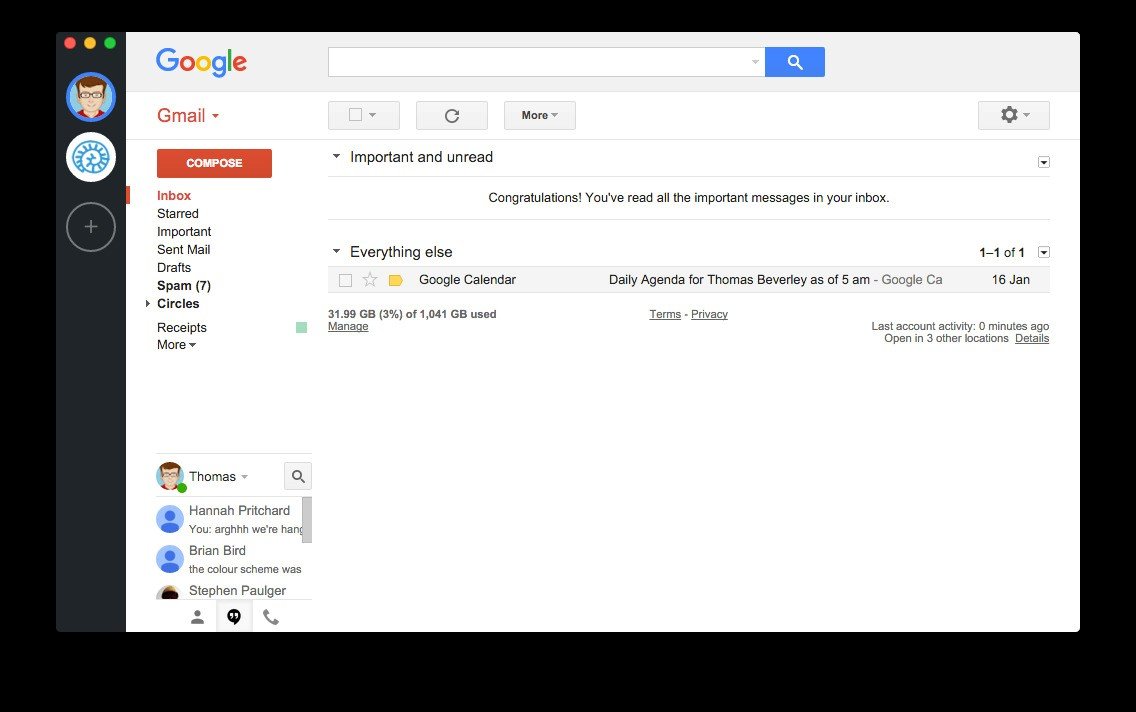
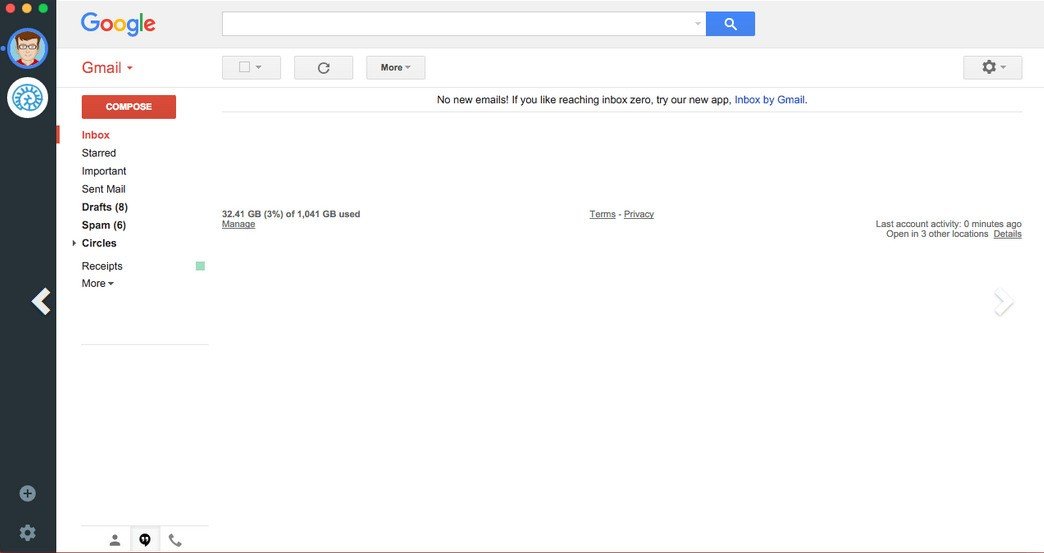
Wavebox adds loads of features that mail on the web misses making your mail feel right at home on your computer. It's easy to use, fast and has all the features you're already enjoying on the web.
- Support for Gmail & Google Inbox : Wavebox supports all types of Google accounts. All you need to do is pick which type of account you want to add and sign in.
- Multiple Accounts : Wavebox lets you instantly switch between your accounts. No waiting for pages to load, no multiple tabs.
- Desktop Notifications : Need to know when your mail arrives? Not a problem, Wavebox presents a desktop notification whenever you get a new message.
- Unread badges : Just like all the other apps on your machine, Wavebox shows you how many unread messages you have using badges. In seconds you can know if your inbox is full or at zero.
- Cross Platform Support : Wavebox works on OSX, Windows and Linux straight out the box. There's no reason why you need to type gmail.com into your browser ever again.
- Keyboard shortcuts & integration : Wavebox works hard with Gmail and Google Inbox to support all the keyboard shortcuts, file drag drop and other native integrations you normally expect.