We've compiled a list of 3 free and paid alternatives to Veyon. The primary competitors include LanSchool, Ab Tutor. In addition to these, users also draw comparisons between Veyon and gScholar. Also you can look at other similar options here: About.
We've compiled a list of 3 free and paid alternatives to Veyon. The primary competitors include LanSchool, Ab Tutor. In addition to these, users also draw comparisons between Veyon and gScholar. Also you can look at other similar options here: About.
Veyon, Virtual Eye On Networks, is a free and Open Source software (FLOSS) for computer monitoring...
Veyon, Virtual Eye On Networks, is a free and Open Source software (FLOSS) for computer monitoring...
Veyon Platforms
Linux
Windows
Veyon Video and Screenshots
Veyon Overview
Veyon, Virtual Eye On Networks, is a free and Open Source software (FLOSS) for computer monitoring and classroom management supporting Windows and Linux.
Veyon is the official successor of iTALC with a completely rewritten core and architecture and new components providing much better stability and performance.
- Monitor and control. The classroom is yours.
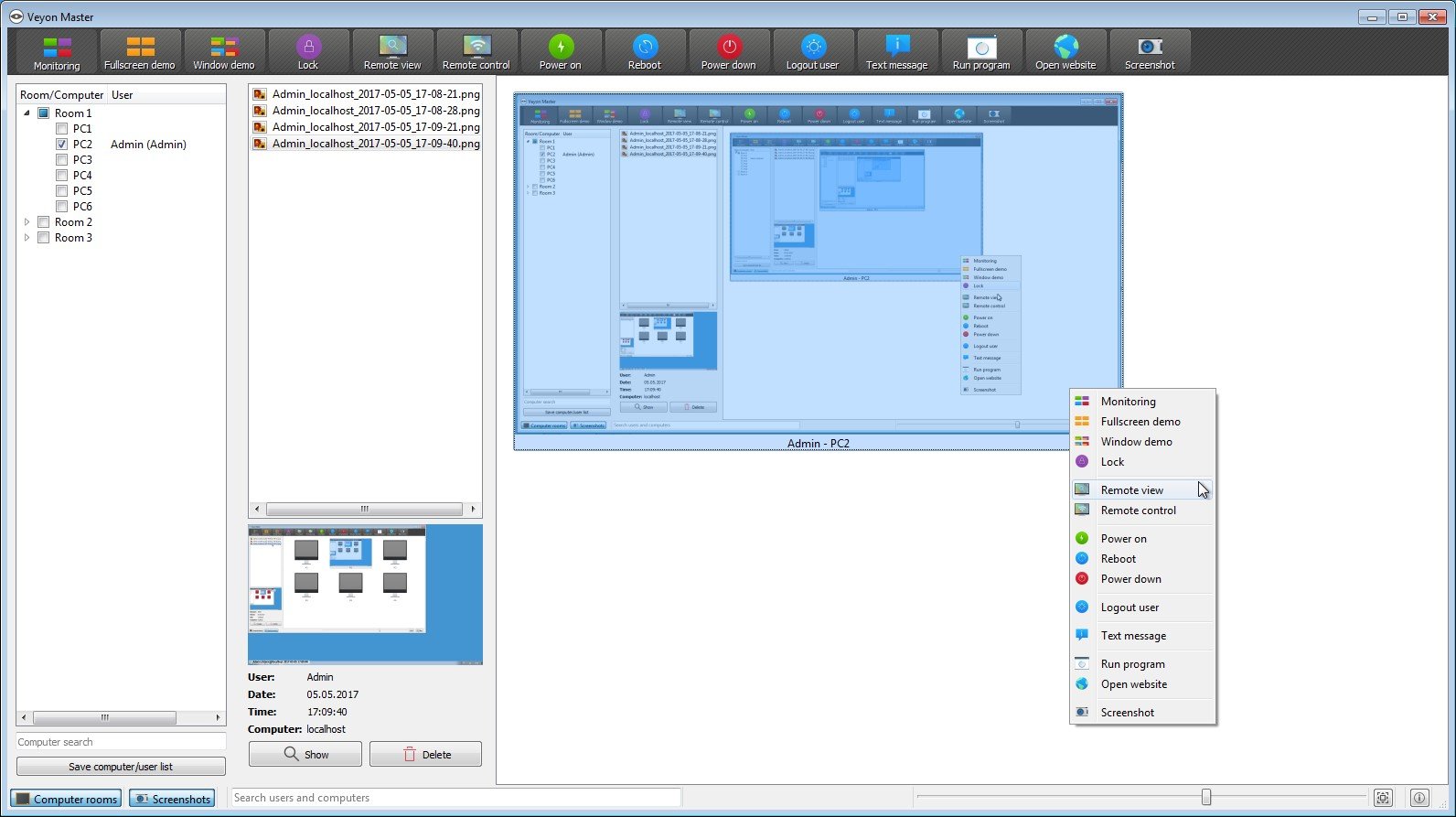
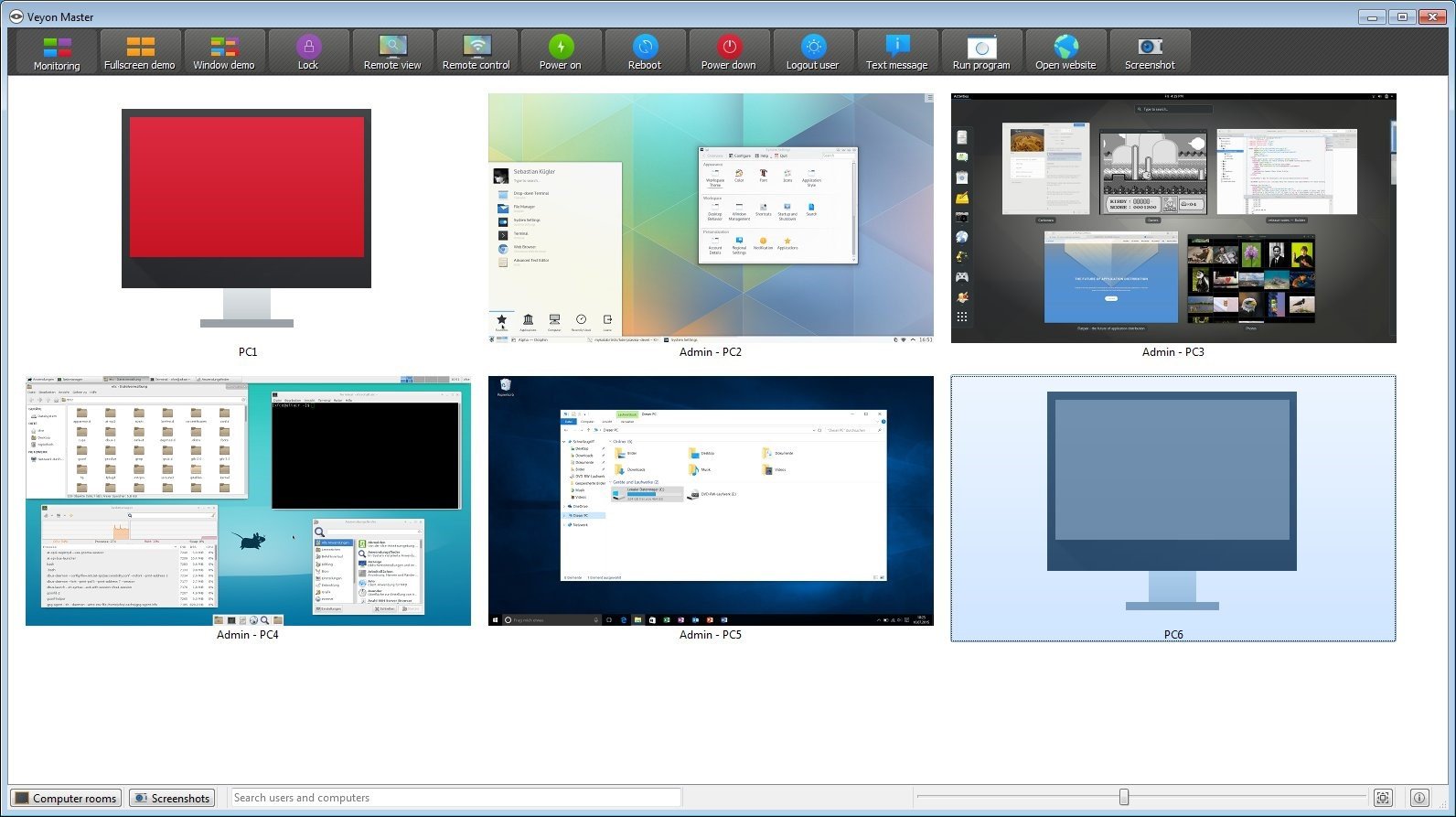
With Veyon you always have full control over your classroom. You can see all computer screens in an icon view and access individual computers with just one click. Taking screenshots of computers is a one-click operation as well. Draw attention to your lesson by locking all computers and blocking input devices with the help of just one button.
- Broadcast your screen. Demonstrate what's important.
- Integrate with your network. Builtin LDAP/AD support.
With previous products such as iTALC you had to add all computers manually or create scripts for generating XML files which was tedious and error prone. With Veyon you can simply make use of all information already stored on your LDAP or ActiveDirectory server. Configure the LDAP module once and Veyon will keep computer and room information up to date automatically.
Great open source alternative, only I would have loved to have a client for windows 8. but it goes very well. I have it implemented in a room of 38 computers.