We've compiled a list of 57 free and paid alternatives to Venngage. The primary competitors include Adobe Photoshop, Inkscape. In addition to these, users also draw comparisons between Venngage and IrfanView, Adobe Illustrator CC, Pixlr. Also you can look at other similar options here: About.
We've compiled a list of 57 free and paid alternatives to Venngage. The primary competitors include Adobe Photoshop, Inkscape. In addition to these, users also draw comparisons between Venngage and IrfanView, Adobe Illustrator CC, Pixlr. Also you can look at other similar options here: About.
IrfanView is a lightweight image viewer and editor for Windows. It supports a wide range of formats and offers basic editing, batch processing, slideshow creation, and format conversion. Built for speed and efficiency, it helps users manage and edit…
Product design platform for businesses to create, test, and collaborate. It offers color variables, layouts, shared libraries, vector editing tools, and plugins.
Venngage is an online design tool that helps users create professional infographics, reports, and presentations quickly. It offers customizable templates and easy drag-and-drop features, enabling clear visual communication without design skills. Ideal for marketers and educators.
Venngage is an online design tool that helps users create professional infographics, reports, and presentations quickly. It offers customizable templates and easy drag-and-drop features, enabling clear visual communication without design skills. Ideal for marketers and educators.
Venngage Platforms
Web-Based
Venngage Video and Screenshots
Venngage Overview
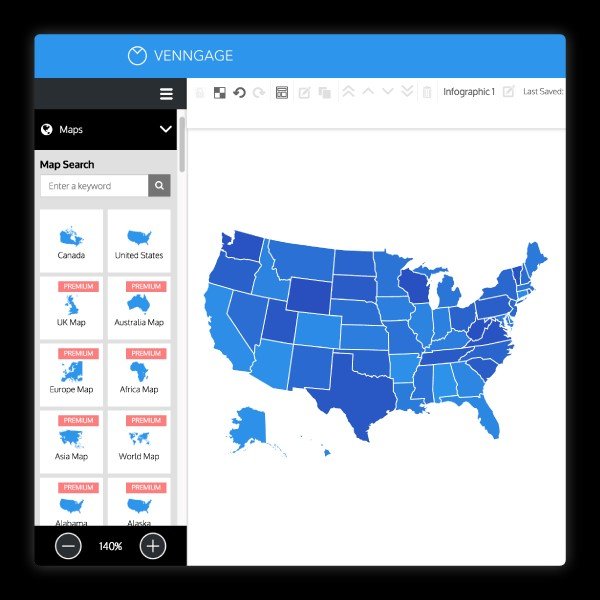
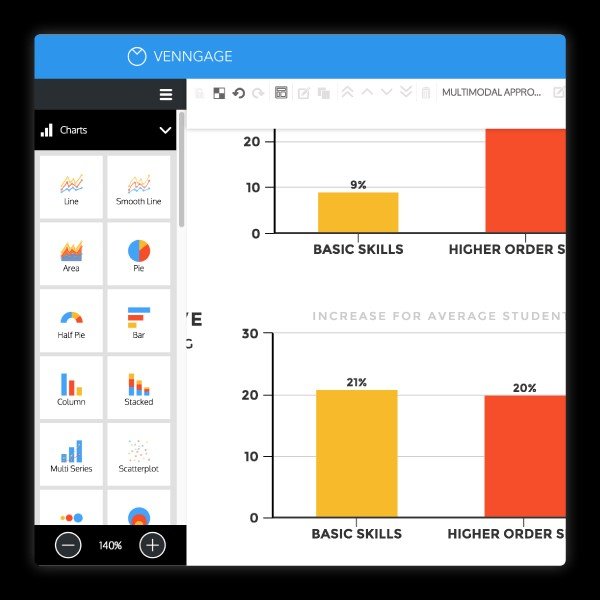
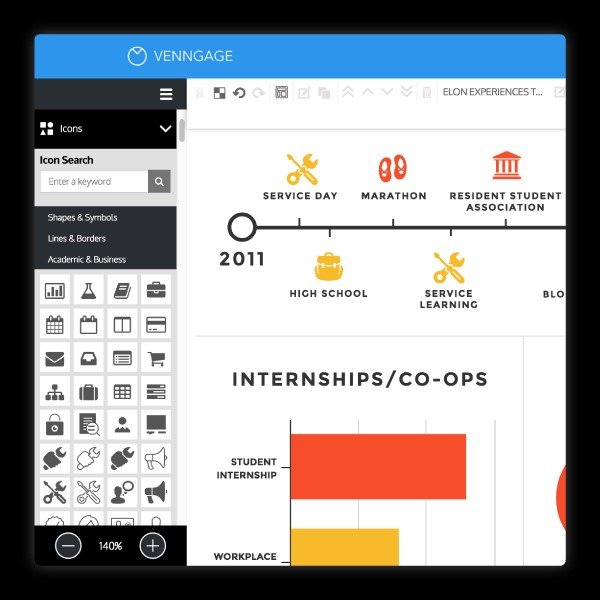
Venngage is an advanced online infographic and visual design platform that enables users to build professional graphics, reports, presentations, charts and more through a drag‑and‑drop editor. It provides over 10,000 templates-including timelines, process graphics, comparison layouts and informational visuals-optimized for rapid customization. Core functions include AI‑powered generators for infographics, flyers, posters and proposals, auto‑branding tools that extract logos, fonts and color palettes from a website, smart chart and map creation via CSV/XLSX import, and an accessibility suite featuring color‑contrast checking, alt text assignment, color‑blind simulation, WCAG compliance validation and PDF/UA export. The platform supports collaboration through shared team folders, comment threads, live co‑editing and priority chat support. Users benefit from a vast asset library with millions of stock photos and over 40,000 icons and illustrations, and advanced diagram editing that automatically resizes shapes and aligns flows. Templates are regularly updated to align with 2025 design trends like bold typography, playful layouts and interactive storytelling enhancements.
The main advantages of Venngage derive from speed, consistency and inclusivity. Its intuitive interface and AI tools allow non‑designers to produce high‑quality visuals in minutes while maintaining brand identity across materials. Data integration and diagram automation streamline complex visualization tasks, reducing manual adjustments. The accessibility features ensure broad audience reach and legal compliance. Collaboration tools support scalable workflows for individuals, small teams, nonprofits, educational groups and enterprise users. With responsive support and flexible plans, Venngage delivers secure, efficient visual communication and enhances productivity by automating design, branding and accessibility checks in one unified workspace.