We've compiled a list of 35 free and paid alternatives to RemoteToPC. The primary competitors include TeamViewer, AnyDesk. In addition to these, users also draw comparisons between RemoteToPC and AirDroid, UltraVNC, NoMachine. Also you can look at other similar options here: Network and Admin Software.
We've compiled a list of 35 free and paid alternatives to RemoteToPC. The primary competitors include TeamViewer, AnyDesk. In addition to these, users also draw comparisons between RemoteToPC and AirDroid, UltraVNC, NoMachine. Also you can look at other similar options here: Network and Admin Software.
TeamViewer provides remote desktop access, support, and collaboration tools, enhanced with AI for advanced analytics and automated issue resolution. With seamless integration across various systems, it ensures secure and efficient remote operations,…
AirDroid is an all-in-one mobile device management (MDM) solution that enhances multiscreen experiences with features like file transfer, remote access, Kiosk Mode, and Black Screen Mode. It also provides device management, geofencing, app managemen…
Radmin is a secure and fast remote access software for IT professionals. It enables remote tech support, system administration, and remote work by providing encrypted connections to computers anywhere. Trusted by 100,000+ companies, it ensures high-…
Remote support tools for remote PC access and remote IT management.
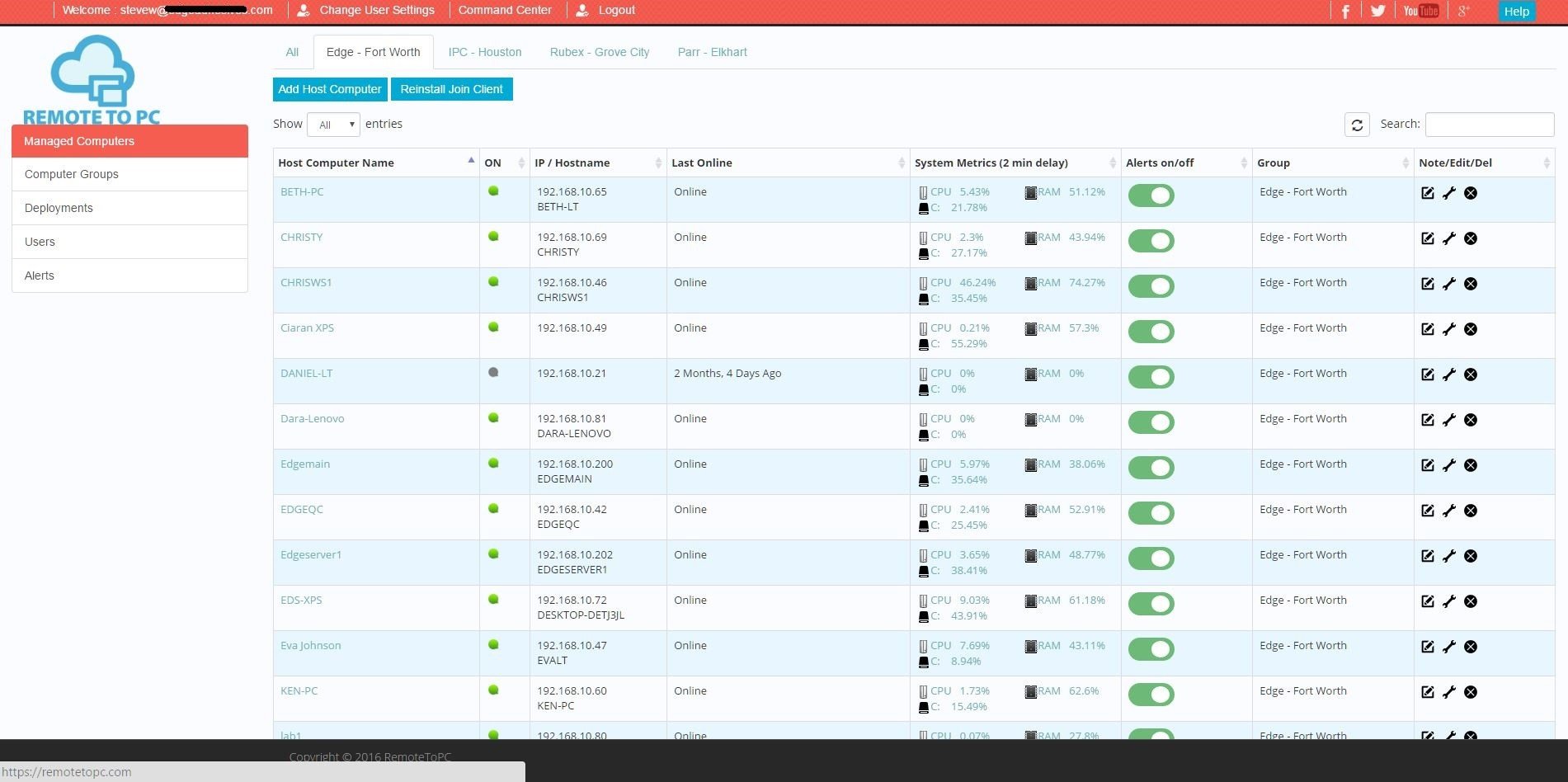
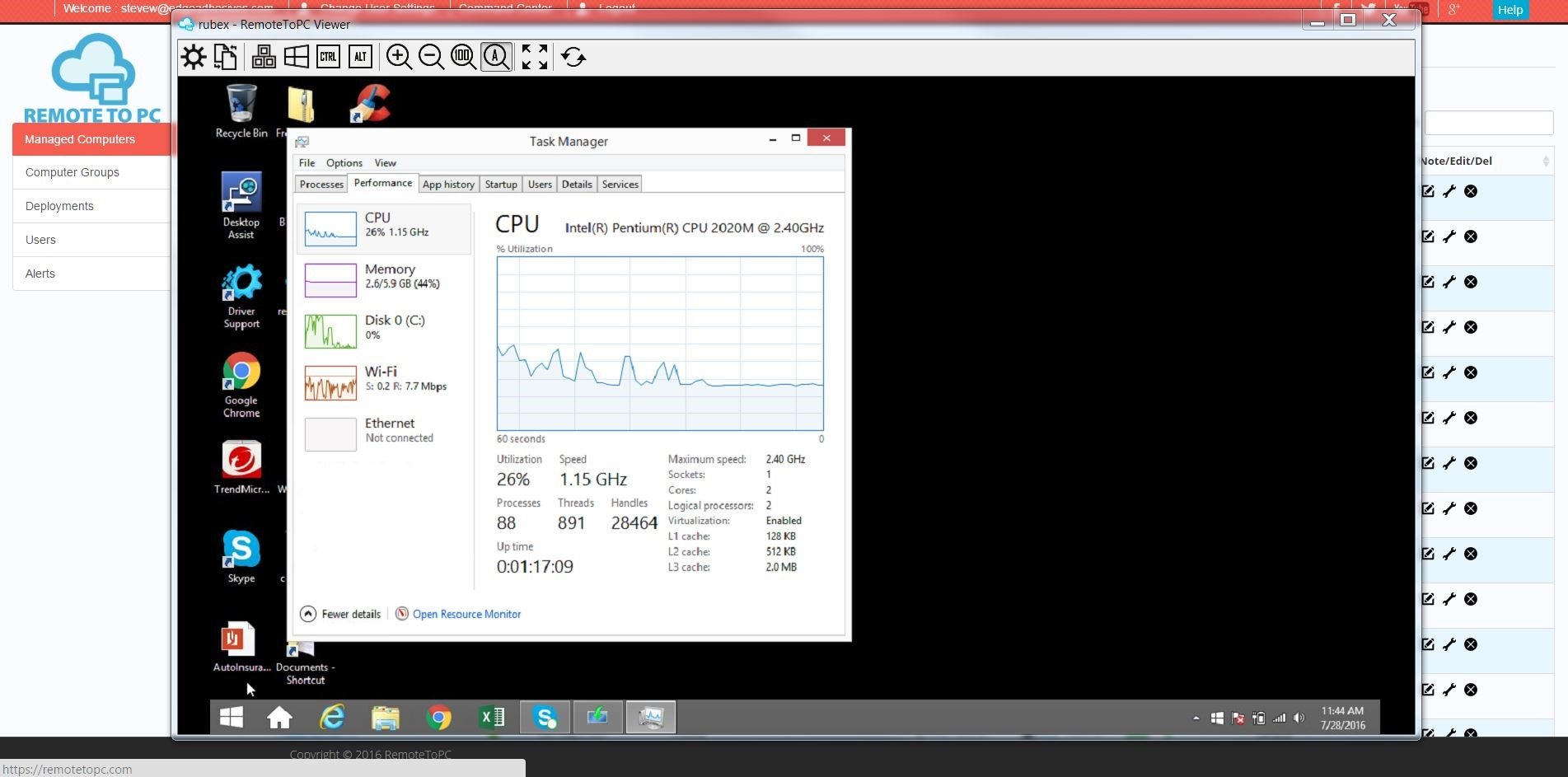
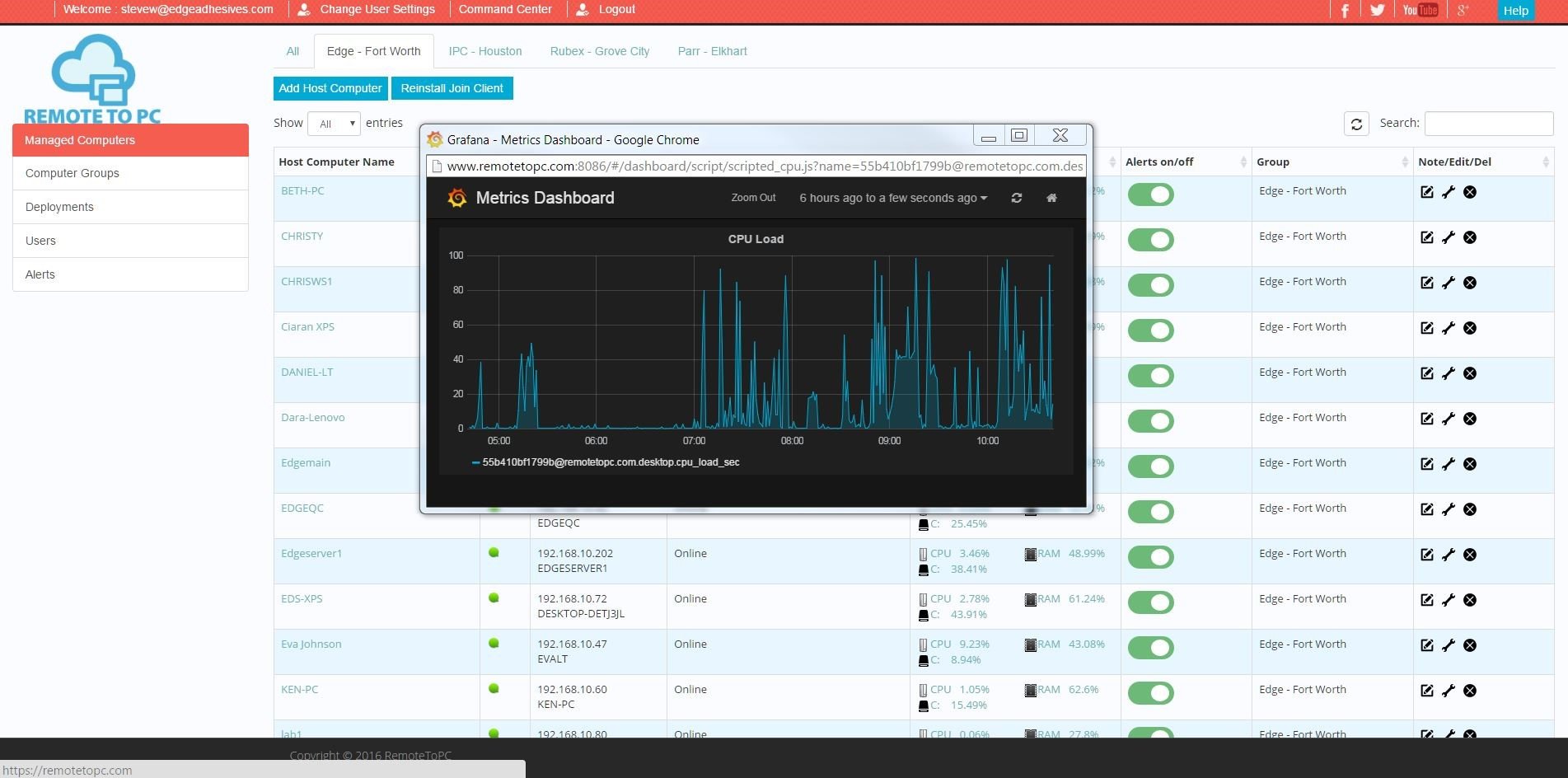
In addition to remote access, core system metrics of CPU, RAM, DISK are monitored, and available to view in a custom Command Center. A heartbeat monitor can also be turned on for servers and workstations that need to be online at all times. Critical system health alerts come either through email , and users can remotely access all their systems through a secure Remote Desktop Access client. Advanced features like 2-factor authentication, unlimited concurrent connections, wakeup-on-lan, and file transfer are included in all service plans, and User management is included in all Enterprise level plans for multiple user accounts. There is no configuration or difficult learning curve, and there is also a deployment link option for emailing or automating multiple installations in a domain environment.