Select your language

Home arrow-right ... arrow-right Collaboration and Productivity Software arrow-right Note Taking Software arrow-right Note-C

We've compiled a list of 40 free and paid alternatives to Note-C. The primary competitors include Evernote, Simplenote. In addition to these, users also draw comparisons between Note-C and Notezilla, Standard Notes, CintaNotes. Also you can look at other similar options here: Collaboration and Productivity Software, Note Taking Software.



CherryTree
Free Open Source

A hierarchical note taking application, featuring rich text and syntax highlighting, storing data...

Note-C Platforms

Mac Mac

Note-C Video and Screenshots

Note-C Overview

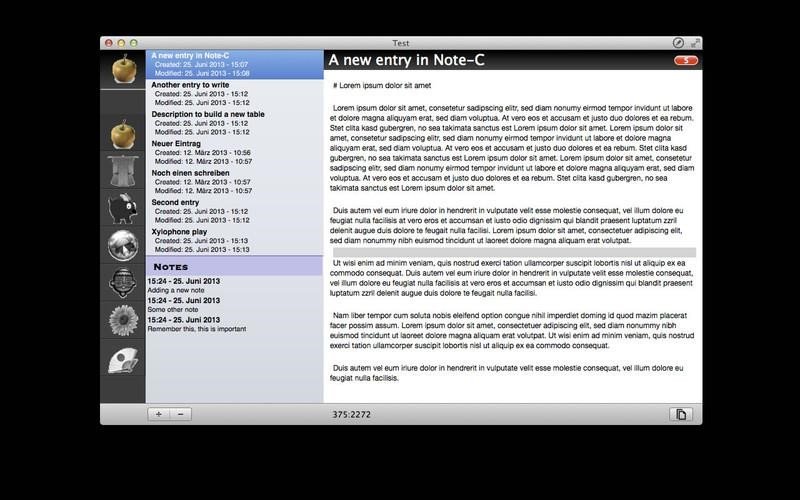
"Note-C" is a very simple application for collecting your notes, snippets and any other piece of text without limiting access to your entries and offering extensive export-features.

Features of Note-C:

Saving your entries:
Every single entry will be stored in a separate file and you can freely choose where your entries should be saved to. Note-C automatically creates a covenant folder hierarchy where you can find your entries fast, even outside of Note-C. Additionally all entries will be saved in the open txt-file-format so you can open your entries in many text-editors. You keep full control over your entries.

Creating multiple notebooks:
Note-C allows you to create multiple notebooks, so you can diverse your entries by topics and projects.

Special editor and fullscreen-modes:
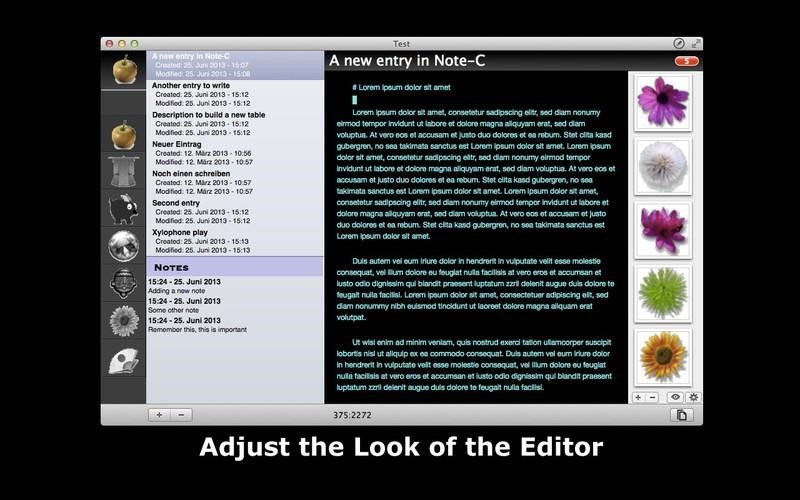
The editor of Note-C offers a lot of features to make writing more efficient and spare you using the mouse, like automatic list-creation (* and - signs) or moving of text-passages with keybourd-shortcuts. Additionally you can set the look of the editor to your preferences: Colors of text and background, font-size and -type, text-margins and more.

Also, Note-C offers the well known fullscreen-mode (Lion and Mountain Lion) and a distraction-free mode where you can concentrate on your text wholefully.

Collecting external files:
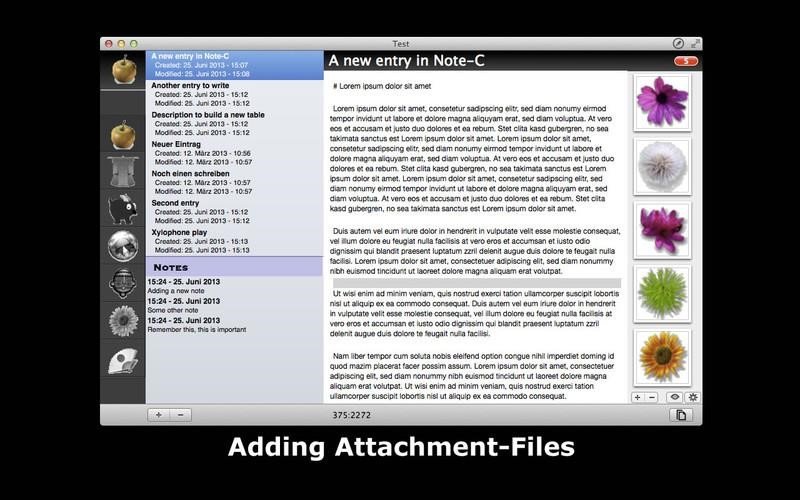
You can add to each entry files which will be stored in a separate folder. Note-C offers options to view these files in Note-C itself or to open the files with an external application. Please Note: Files can't be added directly within the text.

Markup-Support:
Note-C supports following markup-languages: Markdown, Textile, BBCode, Wikitext, HTML und Smark. Next to shortcuts for bold- and inverse-type and headlines. Further you can use markup while exporting your entries.

Note-C Features

tick-square Notetaking

Top Note-C Alternatives

Share your opinion about the software, leave a review and help make it even better!

Note-C Categories

Note Taking Software

Note-C Tags

code-snippet-manager note-taking

Suggest Changes

() out of 5

Your Feedback

Select a rating
Please select a rating

Your vote has been counted.

Do you have experience using this software?