Streamlines online diagramming with its extensive template library and user-friendly interface. For complex processes, organizational structures, mind maps, and flowcharts, fostering collaboration and productivity.
FigJam is designed to facilitate team collaboration and co-creation when discussing projects. FigJam allows users to create whiteboards, add pictures, text, shapes, and other elements to easily express their ideas and interact with others in real ti…
Offers intuitive diagramming tools for communication and collaboration. Create professional diagrams like flowcharts and UML diagrams with drag-and-drop features. Ideal for Confluence, Jira, or standalone use.
Visual communication tool that lets create hand-drawn presentations and diagrams. Choose from templates, add animation, and export in multiple formats.
MyDraw is an advanced diagramming software for drawing flowcharts, org charts, mind maps, network...
MyDraw is an advanced diagramming software for drawing flowcharts, org charts, mind maps, network...
MyDraw Platforms
Mac
Windows
MyDraw Video and Screenshots
MyDraw Overview
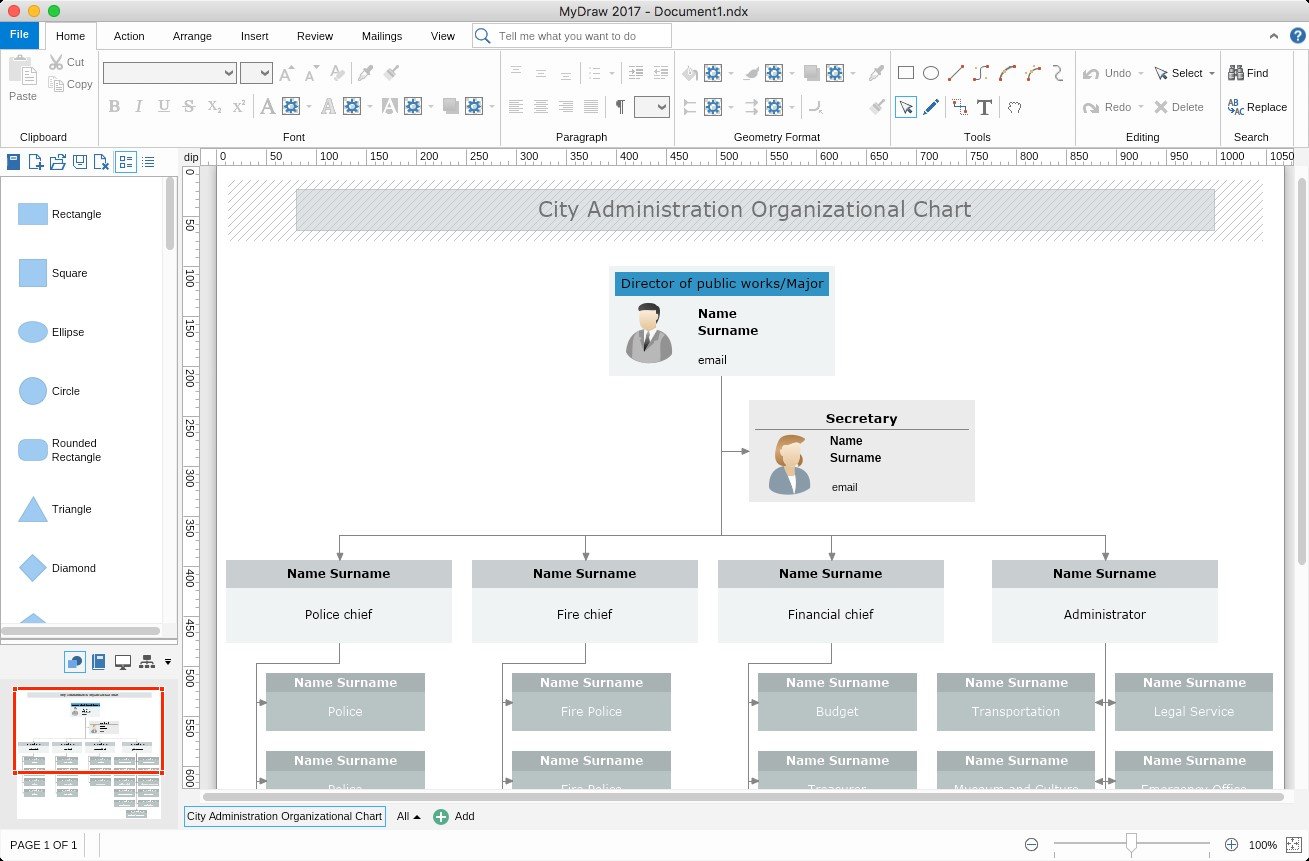
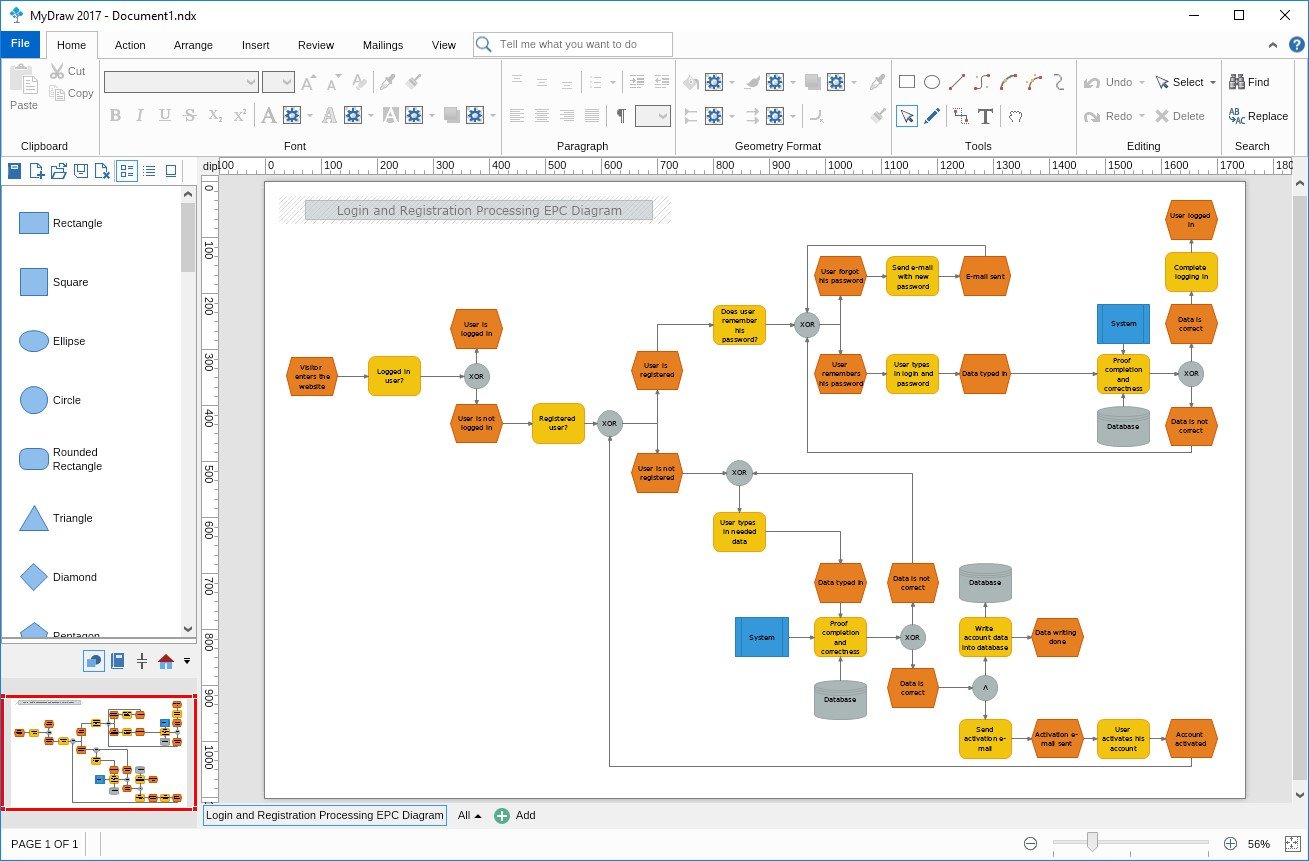
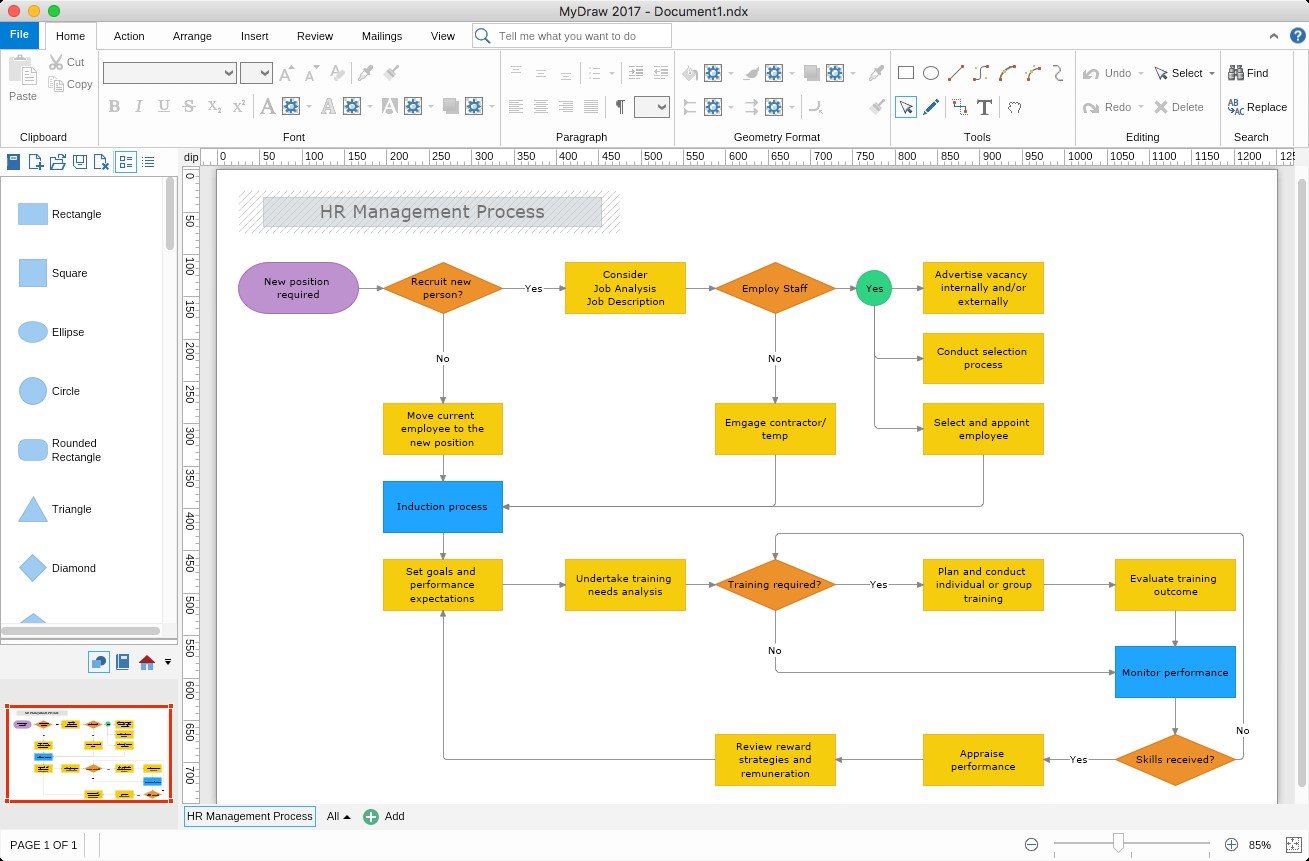
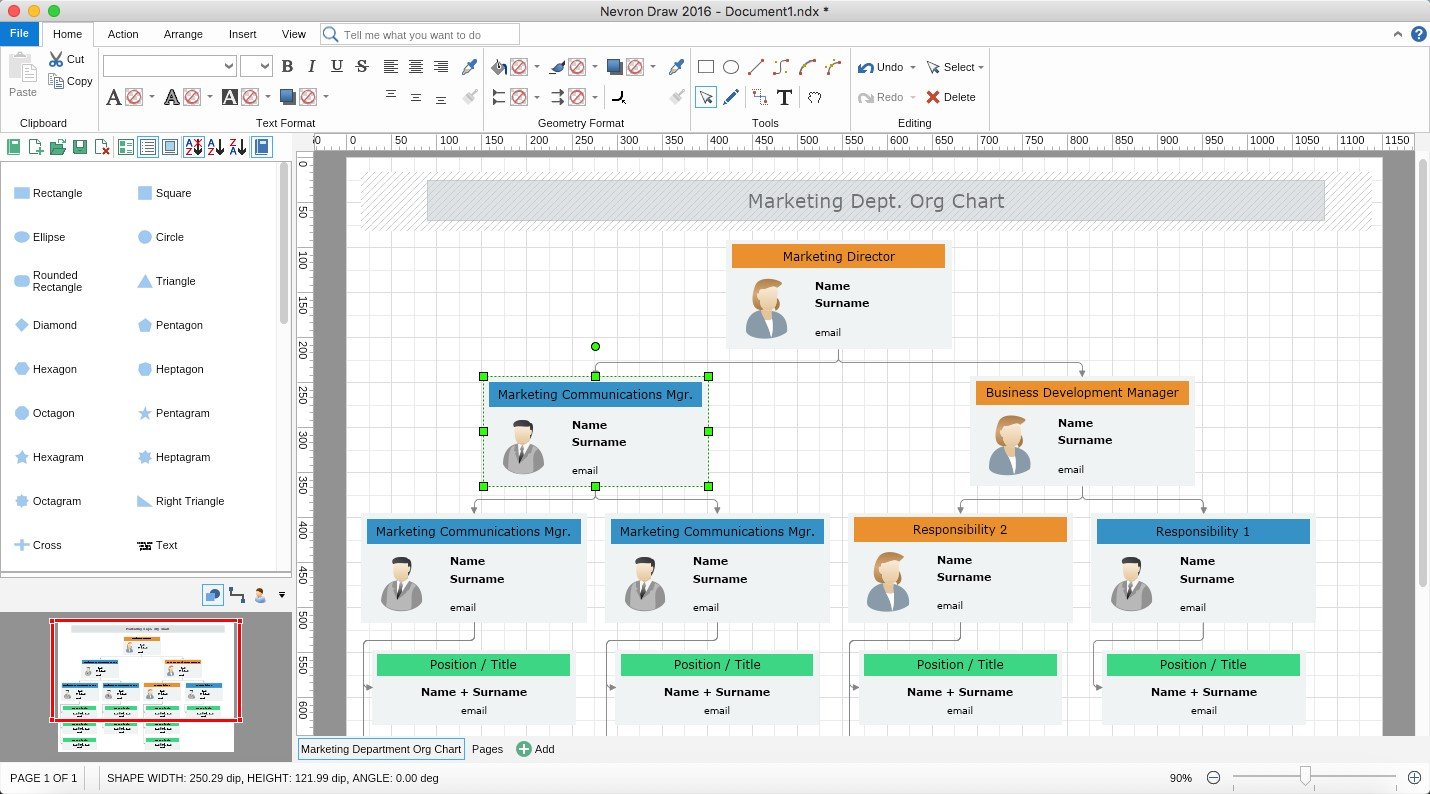
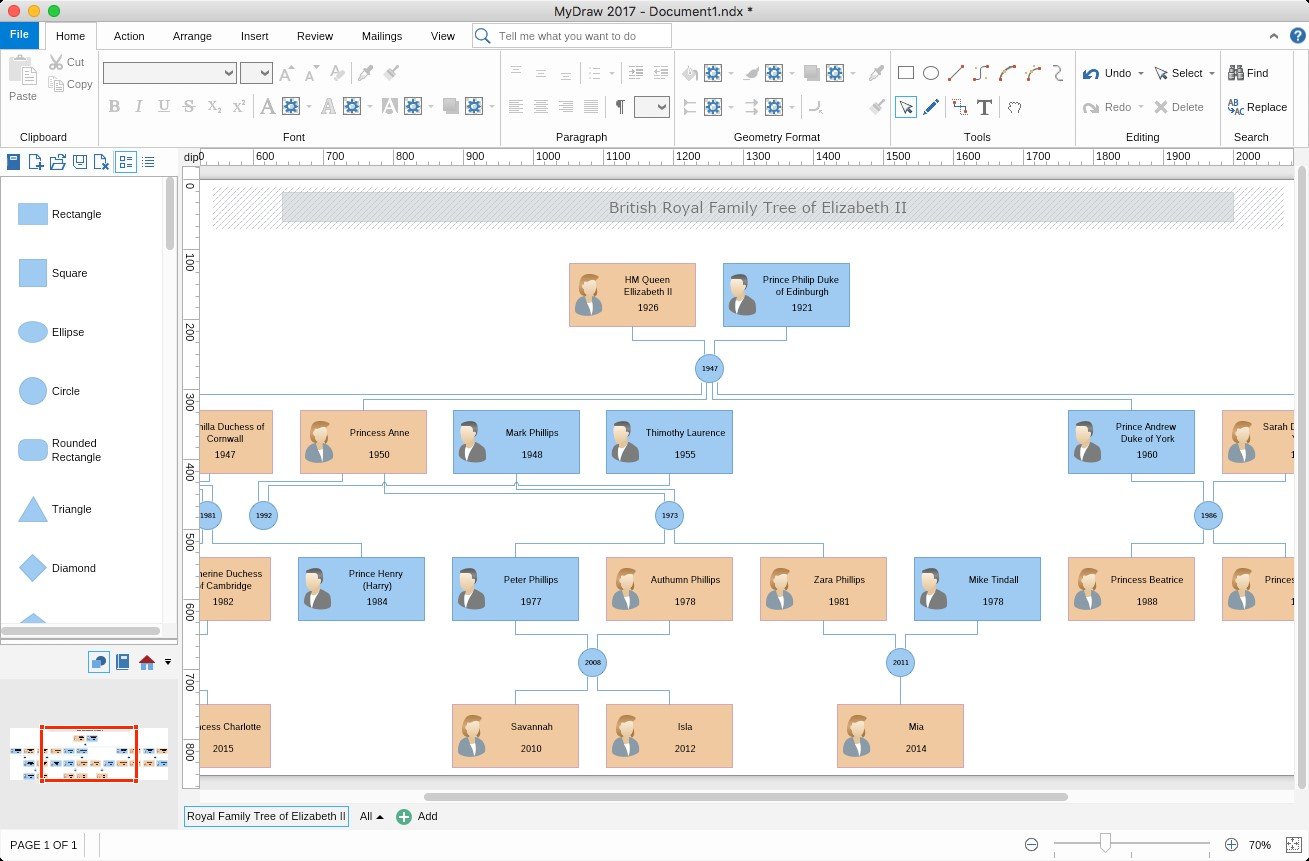
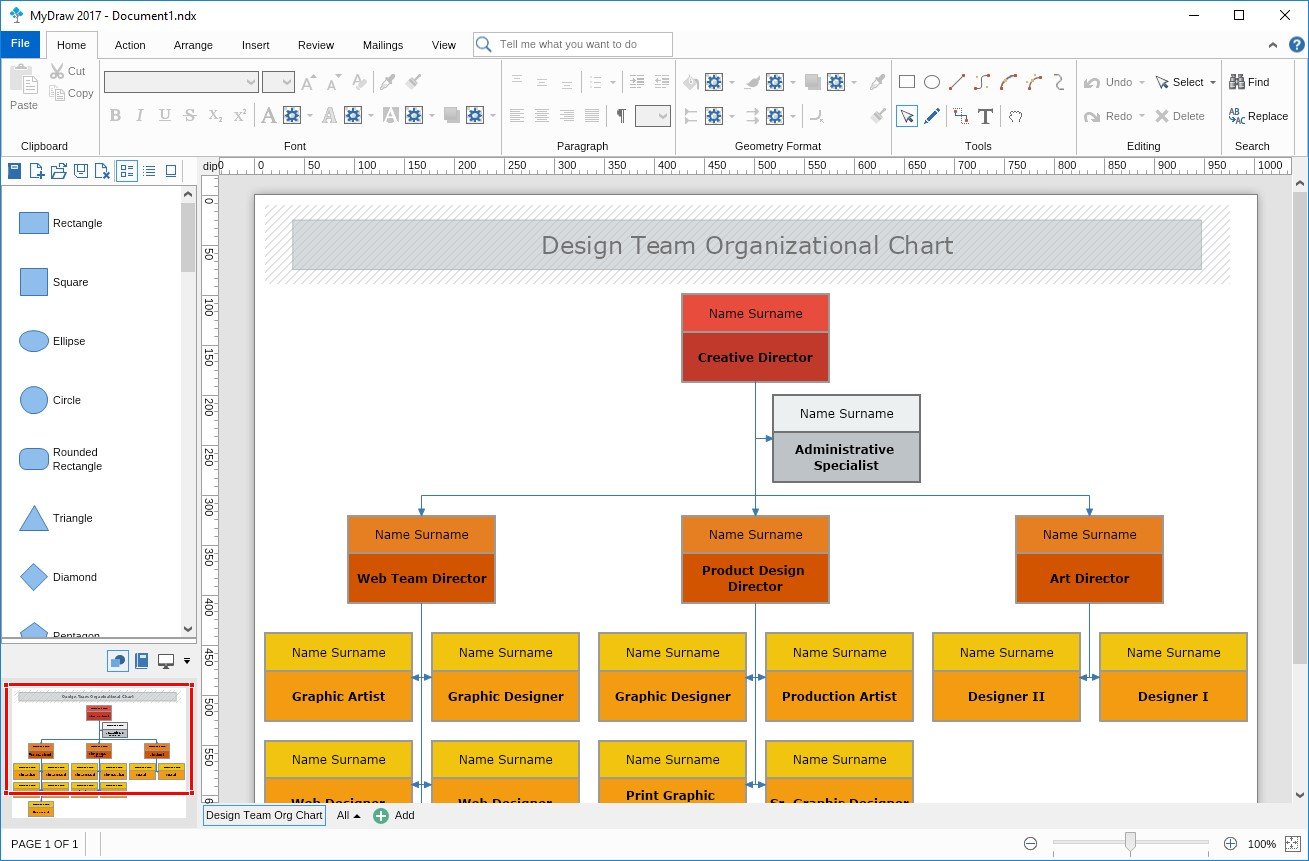
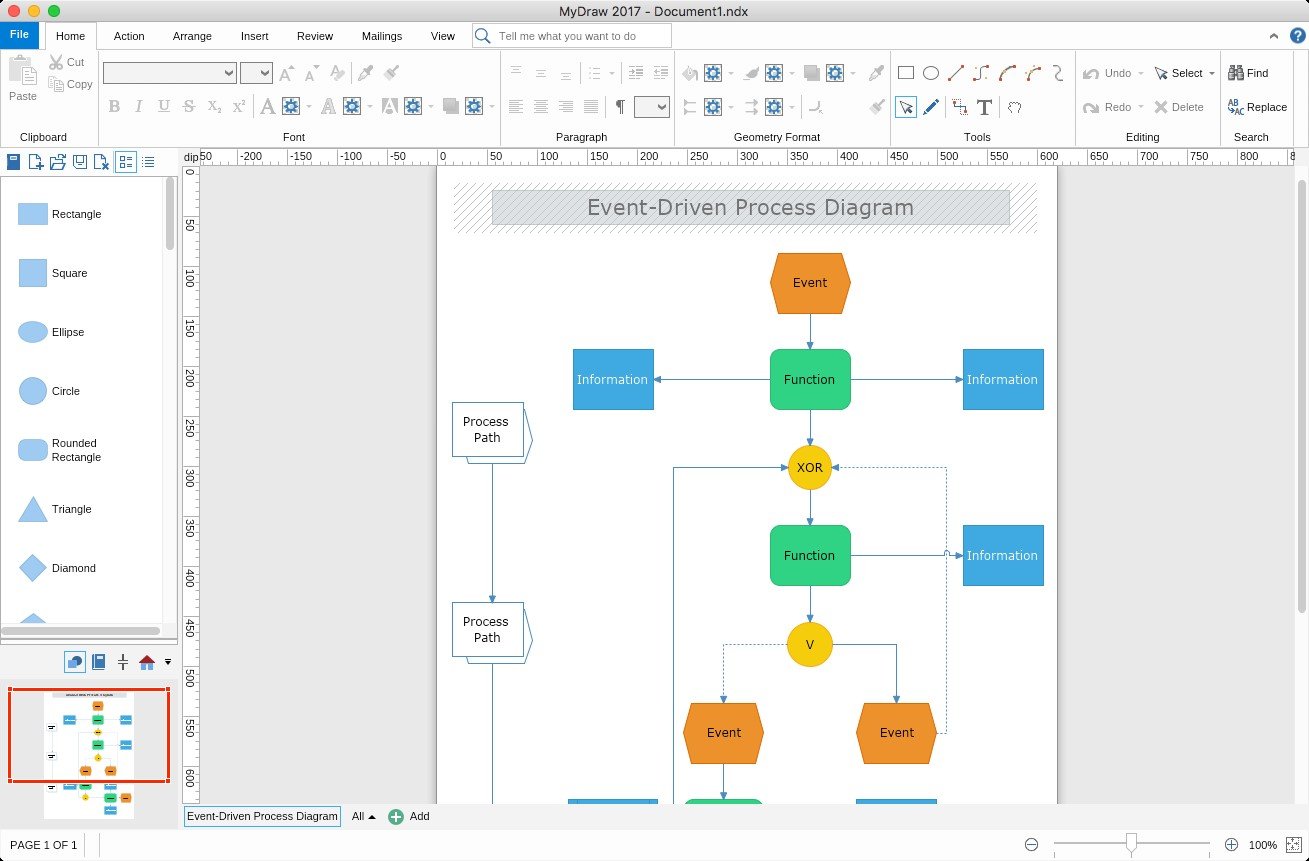
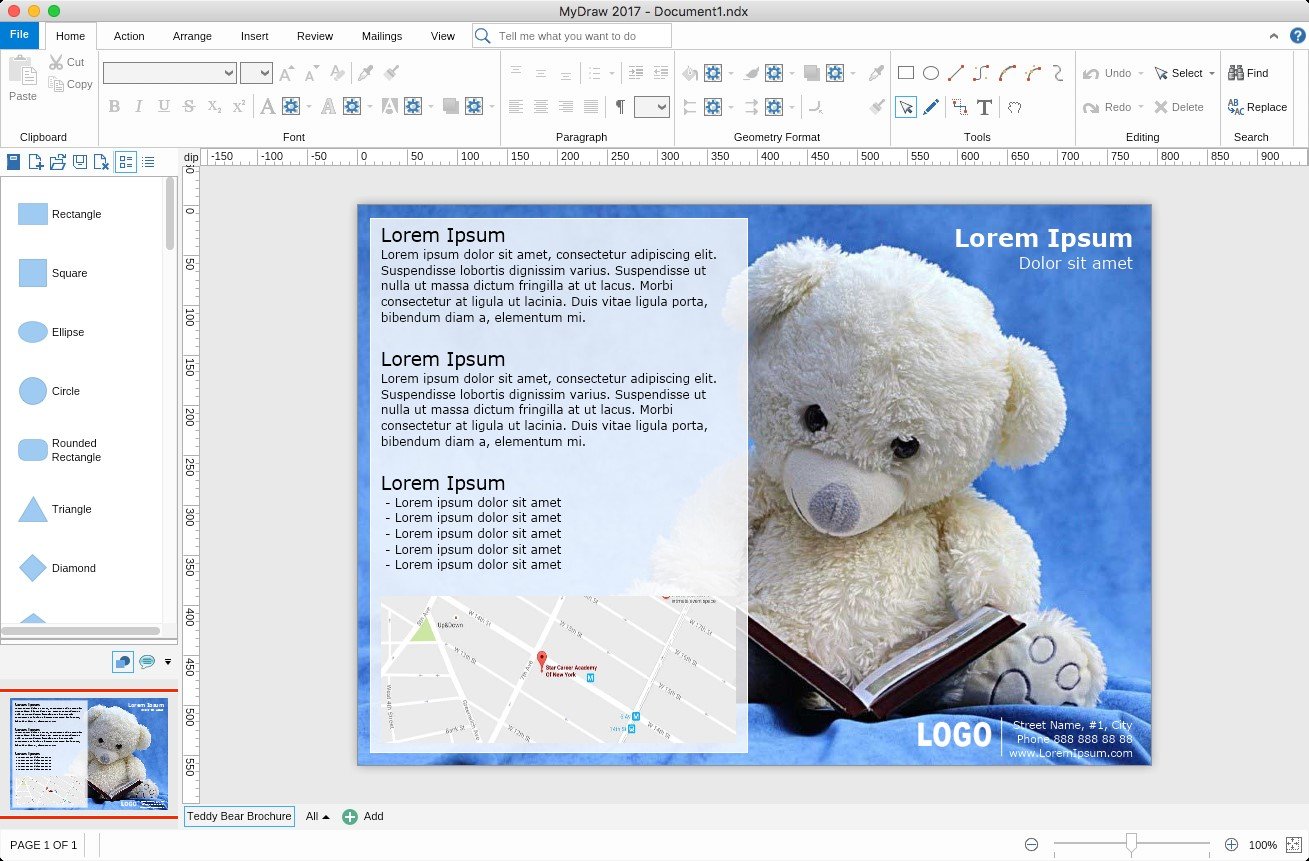
MyDraw is an advanced diagramming software for drawing flowcharts, org charts, mind maps, network diagrams, floor plans, UML diagrams and business diagrams.
Identical experience under Windows and Mac OS X MyDraw is absolutely identical under Windows and Mac in terms of both - looks and functionality.
Microsoft Visio® Drawing Import and Export The advanced Visio® Drawing Import and Export (VSDX Import/Export) of MyDraw will allow you to easily convert your Visio diagrams and work with them in Apple macOS and Windows Operating Systems. MyDraw also provides support for Visio®-like "smart" shapes - dynamic diagram shapes based on formulas.
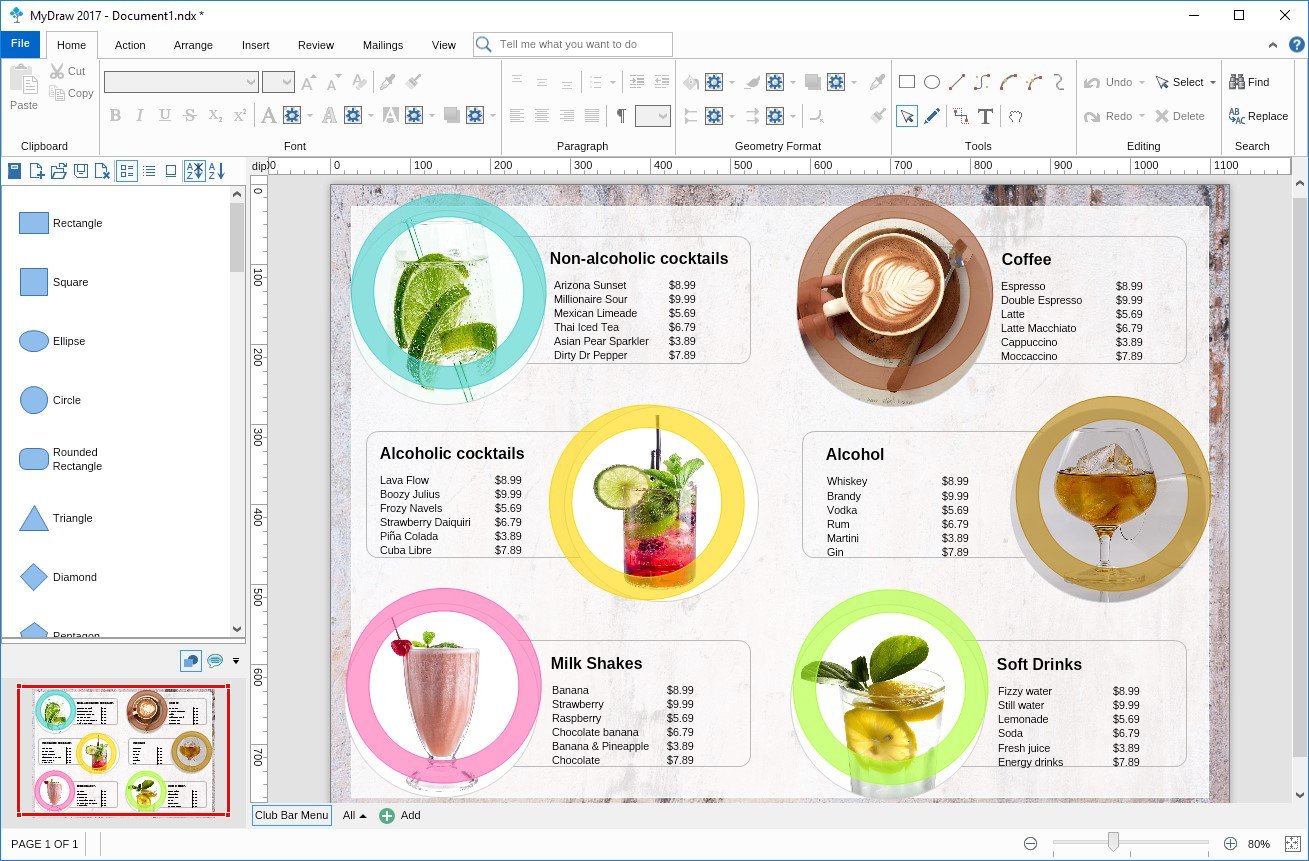
MyDraw introduces: - Diagram shapes and symbols - Ready-made templates - Powerful drawing tools - Advanced printing and export options - Automatic diagram layouts - Powerful rich text support - Spell check and proofing languages - Built-in mail merge functionality - Barcode drawing - ESRI shapefile import - GEDCOM format family trees
Except for the 30-day trial, MyDraw provides free support for registered and trial users.