Select your language

Home arrow-right ... arrow-right Security and Privacy Software arrow-right Microsoft Authenticator

We've compiled a list of 9 free and paid alternatives to Microsoft Authenticator. The primary competitors include Google Authenticator, Prelude. In addition to these, users also draw comparisons between Microsoft Authenticator and PowerDMARC, Avatier, LogMeOnce. Also you can look at other similar options here: Security and Privacy Software.



Google Authenticator provides two-factor authentication to enhance account security. It generates time-based one-time codes for login verification, reducing the risk of unauthorized access. This app secures user accounts by adding an extra verificat…

Prelude
Subscription

Prelude is an OTP & SMS verification API for developers, designed to send global verification messages with optimal pricing and high deliverability. It enhances SMS verification and mobile onboarding with unified APIs, focusing on reliable fraud det…

PowerDMARC
Subscription Free Free Trial

PowerDMARC is a DMARC analyzer and monitoring service that protects email domains from spoofing, phishing, and cyber threats. It provides real-time threat monitoring, detailed analytics, and compliance tools, supporting DMARC, SPF, DKIM, MTA-STS, TL…

Avatier
Subscription Free Trial

Delivers a self-service IT experience with mobile support for iOS and Android. Enhances enterprise collaboration through real-time notifications and bolsters security with mobile biometric authentication.

LogMeOnce
Subscription Free Free Trial

Elevate your online security with LogMeOnce, a password manager platform featuring a range of patented products. Experience a safer, more convenient online journey.

HelloID
Subscription Free Trial

Microsoft Authenticator provides secure two-factor authentication for accounts. It generates time-based codes and supports passwordless sign-ins, enhancing account security by verifying user identity through a mobile app.

Microsoft Authenticator Platforms

iPad iPad
iPhone iPhone
Web-Based Web-Based
Android Android

Microsoft Authenticator Video and Screenshots

Microsoft Authenticator Overview

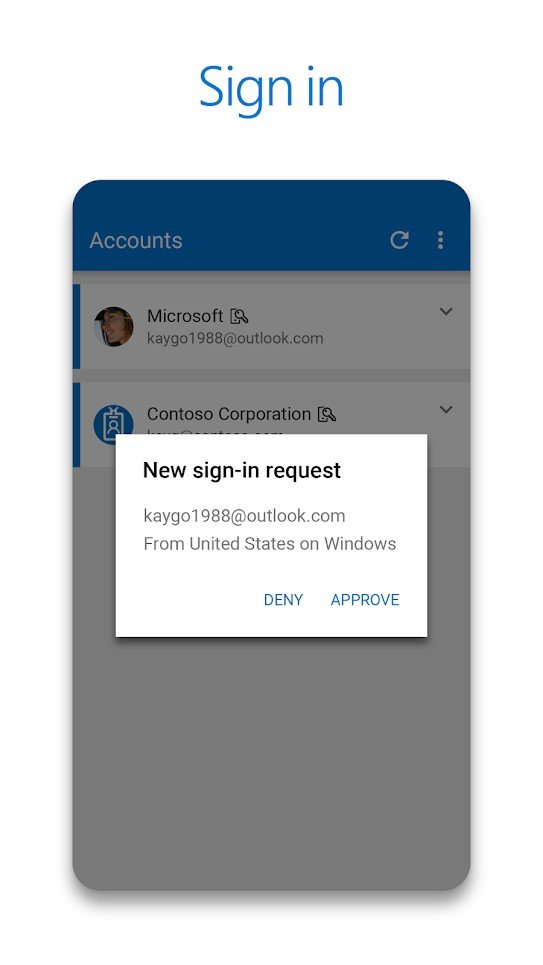
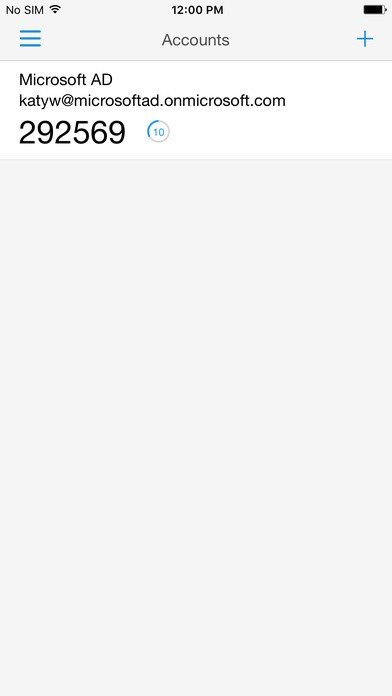
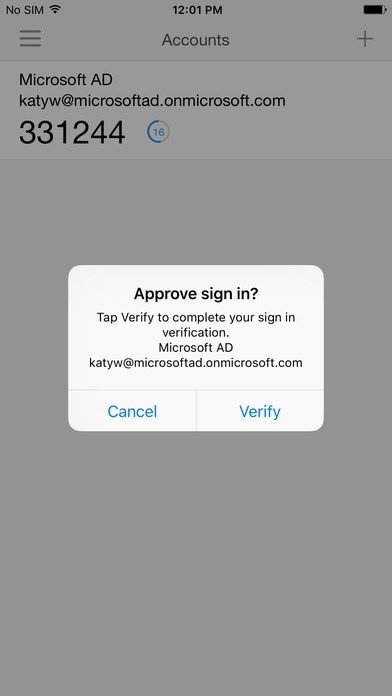
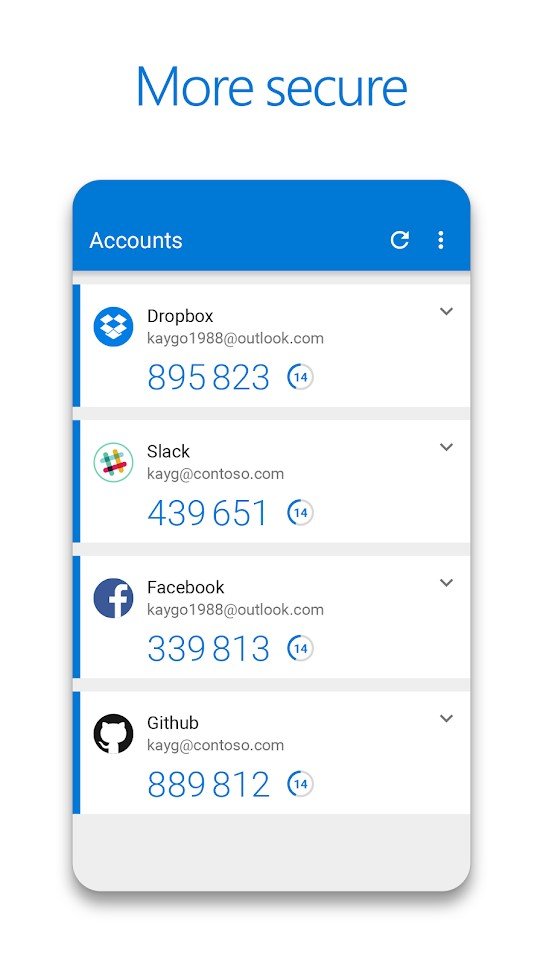
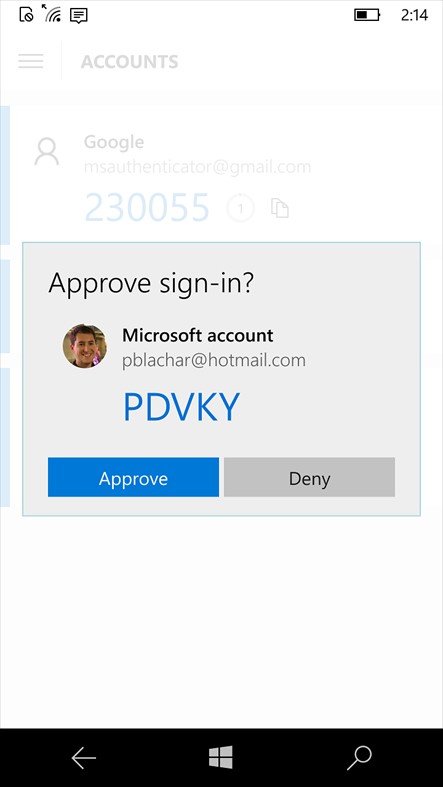
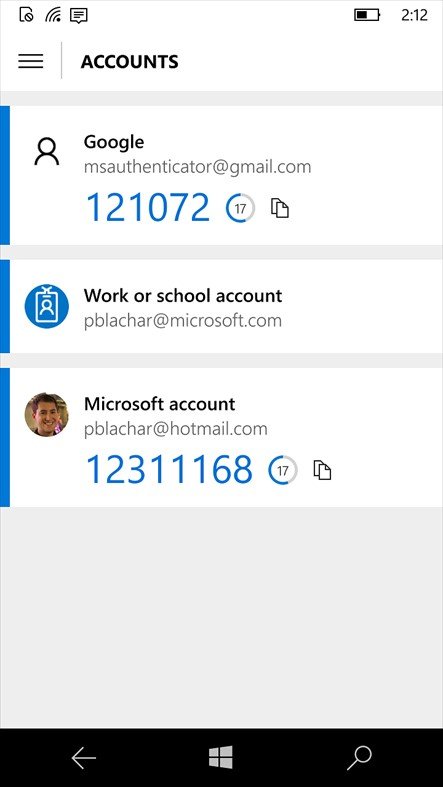
Microsoft Authenticator is a mobile application designed to enhance account security through multifactor authentication. It allows users to sign in to Microsoft personal, work, or school accounts using biometric verification such as fingerprint or face recognition, or a PIN instead of a password. The app also generates time-based, one-time passcodes to add an extra layer of security beyond traditional passwords.

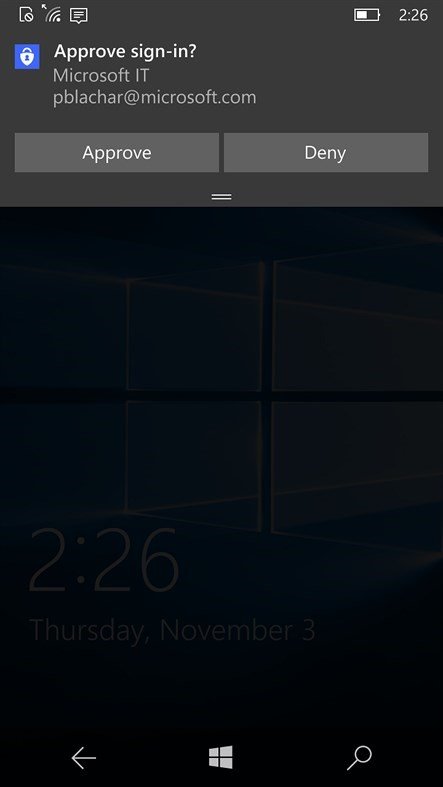
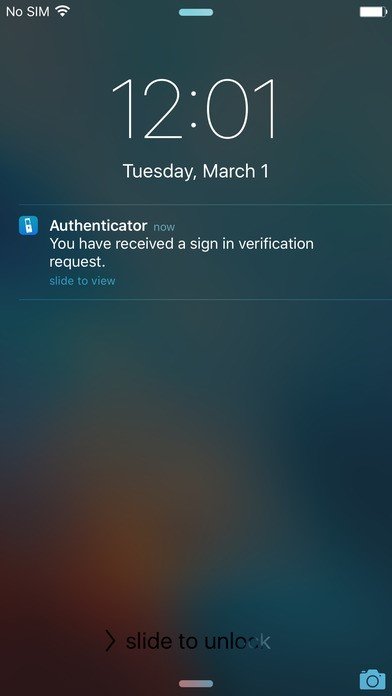
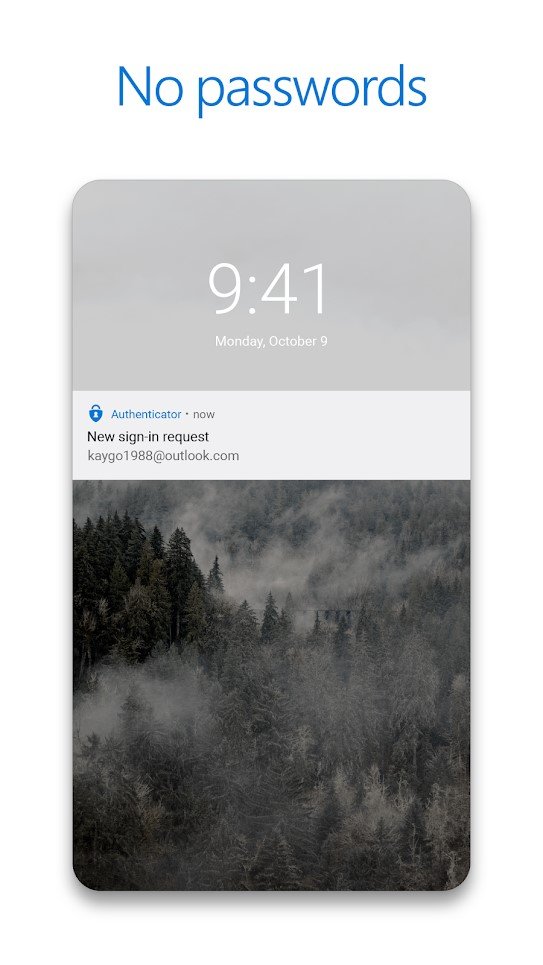
Besides multifactor authentication, the app supports passwordless sign-in, enabling users to approve login requests with a single tap for convenience and speed. Autofill features are available but will be discontinued and moved to the Microsoft Edge browser starting July 2025. This transition aims to streamline password management while maintaining strong security standards.

Microsoft Authenticator Features

tick-square Social Sign On
tick-square Password Management
tick-square Out-of-Band Authentication
tick-square Multi-Factor Authentication
tick-square Mobile Authentication
tick-square Knowledge-Based Authentication
tick-square Access Management
tick-square Credential Management
tick-square Policy Management
tick-square Single Sign On
tick-square Alerts/Notifications
tick-square Self Service Portal
tick-square User Management

Top Microsoft Authenticator Alternatives

Share your opinion about the software, leave a review and help make it even better!

Microsoft Authenticator Categories

Security and Privacy Software

Microsoft Authenticator Tags

otp authenticode rfc6238 totp authentication password-protection

Suggest Changes

() out of 5

Your Feedback

Select a rating
Please select a rating

Your vote has been counted.

Do you have experience using this software?