Prelude is an OTP & SMS verification API for developers, designed to send global verification messages with optimal pricing and high deliverability. It enhances SMS verification and mobile onboarding with unified APIs, focusing on reliable fraud det…
PowerDMARC is a DMARC analyzer and monitoring service that protects email domains from spoofing, phishing, and cyber threats. It provides real-time threat monitoring, detailed analytics, and compliance tools, supporting DMARC, SPF, DKIM, MTA-STS, TL…
Elevate your online security with LogMeOnce, a password manager platform featuring a range of patented products. Experience a safer, more convenient online journey.
Microsoft Authenticator provides secure two-factor authentication for accounts. It generates time-based codes and supports passwordless sign-ins, enhancing account security by verifying user identity through a mobile app.
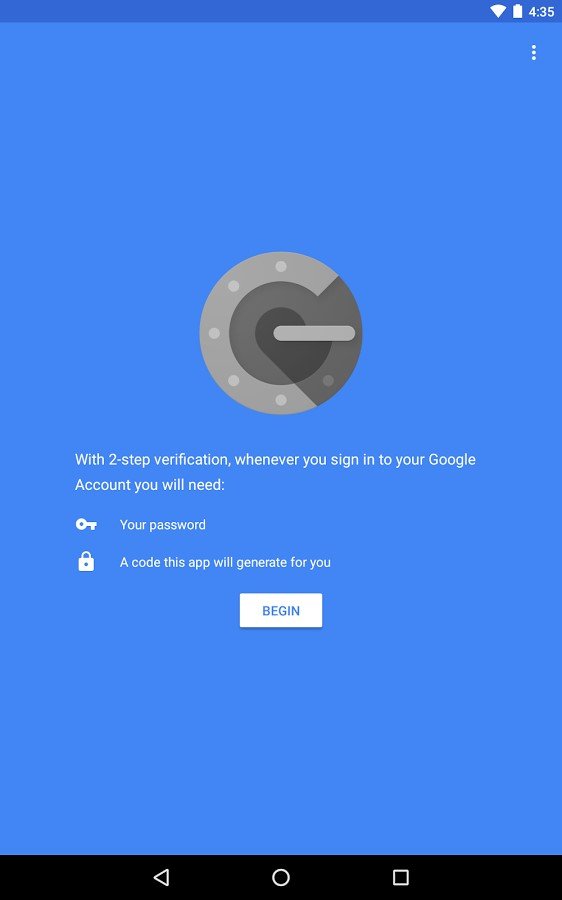
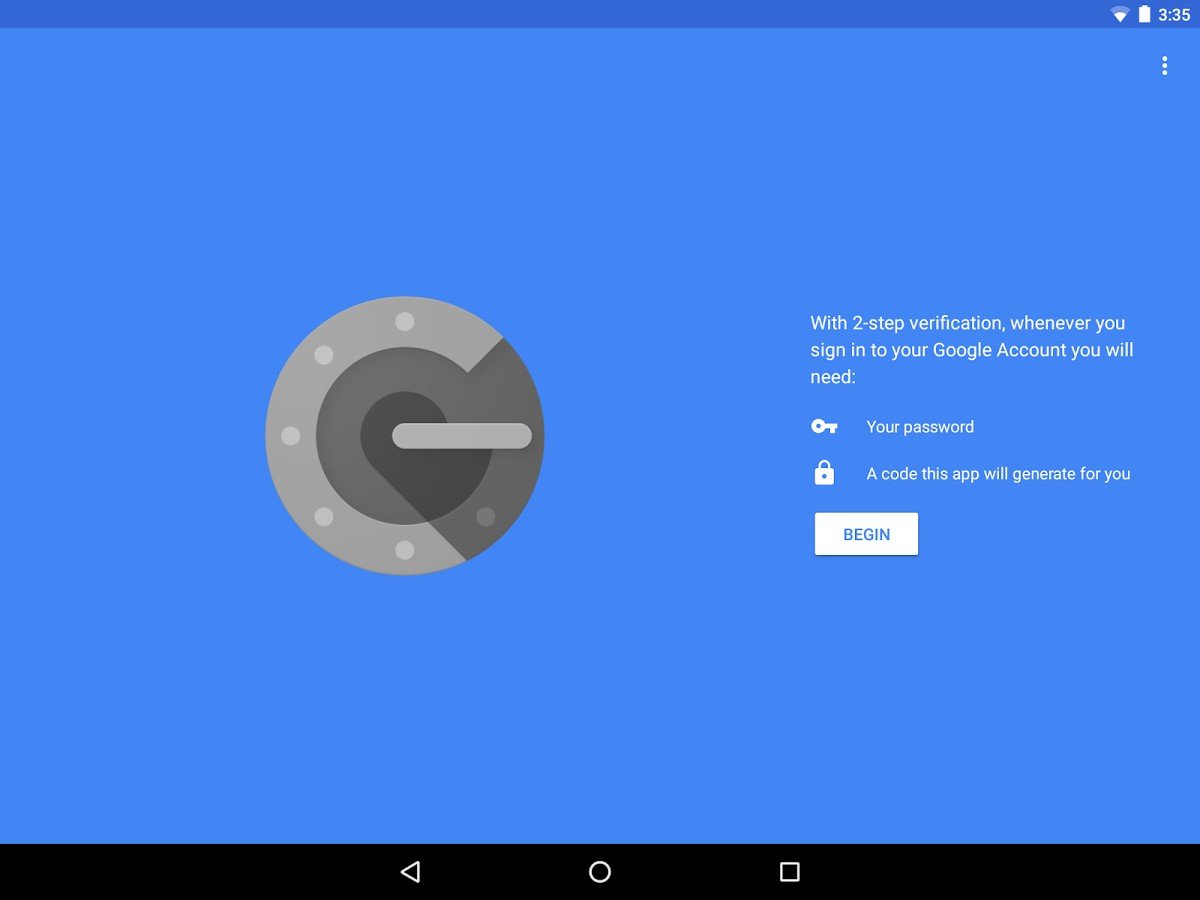
Google Authenticator provides two-factor authentication to enhance account security. It generates time-based one-time codes for login verification, reducing the risk of unauthorized access. This app secures user accounts by adding an extra verification layer beyond passwords.
Google Authenticator provides two-factor authentication to enhance account security. It generates time-based one-time codes for login verification, reducing the risk of unauthorized access. This app secures user accounts by adding an extra verification layer beyond passwords.
Google Authenticator Platforms
iPad
iPhone
Android
Google Authenticator Video and Screenshots
Google Authenticator Overview
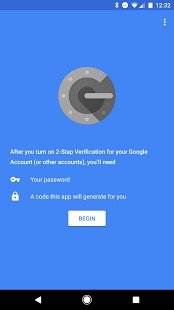
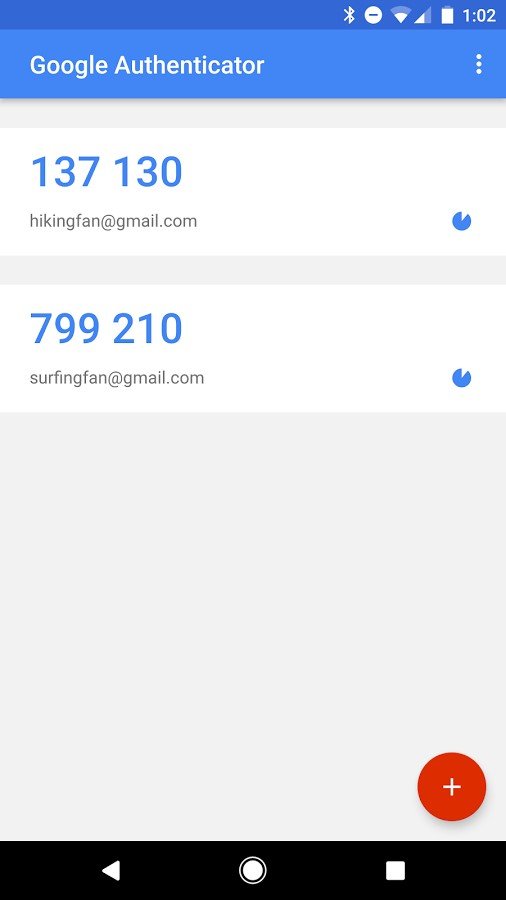
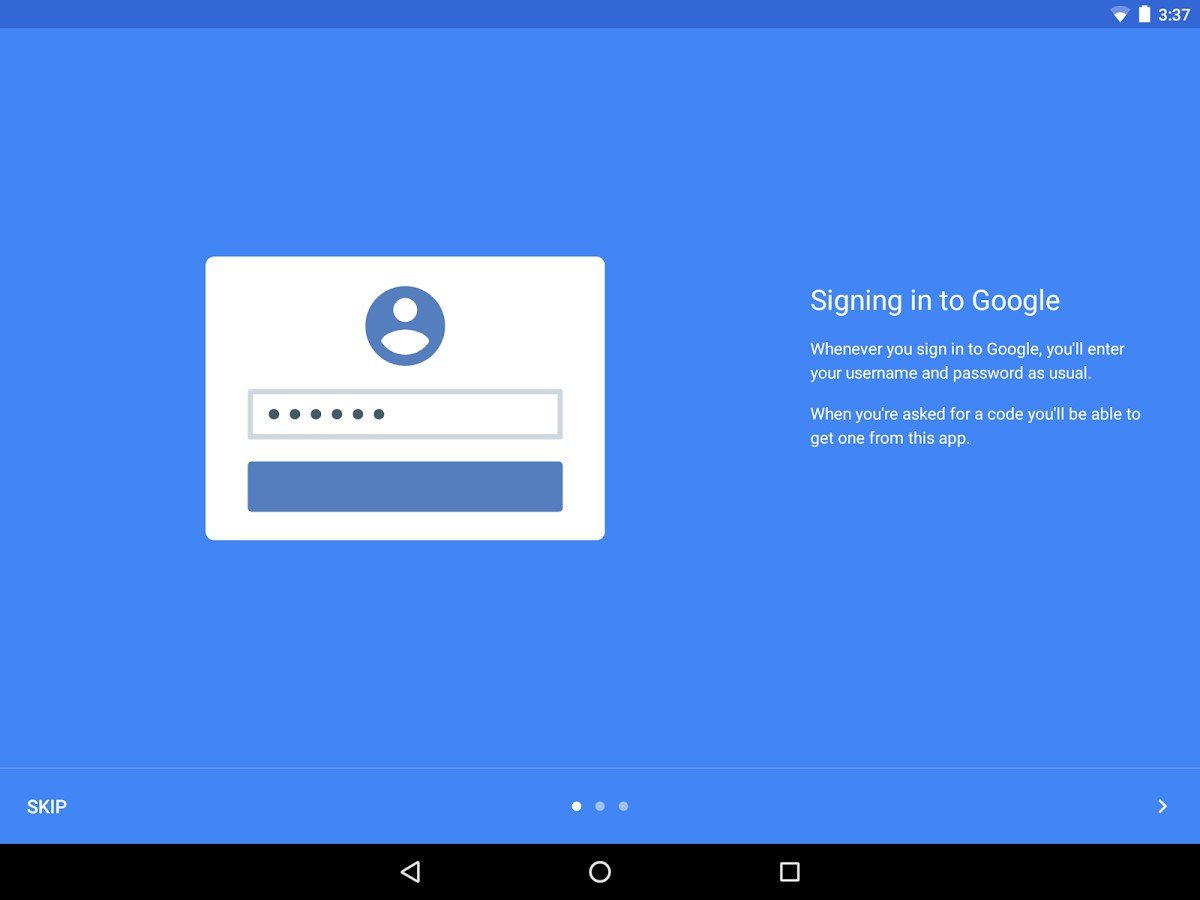
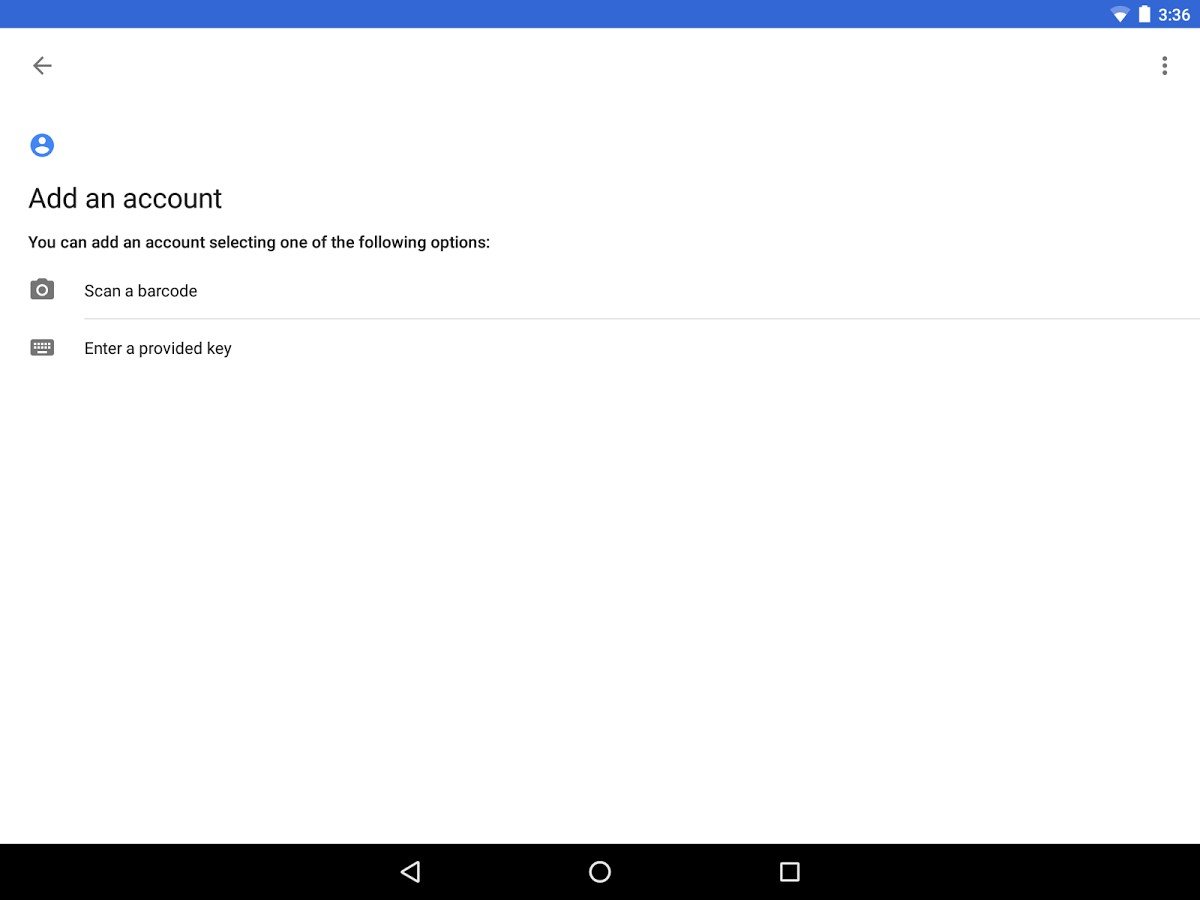
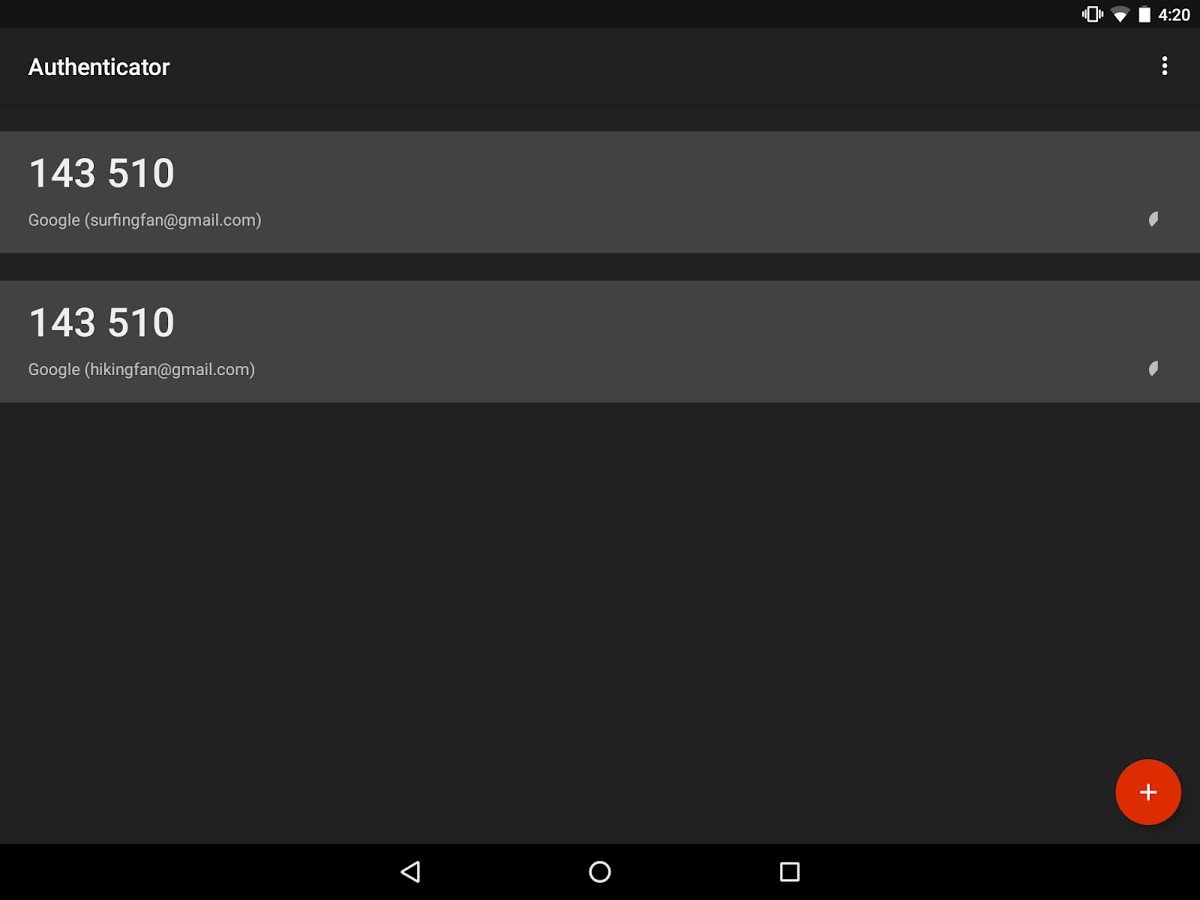
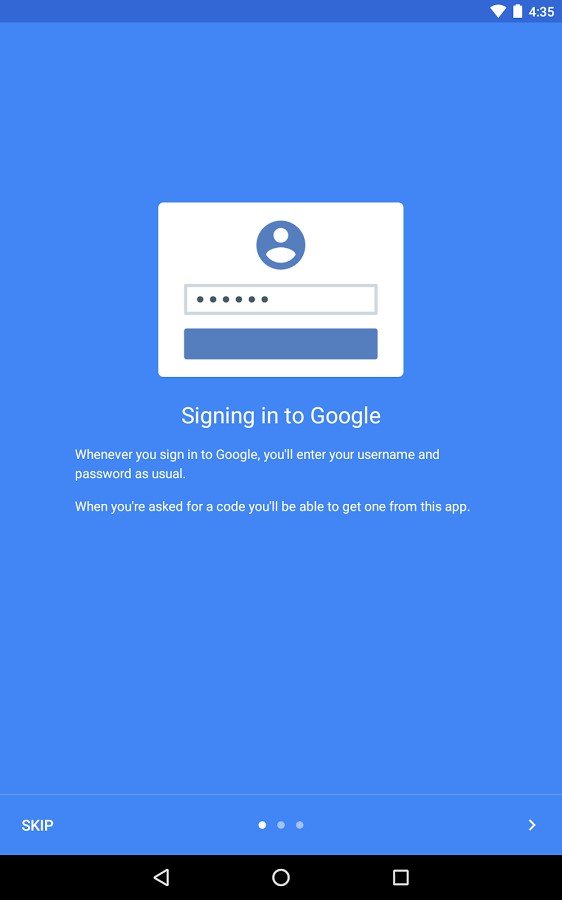
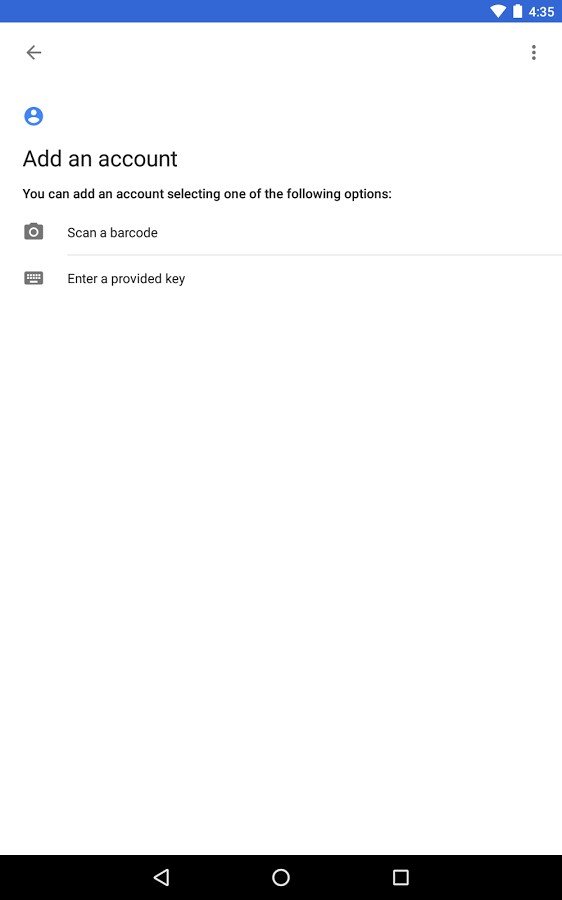
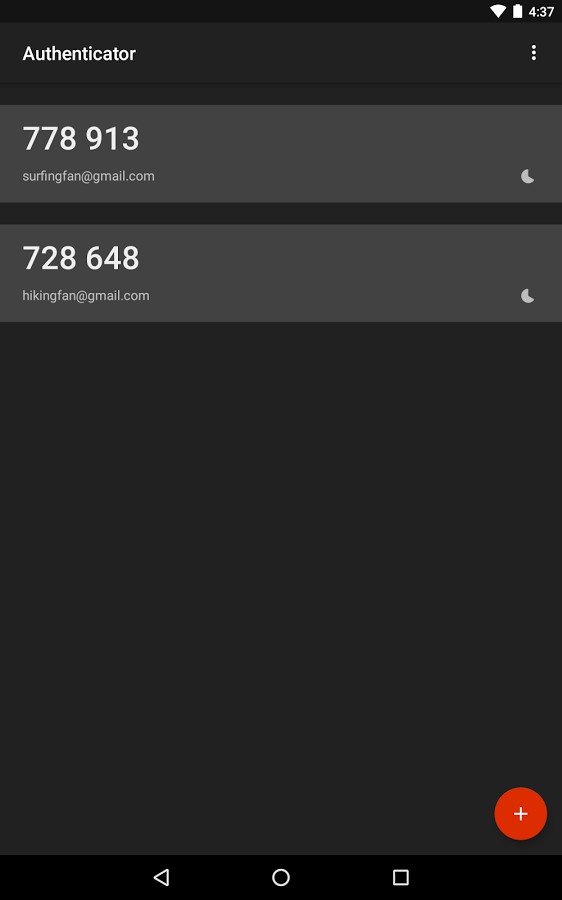
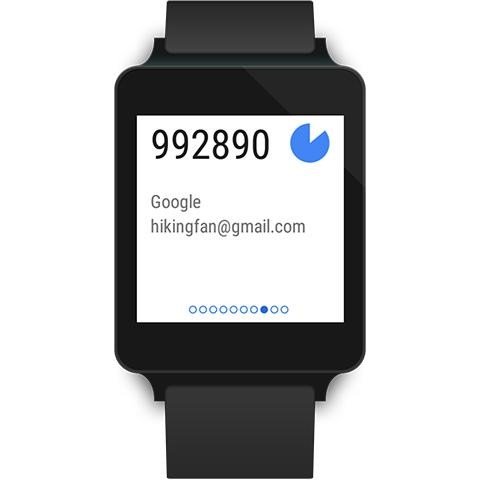
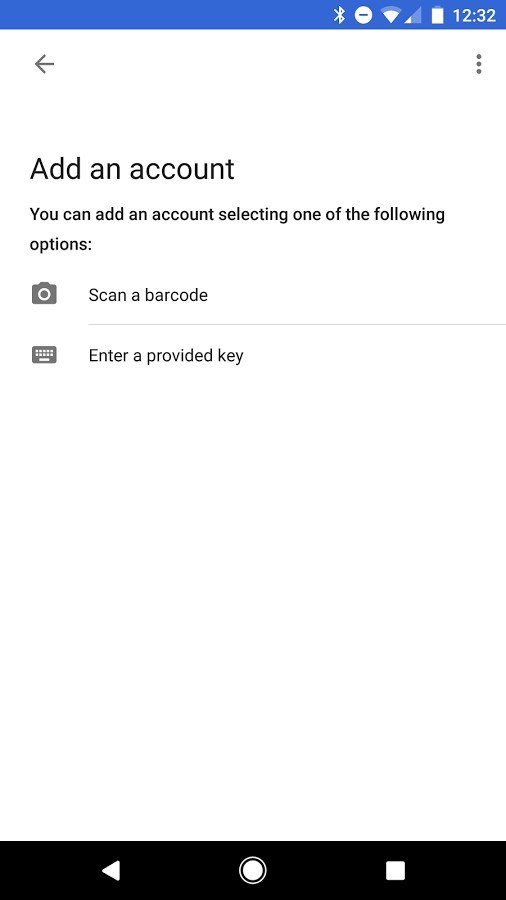
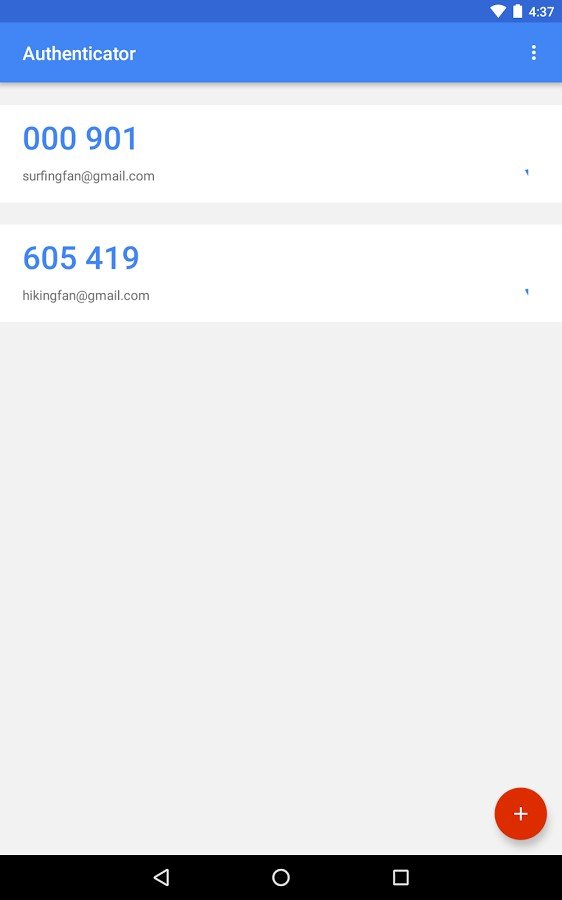
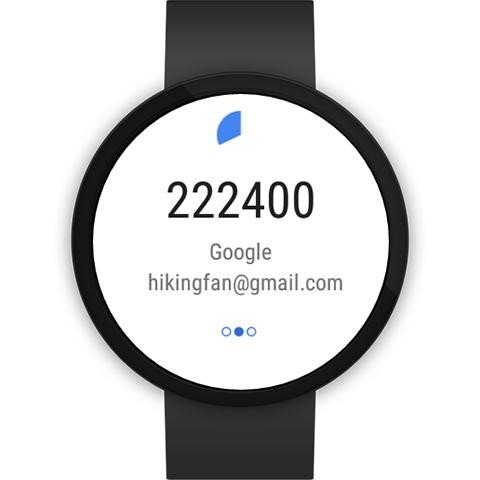
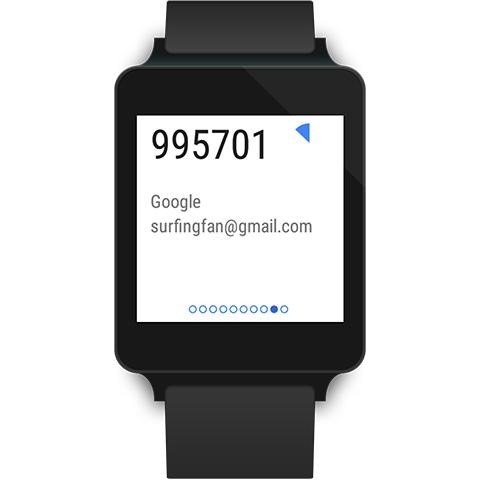
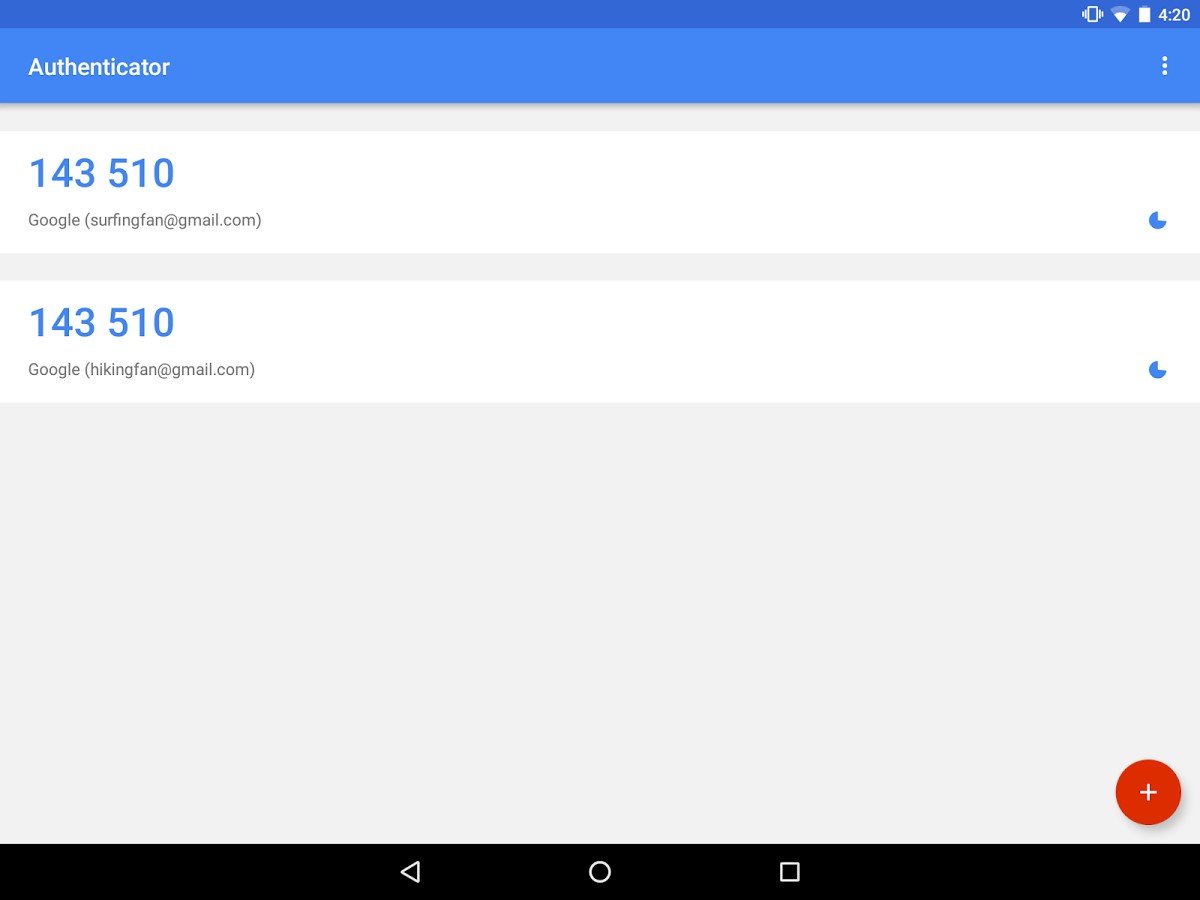
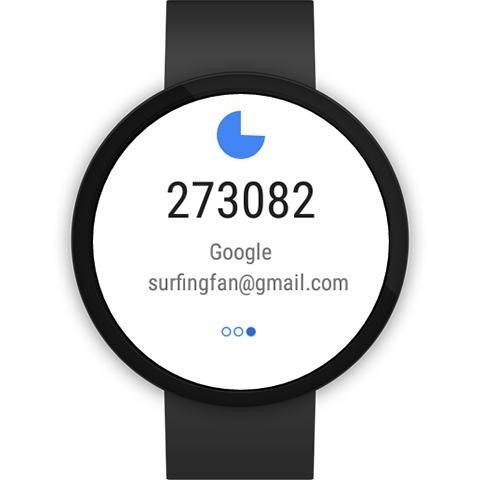
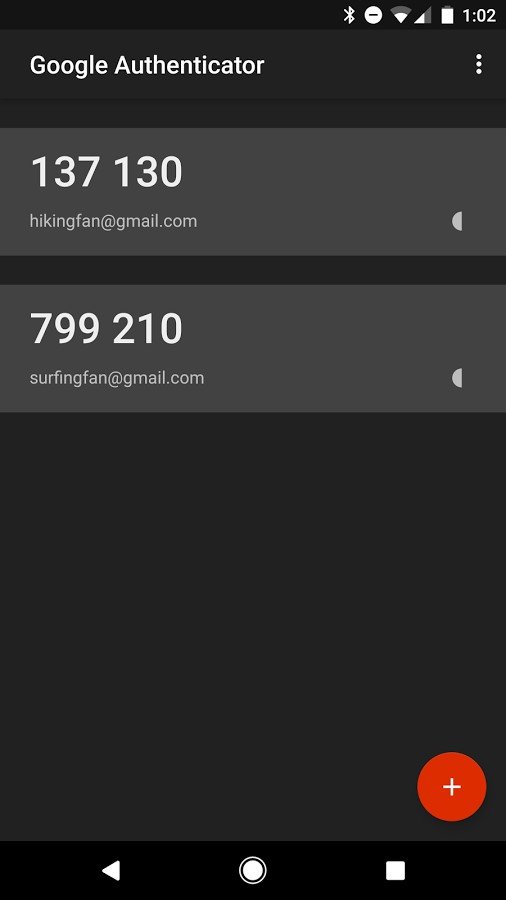
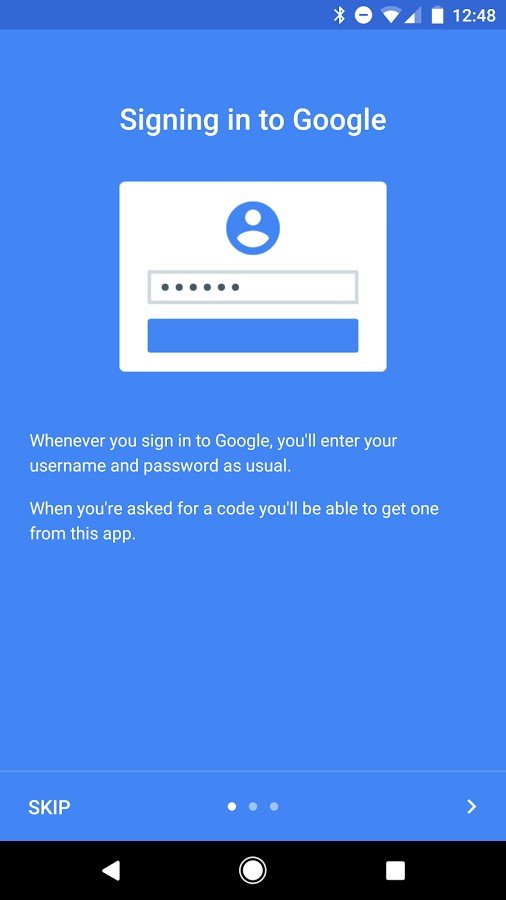
Google Authenticator is a mobile application that provides secure two-factor authentication by generating time-based one-time passwords (TOTP) and counter-based codes (HOTP). It works on Android, iOS, and Wear OS, supporting multiple accounts within a single interface. Users set up verification by scanning a QR code or entering a key manually, enabling the app to generate rotating six-digit codes every 30 seconds. The system operates offline, requiring no internet connection during authentication. Recent updates introduced cloud sync via Google Account, device-to-device transfer, enhanced UI, and stronger protection through screen lock options and code privacy settings.
Its main advantages are simplicity, reliability, and increased account security. By requiring a second factor for authentication, it prevents unauthorized access even if passwords are compromised. The app resists phishing attacks, SMS hijacking, and remote breaches by relying on locally stored secrets. With support for thousands of services, including email, cloud platforms, and developer tools, it serves both individuals and businesses. The interface is minimal and fast, allowing quick access to all active codes. Google Authenticator is free, scalable, and compatible with any system that supports standard TOTP/HOTP protocols, offering a cost-effective solution for strong multi-factor authentication.