A relational database management system (RDBMS) that enables businesses to store, manage, and secure data for cloud-native applications. It offers data masking, multi-document transactions, intrusion detection, and alerts.
Airtable is an online database platform that combines spreadsheet functionality with database capabilities. With its help, users can create and manage different types of data such as tasks, customers, inventory and more using a user-friendly web int…
Microsoft Access is a database management system for creating and managing business applications. It enables users to build custom databases, automate processes with VBA, and integrate data from multiple sources. With SQL Server and Azure SQL support, it ensures scalability and security.
Microsoft Access is a database management system for creating and managing business applications. It enables users to build custom databases, automate processes with VBA, and integrate data from multiple sources. With SQL Server and Azure SQL support, it ensures scalability and security.
Microsoft Access Platforms
Windows
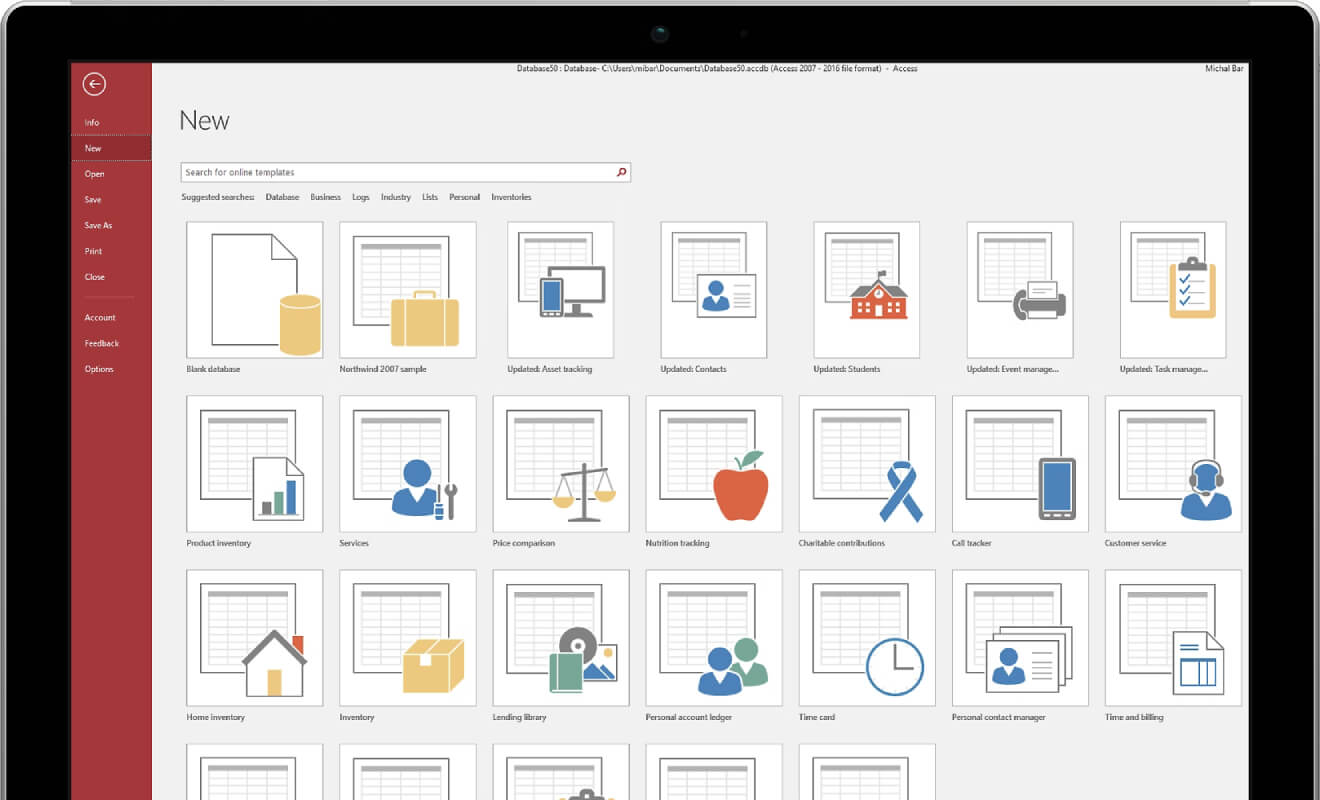
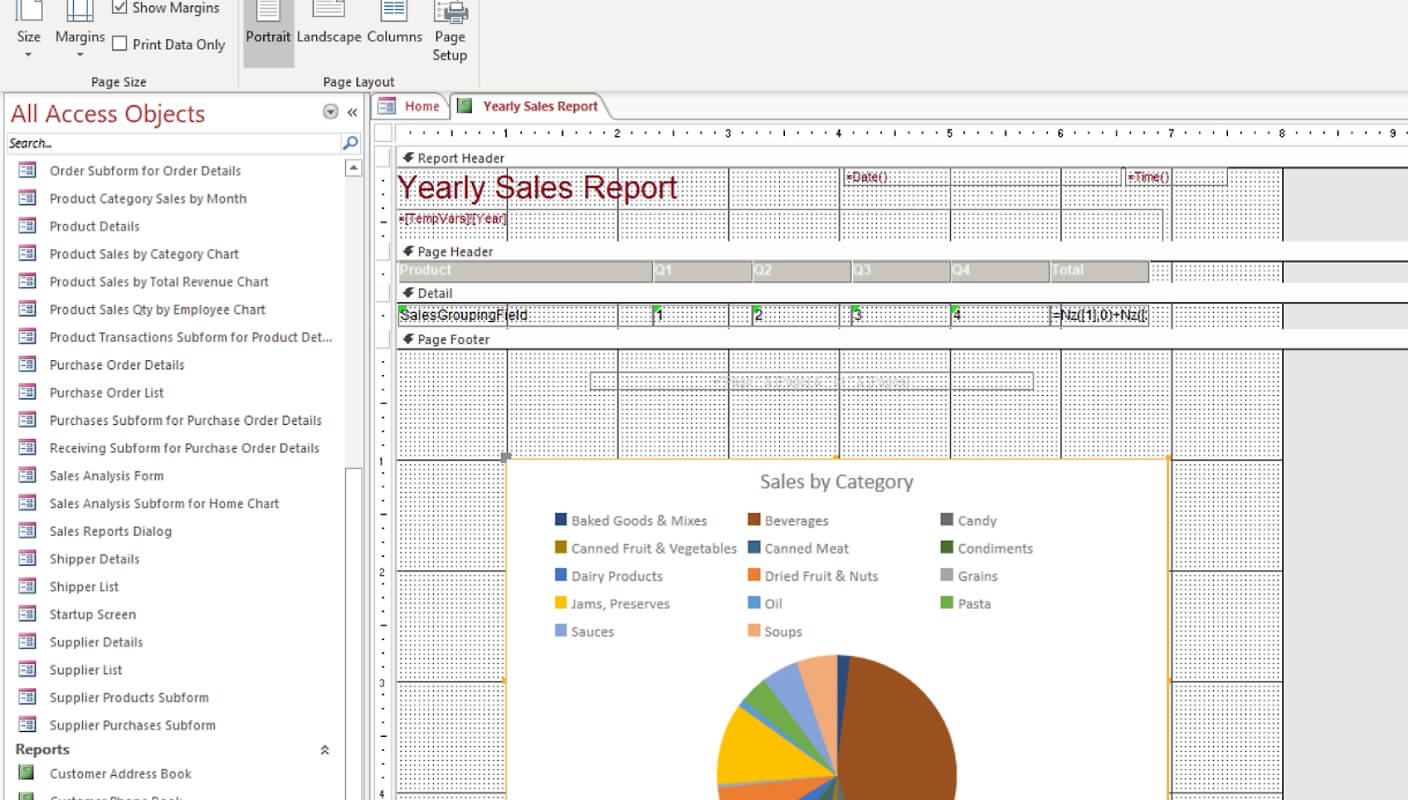
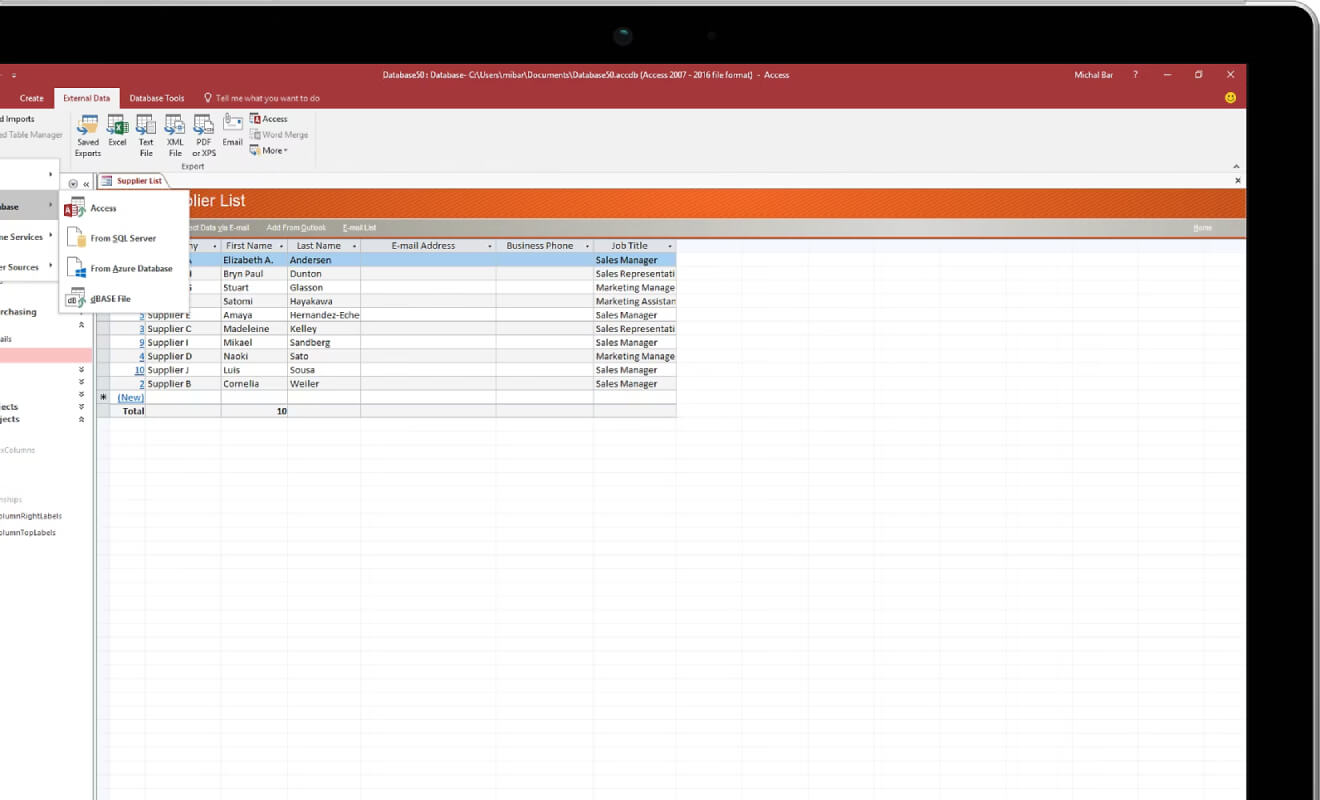
Microsoft Access Video and Screenshots
Microsoft Access Overview
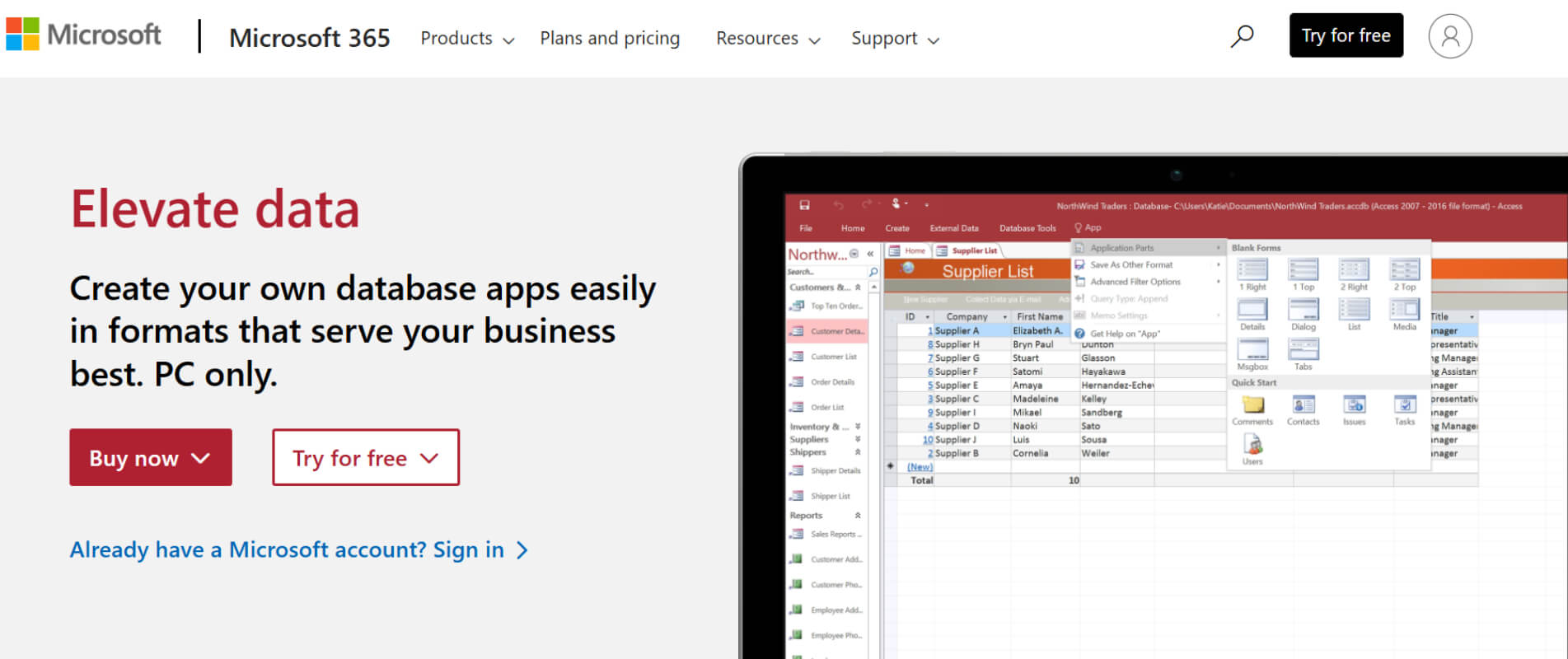
Microsoft Access is a robust database management system included in the Microsoft 365 suite. It allows users to create, manage, and analyze large amounts of data with ease. Access provides powerful tools to design custom databases, define table structures, and set relationships between tables. The application also includes user-friendly features for creating forms and reports, simplifying data entry and analysis. Additionally, users can automate tasks with macros and Visual Basic for Applications (VBA), enhancing productivity and reducing repetitive work.
One of the main advantages of Microsoft Access is its integration with other Microsoft products like Excel and Outlook, making it easy to import and export data. It is also highly flexible, suitable for small and medium-sized projects, and can scale up to more advanced systems like Microsoft SQL Server if needed. With its relatively affordable pricing compared to more complex database management systems, Access offers a cost-effective solution for managing data efficiently in businesses of all sizes.