Select your language

Home arrow-right ... arrow-right Office and Productivity Software arrow-right iSlide

We've compiled a list of 23 free and paid alternatives to iSlide. The primary competitors include Prezi, LibreOffice - Impress. In addition to these, users also draw comparisons between iSlide and Google Slides, Visme Forms, LaTeX Beamer and Prosper. Also you can look at other similar options here: Office and Productivity Software.


Prezi
Subscription Free Trial
Visme Forms
Free Subscription

Visme Forms is an online form builder that allows you to easily create forms, surveys, and polls using drag-and-drop technology. It offers customizable templates, animations, and design assets to help you create high-converting forms that align with…

Academic Presenter is a free offline presentation software which enables users to prepare a special type of vector-based presentations. This unique software helps users to represents very huge graphs in addition to raster images, audios, and videos.

VideoScribe is software for creating whiteboard animation videos quickly and easily. It helps users produce engaging visual content for marketing, education, and presentations by simplifying the animation process with drag-and-drop tools and pre-mad…

iSlide Platforms

Windows Windows

iSlide Video and Screenshots

iSlide Overview

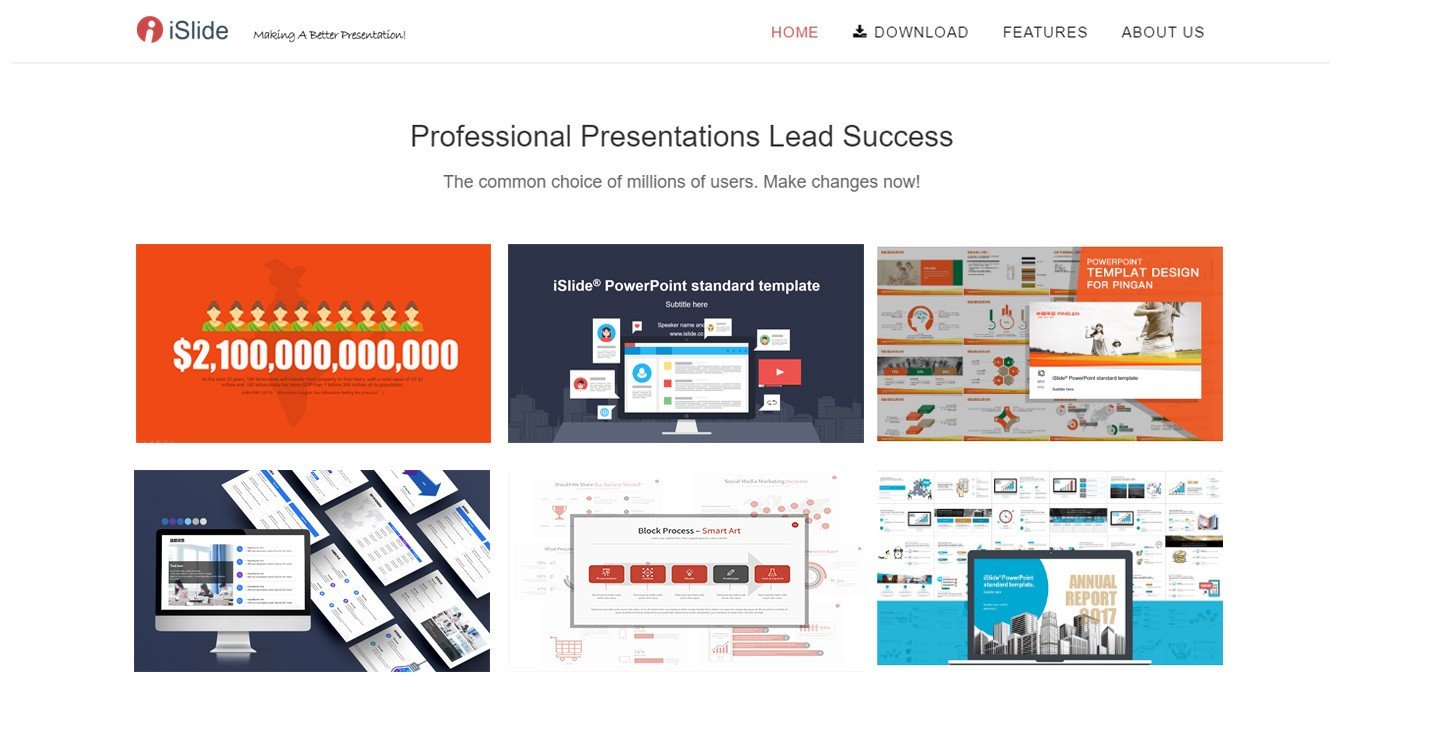
iSlide is an all-in-one PowerPoint add-in. Handy design tools. 180k+ built-in resources. The most popular PowerPoint add-in in China.

12 main features:

1. One-click Optimization
A variety of parameterized settings allow you to rapidly establish a uniform standard of PowerPoint text and then make a professional presentation report.

2. Design Layout
Just select a graphic and let iSlide assist you in one-click circular/matrix duplication. A variety of parameterized settings meet your individual design needs.

3. Theme Library
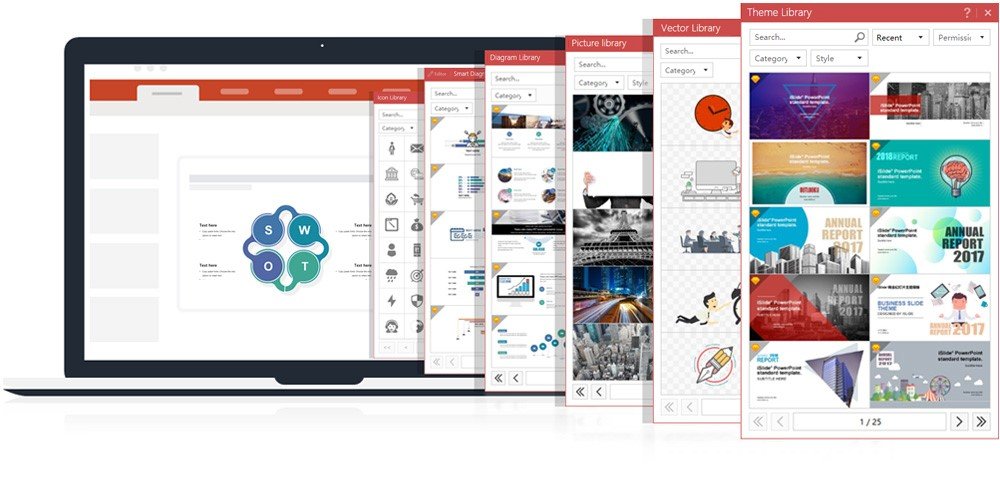
Designed by professional designers, the Theme Library contains themed fonts/colors/guides/layout presets.

4. Color Library
Rock PowerPoint theme colors just like change "skin". Well-matched color schemes allow you to click and replace.

5. Diagram Library
With 4000+ continuously updated PowerPoint diagrams, the iSlide Diagram Library provides more powerful resources and usage methods to help designers quickly make professional presentations, commercial road shows and more.

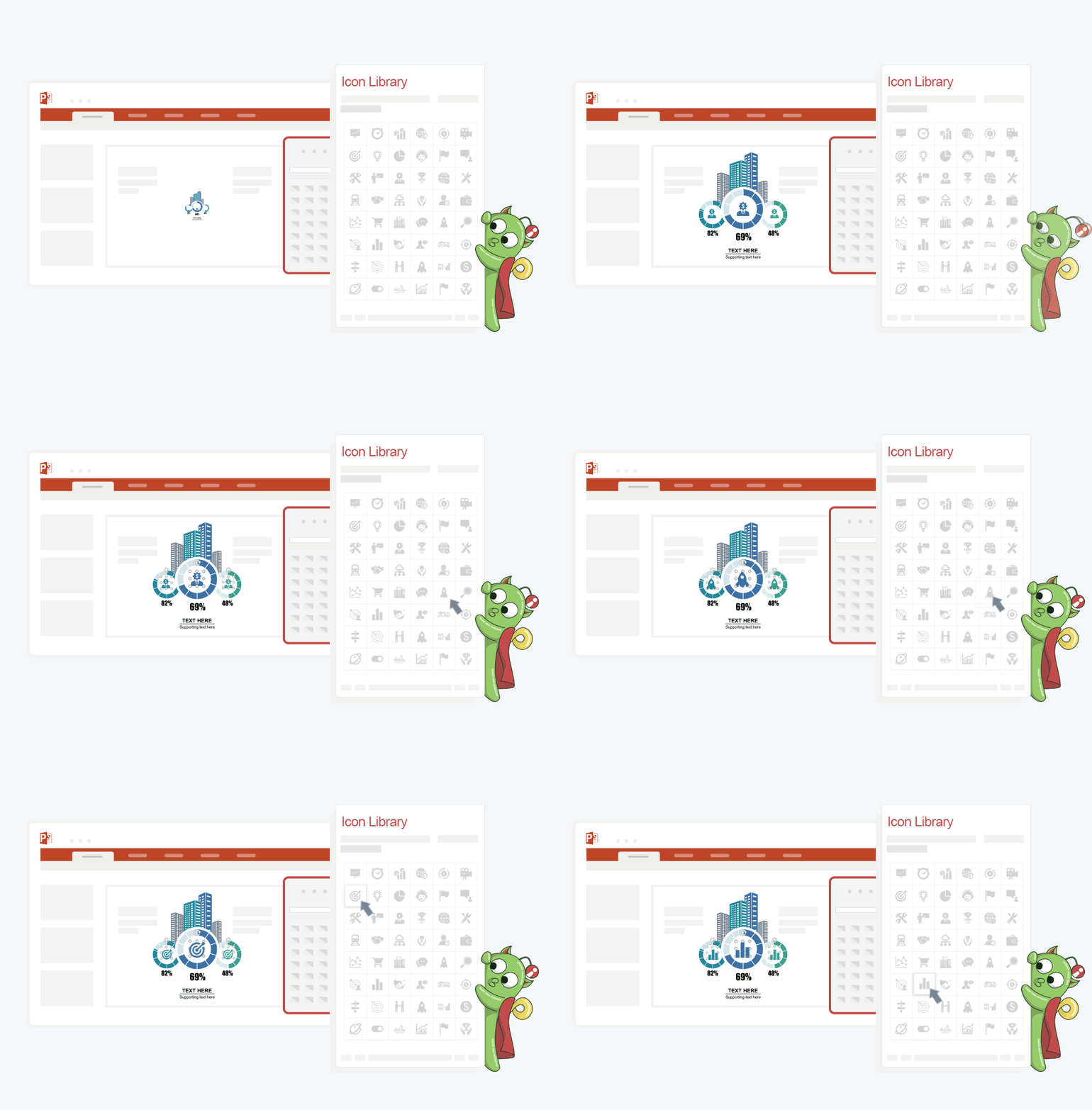
6. Icon Library
Icons make the information more intuitive and easy-to-understand.

7. Smart Diagram
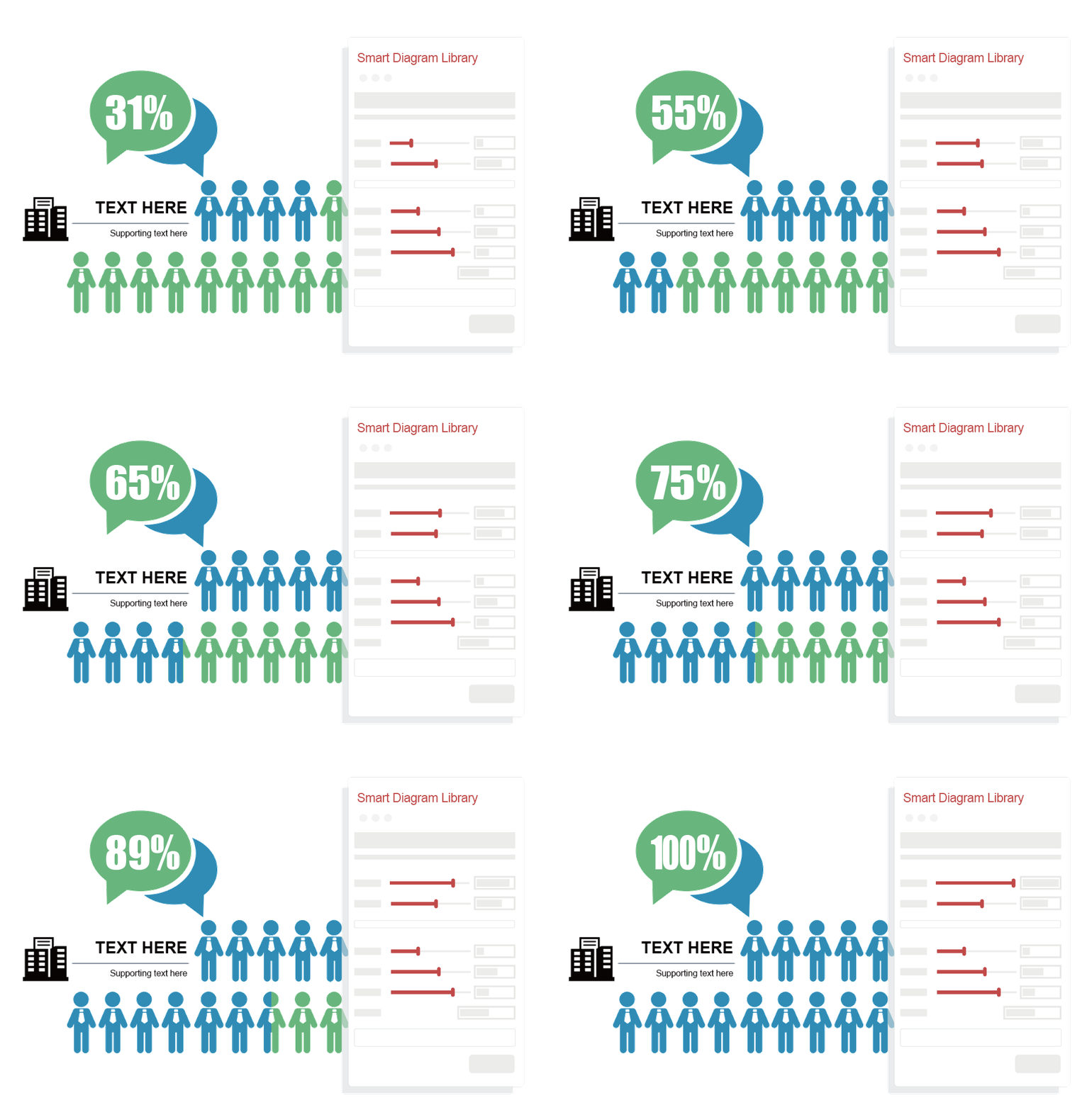
Boasting the maximum editability, the Smart Chart allows you to change the icons (100k + icons available) and data (the graphics of the chart will automatically adjust with the value) at any time.

8. Picture Library
It collects high-quality free pictures under the Creative Commons Protocol that can be used anywhere. It allows quick search and one-click insertion.

9. Vector Library
Insert huge amount of vectors from the library by just a click.

10. Join Images
Join Images feature allows designers to quickly create prototype images without using PS. Generate a long image by just one click, best for viewing on Weibo, WeChat and other mobile browsers.

11. Security Export
Export important PowerPoint documents as non-editable format and videos and images with various parameterizations.

12. File Analysis
Analyze your file in a snap...

Share your opinion about the software, leave a review and help make it even better!

iSlide Tags

powerpoint-templates ppt powerpoint powerpoint-addon office-addon office-suite

Suggest Changes

() out of 5

Your Feedback

Select a rating
Please select a rating

Your vote has been counted.

Do you have experience using this software?