We've compiled a list of 80 free and paid alternatives to iCloud. The primary competitors include monday.com, Adrive. In addition to these, users also draw comparisons between iCloud and Google Drive, LibreOffice, ownCloud. Also you can look at other similar options here: Backup and Sync Software.
We've compiled a list of 80 free and paid alternatives to iCloud. The primary competitors include monday.com, Adrive. In addition to these, users also draw comparisons between iCloud and Google Drive, LibreOffice, ownCloud. Also you can look at other similar options here: Backup and Sync Software.
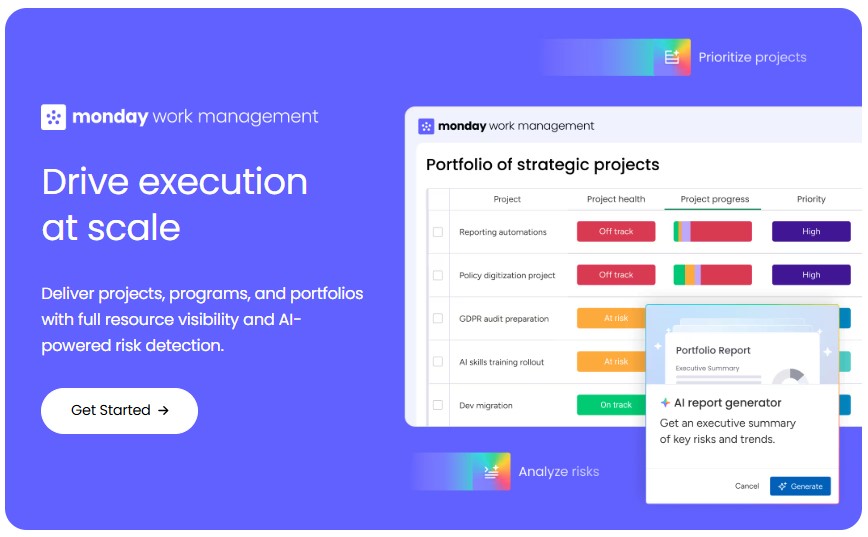
A versatile cloud-based platform, optimizes project management and team collaboration. Boosting productivity across software development, marketing, sales CRM, HR, it empowers seamless task tracking, deadline management, and analytics for enhanced p…
ADrive offers secure cloud storage and backup solutions for personal, business, and enterprise data. It allows users to manage, edit, and share files online, supporting rsync, FTP, SFTP, and SCP. The platform enables collaboration, data backups, pas…
Asana is a comprehensive project management software that enables teams to efficiently manage tasks and projects. Its features include task creation and assignment, priority setting, progress tracking, and file attachment.
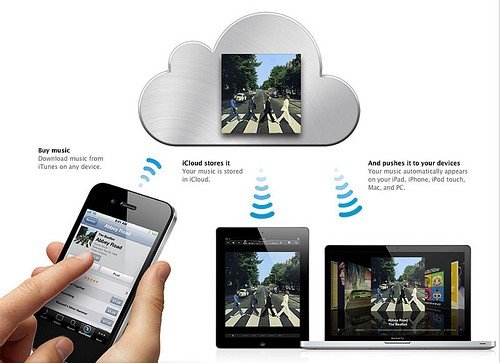
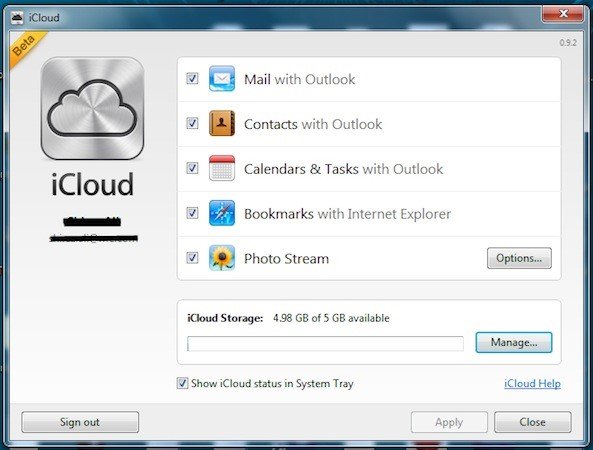
iCloud is a cloud storage and synchronization service by Apple. It securely stores photos, files, backups, and app data across devices. It enables seamless access and sharing, ensuring data stays updated on iPhone, iPad, Mac, and Windows platforms. Ideal for Apple ecosystem users.
iCloud is a cloud storage and synchronization service by Apple. It securely stores photos, files, backups, and app data across devices. It enables seamless access and sharing, ensuring data stays updated on iPhone, iPad, Mac, and Windows platforms. Ideal for Apple ecosystem users.
iCloud Platforms
iPad
iPhone
Mac
Android
Web-Based
Windows
iCloud Video and Screenshots
iCloud Overview
iCloud is Apple’s cloud storage and synchronization service that securely stores your photos, files, notes, passwords, and other data in the cloud, keeping it up to date across all your devices automatically. It enables seamless access to your information on any device you choose, ensuring that your data stays synchronized and accessible wherever you are. iCloud also simplifies sharing by allowing you to easily share photos, files, notes, and more with friends and family. Additionally, iCloud offers the ability to back up your iPhone or iPad, providing peace of mind in case of device loss or upgrade.
The main advantages of iCloud include its seamless integration with Apple devices, providing a consistent and unified experience across iOS, macOS, and iPadOS. It offers features like iCloud Photos for automatic photo and video backup, iCloud Drive for file storage and synchronization, and iCloud Backup for device backups. iCloud also supports Find My, allowing you to locate lost devices, and enables collaboration through shared albums and documents. With iCloud+, the premium subscription service, users gain access to additional features such as iCloud Private Relay for enhanced privacy, Hide My Email for anonymous email forwarding, and expanded storage options to accommodate growing data needs. Overall, iCloud enhances productivity, ensures data security, and offers a seamless experience across Apple devices.