Your go-to visual collaboration and diagramming hub. Promotes company-wide coherence and collaboration. Offers boundless whiteboarding, robust diagramming, and compatibility with favorite tools.
Streamlines online diagramming with its extensive template library and user-friendly interface. For complex processes, organizational structures, mind maps, and flowcharts, fostering collaboration and productivity.
Offers intuitive diagramming tools for communication and collaboration. Create professional diagrams like flowcharts and UML diagrams with drag-and-drop features. Ideal for Confluence, Jira, or standalone use.
Visual communication tool that lets create hand-drawn presentations and diagrams. Choose from templates, add animation, and export in multiple formats.
Clickcharts flowchart software allows for easy drawing of diagrams and flowcharts to provide a way...
Clickcharts flowchart software allows for easy drawing of diagrams and flowcharts to provide a way...
ClickCharts Platforms
Mac
Windows
ClickCharts Video and Screenshots
ClickCharts Overview
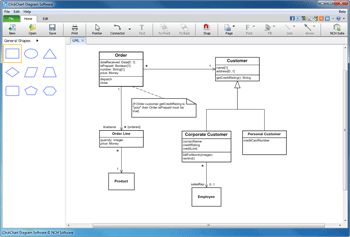
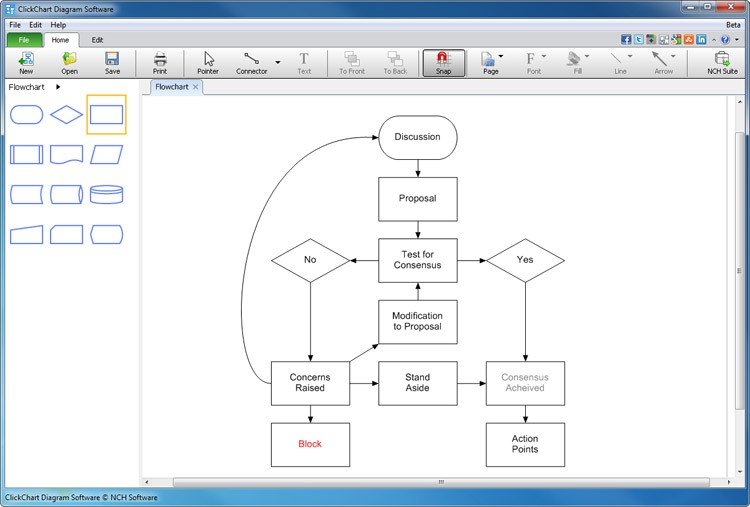
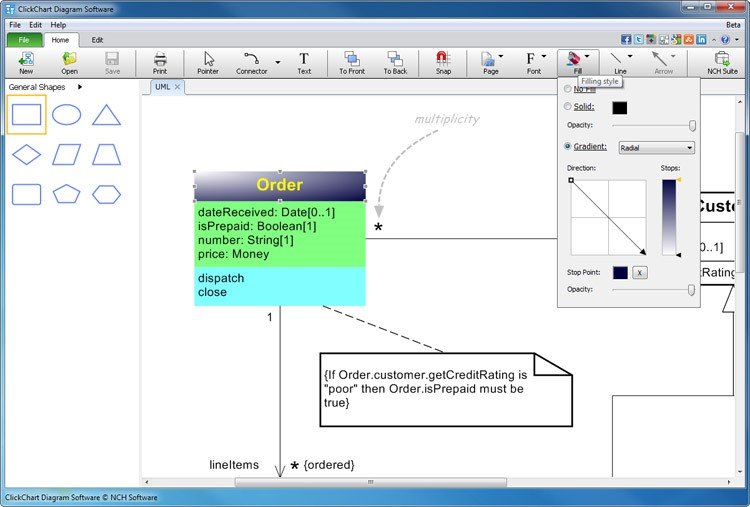
Create flowcharts easily with this flowchart and diagram maker software. Whether you're mapping out ideas, laying out the structure of your organization or creating UML diagrams, ClickCharts is the perfect user-friendly program to get you going. Simplify complex processes, troubleshoot bottlenecks and find areas for improvement. Organize your ideas visually and make even the most complicated process easier to understand. The intuitive user interface helps you choose from a variety of symbols, shapes and colors to uniquely convey your ideas.
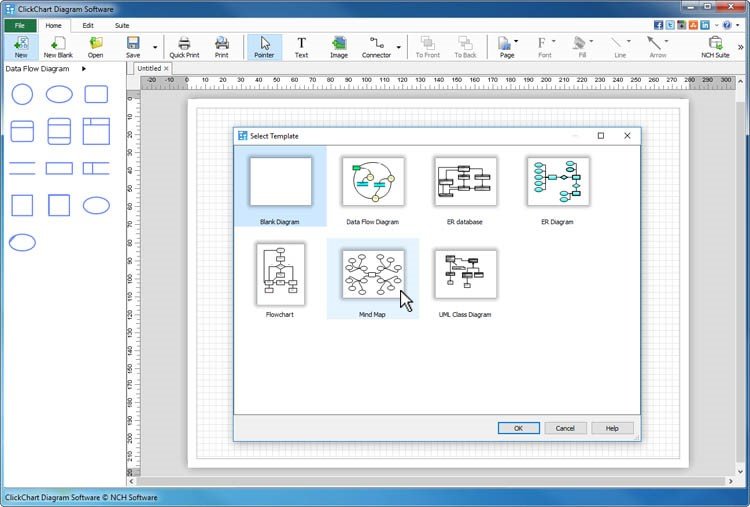
Flowchart Making Features * Includes chart templates to get you started * Choose from a variety of symbols and line connector styles * Create UML (Unified Modeling Language) standard visual modeling diagrams * Edit and customize colors, fills and strokes * Simple editing functions include copy, paste, undo and more * Seamless sheet overlapping for creating and printing large diagrams * Open and edit multiple diagrams simultaneously * Easily make block and ladder diagrams * Detail control for artistic styles for filling and lining * Export flow charts as jpg, gif, png or other image file formats to share or use in other applications