IrfanView is a lightweight image viewer and editor for Windows. It supports a wide range of formats and offers basic editing, batch processing, slideshow creation, and format conversion. Built for speed and efficiency, it helps users manage and edit…
Product design platform for businesses to create, test, and collaborate. It offers color variables, layouts, shared libraries, vector editing tools, and plugins.
BeFunky is an online photo editing and graphic design tool. It enables users to enhance images, create designs, and apply effects easily. Designed for quick, intuitive editing and creative projects without complex software, suitable for beginners and professionals.
BeFunky is an online photo editing and graphic design tool. It enables users to enhance images, create designs, and apply effects easily. Designed for quick, intuitive editing and creative projects without complex software, suitable for beginners and professionals.
BeFunky Platforms
iPad
iPhone
Android
Web-Based
BeFunky Video and Screenshots
BeFunky Overview
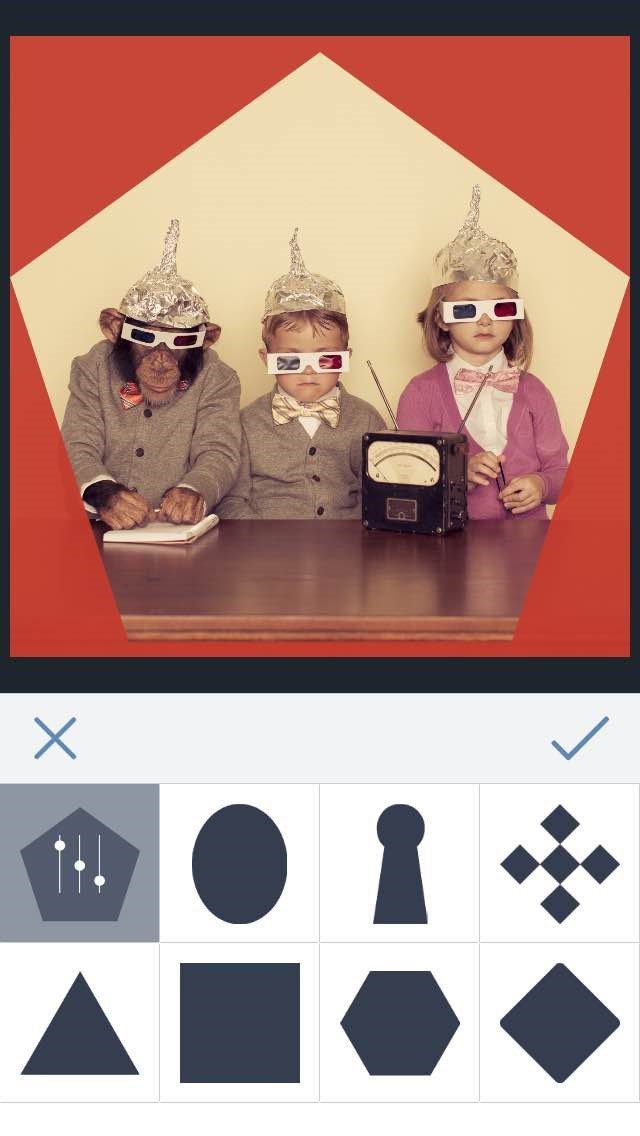
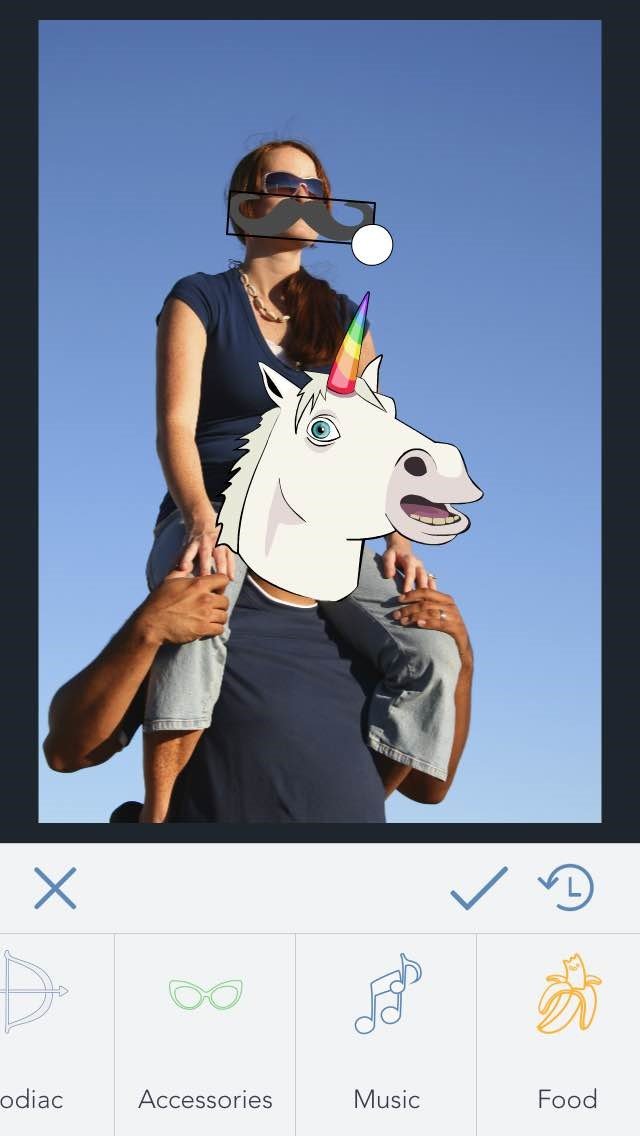
BeFunky is an intuitive online photo editing and graphic design platform that empowers users to create stunning visuals effortlessly. Its Photo Editor offers a comprehensive suite of tools, including cropping, resizing, sharpening, and advanced features like the Cutout and Replace Color tools. Users can enhance their images with a vast array of filters, from classic black-and-white to modern glitch effects, all customizable to achieve the desired look.
A standout feature of BeFunky is its AI-powered tools, such as the Background Remover and Object Eraser, which allow for quick and precise edits. The platform also offers a variety of Artsy effects, transforming photos into oil paintings, cartoons, or sketches with a single click. For those looking to add personal touches, BeFunky's Touch Up tools enable users to remove blemishes, whiten teeth, and apply digital makeup. Additionally, the Batch Processing feature facilitates editing multiple photos simultaneously, saving time for users working with large volumes of images.