

















Vidcast 대안
4545개의 무료 및 유료 대안을 Vidcast에 대한 목록으로 정리했습니다. 주요 경쟁 업체는 Loom, Vimeo입니다. 이 외에도 사용자들은 Vidcast와 Vidyard, Camtasia, Descript 간에 비교를 하기도 합니다. 또한 여기서 다른 유사한 옵션을 살펴볼 수 있습니다: 협업 및 생산성 소프트웨어, 비디오 통신 소프트웨어.


 소프트웨어
소프트웨어


45개의 무료 및 유료 대안을 Vidcast에 대한 목록으로 정리했습니다. 주요 경쟁 업체는 Loom, Vimeo입니다. 이 외에도 사용자들은 Vidcast와 Vidyard, Camtasia, Descript 간에 비교를 하기도 합니다. 또한 여기서 다른 유사한 옵션을 살펴볼 수 있습니다: 협업 및 생산성 소프트웨어, 비디오 통신 소프트웨어.
45개의 무료 및 유료 대안을 Vidcast에 대한 목록으로 정리했습니다. 주요 경쟁 업체는 Loom, Vimeo입니다. 이 외에도 사용자들은 Vidcast와 Vidyard, Camtasia, Descript 간에 비교를 하기도 합니다. 또한 여기서 다른 유사한 옵션을 살펴볼 수 있습니다: 협업 및 생산성 소프트웨어, 비디오 통신 소프트웨어.


화면 녹화 도구인 Loom을 사용하면 전문가 수준의 동영상을 손쉽게 제작, 편집, 공유할 수 있습니다. MacOS, Windows, Chrome에서 화면과 오디오를 원활하게 캡처할 수 있으며, iOS와 Android를 추가로 지원합니다. 빠른 편집, 그리기 도구, 선택 캡션으로 협업을 강화하세요.

Vidyard는 기업이 마케팅, 영업, 커뮤니케이션 목적으로 동영상을 제작, 관리, 공유할 수 있는 강력한 동영상 호스팅 플랫폼입니다. 동영상 녹화, 호스팅, 분석, CRM 시스템 및 이메일 클라이언트와 같은 다양한 플랫폼과의 통합과 같은 기능을 제공합니다.

종합적인 화면 녹화 및 동영상 편집 솔루션인 Camtasia는 콘텐츠 제작자, 교육자, 마케터, 비즈니스 전문가에게 힘을 실어줍니다. 웨비나 또는 튜토리얼을 손쉽게 캡처하고 편집할 수 있습니다. 수백만 명이 신뢰하는 도구로 비디오 프로젝트의 수준을 높이세요.

마케팅, 영업, 연구, e러닝 및 지원 팀을 위한 전사 및 비디오 편집 플랫폼입니다. 정리된 폴더, 피드백 도구, 버전 추적 및 댓글 기능으로 협업을 간소화합니다.

TechSmith의 Snagit은 컴퓨터 화면 이미지와 동영상을 캡처하고 편집할 수 있는 다용도 소프트웨어입니다. 직관적인 인터페이스와 고급 편집 기능을 갖춘 이 도구는 시각적 정보를 중시하는 교육, 비즈니스 및 산업 분야의 전문가에게 필수적인 도구입니다.

AI 기반 도구는 프로세스를 텍스트, 링크 및 주석이 달린 스크린샷이 포함된 단계별 가이드로 변환합니다. 그런 다음 지침을 편집하거나 스크린샷을 수정할 수 있습니다.

동영상 편집, 녹화, 호스팅, 공유 기능을 갖춘 클라우드 기반 동영상 편집기입니다. 자막, 번역, 노이즈 감소, 자르기 및 브랜딩 기능을 제공합니다.

클라우드에서 인트로, 설명 애니메이션, 프로모션 동영상, 슬라이드쇼, 음악 시각화 및 동영상 이력서를 제작할 수 있는 온라인 도구입니다. 방대한 템플릿 카탈로그에서 선택하고 사용자 지정하세요.

Asana는 팀이 작업과 프로젝트를 효율적으로 관리할 수 있는 종합 프로젝트 관리 소프트웨어입니다. 작업 생성 및 할당, 우선순위 설정, 진행 상황 추적, 파일 첨부 등의 기능을 제공합니다.
 Web-Based
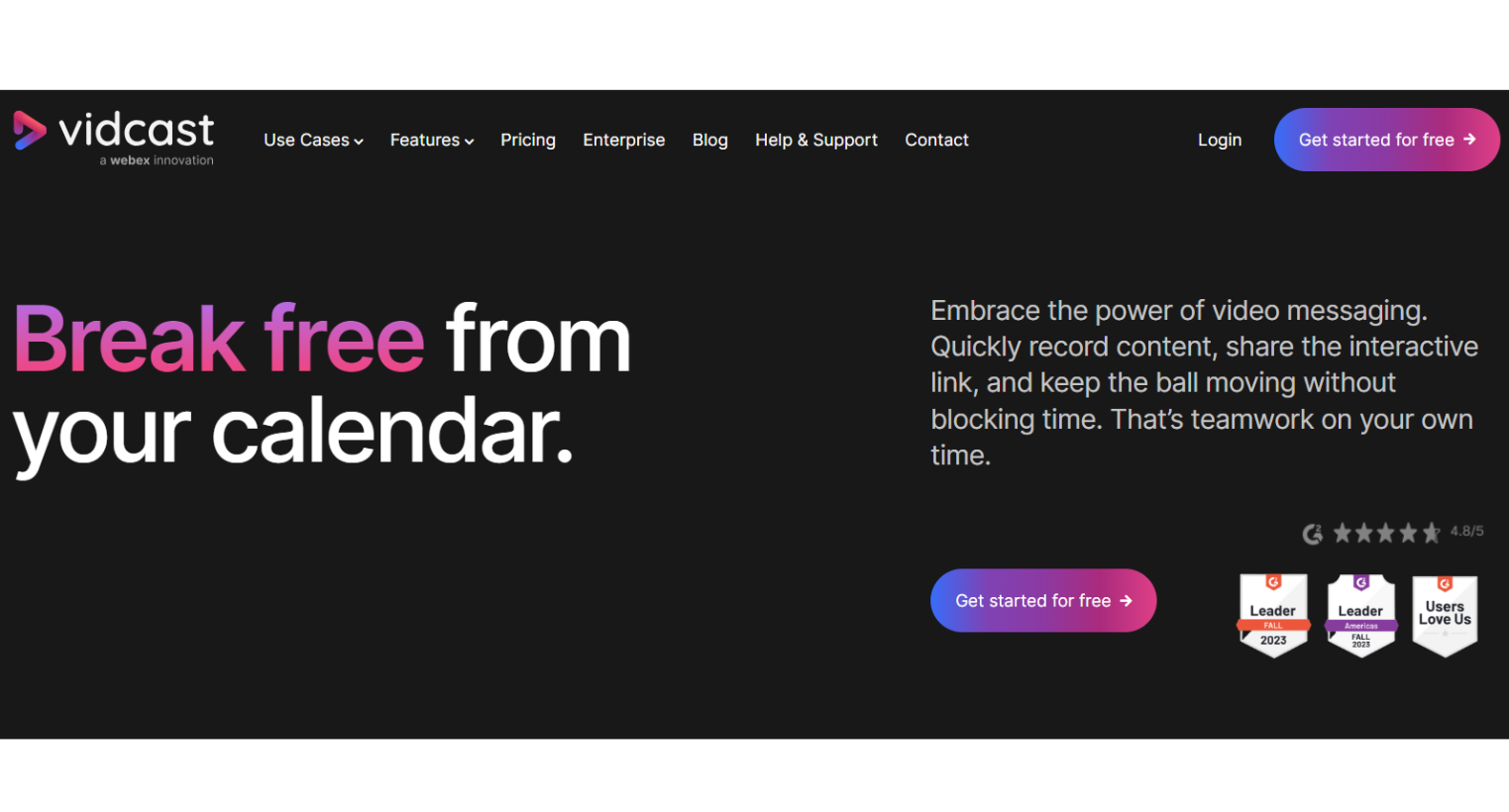
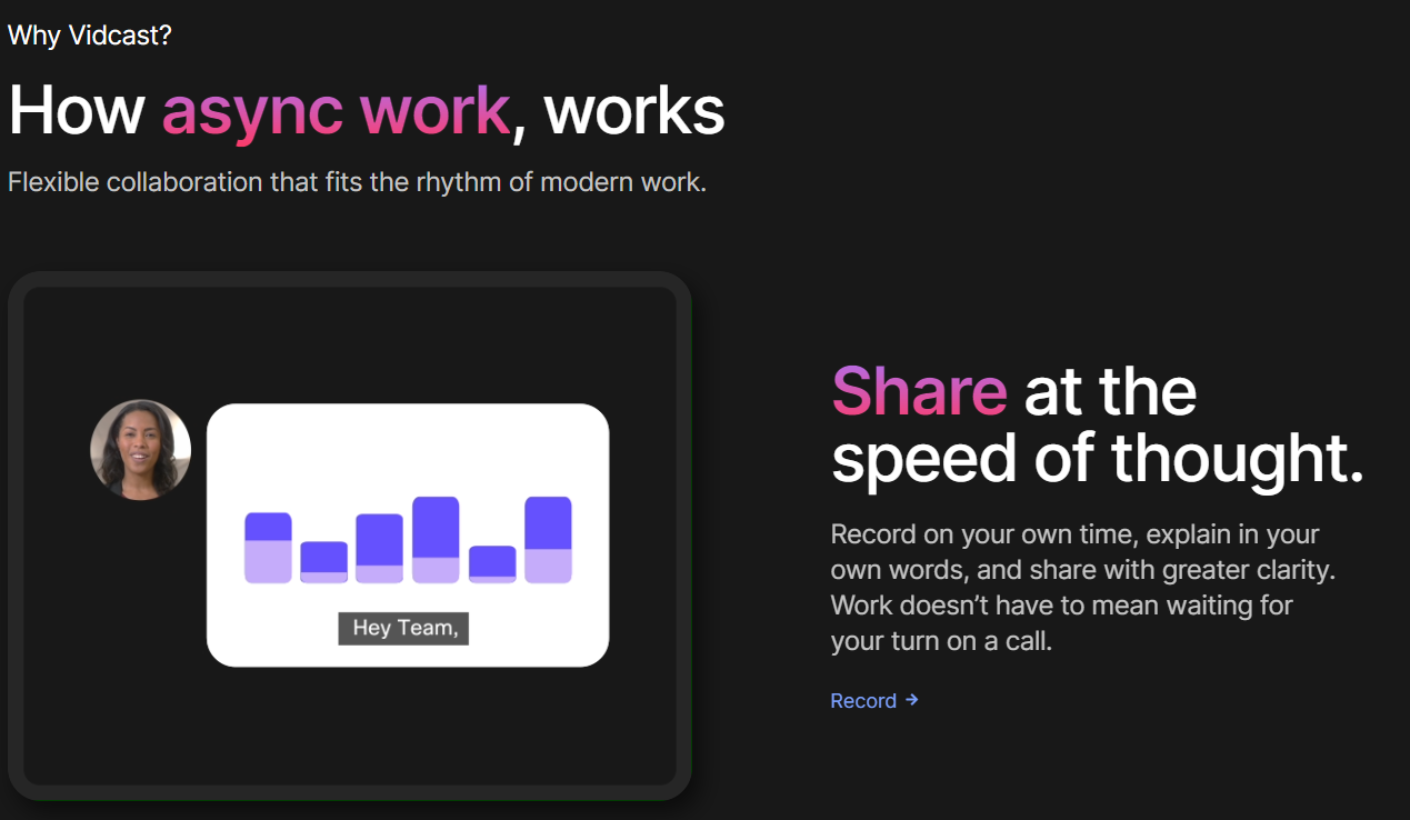
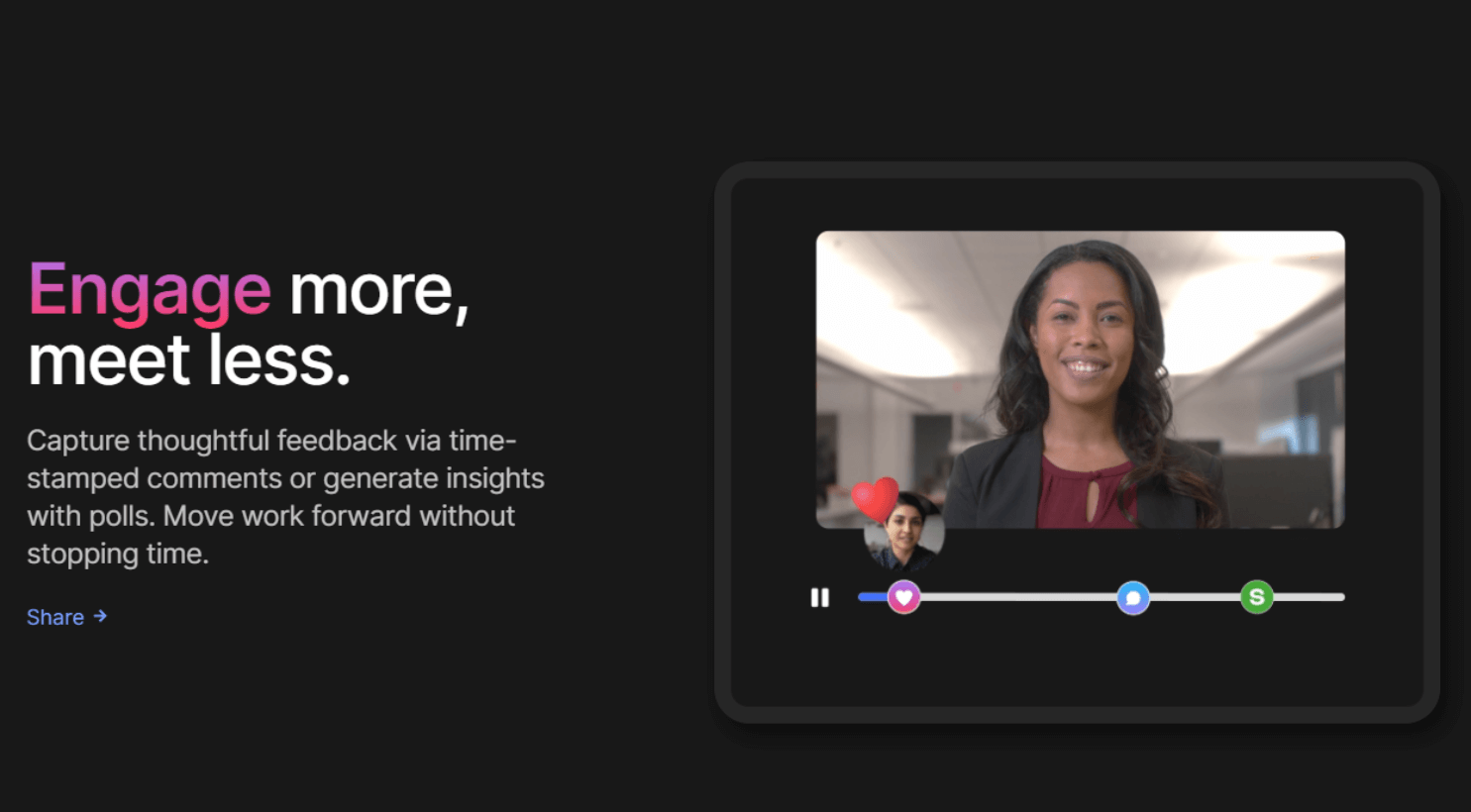

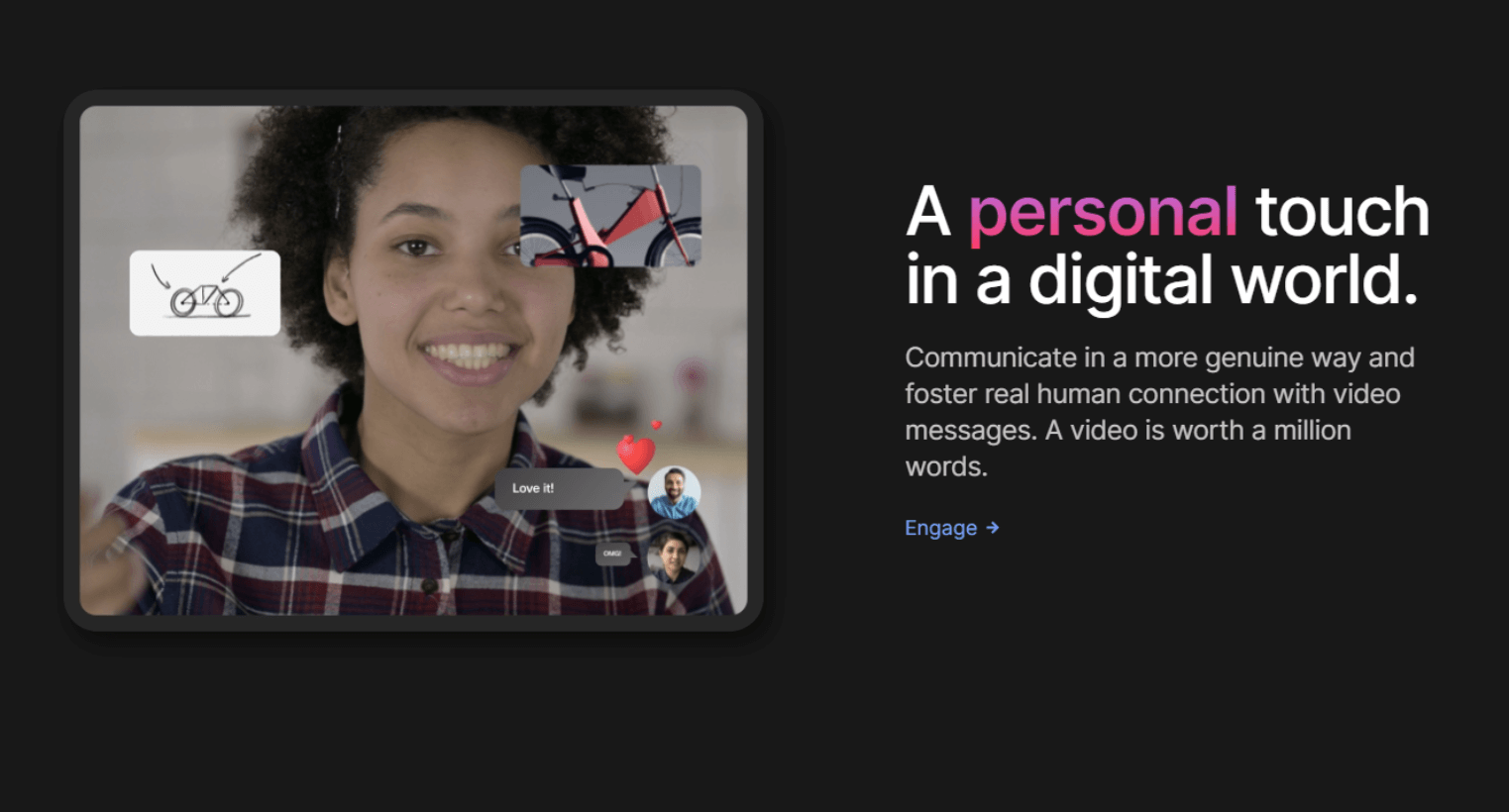
강력한 보안 조치와 세련된 디자인을 갖춘 이 도구는 최대 15분 분량의 동영상을 무제한으로 무료로 제공합니다.
 Visual Notifications
Visitor Management
Video Editing
Video Capture
Text Editing
Screen Recording
Screen Capture
Real Time Editing
Media Library
Employee Onboarding
Drag & Drop
Dashboard
Customizable Branding
Categorization/Grouping
Active Directory Integration
Speech-to-Text Analysis
Audio Capture
Video Call Recording
Real Time Screen Sharing
Desktop/Browser Sharing
Video Creation
Privacy Options
Video Streaming
Survey/Poll Management
Video Support
Video Management
Employee Engagement
Preview Functionality
Multimedia Support
SSL Security
Annotations
Activity/News Feed
Content Management
Transcripts/Chat History
Personalization
Engagement Tracking
Single Sign On
Real Time Analytics
Secure Data Storage
Real Time Updates
Commenting/Notes
Compliance Tracking
Collaboration Tools
Search/Filter
Performance Metrics
Email Management
Activity Dashboard
Reporting & Statistics
Mobile Access
Alerts/Notifications
Activity Tracking
Access Controls/Permissions
User Management
Quizzes
Employee Directory
Employee Database
Watermarking
Knowledge Management
Screen Mirroring
Screen Sharing
Visual Notifications
Visitor Management
Video Editing
Video Capture
Text Editing
Screen Recording
Screen Capture
Real Time Editing
Media Library
Employee Onboarding
Drag & Drop
Dashboard
Customizable Branding
Categorization/Grouping
Active Directory Integration
Speech-to-Text Analysis
Audio Capture
Video Call Recording
Real Time Screen Sharing
Desktop/Browser Sharing
Video Creation
Privacy Options
Video Streaming
Survey/Poll Management
Video Support
Video Management
Employee Engagement
Preview Functionality
Multimedia Support
SSL Security
Annotations
Activity/News Feed
Content Management
Transcripts/Chat History
Personalization
Engagement Tracking
Single Sign On
Real Time Analytics
Secure Data Storage
Real Time Updates
Commenting/Notes
Compliance Tracking
Collaboration Tools
Search/Filter
Performance Metrics
Email Management
Activity Dashboard
Reporting & Statistics
Mobile Access
Alerts/Notifications
Activity Tracking
Access Controls/Permissions
User Management
Quizzes
Employee Directory
Employee Database
Watermarking
Knowledge Management
Screen Mirroring
Screen Sharing

소프트웨어에 대한 의견을 공유하고 리뷰를 남겨 더 나아지도록 도와주세요!
변경 제안


귀하의 의견
Your vote has been counted.
Do you have experience using this software?


