Pixelmator 대안
3333개의 무료 및 유료 대안을 Pixelmator에 대한 목록으로 정리했습니다. 주요 경쟁 업체는 Adobe Photoshop, MyPaint입니다. 이 외에도 사용자들은 Pixelmator와 Pixlr, Affinity Photo, Affinity Designer 간에 비교를 하기도 합니다. 또한 여기서 다른 유사한 옵션을 살펴볼 수 있습니다: 사진 및 그래픽 소프트웨어.


 소프트웨어
소프트웨어

33개의 무료 및 유료 대안을 Pixelmator에 대한 목록으로 정리했습니다. 주요 경쟁 업체는 Adobe Photoshop, MyPaint입니다. 이 외에도 사용자들은 Pixelmator와 Pixlr, Affinity Photo, Affinity Designer 간에 비교를 하기도 합니다. 또한 여기서 다른 유사한 옵션을 살펴볼 수 있습니다: 사진 및 그래픽 소프트웨어.
33개의 무료 및 유료 대안을 Pixelmator에 대한 목록으로 정리했습니다. 주요 경쟁 업체는 Adobe Photoshop, MyPaint입니다. 이 외에도 사용자들은 Pixelmator와 Pixlr, Affinity Photo, Affinity Designer 간에 비교를 하기도 합니다. 또한 여기서 다른 유사한 옵션을 살펴볼 수 있습니다: 사진 및 그래픽 소프트웨어.
그림샵 프로는 이미지를 편집, 향상, 보정할 수 있는 다양한 도구를 제공하는 코렐의 사진 편집 소프트웨어입니다. 레이어, 마스크, 그리기 도구, RAW 파일 지원과 같은 기능이 포함되어 있습니다. 사용자는 사진을 수정하고, 합성물을 만들고, 페인팅하고, 그림을 그리고, 이미지 파일을 다양한 형식으로 변환할 수 있습니다.
<font style="vertical-align: inherit;"><font style="vertical-align: inherit;"> Pixelmator는 macOS 및 iOS 용 이미지 편집 응용 프로그램입니다. </font></font>
<font style="vertical-align: inherit;"><font style="vertical-align: inherit;"> Pixelmator는 macOS 및 iOS 용 이미지 편집 응용 프로그램입니다. </font></font>
 iPad
iPad
 iPhone
 Mac
Mac
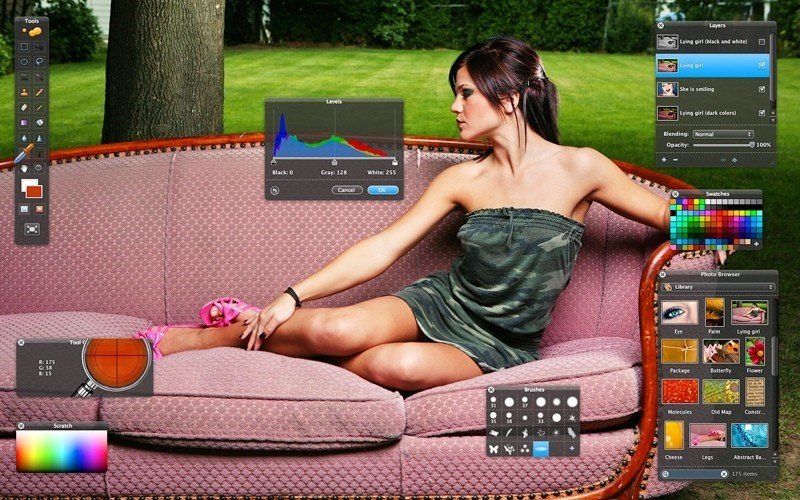
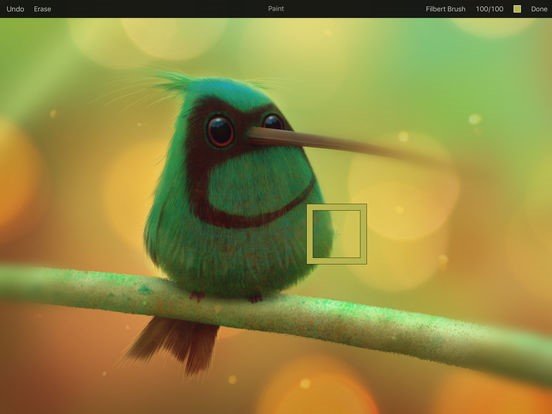
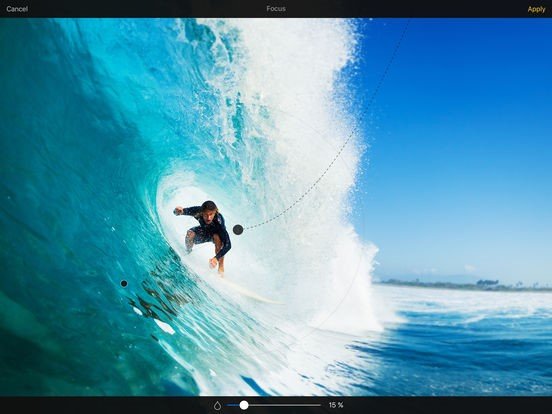
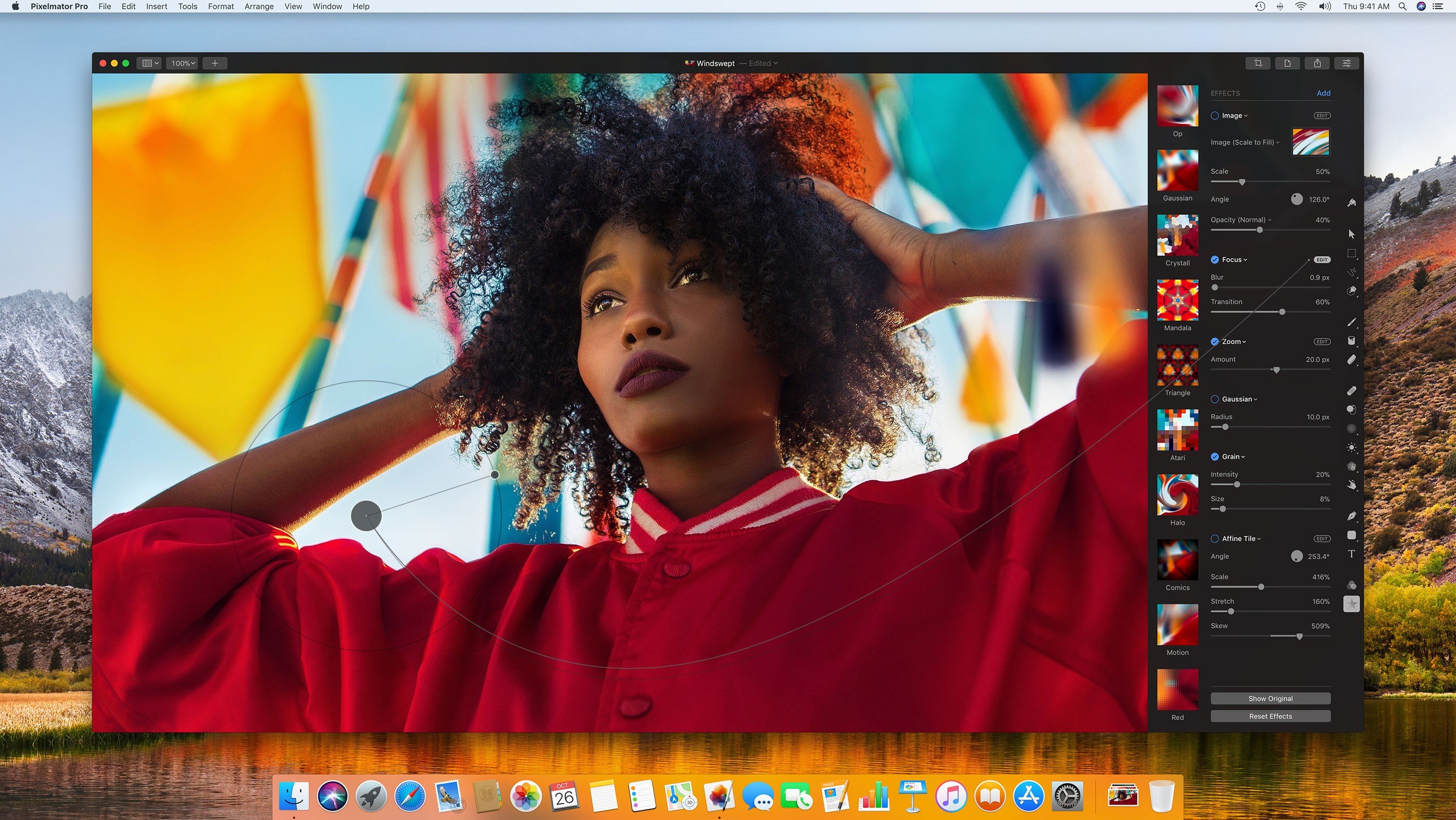
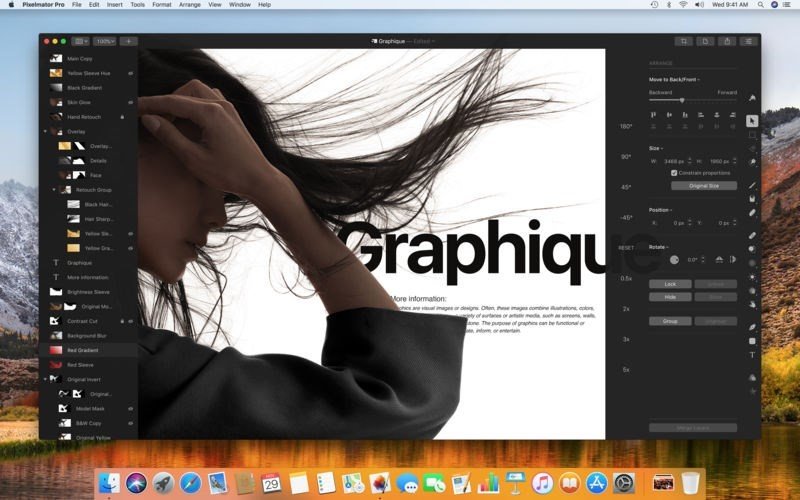
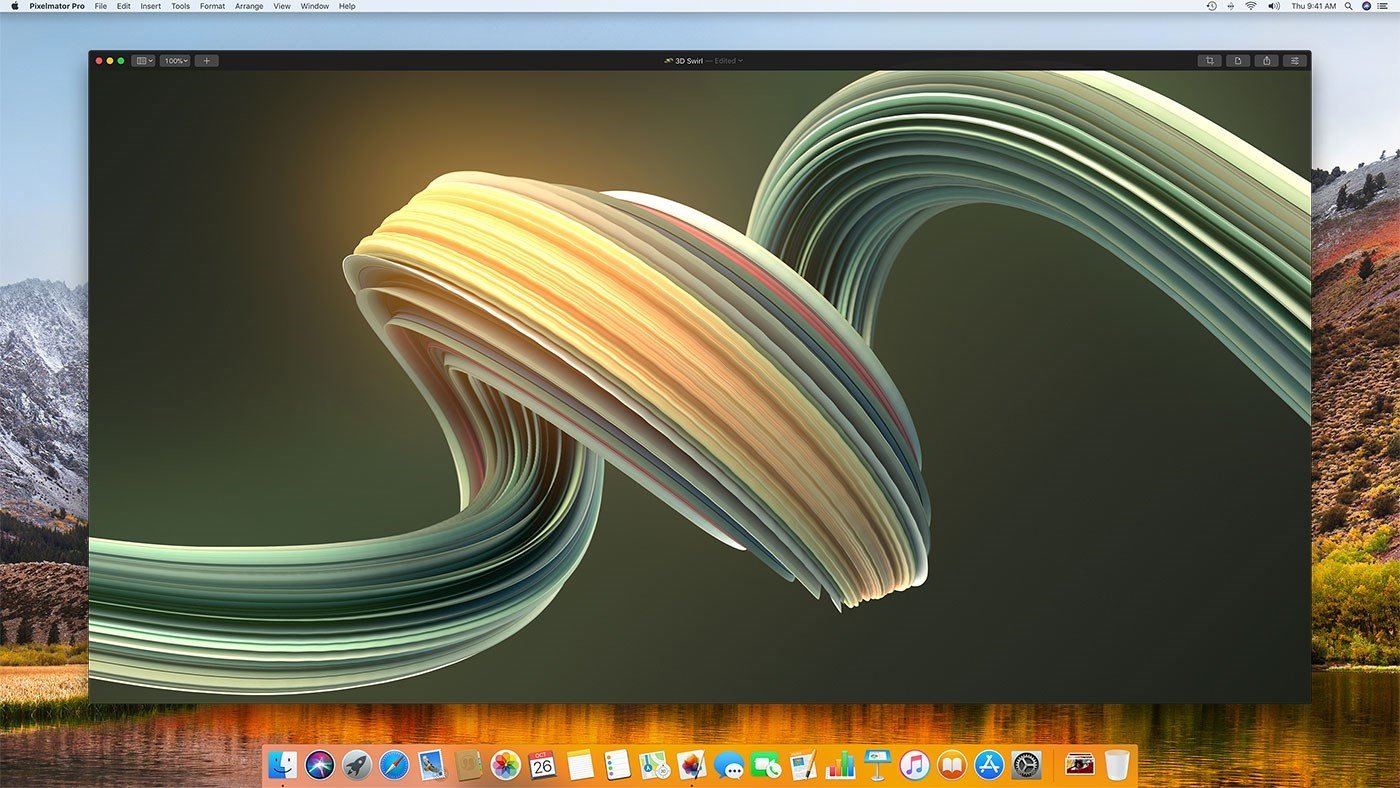
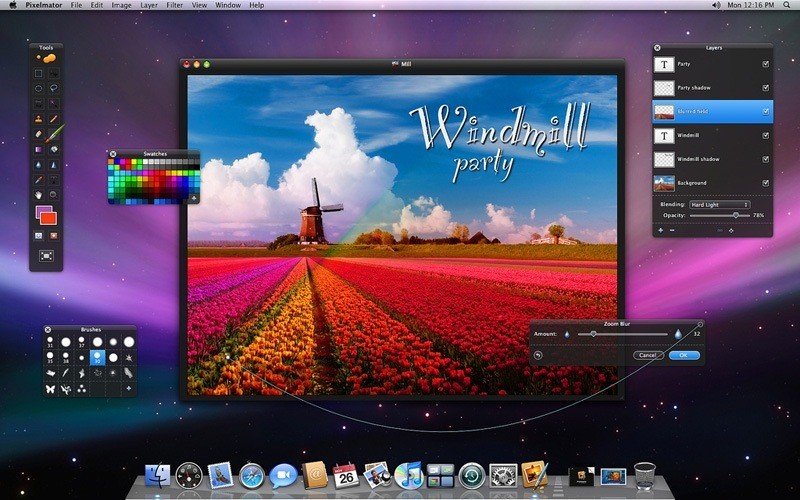
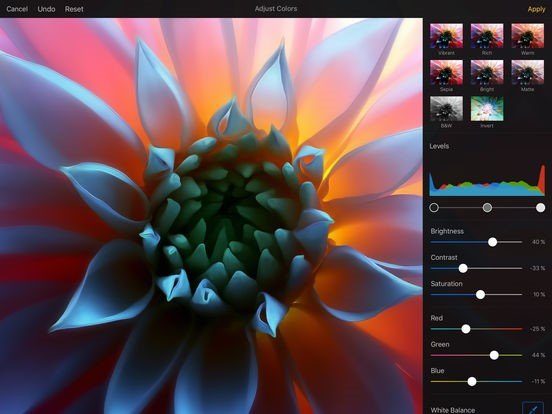
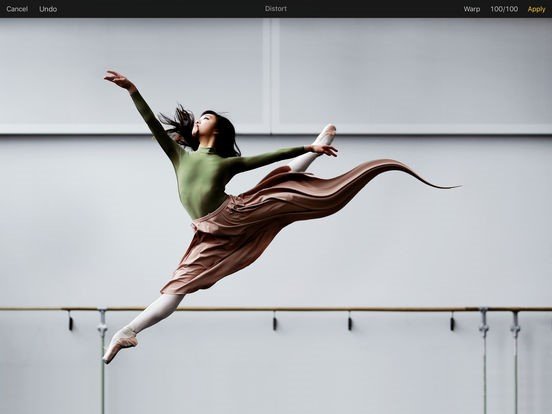
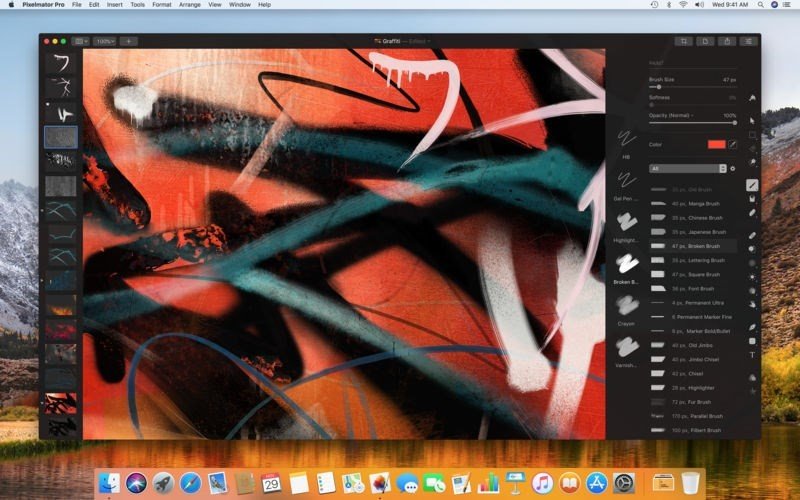
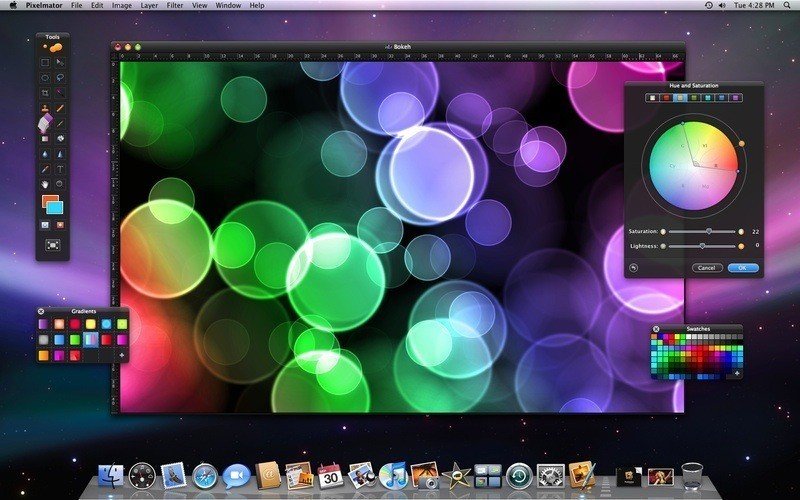
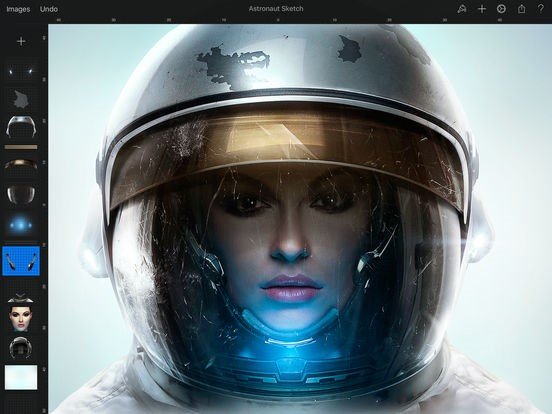
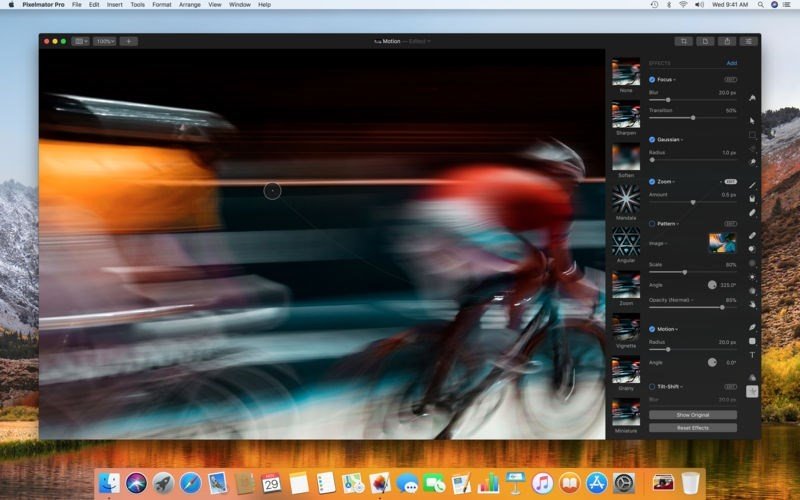
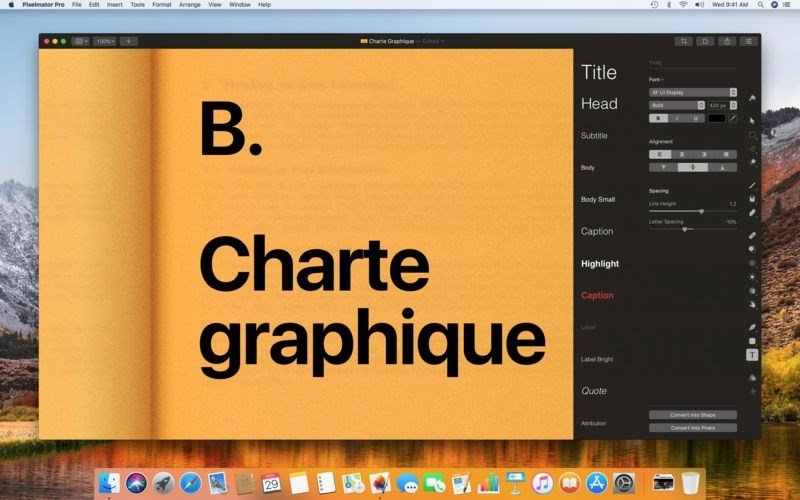
Pixelmator는 강력하고 아름답고 사용하기 쉬운 이미지 편집기입니다. 우아하고 능률적 인 단일 창 인터페이스를 갖추고있어 주변 이미지가 아니라 편집 한 이미지에 모든 초점을 맞 춥니 다.
Pixelmator lets you touch up and enhance images, draw or paint, apply dazzling effects, or create advanced compositions with ease. Once your images are ready, save them to popular image formats, share them via email or social networks, print them, or instantly add them to your Photos library.
Pixelmator 3.7 Mount Whitney is designed to integrate seamlessly with macOS High Sierra's fresh and modern look, macOS Continuity features, like Handoff and iCloud Drive, and it works together with Pixelmator for iOS.
Pixelmator Pro, codenamed Whirlwind, includes a modern single-window interface, nondestructive, GPU-powered image editing tools, machine learning-enhanced editing features, and more.
Professional Tools
• Enhance your existing images and create new ones
• Edit nondestructively, adjusting individual changes whenever you like
• Easily move, resize, and arrange objects to create stunning compositions
• Enjoy superior support for RAW files, editing RAW images right inside Pixelmator Pro without having to preprocess them
• Create digital or traditional paintings using a collection of handcrafted, fully-customizable, dual-texture brushes with full support for digital graphics tablets
• Combine the built-in effects in Pixelmator Pro to create any artistic or special effects you can imagine
• Save the adjustment, effect, and layer style combinations your create, use them in any of your images, and share them with others
• Magically remove small imperfections or entire objects, seamlessly clone parts of your photos, lighten or darken precise areas, and more using a full set of retouching tools
• Use the reshaping tools to easily change the shape of any object or area in your images, create striking artistic effects or make subtle changes to portrait photos
 Drawing
Specific for 64-Bit
Realtime magic wand tool
Healing brush
Asset Pipeline
Retouch photos
Stickers
Raw Photo processing
Tablet support
Photo effects
Customizable
Support for 64 bit
Drawing
Specific for 64-Bit
Realtime magic wand tool
Healing brush
Asset Pipeline
Retouch photos
Stickers
Raw Photo processing
Tablet support
Photo effects
Customizable
Support for 64 bit
소프트웨어에 대한 의견을 공유하고 리뷰를 남겨 더 나아지도록 도와주세요!
변경 제안


귀하의 의견
Your vote has been counted.
Do you have experience using this software?