We've compiled a list of 16 free and paid alternatives to Wiki.js. The primary competitors include DokuWiki, Notion. In addition to these, users also draw comparisons between Wiki.js and MediaWiki, Hudu, BookStack. Also you can look at other similar options here: Education and Reference Software.
We've compiled a list of 16 free and paid alternatives to Wiki.js. The primary competitors include DokuWiki, Notion. In addition to these, users also draw comparisons between Wiki.js and MediaWiki, Hudu, BookStack. Also you can look at other similar options here: Education and Reference Software.
Your all-in-one workspace for wiki, documents, and projects. Streamline your work apps into a unified platform, enhancing collaboration and productivity. Discover the future of work with AI integration.
Hudu is a comprehensive IT documentation platform that centralizes asset management, password management, and process organization. It integrates with PSA, RMM, and other tools, offering a scalable solution for MSPs to improve efficiency and accurac…
Dokit is a digital documentation platform that helps create, share, and manage interactive manuals and guides. It supports multimedia content and real-time collaboration. Ideal for companies needing clear, accessible instructions to improve training…
Write your content in the widely used and simple Markdown format, using the built-in visual editor. Unlike other wiki software that save content in a database with a difficult to extract format, Wiki.js saves all your content directly into Markdown (.md) files and that content is automatically synced with your remote Git repository. Your content is therefore safe and readable directly from your Git repository.
Wiki.js runs on the blazing fast Node.js engine and is optimized to be low on CPU resources. It relies heavily on caching to quickly deliver content to users and makes use of the latest web technologies, such as WebSockets, to provide instant interactivity in the webpage.
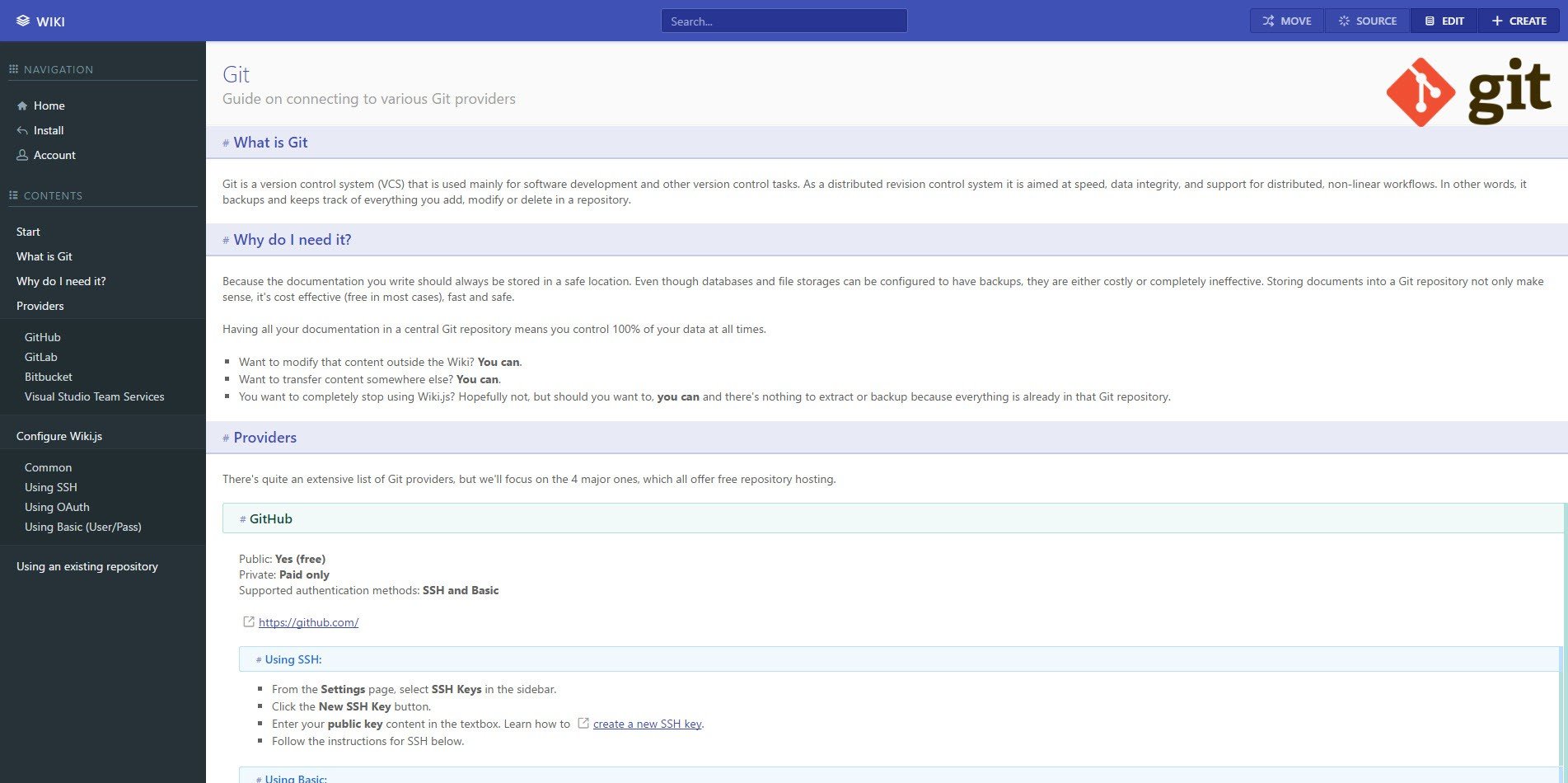
Content is automagically processed into a beautiful reading format, presented inside an elegant user interface. A sidebar menu is generated for each page based on your headers and sections are rendered in different colors to enhance readability.
Choose to restrict access to your Wiki to certain users or even just parts of your content. You are in total control with the easy to use access control built into Wiki.js. Login using the local database or connect with external authentication providers like Microsoft Account, Google ID or Facebook to provide a seamless login experience to your users.
Insert images, schemas, documents, videos, links and more in your Wiki.js using the built-in assets manager. Organize your media files into folders and let the built-in editor generate the proper Markdown tags for you. You can even ask Wiki.js to fetch an image from an external website for you. Once again, all your files are automatically synced to your remote Git repository for safekeeping.
Quickly find the wiki entry you're looking for using the built-in search engine, accessible from any page. It provides relevant results and suggestions by analyzing your wiki entries metadata and content.