We've compiled a list of 8 free and paid alternatives to Azure Data Studio. The primary competitors include HeidiSQL, Valentina Studio. In addition to these, users also draw comparisons between Azure Data Studio and Navicat, AWS Glue, TimeXtender. Also you can look at other similar options here: Development Tools.
We've compiled a list of 8 free and paid alternatives to Azure Data Studio. The primary competitors include HeidiSQL, Valentina Studio. In addition to these, users also draw comparisons between Azure Data Studio and Navicat, AWS Glue, TimeXtender. Also you can look at other similar options here: Development Tools.
HeidiSQL is a database management tool for working with MySQL, MariaDB, PostgreSQL, and SQL Server. It enables users to browse, edit, and manage databases, run queries, and export data. Designed for developers and DBAs to simplify SQL operations and…
AWS Glue is a serverless data integration service that simplifies the ETL process by enabling easy discovery, preparation, and integration of data from diverse sources. It supports event-driven ETL, a data catalog, no-code ETL jobs, and data quality…
TimeXtender is a metadata-driven, low-code data integration platform that automates data ingestion, preparation, and delivery across storage platforms. It streamlines workflows, reduces the need for manual coding, and supports secure, scalable data …
SnapLogic's iPaaS platform automates application, data, and cloud integration, enabling enterprises to build and scale AI agents for task automation and real-time decision-making. It leverages generative AI to unify data, streamline workflows, and d…
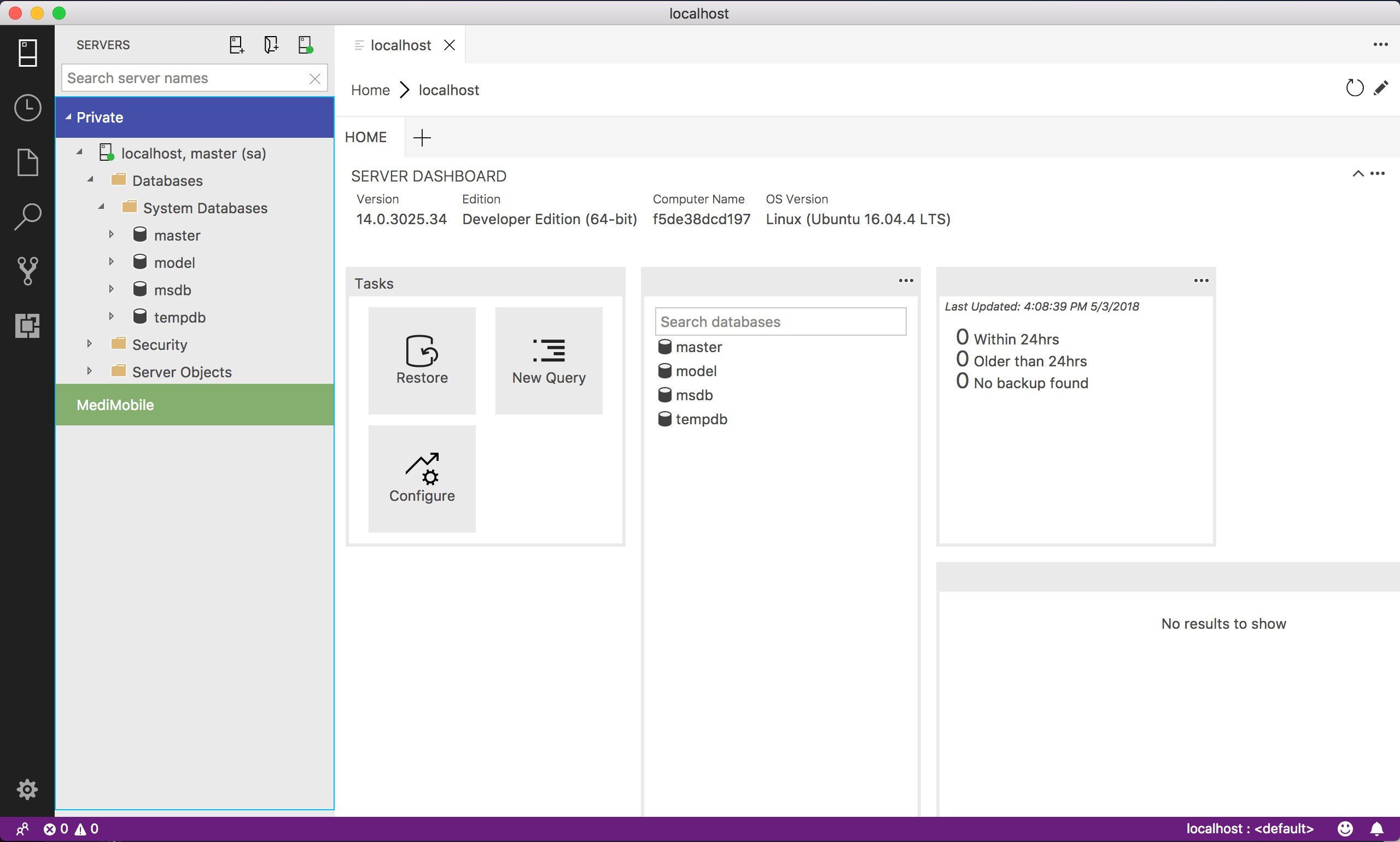
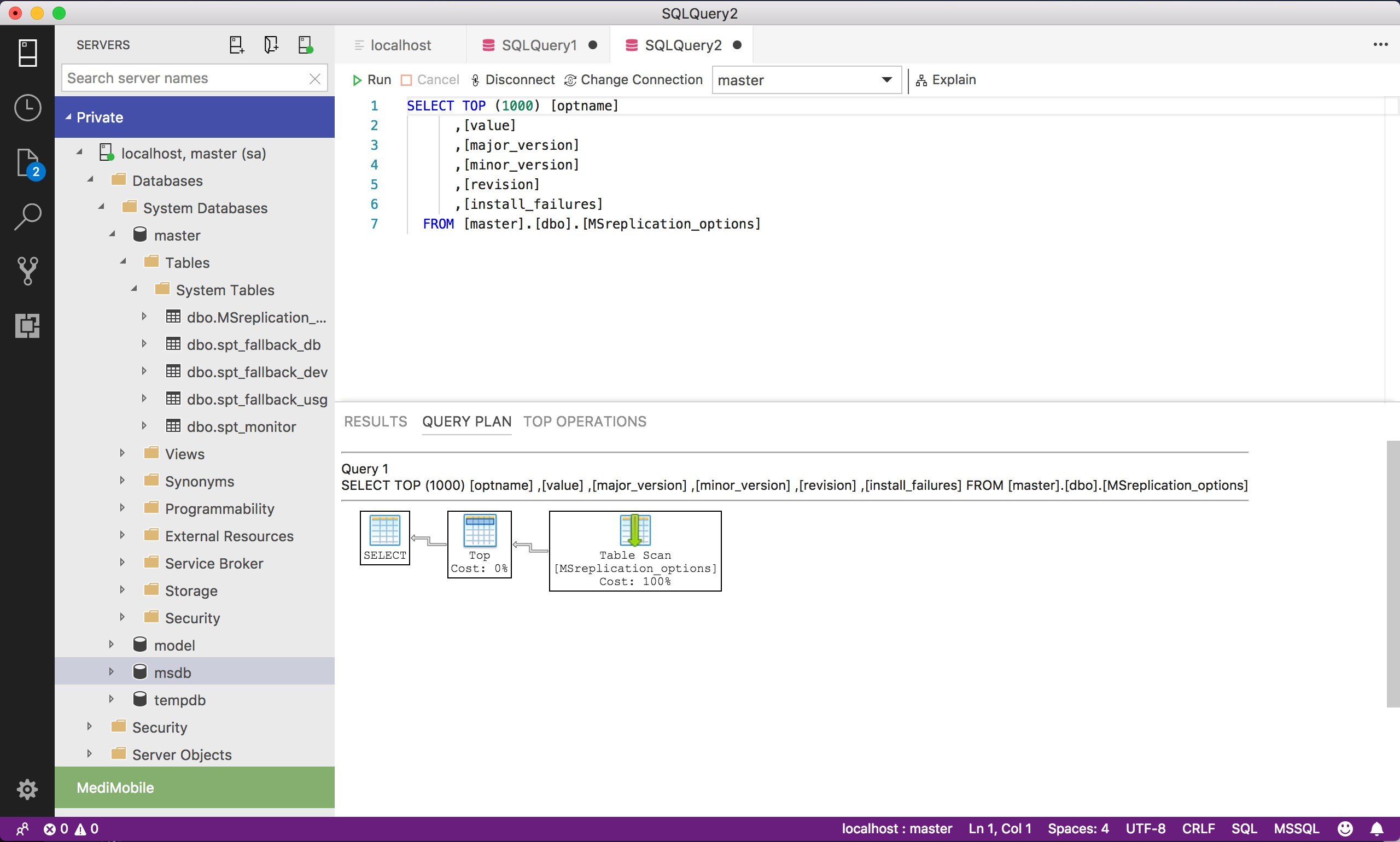
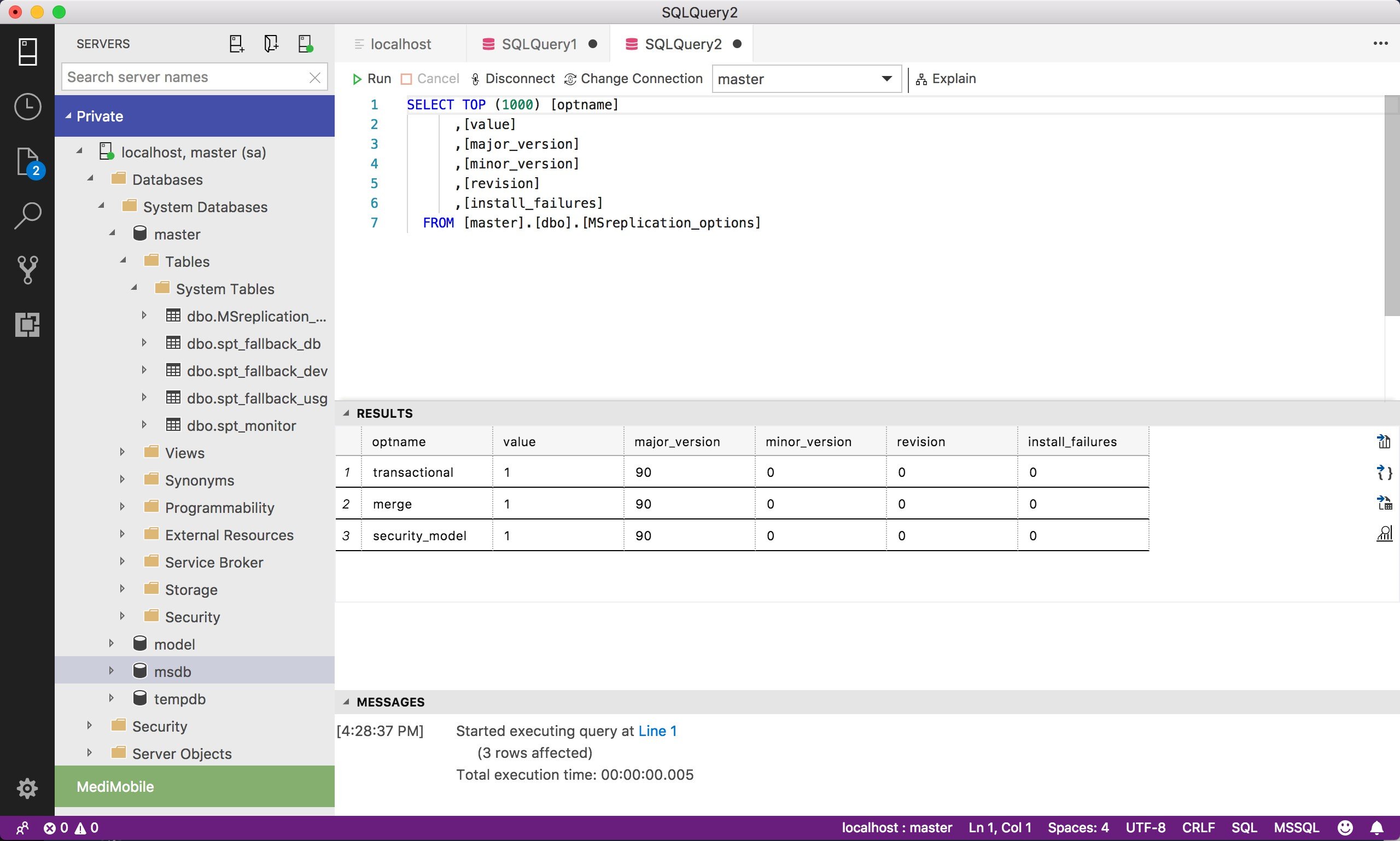
Azure Data Studio is a modern, open-source, cross-platform database management tool developed by Microsoft. Designed for data professionals, it offers a streamlined environment for managing and developing databases across Windows, macOS, and Linux. The tool provides a rich SQL editor with IntelliSense, code snippets, and source control integration, facilitating efficient database development and management. Its extensible nature allows users to enhance functionality through a variety of extensions, supporting a wide range of database platforms and workflows.
The primary advantages of Azure Data Studio include its lightweight design, cross-platform support, and modern user interface. It simplifies tasks such as querying, editing, and managing databases, making it accessible for both developers and database administrators. The integrated terminal and support for Jupyter Notebooks further enhance its capabilities, enabling users to perform complex data analysis and scripting within a single application. While Azure Data Studio is retiring on February 28, 2026, Microsoft recommends transitioning to Visual Studio Code for continued support and development.