We've compiled a list of 4 free and paid alternatives to Sohodox. The primary competitors include Box, Notion. In addition to these, users also draw comparisons between Sohodox and CrushFTP, Neat. Also you can look at other similar options here: Office and Productivity Software.
We've compiled a list of 4 free and paid alternatives to Sohodox. The primary competitors include Box, Notion. In addition to these, users also draw comparisons between Sohodox and CrushFTP, Neat. Also you can look at other similar options here: Office and Productivity Software.
Your all-in-one workspace for wiki, documents, and projects. Streamline your work apps into a unified platform, enhancing collaboration and productivity. Discover the future of work with AI integration.
Neat is a document management software that digitizes, organizes, and stores receipts, invoices, and documents. It automates data extraction, simplifies expense tracking, and improves workflow efficiency for businesses and individuals. Ideal for pap…
Sohodox is a windows-based document management software for small business and home that helps you...
Sohodox is a windows-based document management software for small business and home that helps you...
Sohodox Platforms
Android
Windows
Sohodox Video and Screenshots
Sohodox Overview
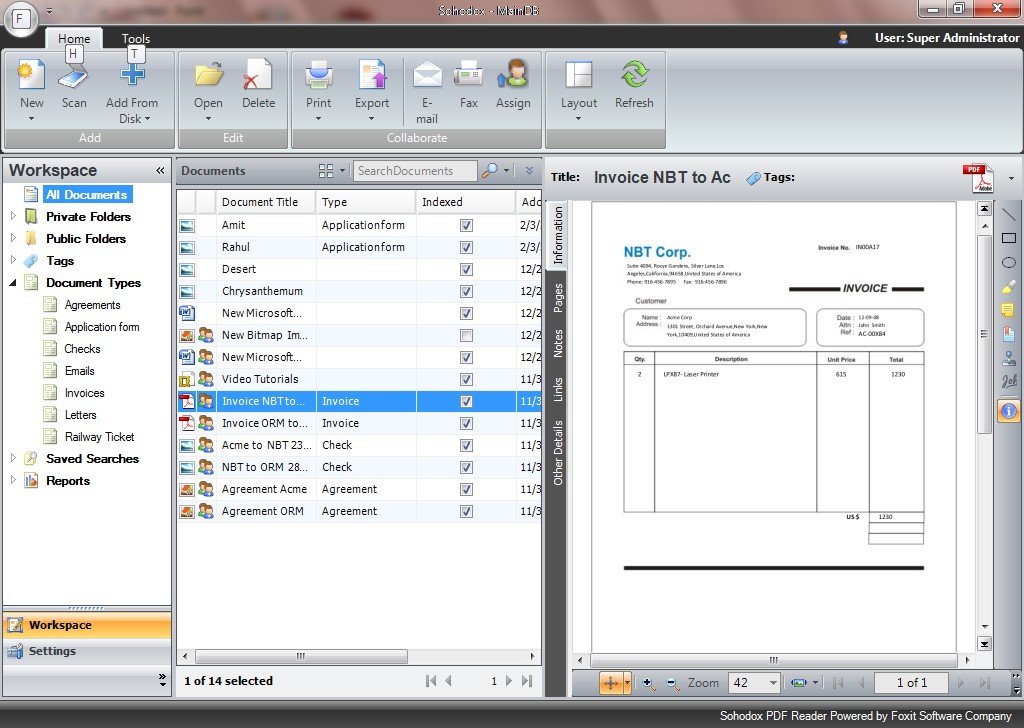
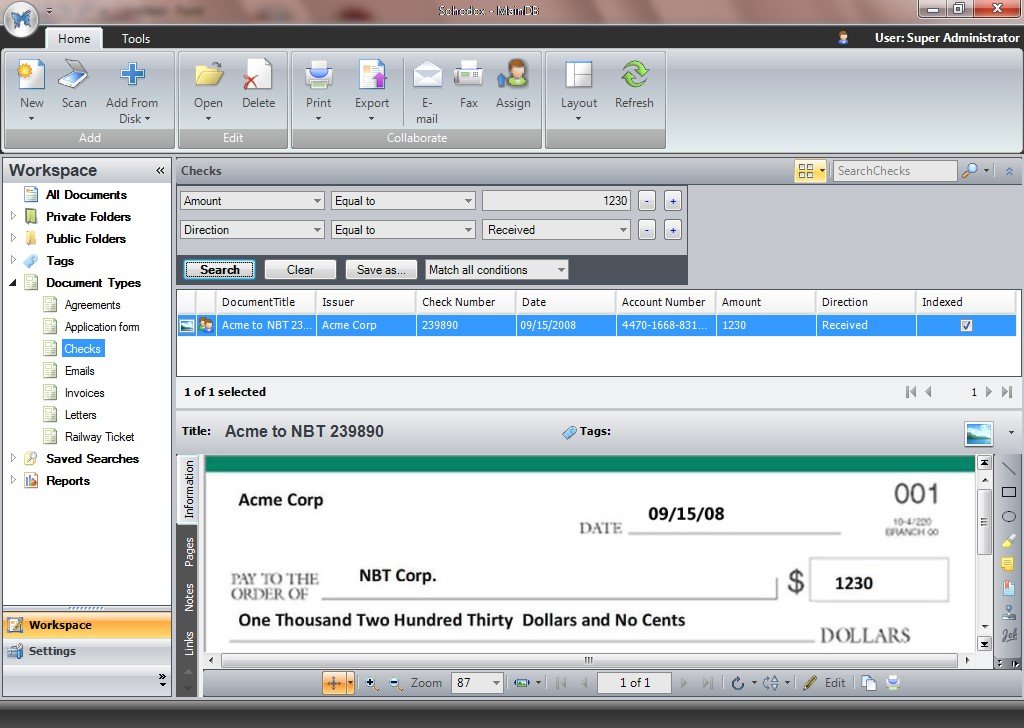
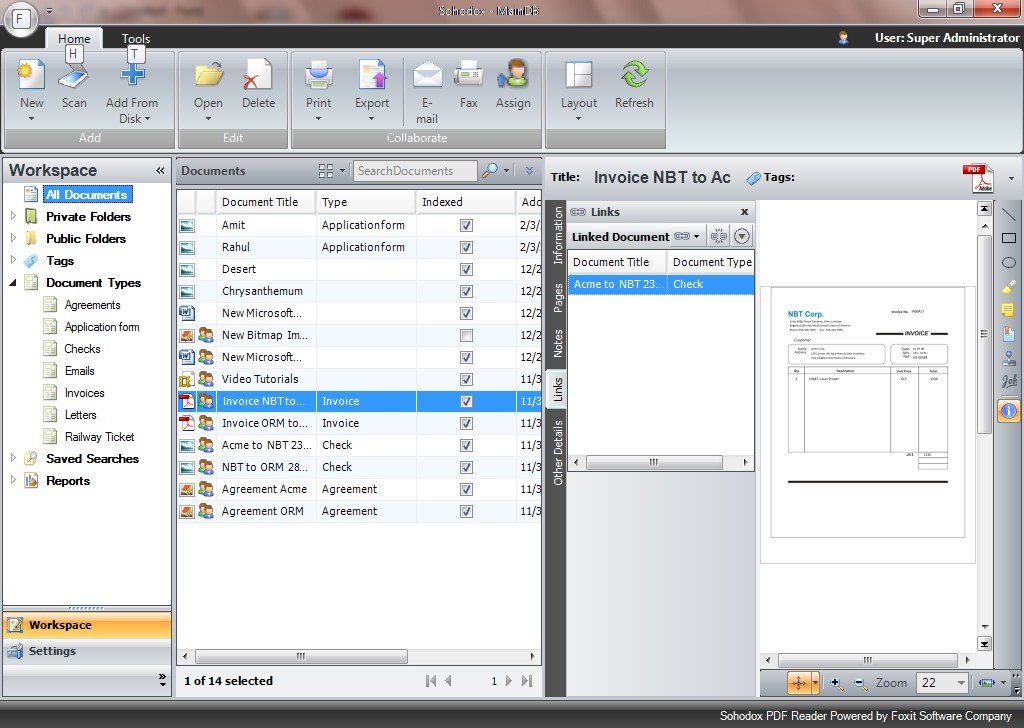
Sohodox is a windows-based document management software for small business and home that helps you to quickly create a centralized, searchable database of all your documents. Keep documents private or share them with other Sohodox users on your network.
Sohodox paperless office software is quick to install, cost-effective and easy to use. It is a small business tool for you that is designed to deliver.
Sohodox electronic document management software works with any TWAIN compatible scanner. Save scanned documents as PDF, TIFF, JPEG, or PNG files. Re-arrange and add pages to PDF or TIFF files at any time. Sohodox file management software features a modern MS Outlook style user interface that you are already familiar with. You can add documents by dragging and dropping existing files and scanning paper documents.