IrfanView is a lightweight image viewer and editor for Windows. It supports a wide range of formats and offers basic editing, batch processing, slideshow creation, and format conversion. Built for speed and efficiency, it helps users manage and edit…
Product design platform for businesses to create, test, and collaborate. It offers color variables, layouts, shared libraries, vector editing tools, and plugins.
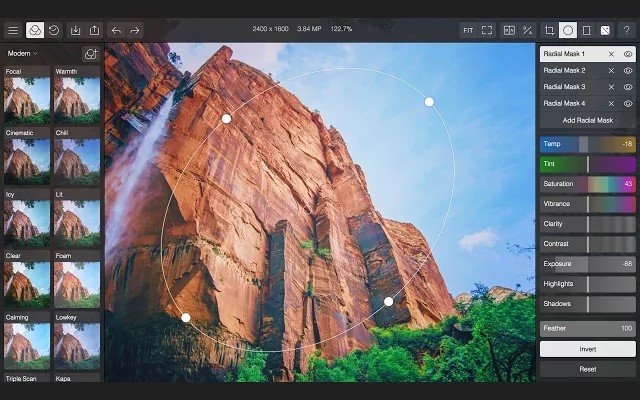
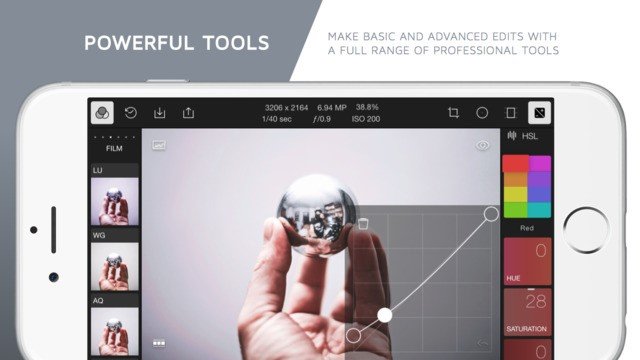
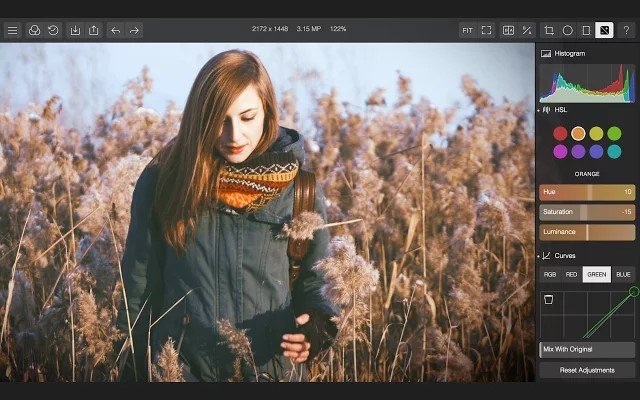
From high-precision light and color tools, to advanced clarity and dehaze settings, to the ability to create and save your own filters. Polarr is the ideal photo editor for bloggers, students, and photo professionals alike. Now with the ability to batch export your photos, adding watermark, and using keyboard shortcuts, Polarr Photo Editor is also the most efficient photo editing tool available on Chrome.
Notable features:
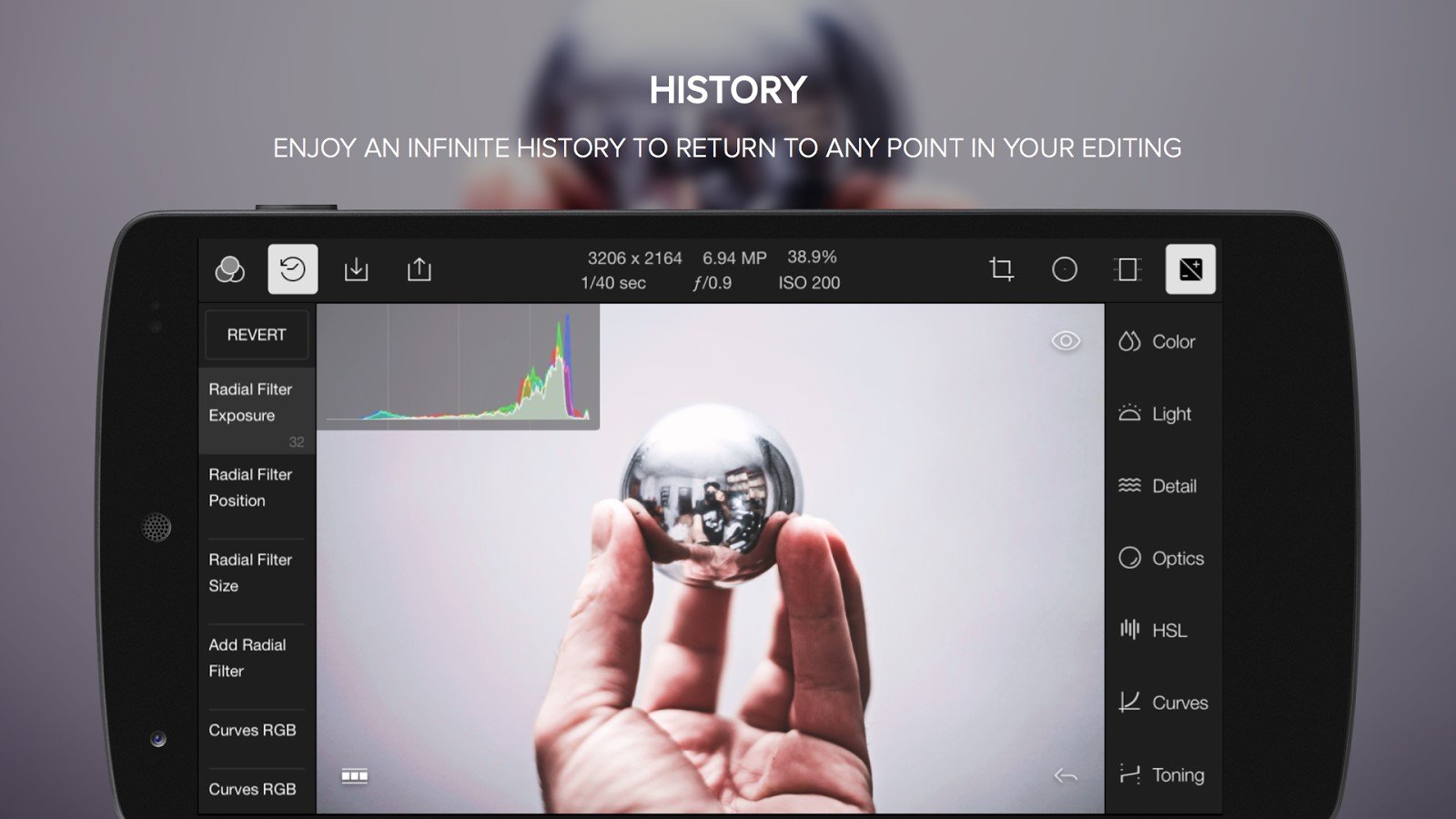
- Designed for mouse and touch - Proprietary high precision sliders - Interactive in-app guide to photo editing - Expandable and collapsible workspace - Responsive and adjustable UI - Hand-crafted collection of 50 filters - Import multiple and exports in batch - Color: temperature, tint, contrast - Light: exposure, highlights and shadows - Detail: clarity, sharpen, denoise - Atmosphere: diffuse and dehaze - Optics: distortions, vignette, fringing - Advanced HSL and RGB Curve tools - Filter blending and mixing tools - Highlights/shadows toning tools - Multiple local adjustments areas - Circular and gradient filters - Powerful cropping and aspect control - Create custom filters based on history - Export photo at different settings - Persistent edit history tracking - Infinite undo and redo - Keyboard shortcuts - Watermarks tool