PaintShop Pro is photo editing software from Corel that offers a wide range of tools for editing, enhancing, and correcting images. It includes features like layers, masks, drawing tools, and support for RAW files. Users can retouch photos, create c…
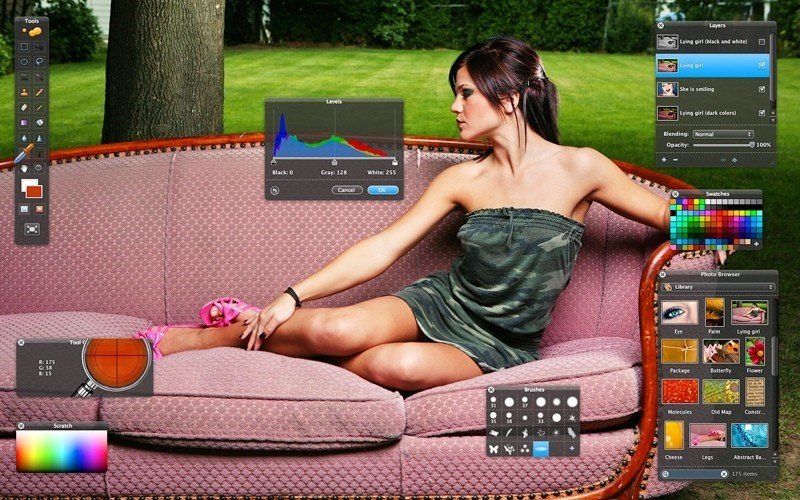
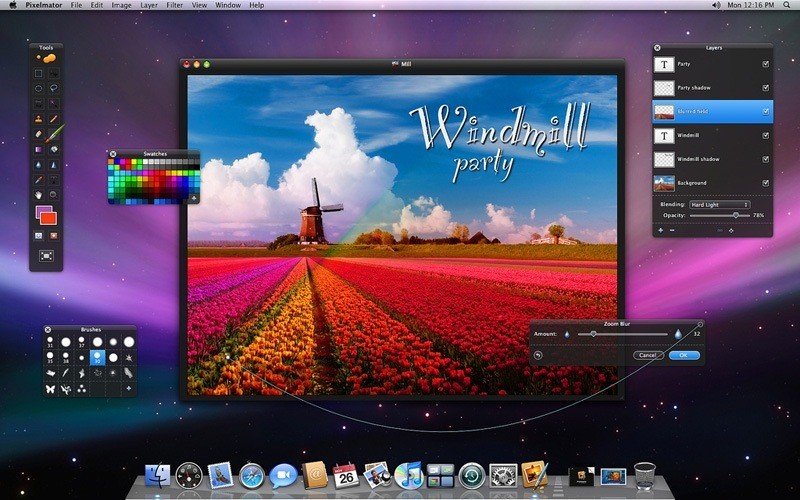
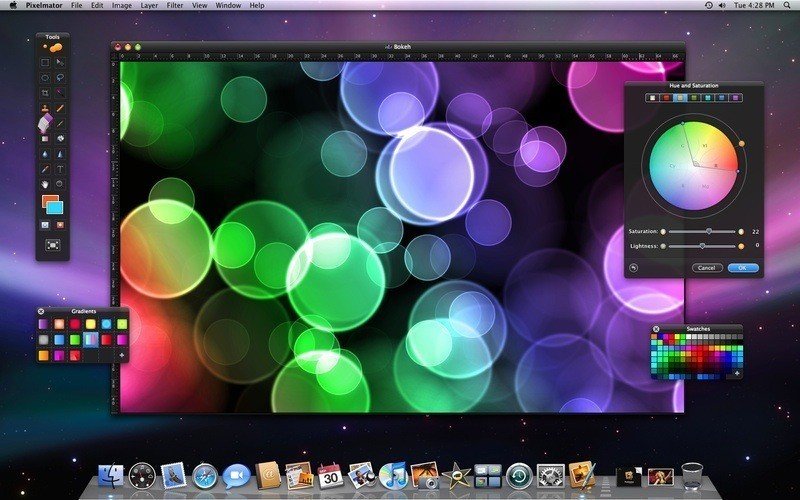
Pixelmator is a powerful, beautiful, and easy to use image editor. Featuring an elegant and streamlined single-window interface, it puts all the focus on the images you edit, rather than what's around them.
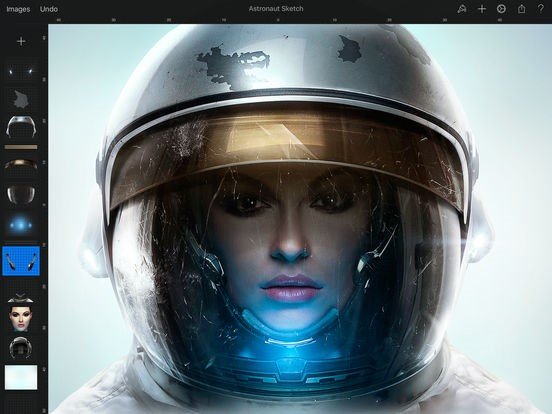
Pixelmator lets you touch up and enhance images, draw or paint, apply dazzling effects, or create advanced compositions with ease. Once your images are ready, save them to popular image formats, share them via email or social networks, print them, or instantly add them to your Photos library.
Pixelmator 3.7 Mount Whitney is designed to integrate seamlessly with macOS High Sierra’s fresh and modern look, macOS Continuity features, like Handoff and iCloud Drive, and it works together with Pixelmator for iOS.
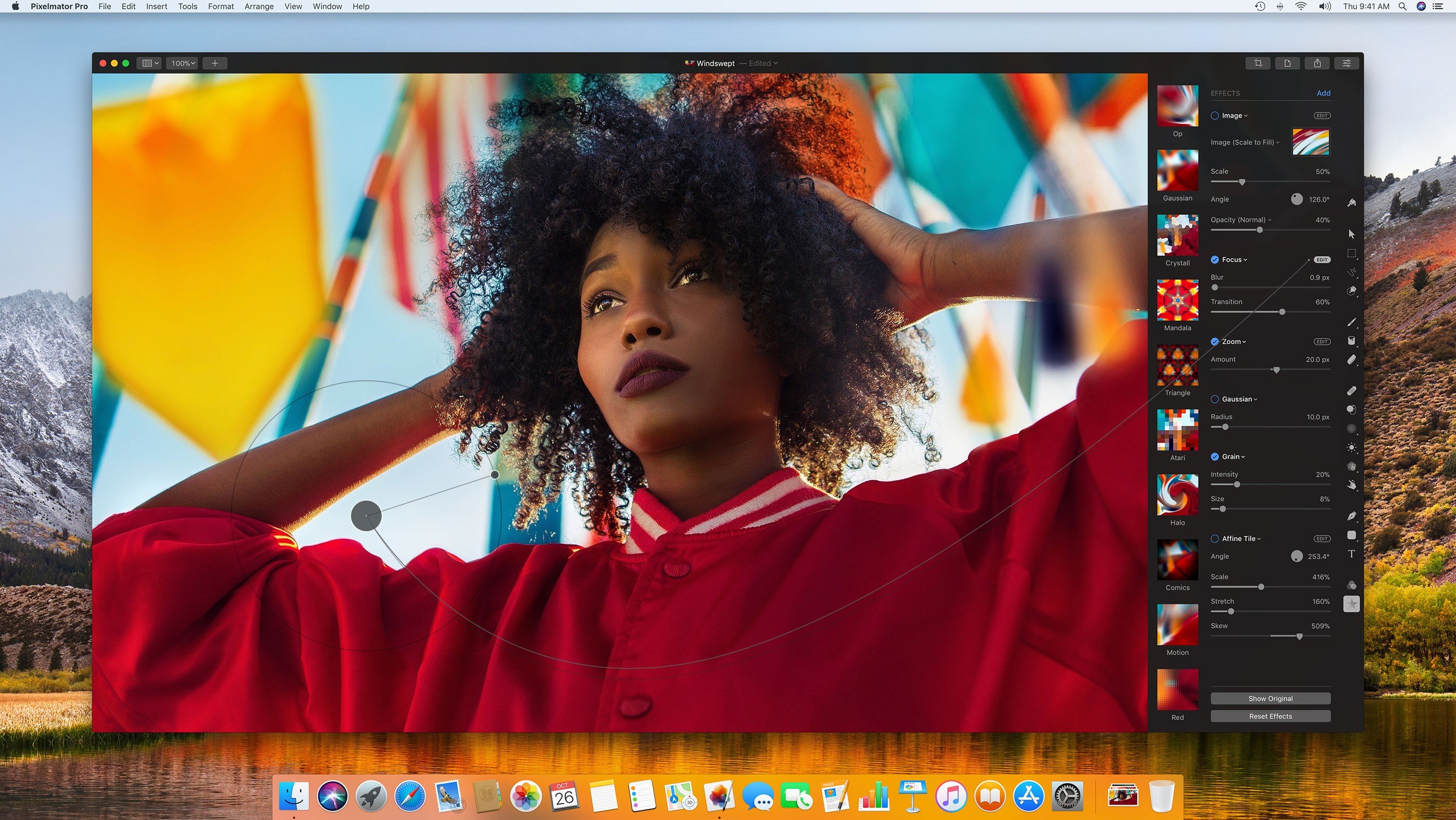
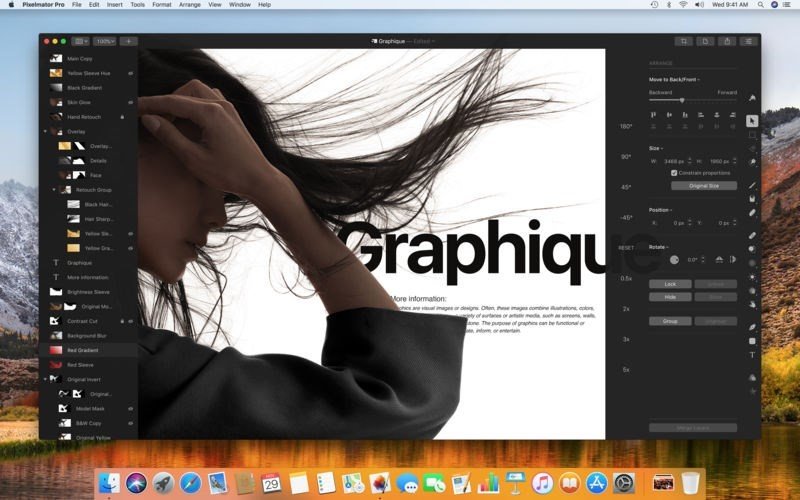
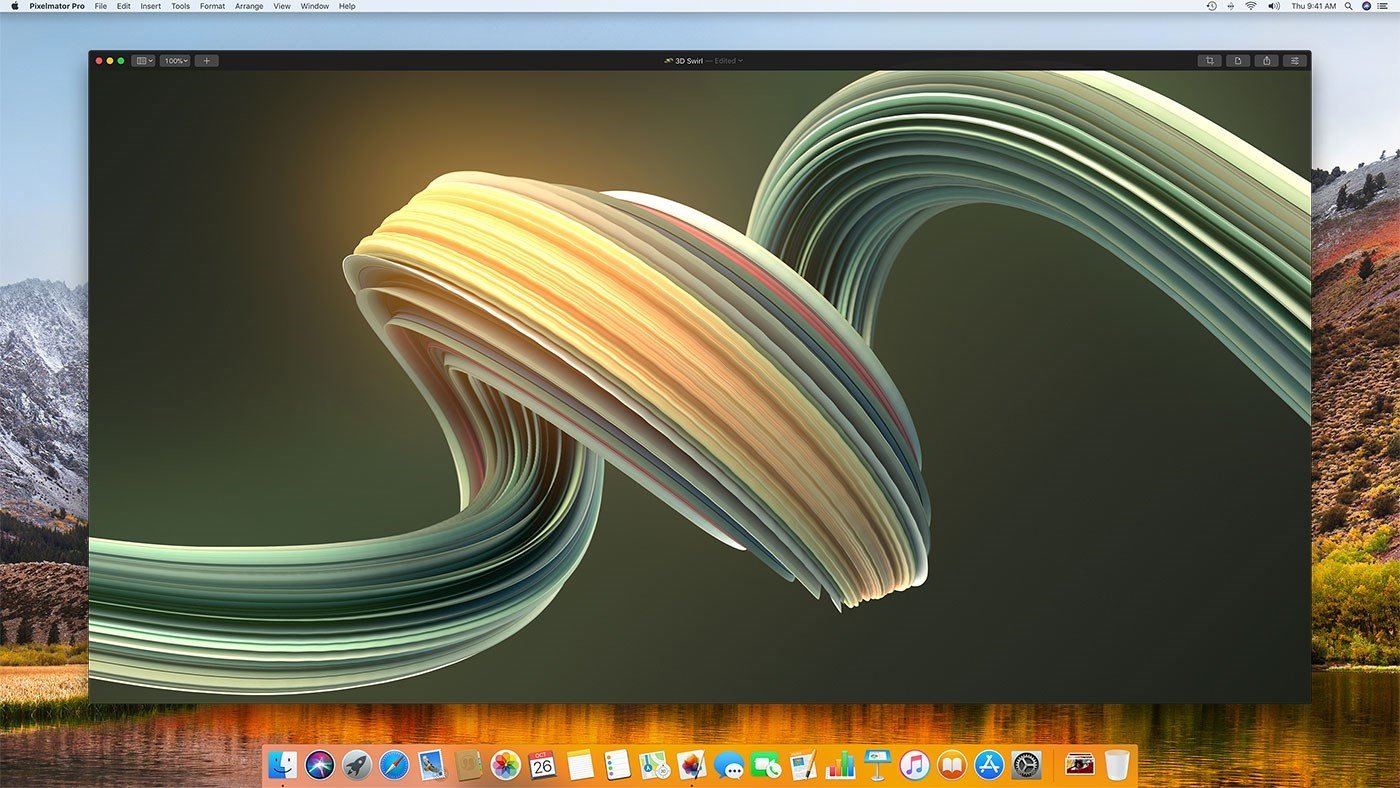
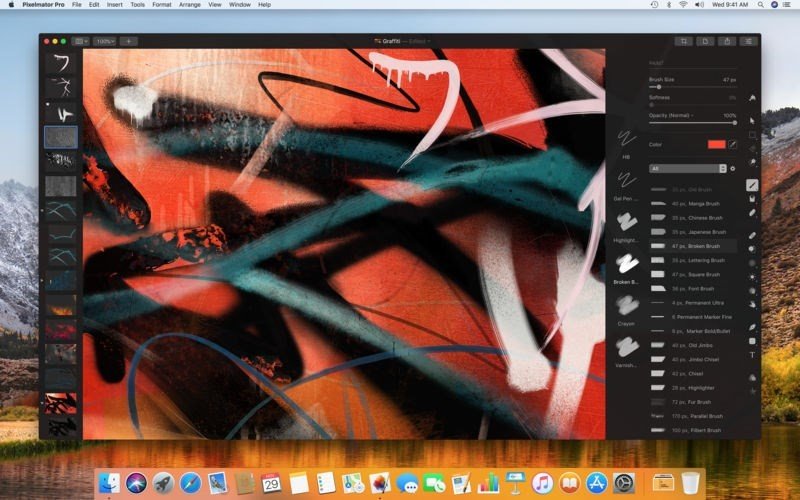
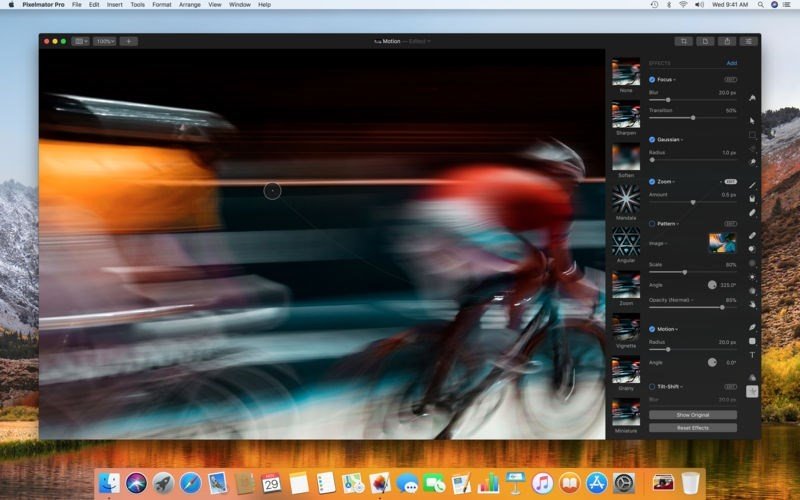
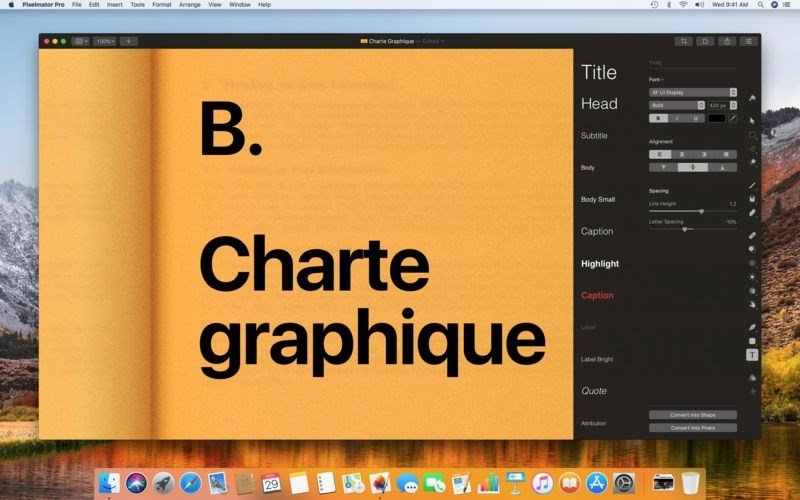
Pixelmator Pro, codenamed Whirlwind, includes a modern single-window interface, nondestructive, GPU-powered image editing tools, machine learning-enhanced editing features, and more.
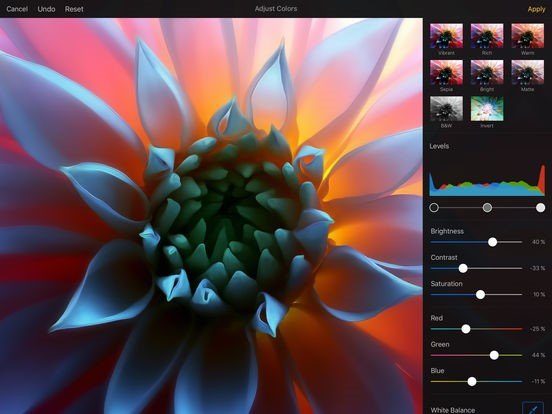
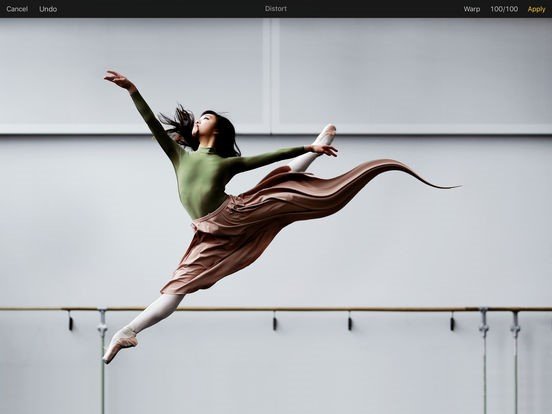
Professional Tools • Enhance your existing images and create new ones • Edit nondestructively, adjusting individual changes whenever you like • Easily move, resize, and arrange objects to create stunning compositions • Enjoy superior support for RAW files, editing RAW images right inside Pixelmator Pro without having to preprocess them • Create digital or traditional paintings using a collection of handcrafted, fully-customizable, dual-texture brushes with full support for digital graphics tablets • Combine the built-in effects in Pixelmator Pro to create any artistic or special effects you can imagine • Save the adjustment, effect, and layer style combinations your create, use them in any of your images, and share them with others • Magically remove small imperfections or entire objects, seamlessly clone parts of your photos, lighten or darken precise areas, and more using a full set of retouching tools • Use the reshaping tools to easily change the shape of any object or area in your images, create striking artistic effects or make subtle changes to portrait photos