Select your language

Home arrow-right ... arrow-right Backup and Sync Software arrow-right PING

We've compiled a list of 9 free and paid alternatives to PING. The primary competitors include Clonezilla, EaseUS Partition Master. In addition to these, users also draw comparisons between PING and Redo Backup and Recovery, DriveImage XML, Data Deposit Box. Also you can look at other similar options here: Backup and Sync Software.



Open-Source drive imaging solution coming as Linux-based Live CD (or USB thumb drive) that allows...

Admin-Panel is a computers management and backup-recovery software solution that help enterprises...

ImageX is a command-line tool that enables original equipment manufacturers (OEMs) and corporations...

PING (Partimage Is Not Ghost) is a free software Linux-based live CD ISO built upon the partimage...

PING Platforms

Linux Linux

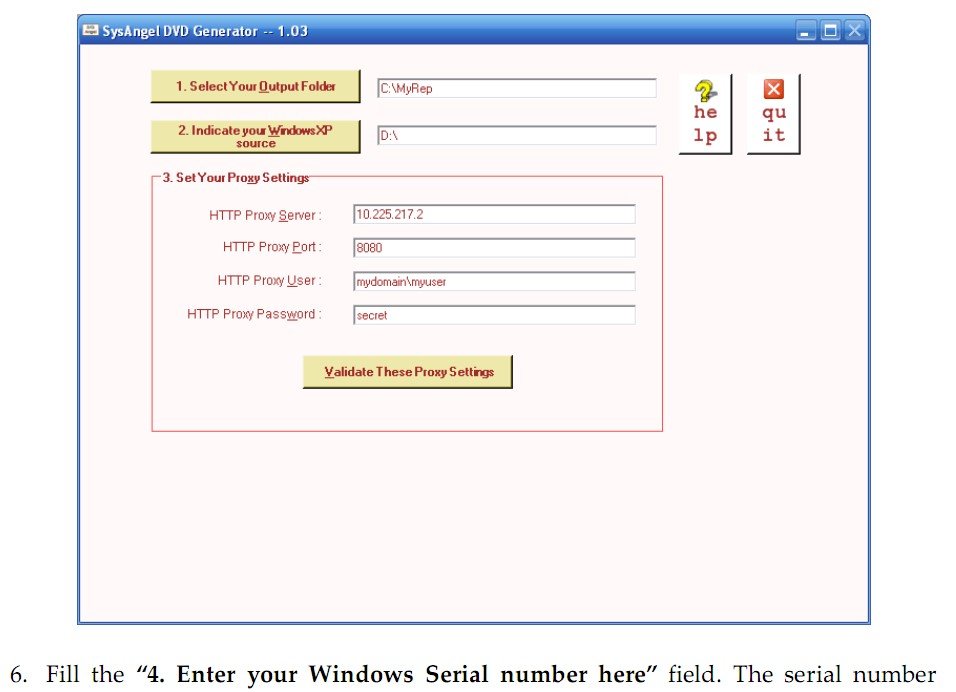
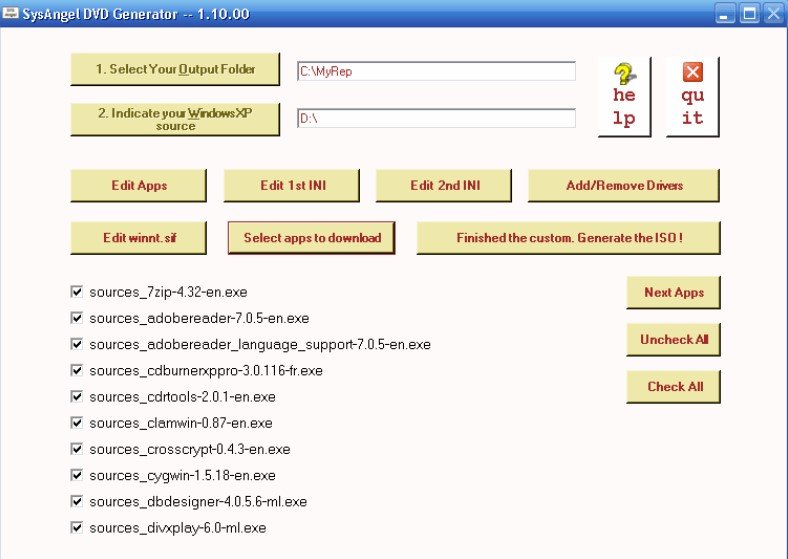
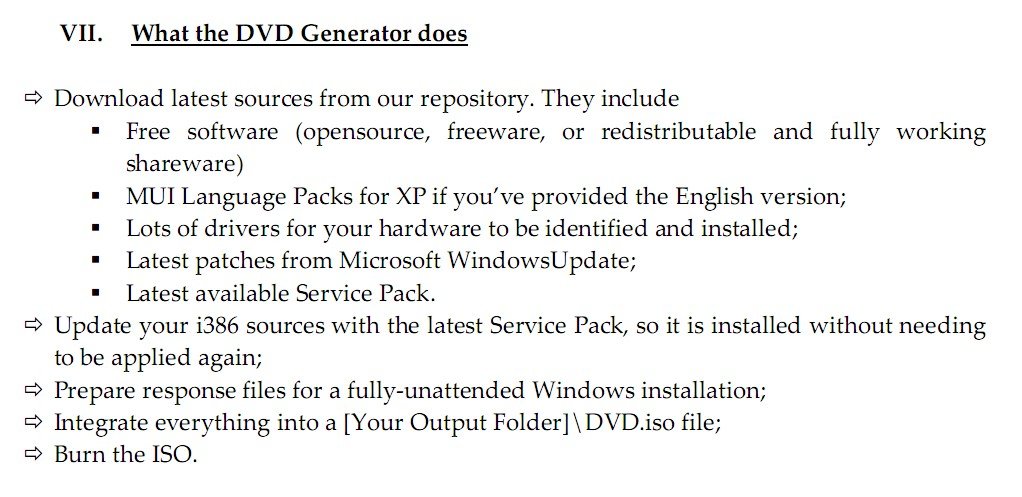
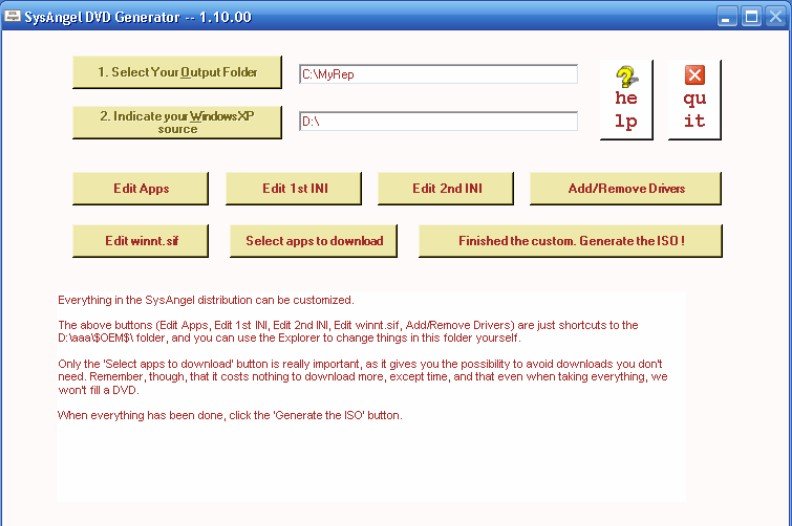
PING Video and Screenshots

PING Overview

PING is a free, open‑source live Linux distribution built for full system cloning, backup and restoration. This minimal ISO boots from CD, DVD, USB, floppy, hard drive or network (PXE/RIS), automatically loading a Linux kernel with broad hardware support. PING relies on Partimage and other tools to back up and restore partitions, entire disks or BIOS settings, locally or across the network via SMB, NFS, FTP or SSHFS. It enables password reset, disk partitioning, formatting and spanning backups across multiple media. Config files and scripting allow fully unattended runs, automating pre‑ and post‑backup actions. With a compact footprint and fast load times, PING adapts to diverse environments, and its modular scripts support custom workflows for system administrators and remediation tasks. Community editions are free, and a Business Edition adds paid support, early updates and extra scripts for enterprise needs.

Advantages of PING include reliable cross‑platform imaging, effective system rescue, and flexible deployment for bare‑metal recovery. It recognizes most network cards and optical drives, eliminating compatibility gaps common in DOS-based Ghost tools. The network backup function works without proprietary servers, simplifying infrastructure requirements. Administrators gain full data control via on‑premise deployment and scriptability, while BIOS backup and restore capabilities enhance disaster recovery. PING supports image deployment via PXE, making it ideal for mass provisioning or restore partitions. The lightweight design enables fast operation and use even on older systems. PING delivers automated, scalable and hardware‑agnostic cloning and backup suited for individual tech users, IT departments and small businesses focused on performance and simplicity.

PING Features

tick-square Backup

Share your opinion about the software, leave a review and help make it even better!

PING Tags

backup-image system-restore

Suggest Changes

() out of 5

Your Feedback

Select a rating
Please select a rating

Your vote has been counted.

Do you have experience using this software?