LearnWorlds is a cloud-based LMS for creating, selling and marketing online courses. Suitable for a variety of businesses and educators. The platform includes marketing and sales tools to expand your audience and increase revenue.
Suited for teams facilitating real-time brainstorming and workshops. It offers an expansive canvas with templates, sticky notes, and integrations that support collaborative planning at a level Padlet’s simpler boards can’t match.
Ideal for remote teams engaged in design thinking and agile ceremonies. Its facilitation tools, frameworks, and voting features enhance structured collaboration beyond Padlet’s freeform content sharing.
Designed for organizations aligning strategy and execution visually. It combines whiteboarding, diagramming, and system design, offering structured, scalable collaboration that extends past Padlet’s informal canvas.
Best for design-centric teams needing a lightweight space for ideation. Its integration with Figma and emphasis on real-time input make it ideal for early-stage concepts where Padlet lacks design tool synergy.
Fits enterprises combining video conferencing with whiteboarding. It enables seamless transitions between meetings and shared visual spaces, offering unified collaboration beyond Padlet’s asynchronous model.
Effective for teams managing ideas within project workflows. Its whiteboard feature connects visual planning to tasks and execution, integrating collaboration more tightly than Padlet’s standalone boards.
Suited for cross-functional teams linking diagrams to live data and documents. It merges concept mapping with workflow tools, enabling process visualization that goes deeper than Padlet’s content pinning.
Best for agencies and educators turning visual plans into live web content. It transforms collaborative layouts into client-ready sites, serving a publishing use case that Padlet doesn’t address.
Streamlines online diagramming with its extensive template library and user-friendly interface. For complex processes, organizational structures, mind maps, and flowcharts, fostering collaboration and productivity.
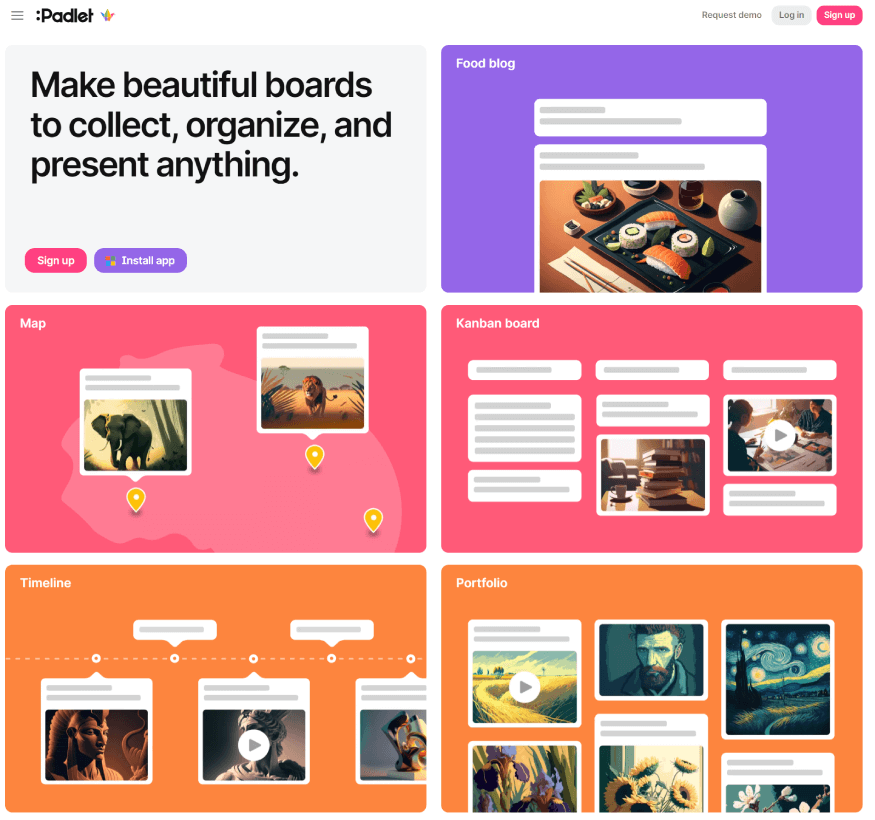
Padlet is an online collaborative tool for virtual whiteboard creation, facilitating content integration such as text, images, videos, and links. Ideal for diverse applications like collaboration, training, and presentations, it empowers users to customize access, ensuring privacy or public sharing.
Padlet is an online collaborative tool for virtual whiteboard creation, facilitating content integration such as text, images, videos, and links. Ideal for diverse applications like collaboration, training, and presentations, it empowers users to customize access, ensuring privacy or public sharing.
Padlet Platforms
Mac
Windows
Linux
iPad
iPhone
Android
Web-Based
Padlet Video and Screenshots
Padlet Overview
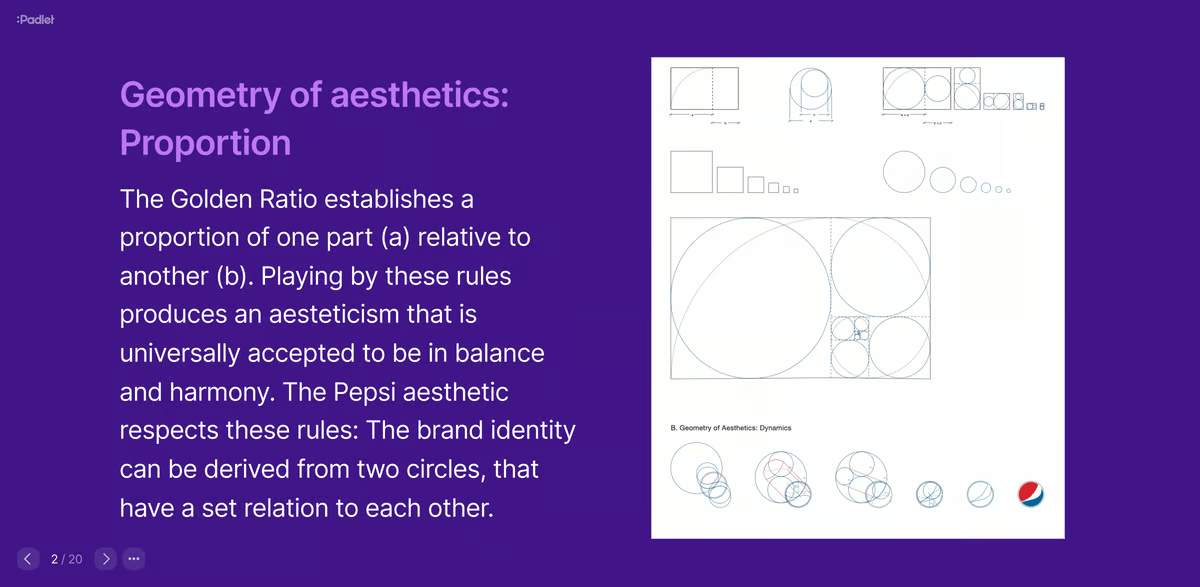
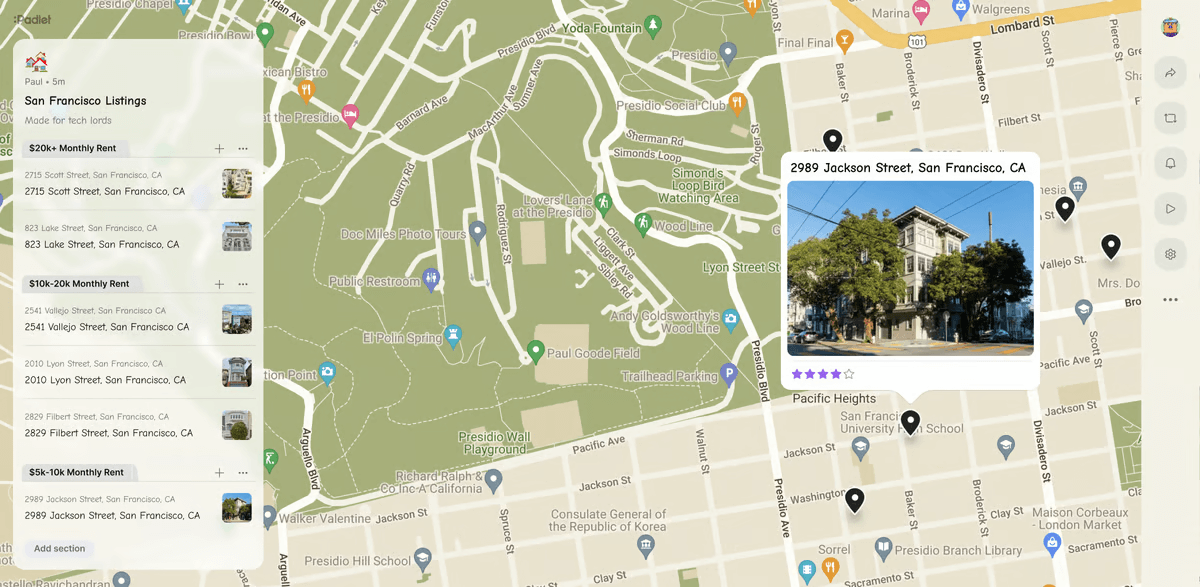
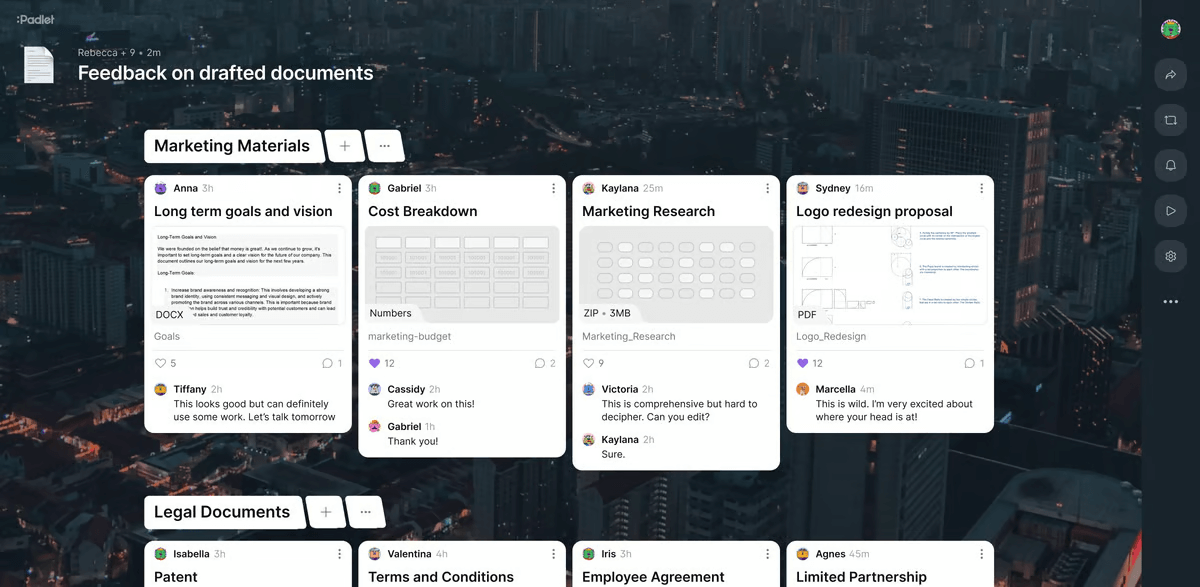
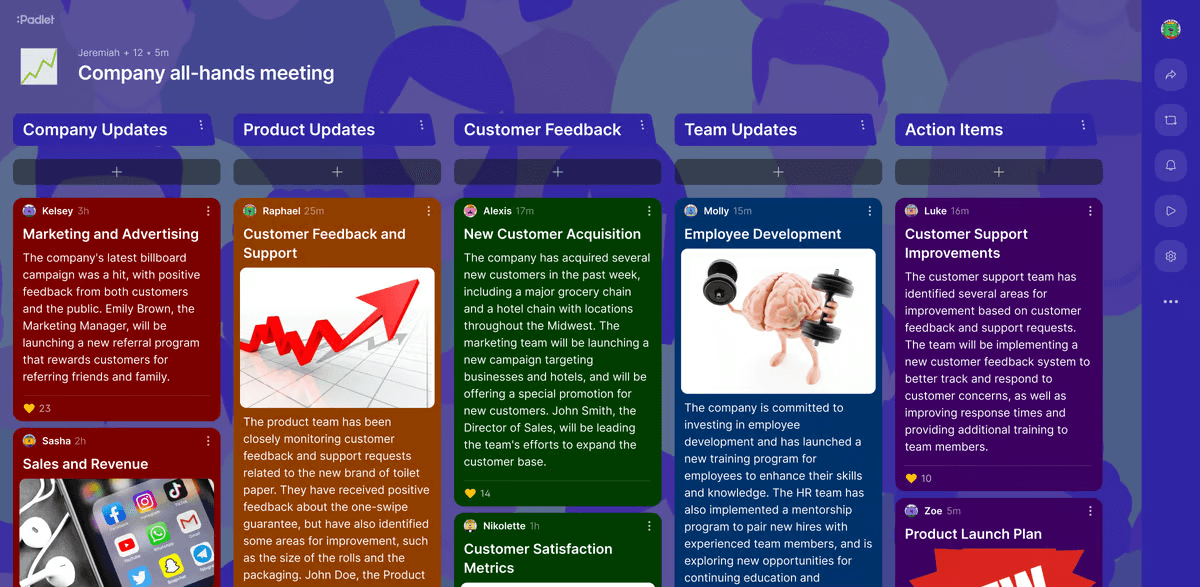
Padlet is an intuitive online platform designed for creating virtual boards that facilitate organizing, storing, and collaborating on various types of content, such as text, images, videos, and links. Users can easily create boards and add different materials like photos, screenshots, videos, podcasts, and external links. This flexibility makes Padlet a powerful tool for managing and sharing diverse content in a visually appealing format, ideal for both personal and professional use.
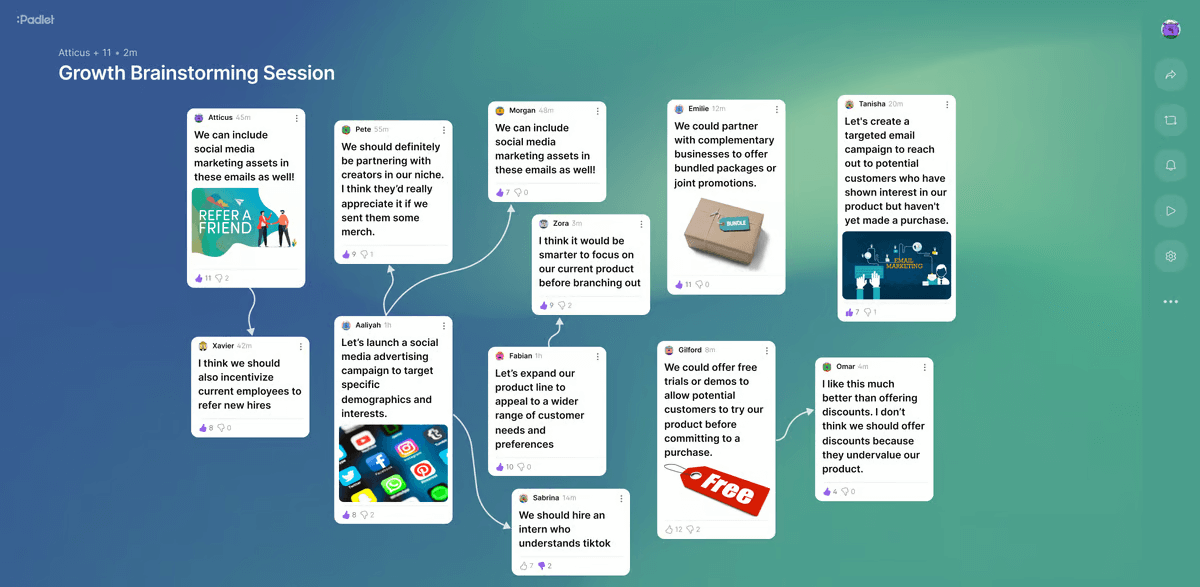
One of the key advantages of Padlet is its real-time collaboration feature, allowing unlimited participants to work together on a board simultaneously. The platform also supports various customizable board designs, enhancing the visual appeal and functionality of shared spaces. Padlet is widely used in education for interactive learning and group activities, as well as in business environments for brainstorming, presentations, and project collaboration. Its ability to integrate multimedia content and foster collaboration makes it a versatile tool for any creative or organizational project.