Select your language

Home arrow-right ... arrow-right Office and Productivity Software arrow-right Mailspring

We've compiled a list of 11 free and paid alternatives to Mailspring. The primary competitors include K-9 Mail, Postbox. In addition to these, users also draw comparisons between Mailspring and Airmail, Zimbra Desktop, Hiri. Also you can look at other similar options here: Office and Productivity Software.



Kube
Free Open Source

Astro is a modern web framework for building fast, optimized websites. It delivers content with minimal JavaScript by rendering pages at build time. Astro improves site speed and SEO by combining static site generation with flexible component-based …

Superhuman is an AI-powered email client designed to enhance productivity for professionals using Gmail or Outlook. It offers features like AI-assisted drafting, instant replies, smart reminders, and advanced search capabilities.

Boost your productivity and send better email with Mailspring, a beautiful, fast email client for...

Mailspring Platforms

Linux Linux
Mac Mac
Windows Windows

Mailspring Video and Screenshots

Mailspring Overview

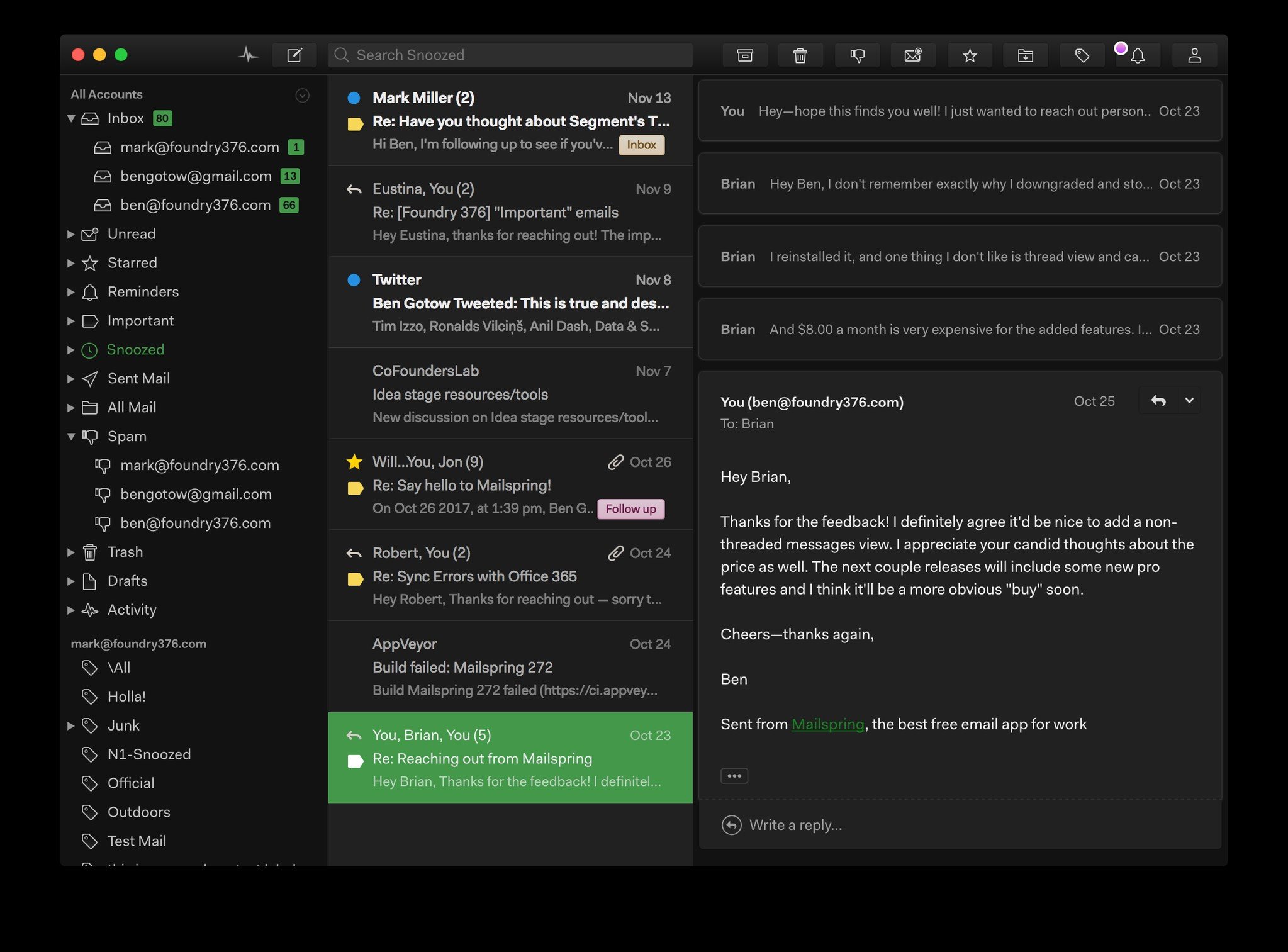
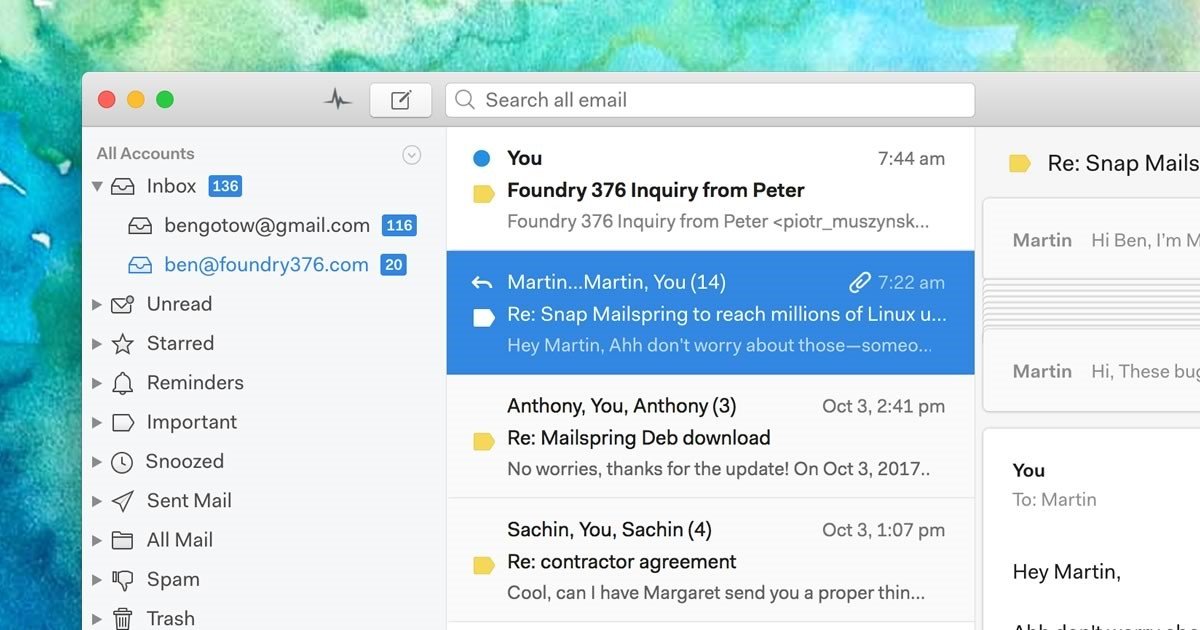
Mailspring is a desktop email client designed for macOS High Sierra, Windows 10 and Linux. With modern features like unified inbox, snoozing, templates, offline search, and support for Gmail labels, Mailspring will breathe life back into your tired inbox! Mailspring is free and supports all IMAP providers, including Gmail, Office 365 and iCloud. Mailspring does not support Exchange ActiveSync. If your work revolves around email, Mailspring Pro (an optional subscription) adds even more features, supercharging the app with read receipts, link tracking, send later, reminders, contact profiles, etc.

Features:
• Unified Inbox - See all your email in a single view
• Powerful Search - Use Gmail search syntax across all your accounts
• Gestures - Swipe to archive from the thread list
• Signatures - Create signatures and set defaults per-account
• Aliases - Send email from aliases you've configured
• Quicklook Integration - See previews of attachments and PDFs within the app
• Notifications - Get rich notifications and reply directly from Notification Center
• Drag & drop - Move emails, add attachments, and more with drag and drop everywhere
• Gmail Labels - Label threads and add, remove, and manage labels within the app
• Keyboard Shortcuts - Choose from popular presets or create custom shortcuts
• Message Templates - Save emails as templates—complete with variables—and quickly autofill messages
• Undo Send - Never accidentally send an email again

Mailspring Pro brings even more:
• Snooze - Dismiss messages until you're ready to handle them
• Reminders - Be reminded when emails you send haven't received replies
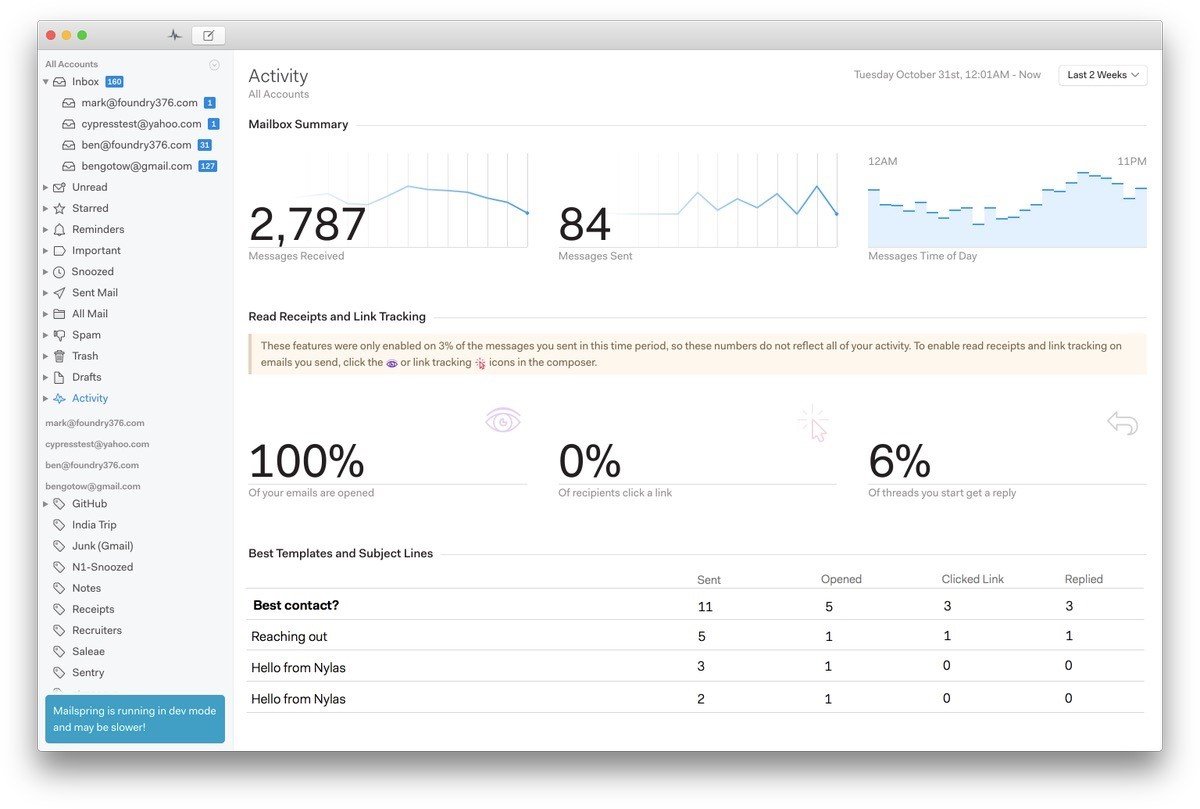
• Tracking - See when recipients open your messages and click links
• Contact Profiles - See bios, profile pictures, and more for recipients
• Scheduling - Schedule emails to be sent at a particular date and time
• Company Info - View company size, location, local time and more at a glance
• And many more - see the website for a full list of Pro features

Mailspring Features

tick-square Theme Customization
tick-square Email Analytics
tick-square Email tracking
tick-square Threaded Conversations
tick-square Unified inbox
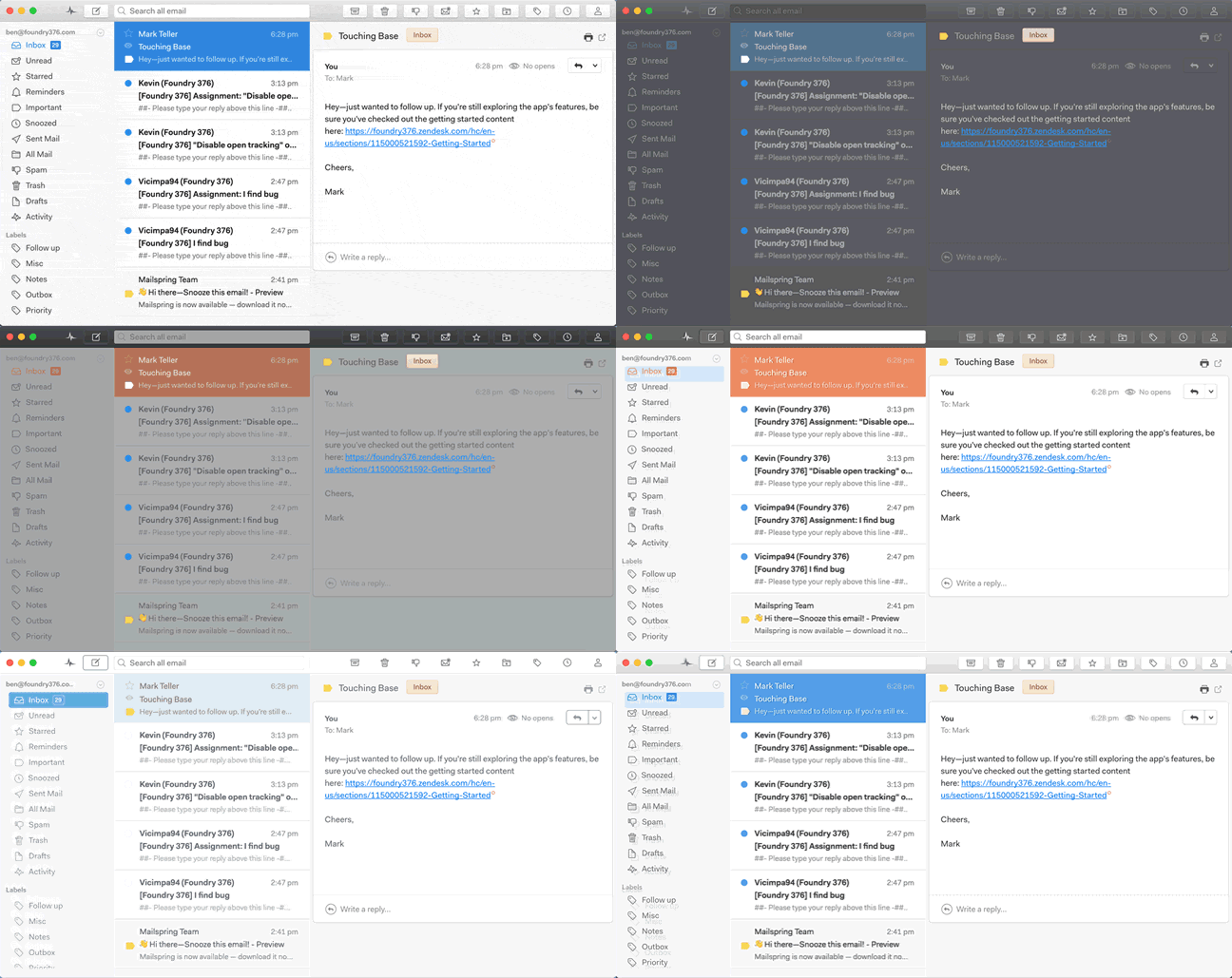
tick-square Support for Themes
tick-square Multiple Account support
tick-square Support for IMAP
tick-square Extensible by Plugins/Extensions
tick-square Night mode/Dark Theme
tick-square Drag n drop
tick-square Customizable

Top Mailspring Alternatives

Share your opinion about the software, leave a review and help make it even better!

Mailspring Tags

read-receipt email-tracking-and-analytics email-management keyboard-shortcuts gmail-client imap email-client

Suggest Changes

() out of 5

Your Feedback

Select a rating
Please select a rating

Your vote has been counted.

Do you have experience using this software?