Select your language

Home arrow-right ... arrow-right System and Hardware Tools arrow-right Key Remapper 4dots

We've compiled a list of 2 free and paid alternatives to Key Remapper 4dots. The primary competitors include: Microsoft keyboard layout creator, Multi Task Tool. Also you can look at other similar options here: System and Hardware Tools.


Key Remapper 4dots Platforms

Windows Windows

Key Remapper 4dots Video and Screenshots

Key Remapper 4dots Overview

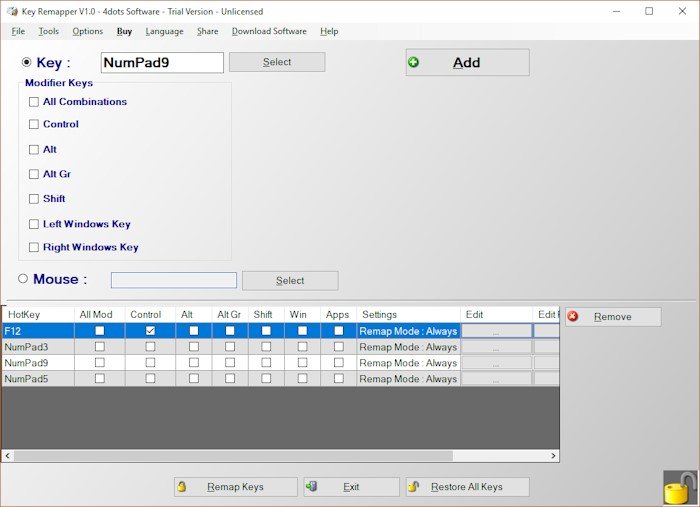
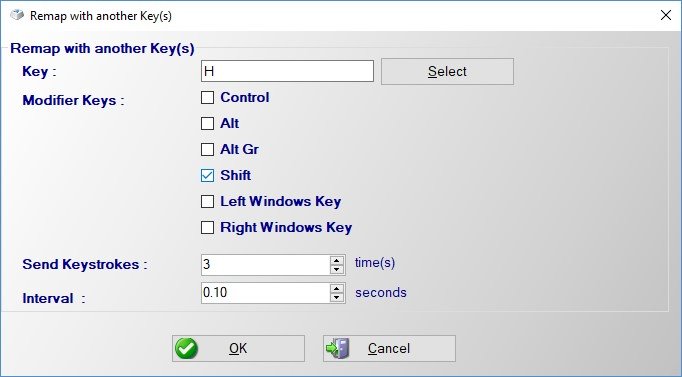
Do you want to remap keyboard keys with another key ? Do you want to remap mouse buttons ?

Then try Key Remapper. With Key Remapper you can easily remap key or remap mouse buttons with another key, program, mouse button, custom text, contents of text file, system function or even media, webbrowser or app key..

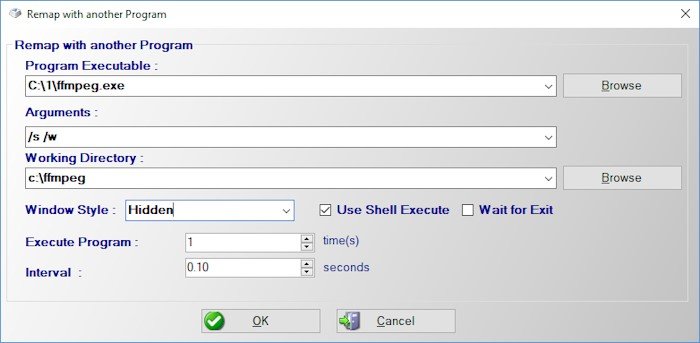
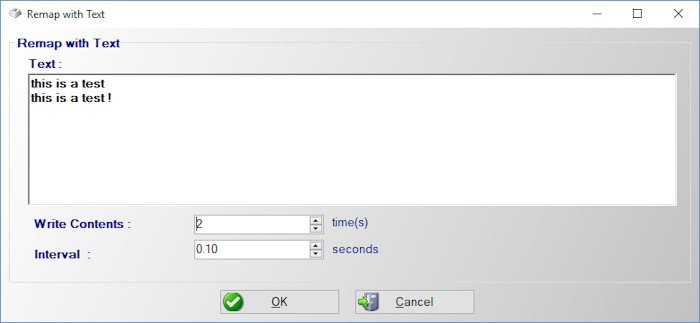
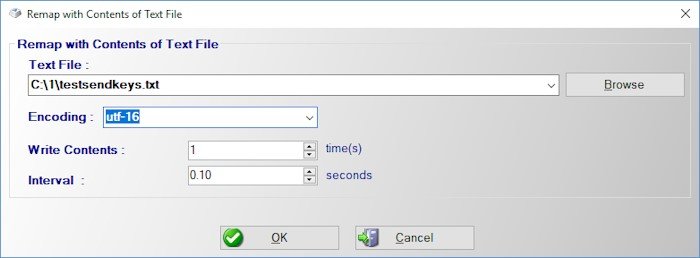
This means you can then create shortcuts and simply press a key to run a specific program or press a key to print custom text or even contents of text file.

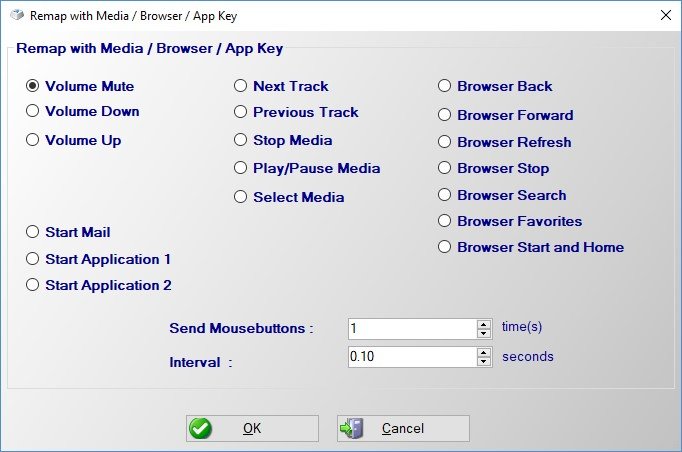
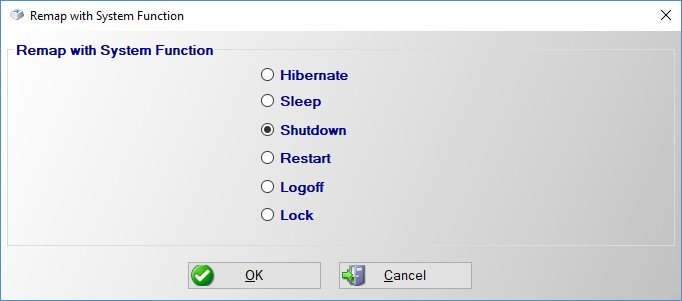
With Key Remapper you can also just press a key for a system function (hibernate, shutdown, sleep e.t.c.) or a media key such as volume up, volume down, mute e.t.c.

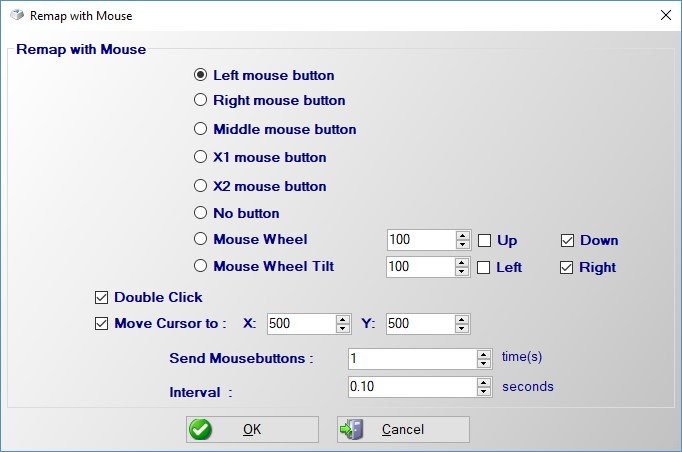
With Key Remapper you can also press a key to click a mouse button key

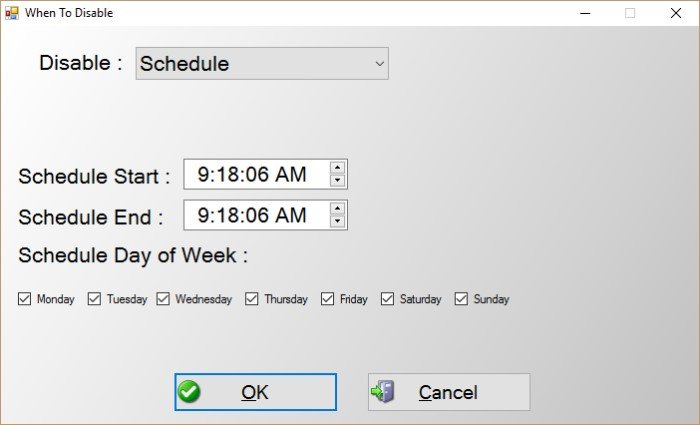
You can also specify whether to remap keys always, or for a specific application only or on schedule.

The application is also multilingual and translated into 39 different languages.

Top Key Remapper 4dots Alternatives

Share your opinion about the software, leave a review and help make it even better!

Key Remapper 4dots Tags

remapkey mouse-remap remap key-mapping

Suggest Changes

() out of 5

Your Feedback

Select a rating
Please select a rating

Your vote has been counted.

Do you have experience using this software?