We've compiled a list of 30 free and paid alternatives to HubSpot CMS Hub. The primary competitors include WordPress, Squarespace. In addition to these, users also draw comparisons between HubSpot CMS Hub and Shopify, Joomla, Weebly. Also you can look at other similar options here: Development Software, WebOps Platforms.
We've compiled a list of 30 free and paid alternatives to HubSpot CMS Hub. The primary competitors include WordPress, Squarespace. In addition to these, users also draw comparisons between HubSpot CMS Hub and Shopify, Joomla, Weebly. Also you can look at other similar options here: Development Software, WebOps Platforms.
Powering 34% of the web, WordPress.com offers a secure, flexible, and potent platform for building your online presence. Tailored to meet your business needs, it provides unmatched versatility and strength, ensuring your website stands out.
Pantheon is an open-source hosting platform tailored for Drupal and WordPress sites. It offers high speed, impeccable uptime, and scalability. With cloud hosting, Git integration, and one-click deployment, development is simplified. WebOps automates…
WriterZen is an SEO content workflow software that streamlines keyword research, content planning, writing, and plagiarism detection with tools like a GPT-powered AI editor, keyword explorer, and content planner, optimizing productivity and ensuring…
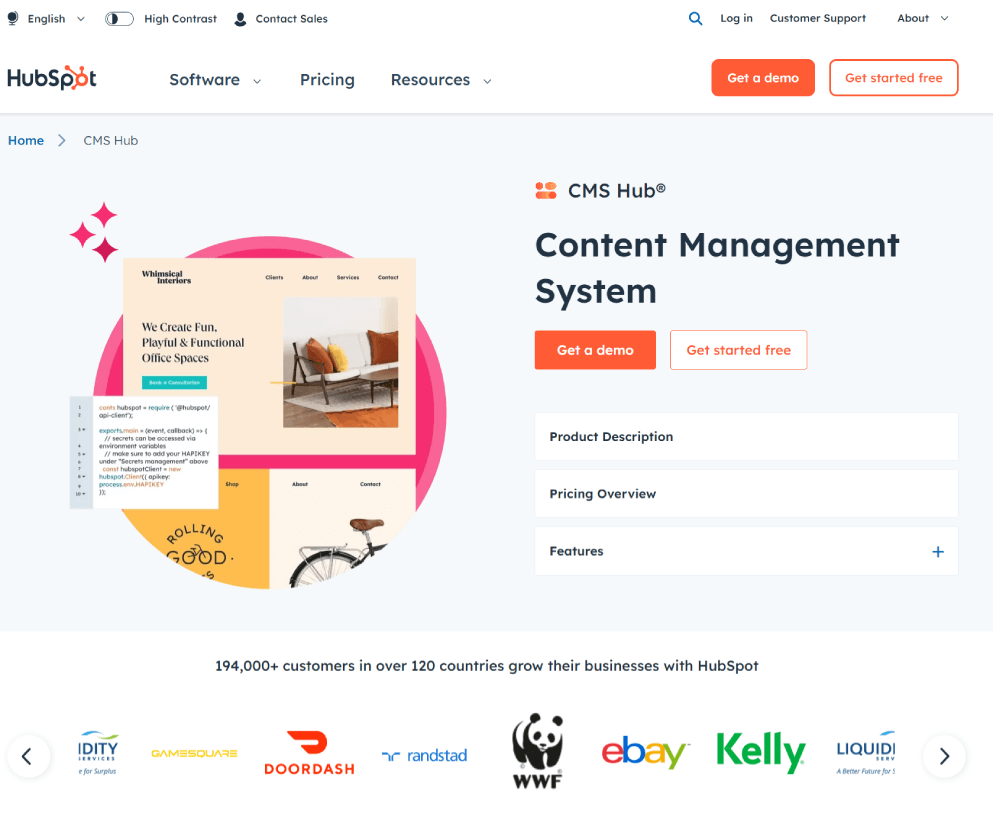
HubSpot's CMS Hub offers a comprehensive platform for website management. With an intuitive content editor, responsive design, SEO tools, and analytics, it simplifies web development. Built-in security and customizable themes enhance user experience. Suitable for companies looking for a one-stop solution for their online presence.
HubSpot's CMS Hub offers a comprehensive platform for website management. With an intuitive content editor, responsive design, SEO tools, and analytics, it simplifies web development. Built-in security and customizable themes enhance user experience. Suitable for companies looking for a one-stop solution for their online presence.
HubSpot CMS Hub Platforms
Web-Based
HubSpot CMS Hub Video and Screenshots
HubSpot CMS Hub Overview
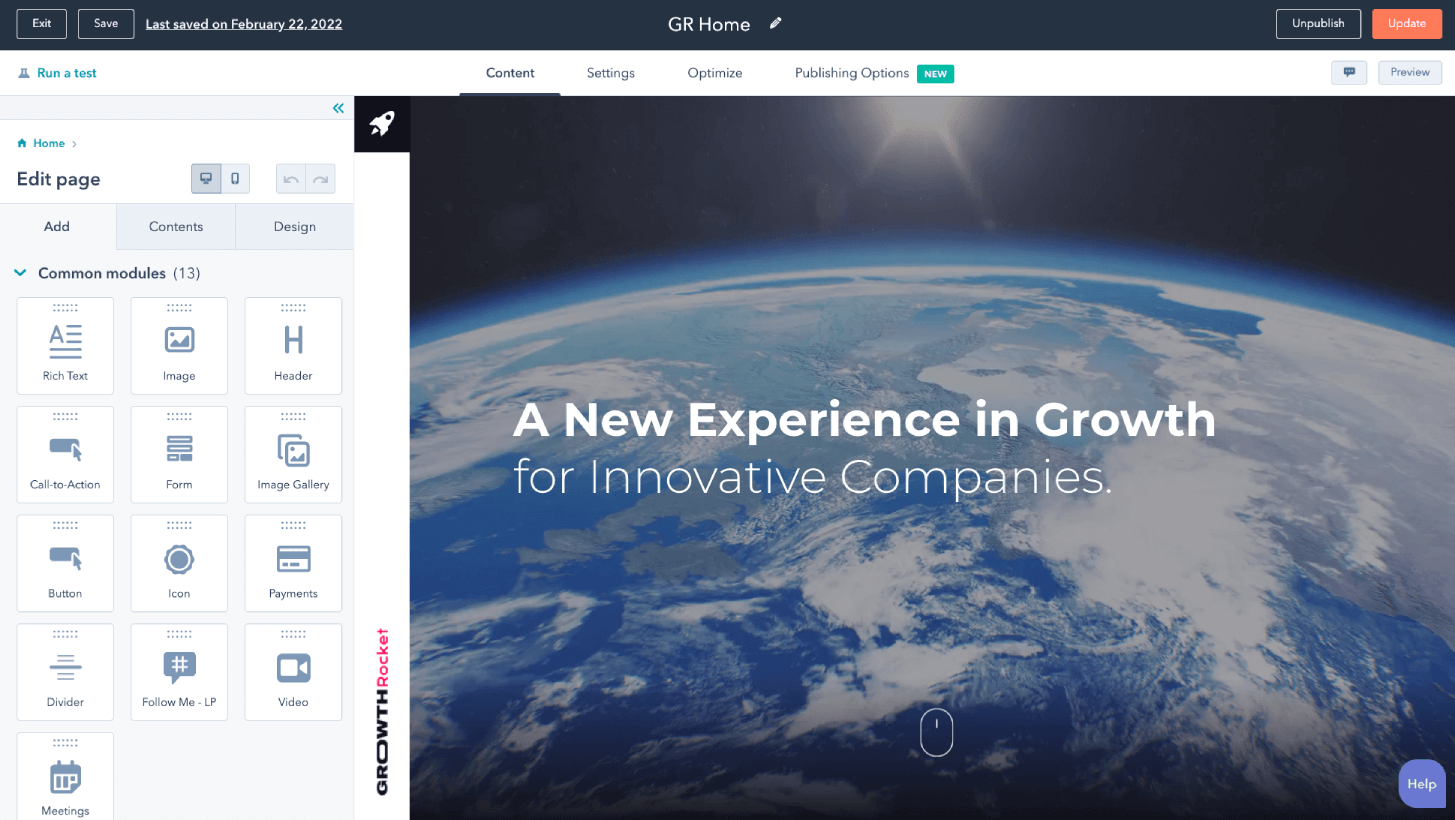
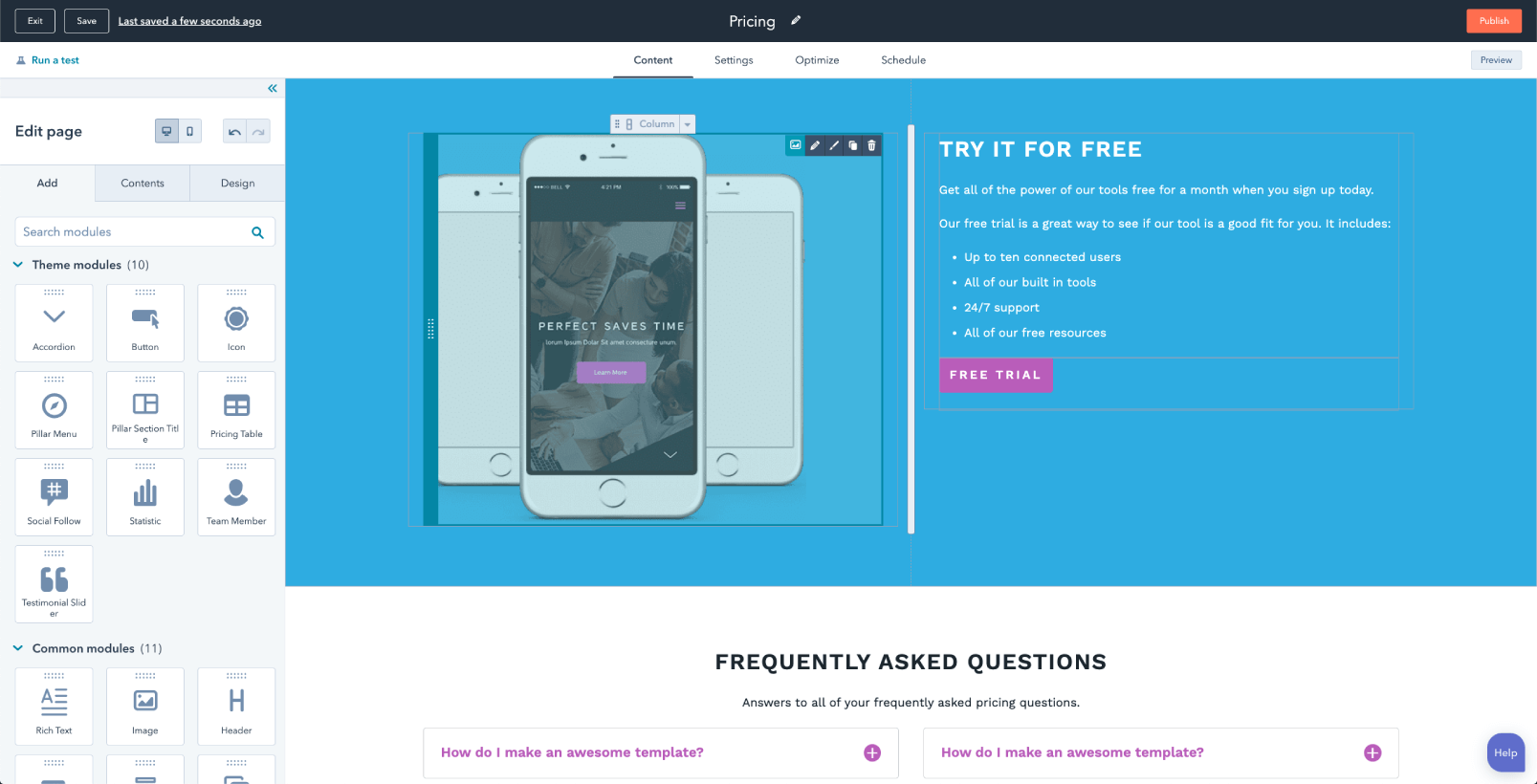
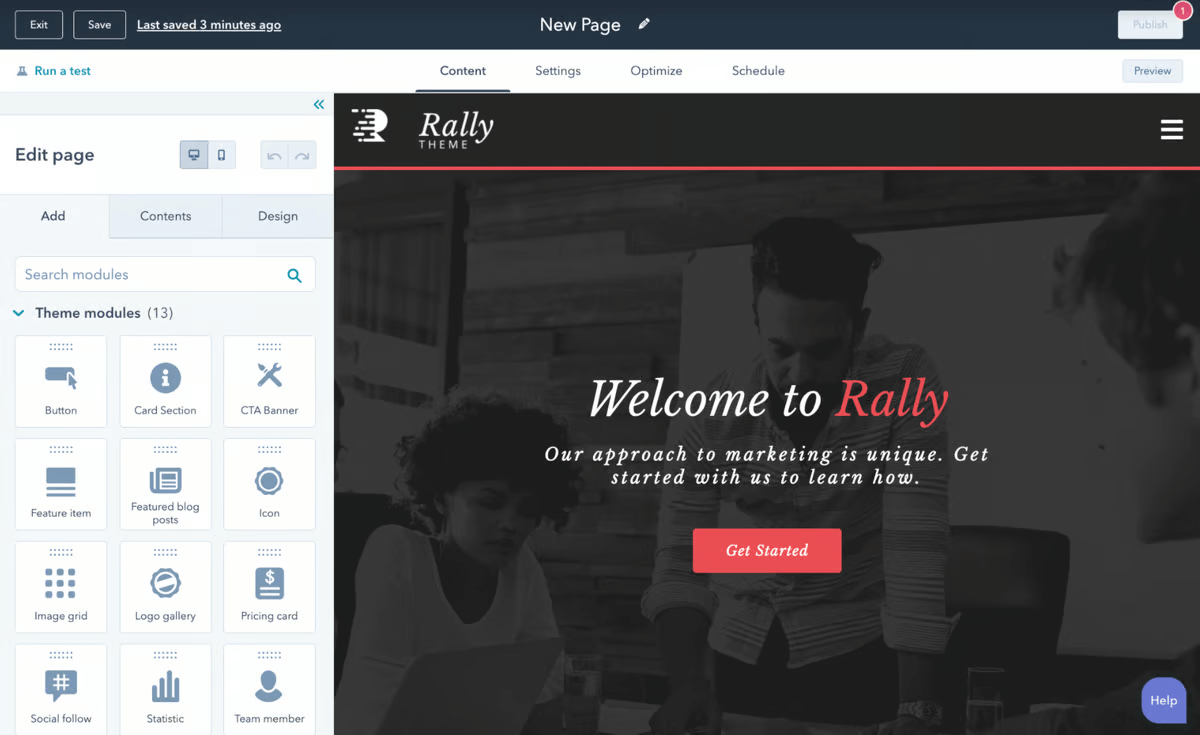
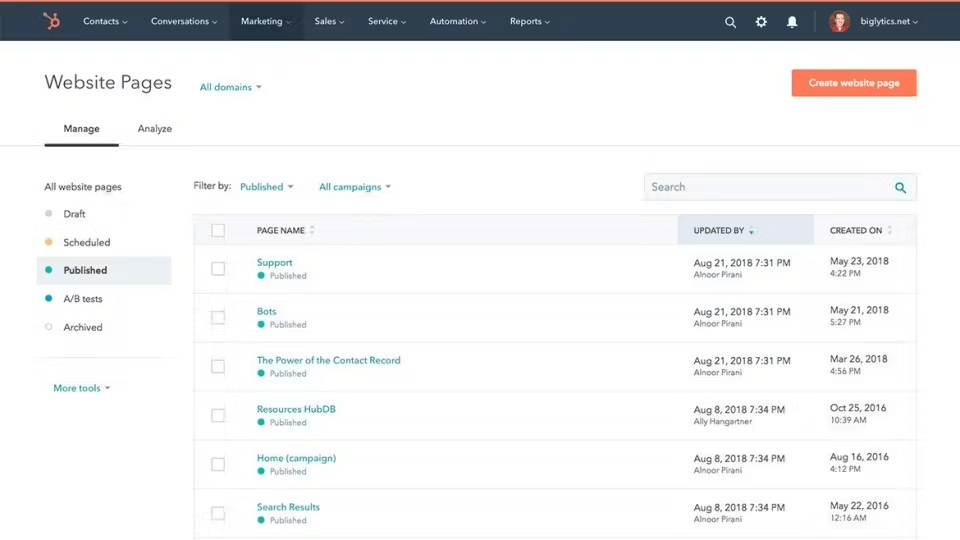
HubSpot CMS Hub is an all-in-one content management system designed to help businesses build and scale websites without needing advanced technical skills. With its intuitive drag-and-drop interface, users can create, manage, and update their website content easily. The platform offers built-in SEO tools to enhance search engine visibility and optimize content, helping websites rank higher. Additionally, HubSpot CMS Hub integrates seamlessly with HubSpot’s broader marketing tools, making it a central hub for content, lead generation, and performance tracking. This integration streamlines workflows, saving businesses time and effort.
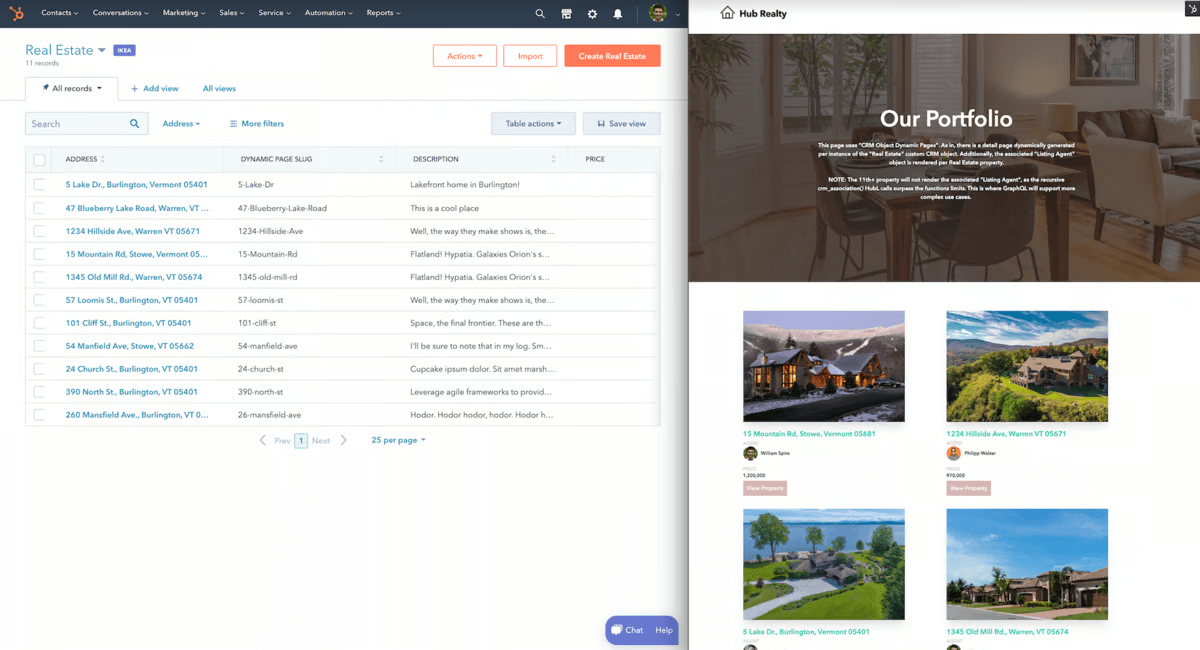
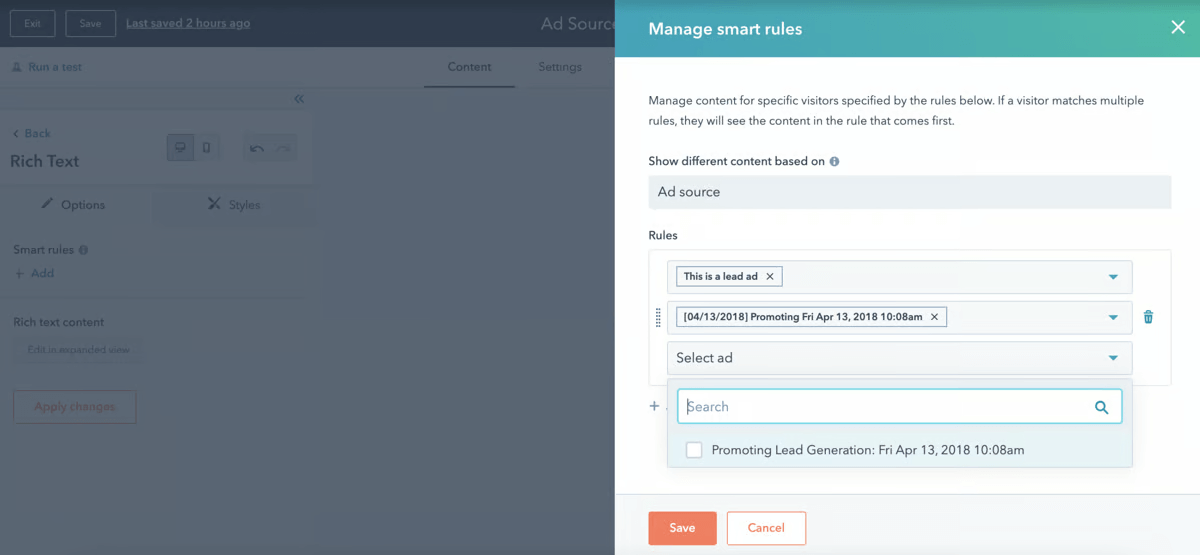
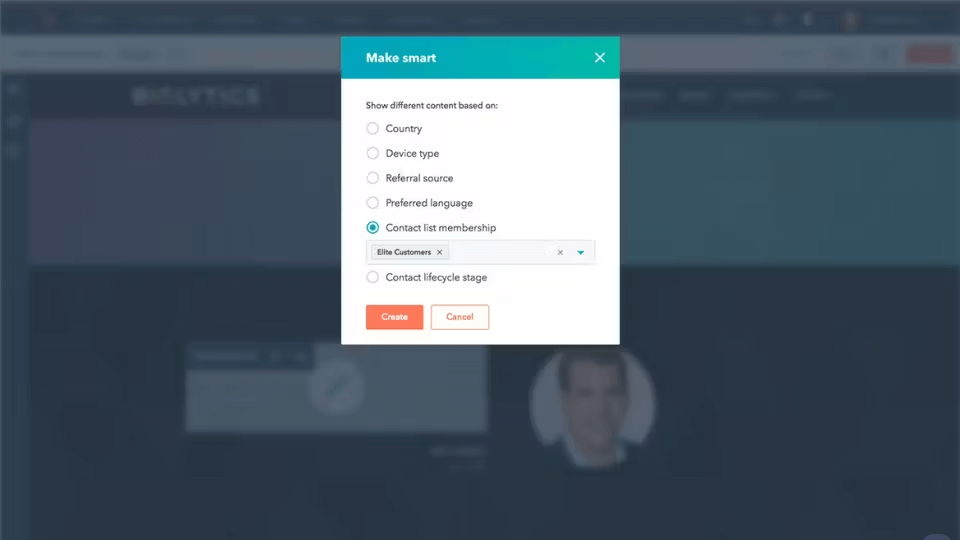
HubSpot CMS Hub also offers personalized content delivery, enabling businesses to create tailored experiences for different segments of visitors. This functionality helps increase user engagement and drives conversions. The system is flexible and scalable, allowing businesses of all sizes to grow their digital presence efficiently. With robust analytics and reporting features, HubSpot CMS Hub provides real-time insights into website performance, allowing businesses to make data-driven decisions. Whether for small businesses or large enterprises, HubSpot CMS Hub ensures an efficient, scalable, and user-friendly website management experience.