ProWritingAid is a writing enhancement tool offering grammar, spelling, and style checks with detailed critique reports. It integrates with popular writing apps, ensures text security, and provides actionable advice to improve clarity, coherence, an…
Hemingway Editor is a writing tool that improves text clarity by highlighting complex sentences and common errors. It helps users simplify writing, enhance readability, and produce clear, concise content for better communication and SEO optimization.
Your all-in-one workspace for wiki, documents, and projects. Streamline your work apps into a unified platform, enhancing collaboration and productivity. Discover the future of work with AI integration.
Writesonic is an AI-powered tool that helps with writing, copywriting, and paraphrasing. Craft SEO-friendly content effortlessly for blogs, Facebook, Google Ads, Shopify and more. Outshine competitors by uncovering their strategies and utilizing tre…
Anyword - AI performance writing platform specifically designed for SEO copywriting. It is designed to improve the performance of marketing texts on various platforms such as websites, advertising, email and social media.
WriterZen is an SEO content workflow software that streamlines keyword research, content planning, writing, and plagiarism detection with tools like a GPT-powered AI editor, keyword explorer, and content planner, optimizing productivity and ensuring…
AI-driven platform automating sales prospecting by streamlining audience and content creation. With tools like Chrome extensions, saves sales teams time on manual tasks.
An AI-powered content creation tool that leverages algorithms and OpenAI integration to generate content for blogs, ads, emails, social media, product descriptions, and more.
PlagiarismCheck is a plagiarism and AI content detection tool for educators, students, and content creators. It leverages advanced algorithms and extensive databases to verify text originality, detect AI-generated content, and analyze similarities, …
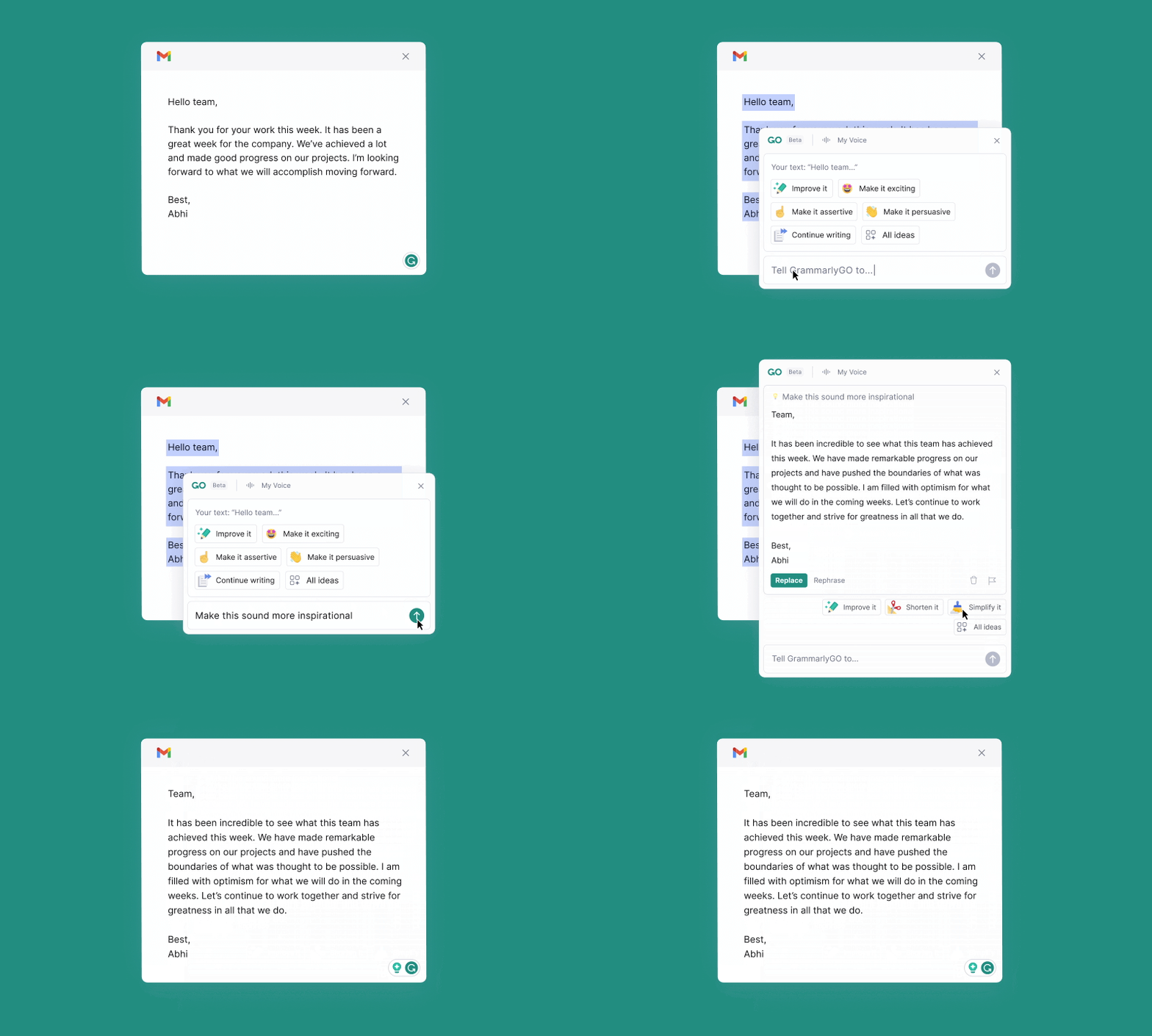
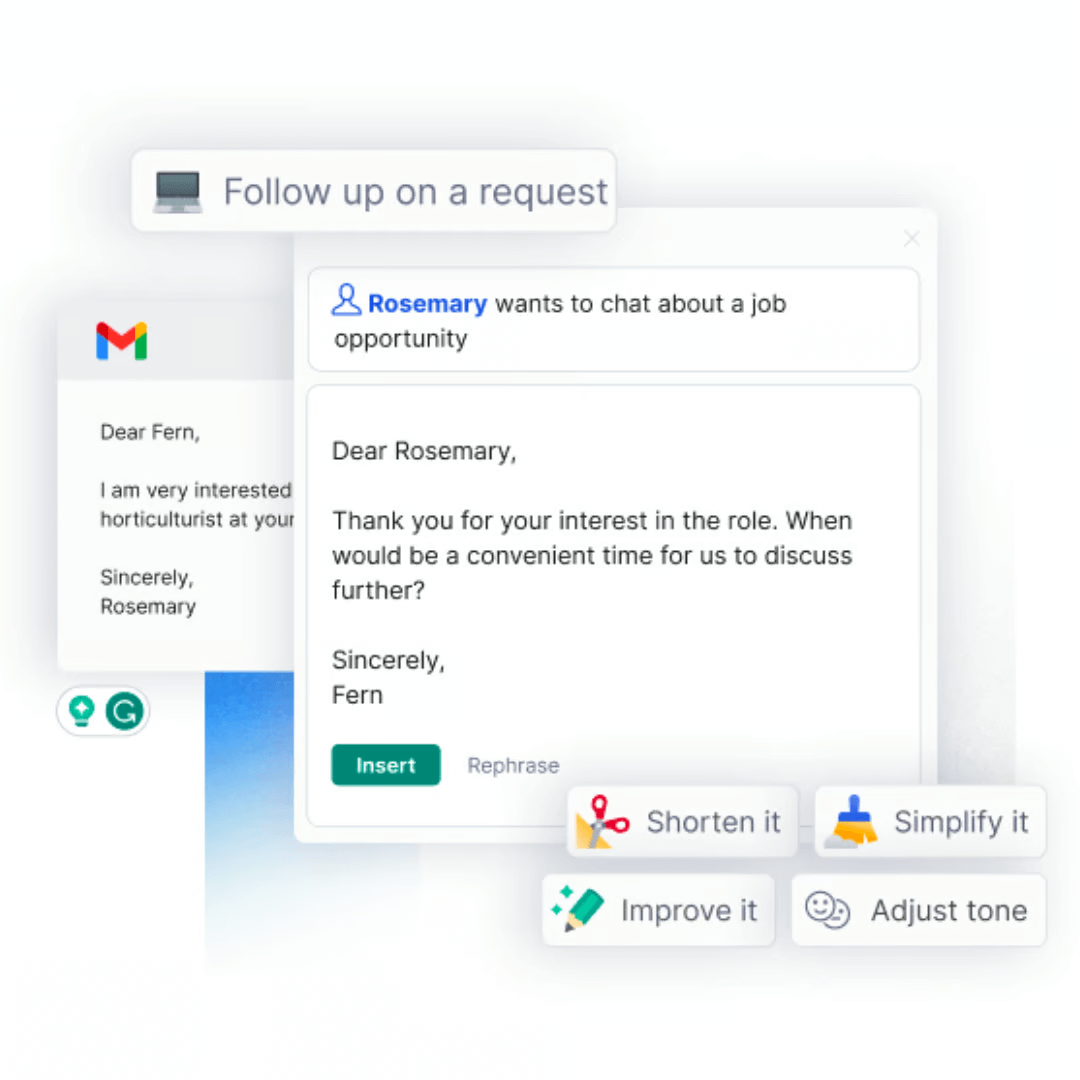
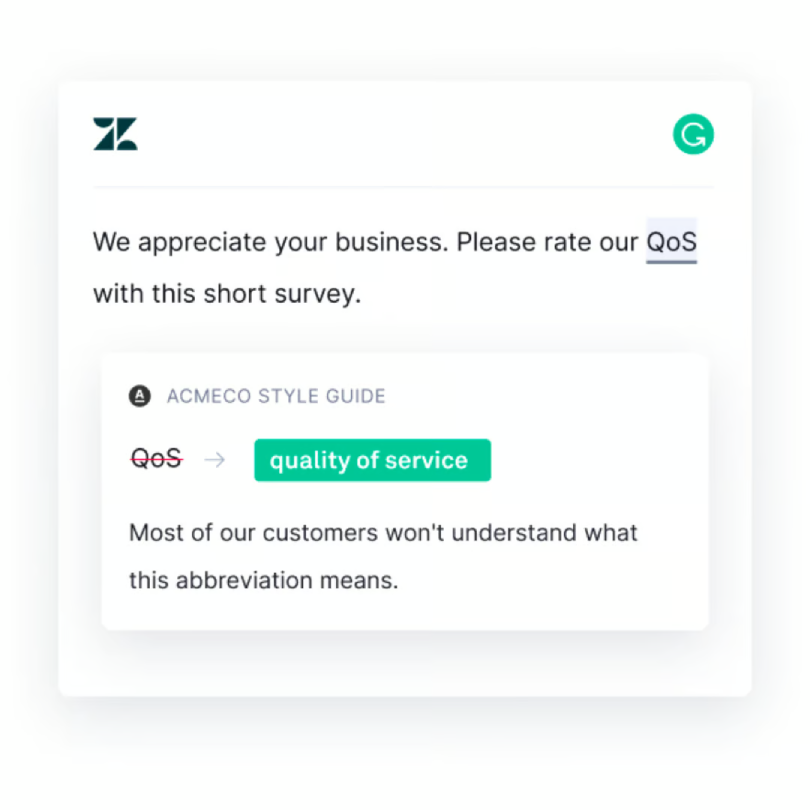
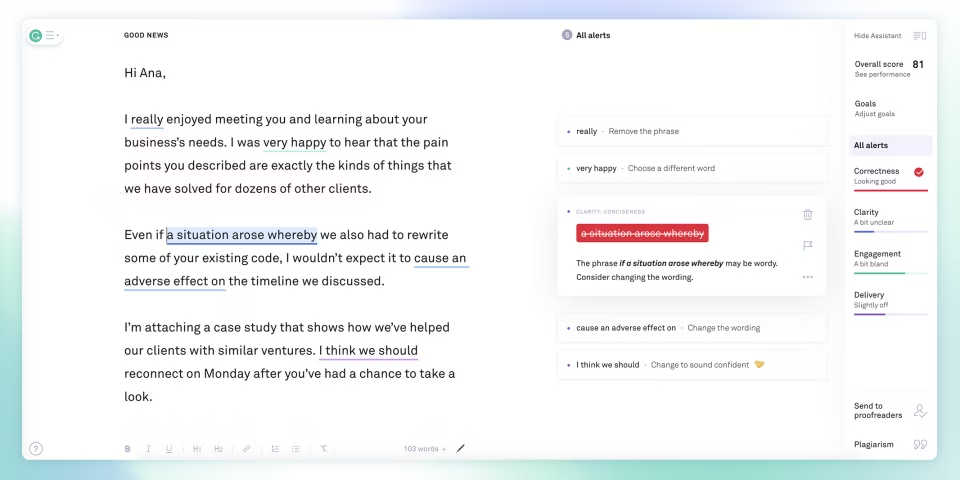
Grammarly Business elevates team collaboration by enhancing grammar, style, and punctuation in business texts. Optimize writing clarity, adhere to communication standards, and ensure data security. Unite teams, boost productivity, and achieve impeccable business communication.
Grammarly Business elevates team collaboration by enhancing grammar, style, and punctuation in business texts. Optimize writing clarity, adhere to communication standards, and ensure data security. Unite teams, boost productivity, and achieve impeccable business communication.
Grammarly Platforms
Mac
iPad
iPhone
Windows
Web-Based
Android
Grammarly Video and Screenshots
Grammarly Overview
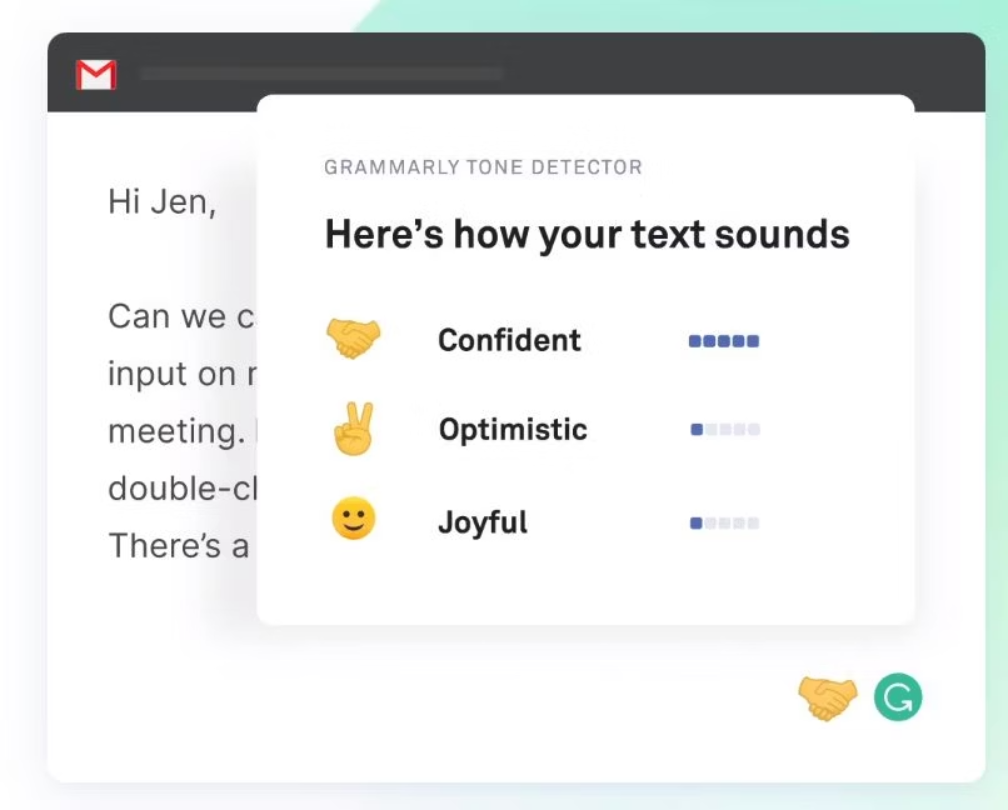
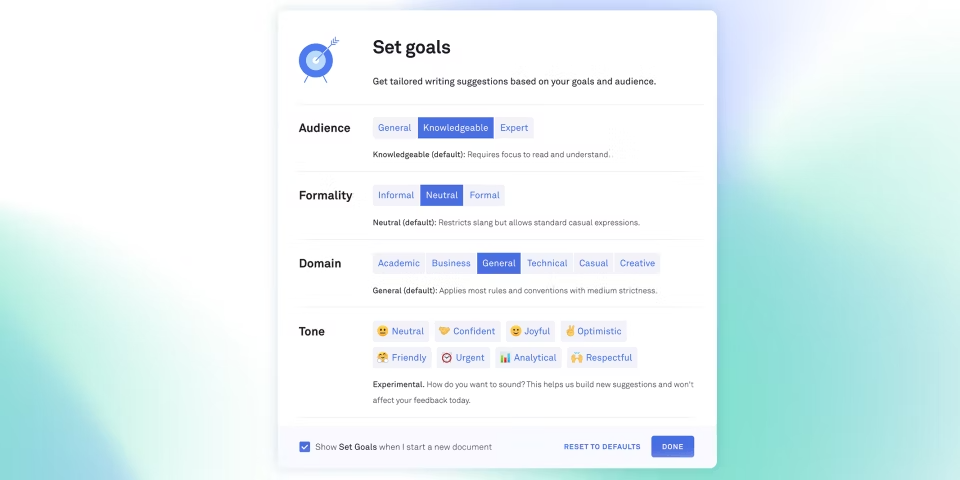
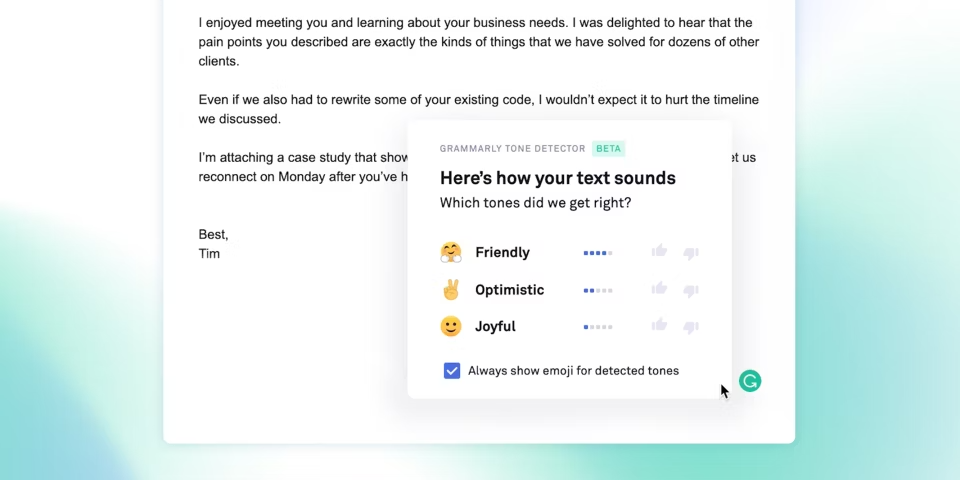
Grammarly is a comprehensive AI-driven writing assistant that enhances communication by identifying and correcting grammar, spelling, and style issues. Tailored for businesses and teams, Grammarly Business offers advanced features like tone analysis, style guides, and team collaboration tools. It integrates seamlessly with popular platforms such as Gmail, Slack, and Google Docs, ensuring consistent writing quality across all channels.
The platform’s intuitive design makes it accessible to users of all skill levels, while its real-time feedback boosts productivity. By streamlining the writing process and maintaining brand consistency, Grammarly helps organizations improve internal and external communication. Its robust security measures and compliance with data privacy standards make it a trusted solution for modern teams.