Select your language

Home arrow-right ... arrow-right Office and Productivity Software arrow-right Fing

We've compiled a list of 7 free and paid alternatives to Fing. The primary competitors include Nmap, Angry IP Scanner. In addition to these, users also draw comparisons between Fing and Zenmap, Advanced IP Scanner, NetCrunch Tools. Also you can look at other similar options here: Office and Productivity Software.



Nmap
Free Open Source

Nmap is a network scanning tool used to discover devices, open ports, and services on a network. It helps identify security risks, map network topology, and perform vulnerability assessments. Nmap supports multiple scanning techniques for detailed n…

NetCrunch Tools is a completely free toolkit for network professionals, featuring Ping, Traceroute...

Fing Platforms

iPad iPad
iPhone iPhone
Android Android

Fing Video and Screenshots

Fing Overview

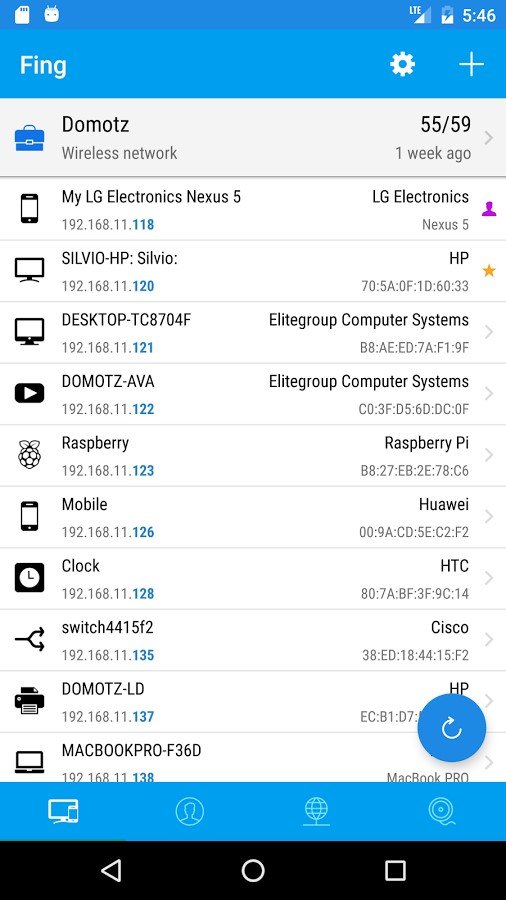
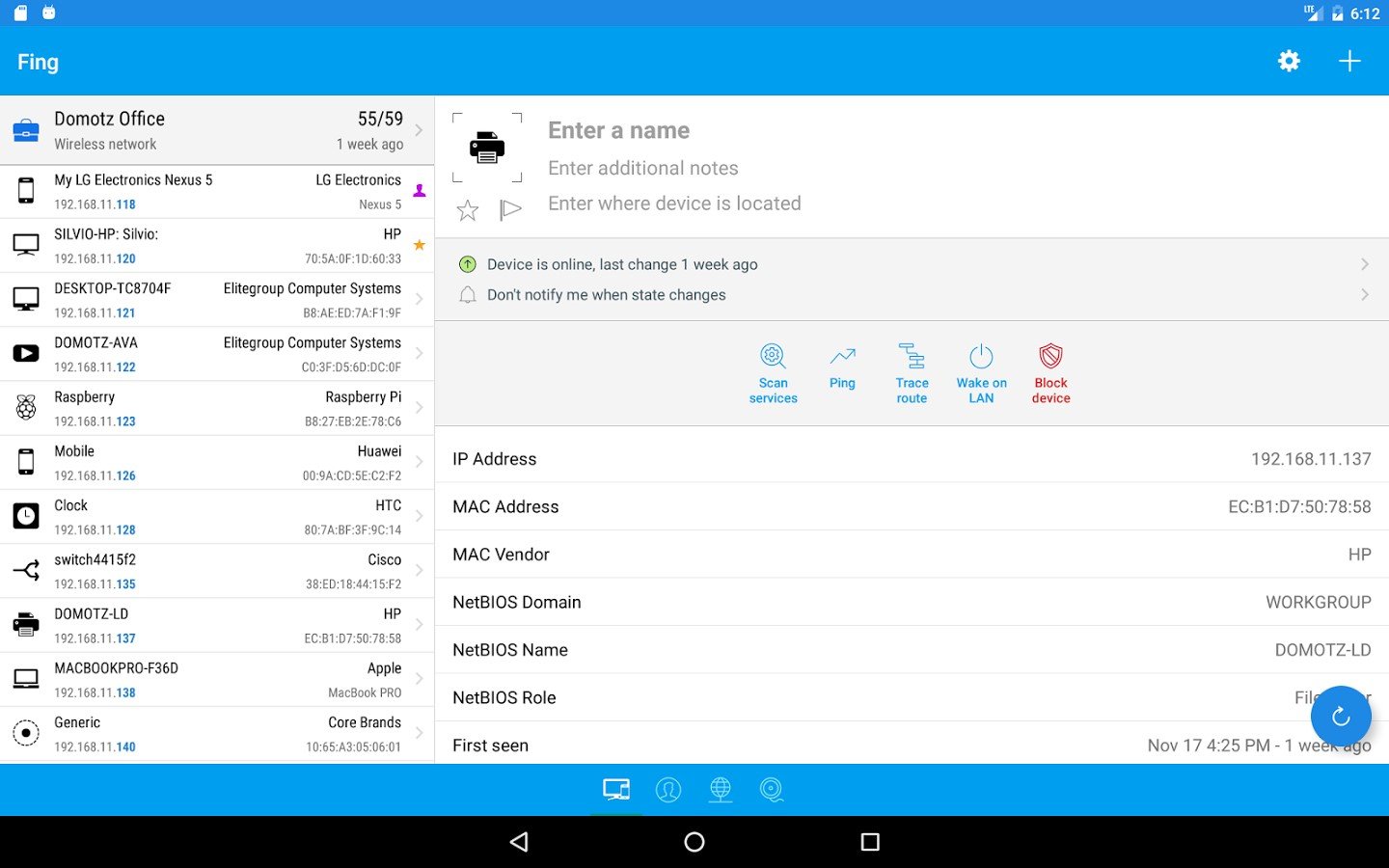
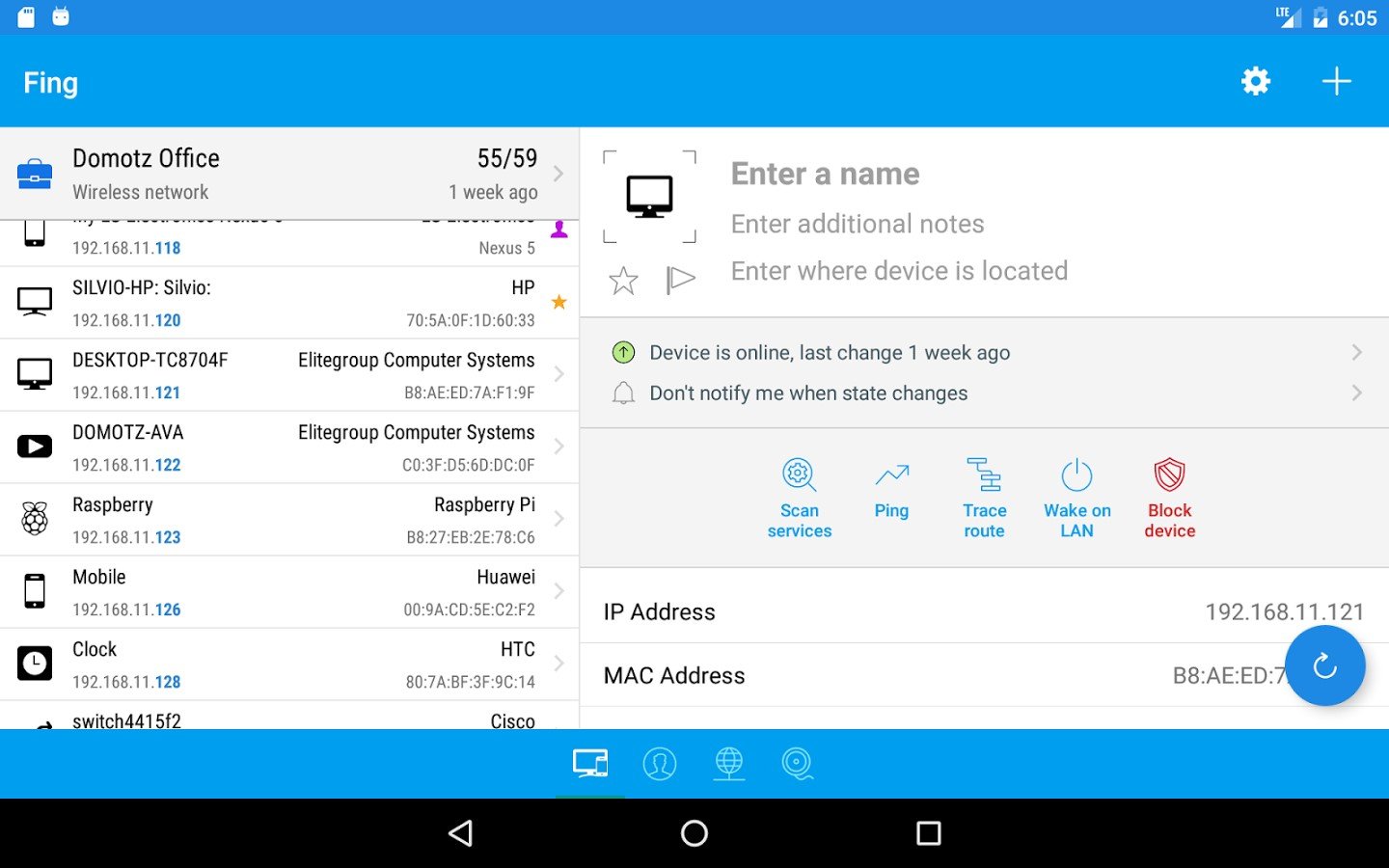
Fing, the top ranking, completely free and super-fast network scanner, that’s used by millions of homes and professionals around the world.

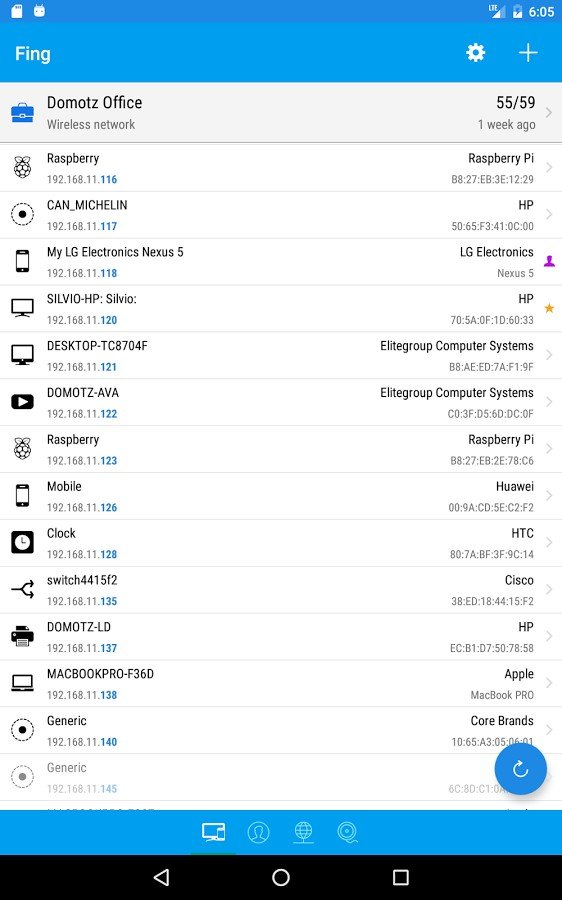
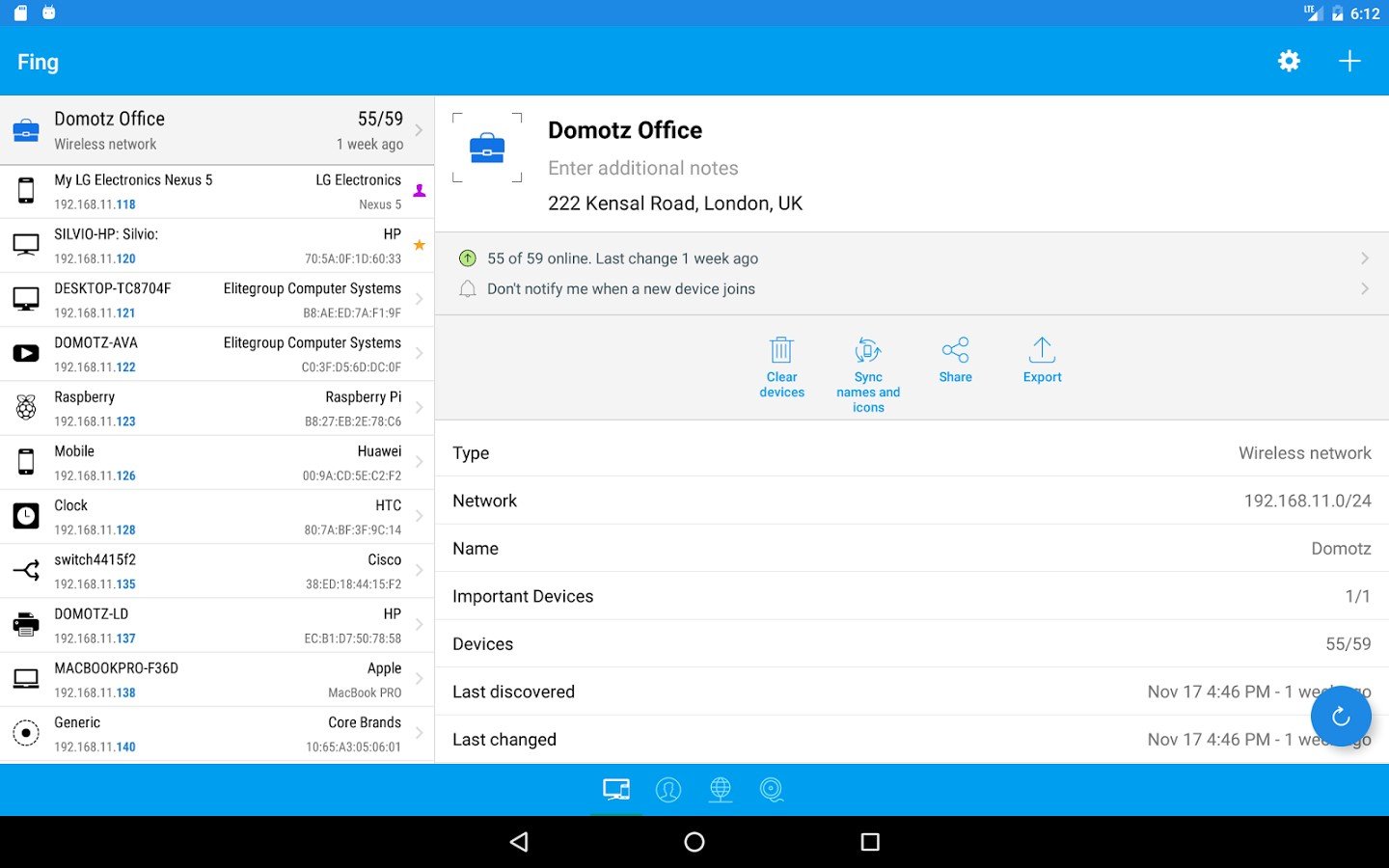
Discover which devices are connected to any Wi-Fi network, map devices, detect intruders, assess network security risks, troubleshoot network problems and achieve best network performance, with the world’s most popular network toolkit.

With more than a dozen free network tools including; Wi-Fi scanner, port scanner, DNS lookup, ping and service monitoring – Fing is a must-have network utility.

Fing network utilities include:
+ Wi-Fi/LAN scanner: discover all devices connected to any network
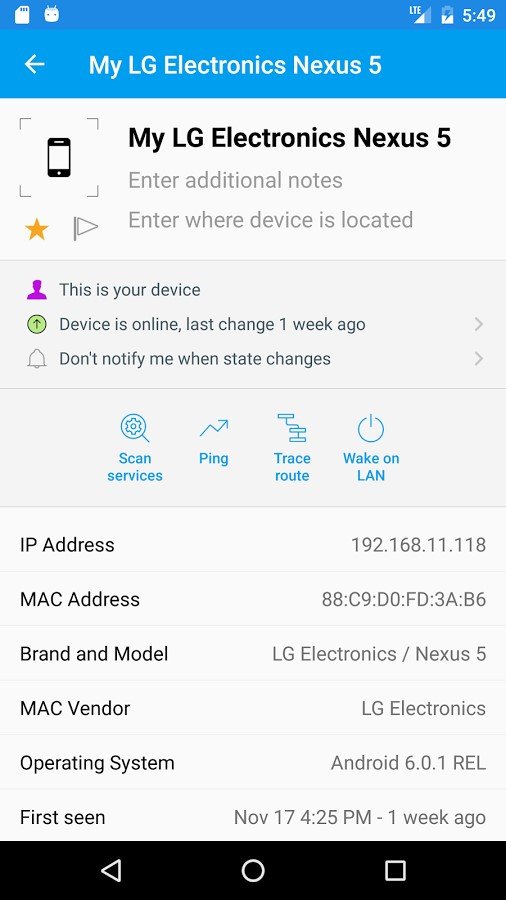
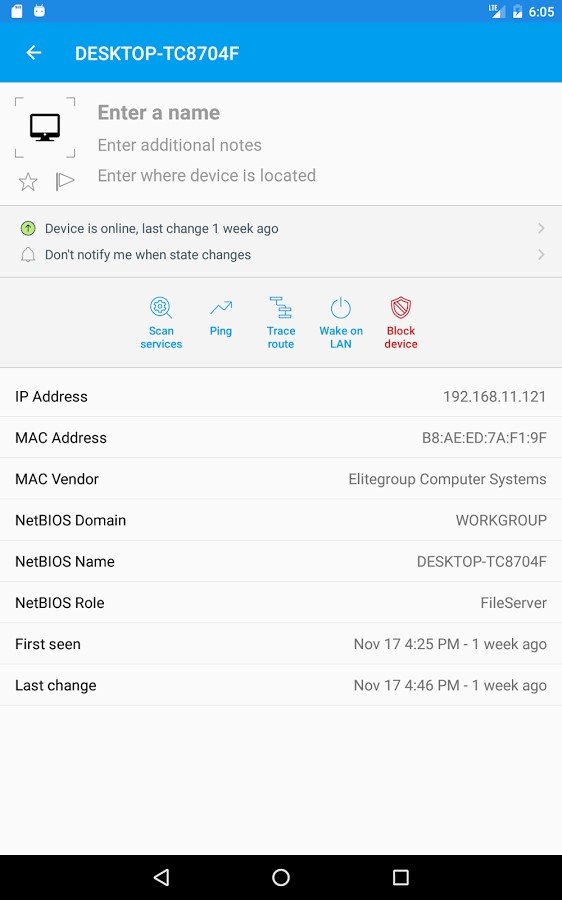
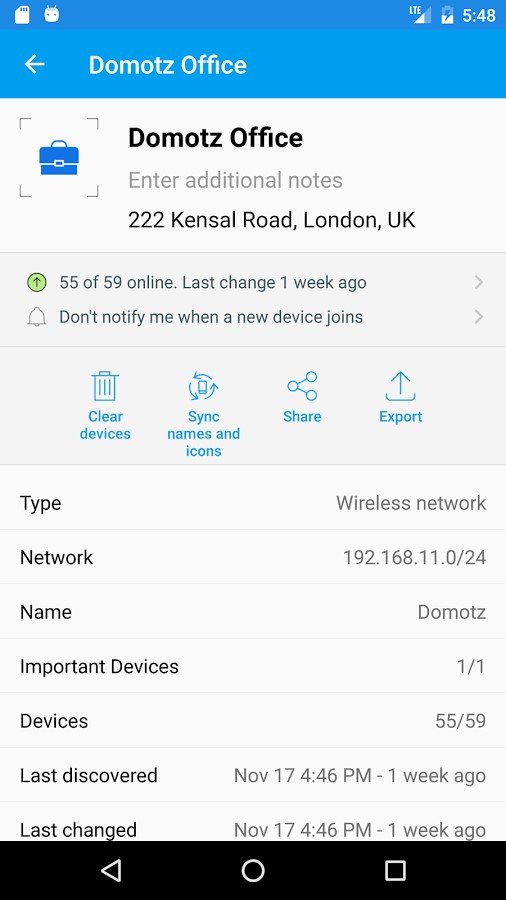
+ Full device details including IP address, MAC address, Device Name, Vendor, Device Manufacturer and more
+ Advanced analysis of NetBIOS, UPNP and Bonjour names, properties and device types
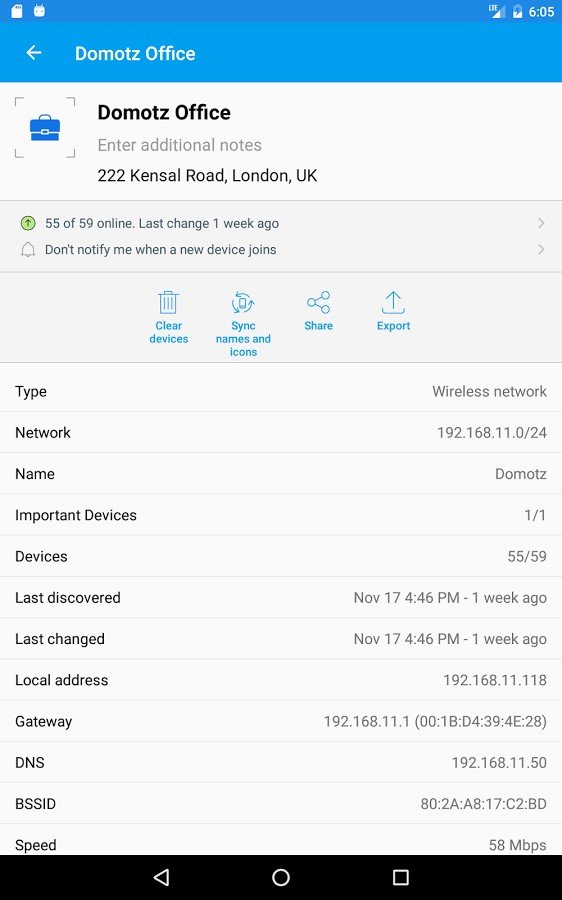
+ Inventory of devices and networks
+ Internet connectivity checker
+ ISP analysis and location
+ Subnet scanner
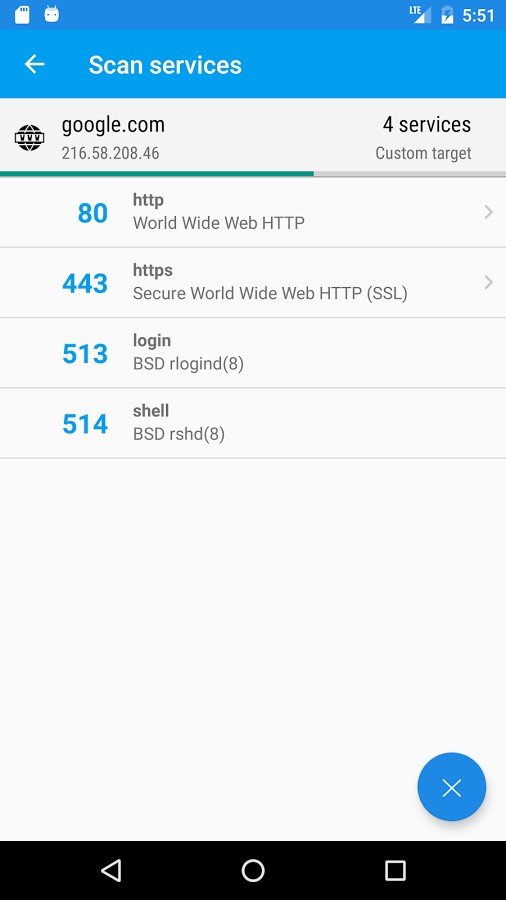
+ Port scanner: TCP port scanning that automatically finds open ports and available services
+ Ping and traceroute: for network quality measurement
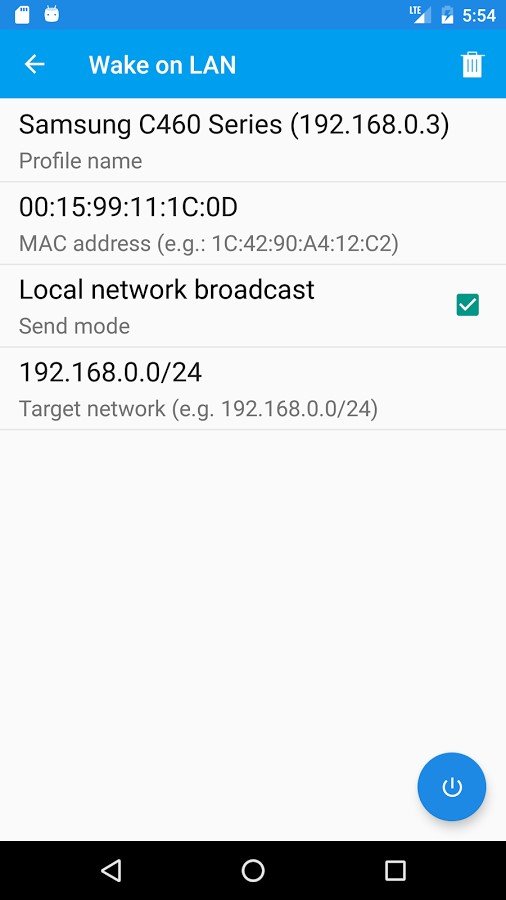
+ WOL: remotely wake up devices
+ DNS Lookup and reverse DNS lookup
+ Connect to ports (Browser, SSH, FTP)
+ Network intruder detection
+ Network monitoring: device online and offline tracking
+ Supports device identification by IP address for bridged networks

Fing Features

tick-square Notetaking
tick-square Trace Route
tick-square Network Discovery
tick-square Wake on LAN
tick-square Network Monitoring

Share your opinion about the software, leave a review and help make it even better!

Fing Tags

look-at-lan ip-scanner network-utility port-scanner network-scanning note-taking

Suggest Changes

() out of 5

Your Feedback

Select a rating
Please select a rating

Your vote has been counted.

Do you have experience using this software?