Select your language

Home arrow-right ... arrow-right Confidentiality Software arrow-right Encryption Software arrow-right FileVault

We've compiled a list of 9 free and paid alternatives to FileVault. The primary competitors include VeraCrypt, DiskCryptor. In addition to these, users also draw comparisons between FileVault and 7-Zip, Signal, TrueCrypt. Also you can look at other similar options here: Confidentiality Software, Encryption Software.



VeraCrypt
Free Open Source

VeraCrypt is a disk encryption software that creates virtual encrypted disks or encrypts entire partitions, including system drives, with pre-boot authentication. It offers real-time, transparent encryption without slowing performance and ensures da…

7-Zip
Free Open Source
Signal
Free Open Source

Signal is a secure messaging app with end-to-end encryption, ensuring private communication for texts, calls, and media sharing. It supports group chats, encrypted stickers, and high-quality voice and video calls while prioritizing privacy as a free…

TrueCrypt is an open-source encryption software that secures data by creating encrypted volumes or full disk encryption. It protects sensitive information from unauthorized access. Ideal for users needing strong, portable, and reliable data encrypti…

Apple's FileVault is a secure file encryption software designed to protect full volumes on internal and removable storage devices. Using the AES-XTS encryption algorithm, this software ensures that only authorized users can access encrypted files, making it essential for securing sensitive data, particularly in industries with strict privacy regulations.

FileVault Platforms

Mac Mac

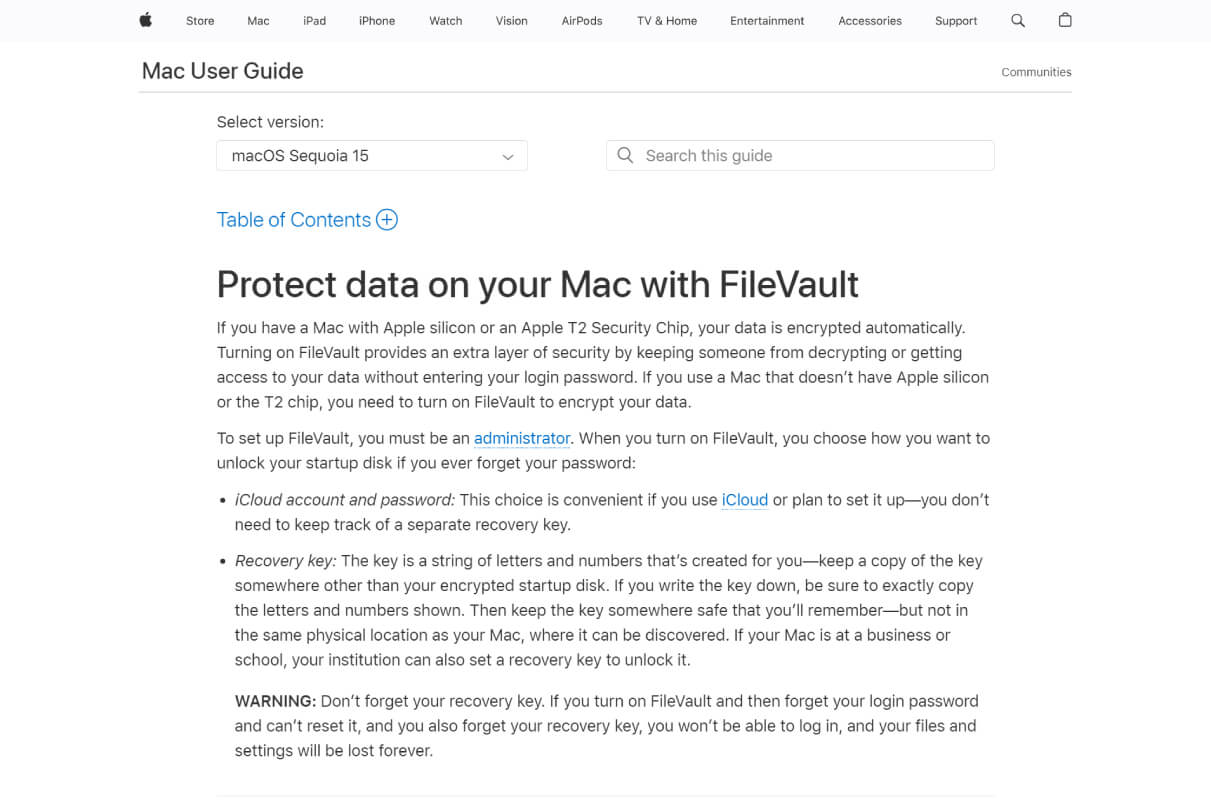
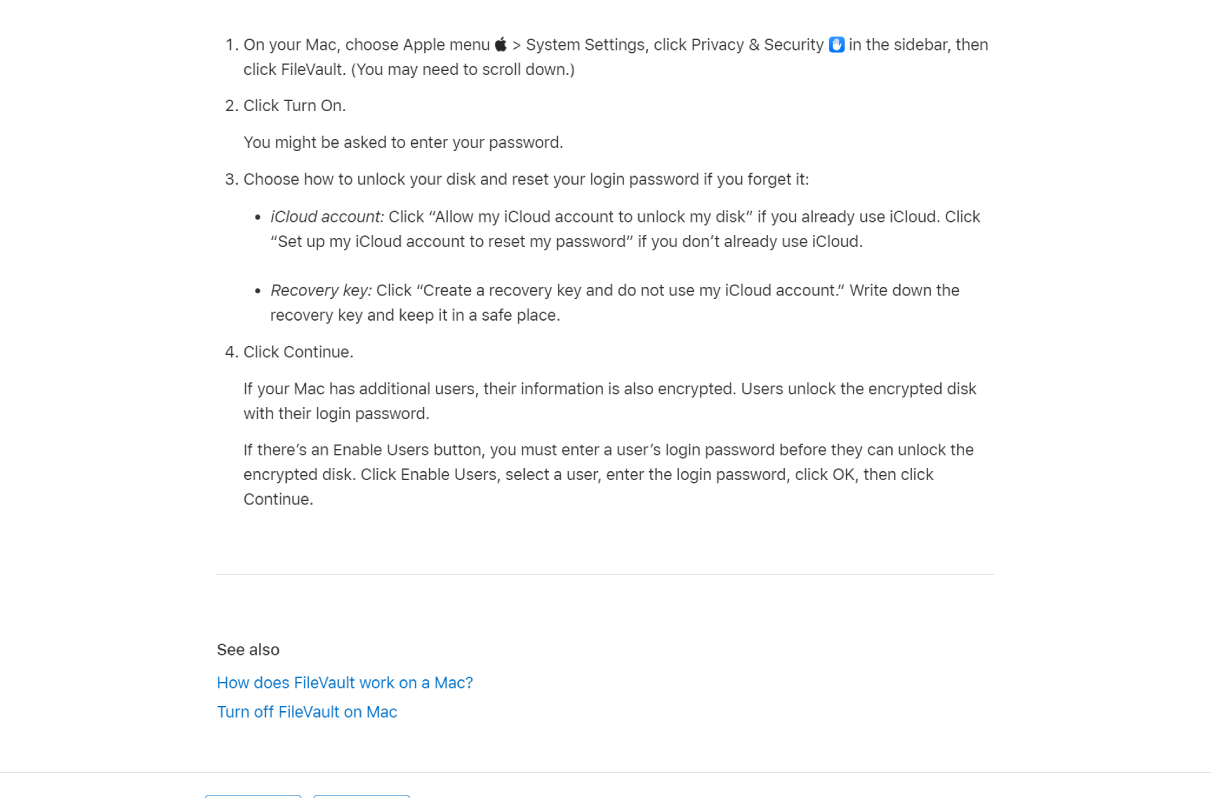
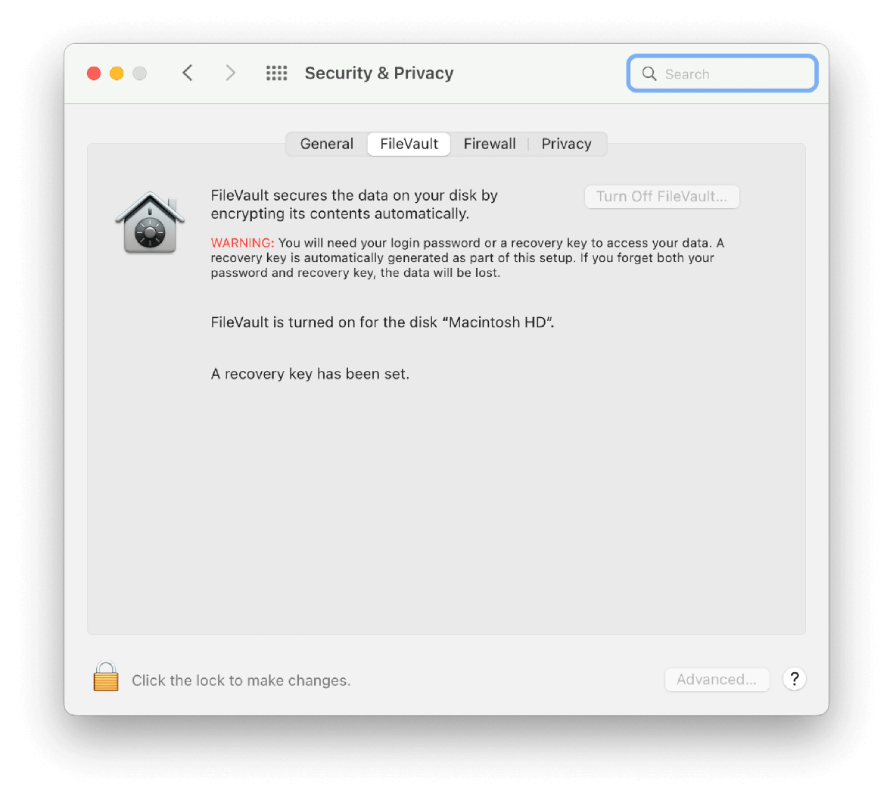
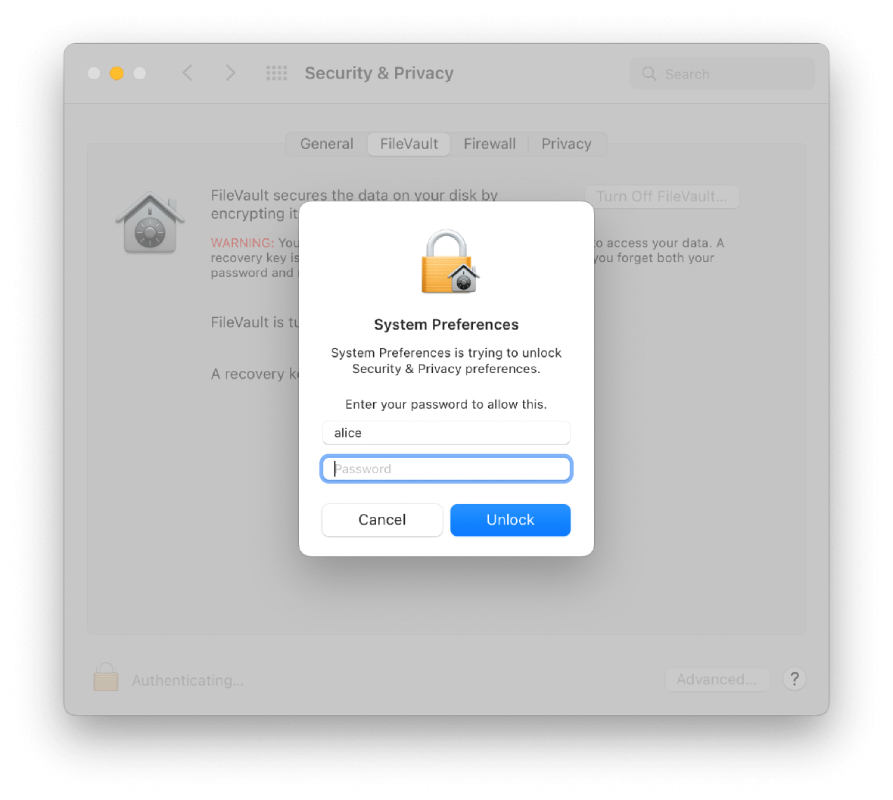
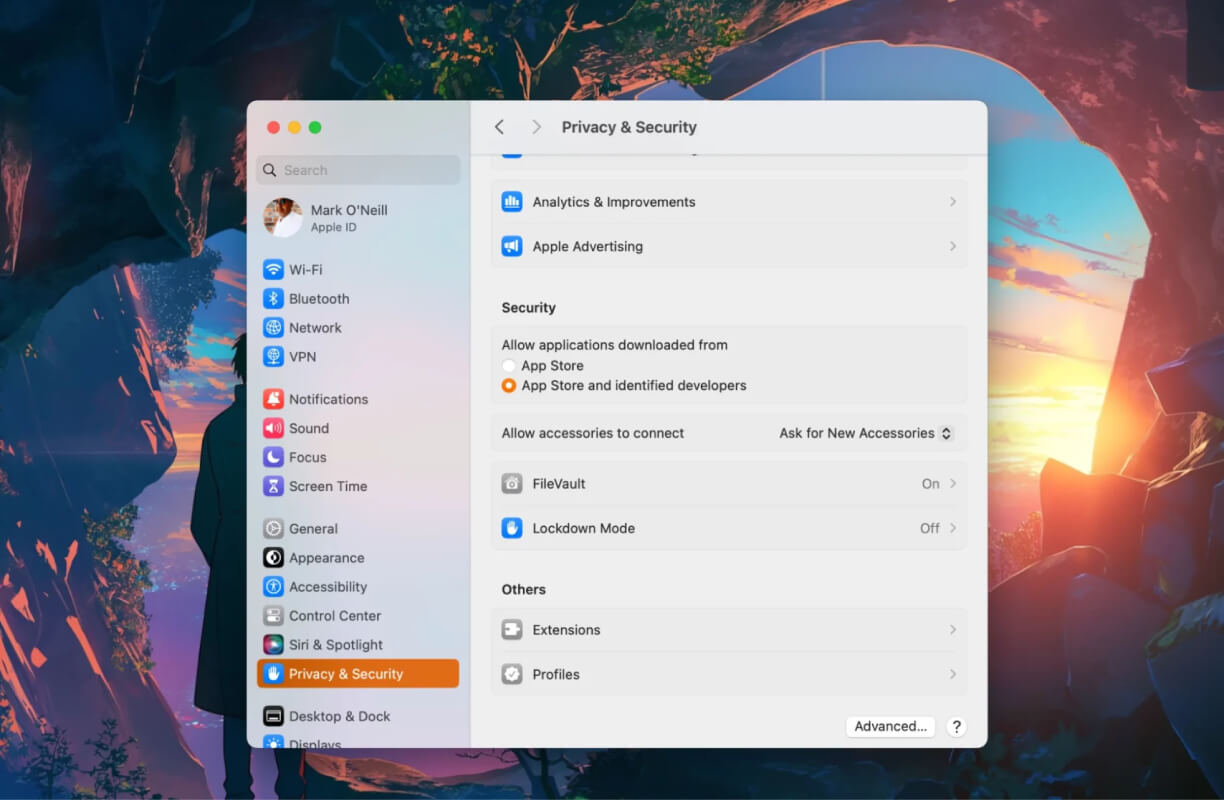
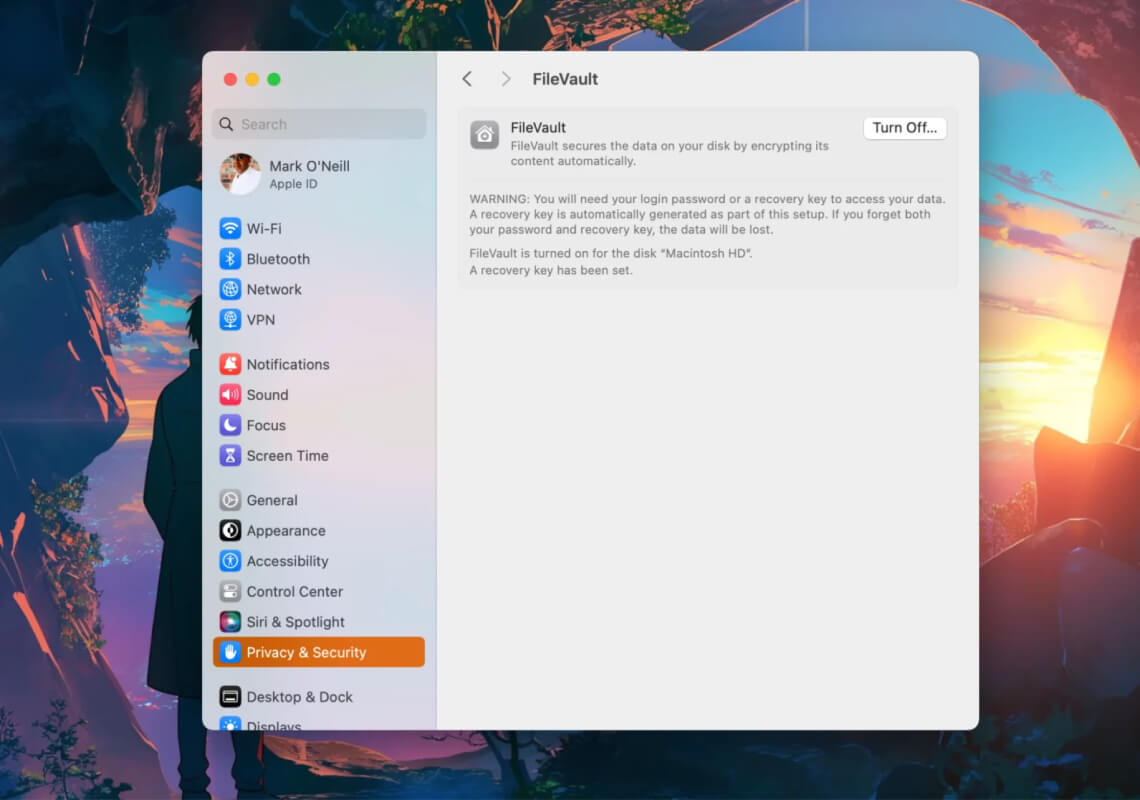
FileVault Video and Screenshots

FileVault Overview

FileVault is a disk encryption program built into macOS that helps protect the data stored on a Mac by encrypting the entire hard drive. Using FileVault, all the files on the Mac are encrypted with XTS-AES-128 encryption and a 256-bit key, ensuring that unauthorized users cannot access sensitive data. This feature is particularly useful for businesses and individuals who need to secure personal or confidential information, especially in the event of theft or unauthorized access.

FileVault requires a password or recovery key to decrypt the data, ensuring that only authorized users can access the content. The encryption process is automatic and happens in the background, with minimal impact on performance. FileVault is easy to enable and can be configured through the macOS system preferences. It provides peace of mind, especially for those who use laptops or mobile devices that are more vulnerable to theft.

FileVault Features

tick-square Data-encryption
tick-square Drive Encryption

Top FileVault Alternatives

Share your opinion about the software, leave a review and help make it even better!

FileVault Categories

Encryption Software

FileVault Tags

cryptography on-the-fly disk-encryption

Suggest Changes

() out of 5

Your Feedback

Select a rating
Please select a rating

Your vote has been counted.

Do you have experience using this software?