RocketDock is a classic app launcher that provides quick access to your favorite apps, files, and folders with a smooth, customizable interface. It supports drag-and-drop, real-time window previews, multi-monitor setups, customizable skins, icons, a…
Desktop Groups by Kitestack Software organizes your desktop by grouping related files. You can create customizable, resizable groups for projects, tasks, or file types. Easily add or remove files using drag-and-drop, and use Quick Look for previews.…
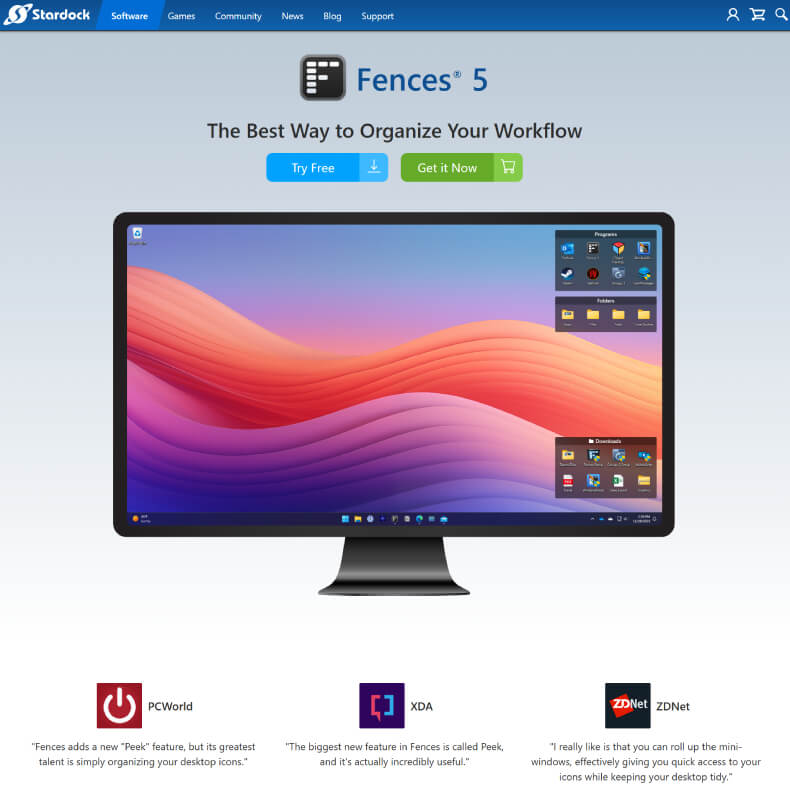
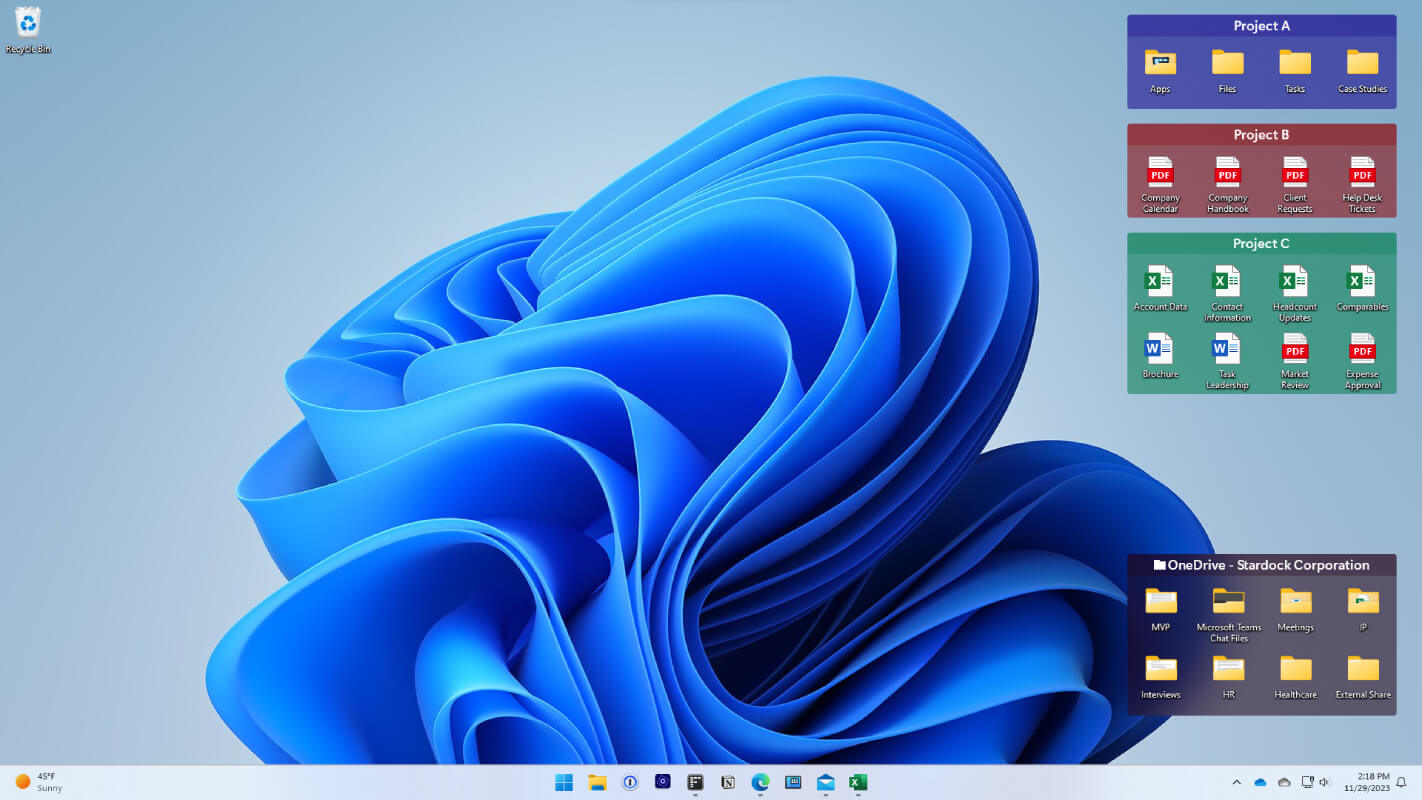
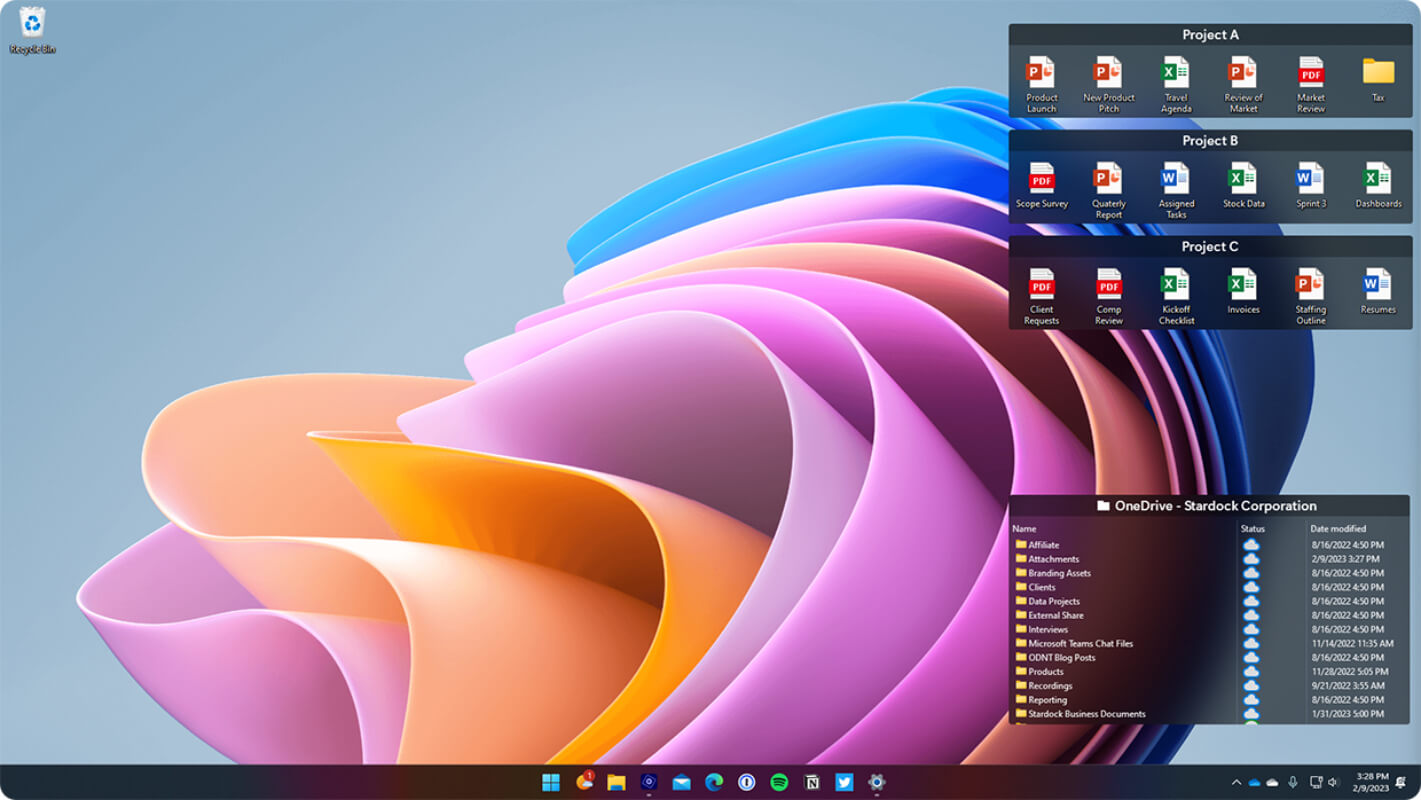
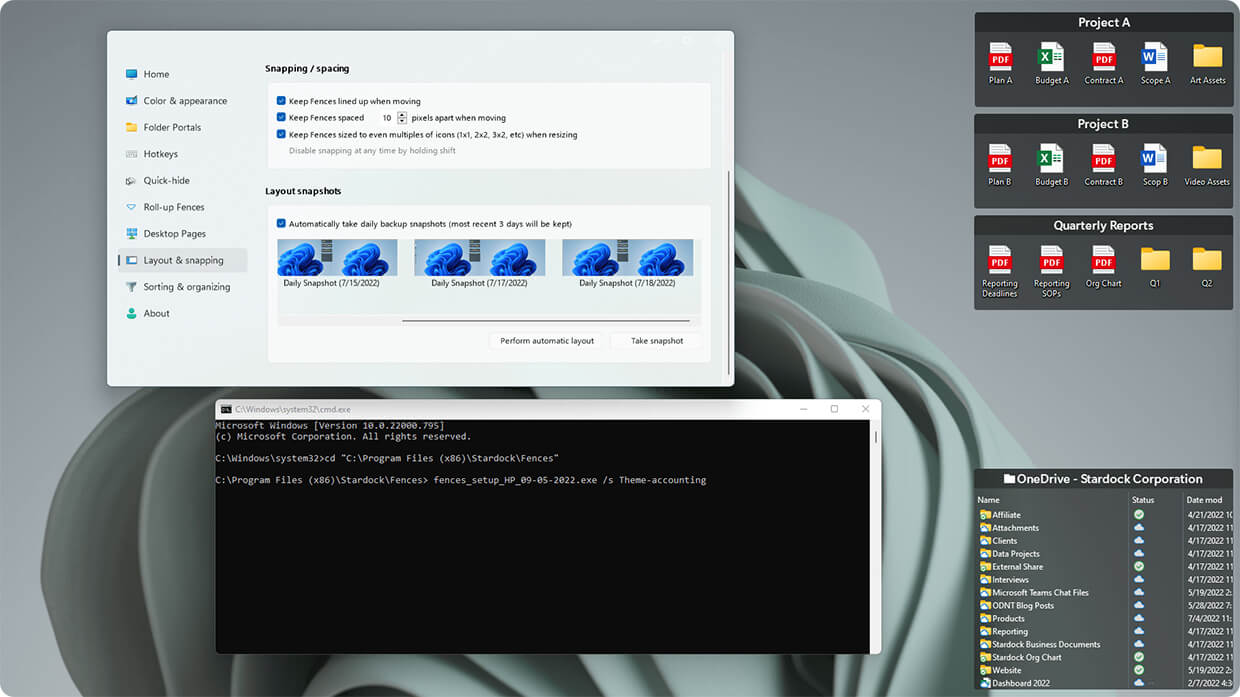
Stardock Fences is a desktop organization tool for Windows 10 and 11 that automatically arranges apps, files, and folders into customizable, shaded areas known as fences. It features automation rules, personalized settings, and tools like Peek and Folder Portals to boost productivity, creating a more focused workspace with Chameleon and Desktop Quick-hide options.
Stardock Fences is a desktop organization tool for Windows 10 and 11 that automatically arranges apps, files, and folders into customizable, shaded areas known as fences. It features automation rules, personalized settings, and tools like Peek and Folder Portals to boost productivity, creating a more focused workspace with Chameleon and Desktop Quick-hide options.
Fences Platforms
Windows
Fences Video and Screenshots
Fences Overview
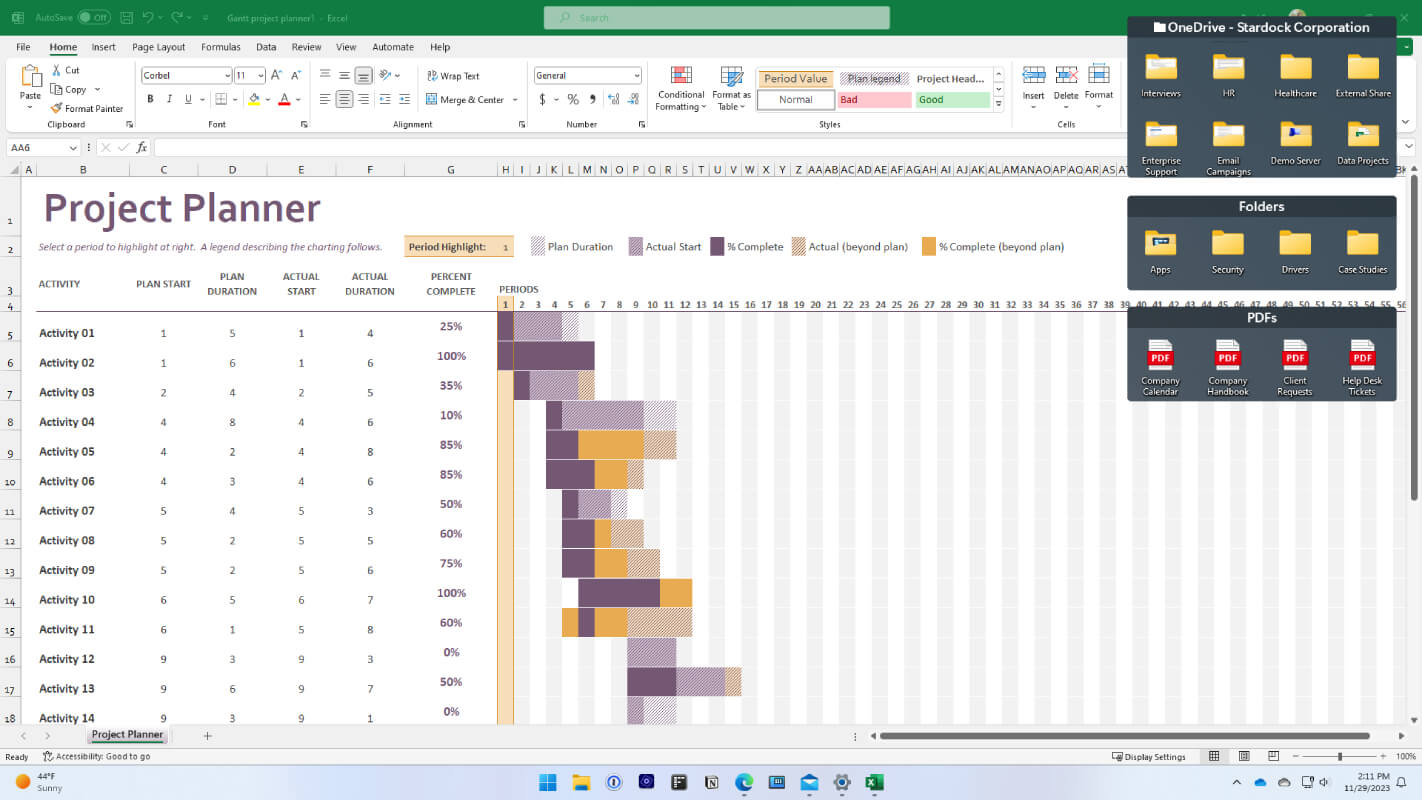
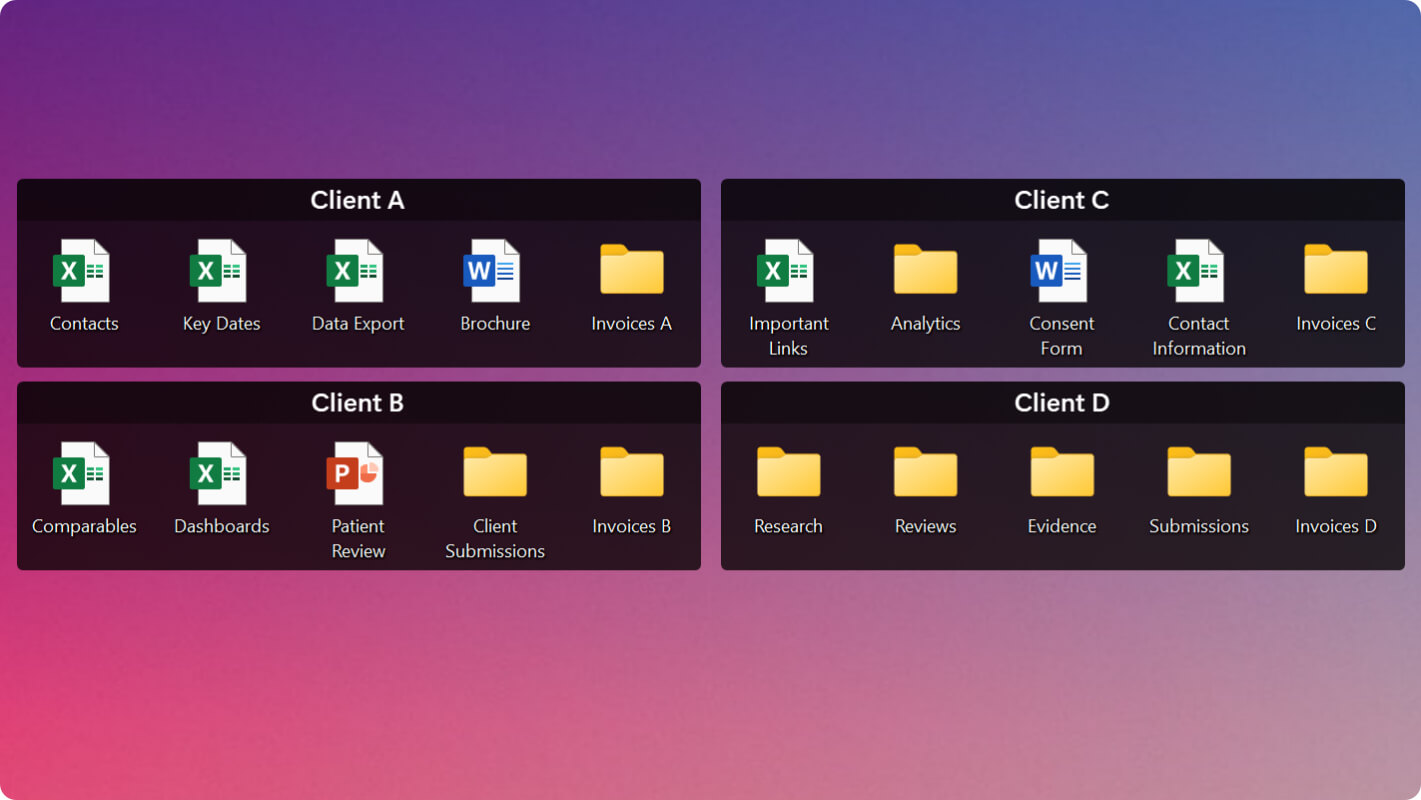
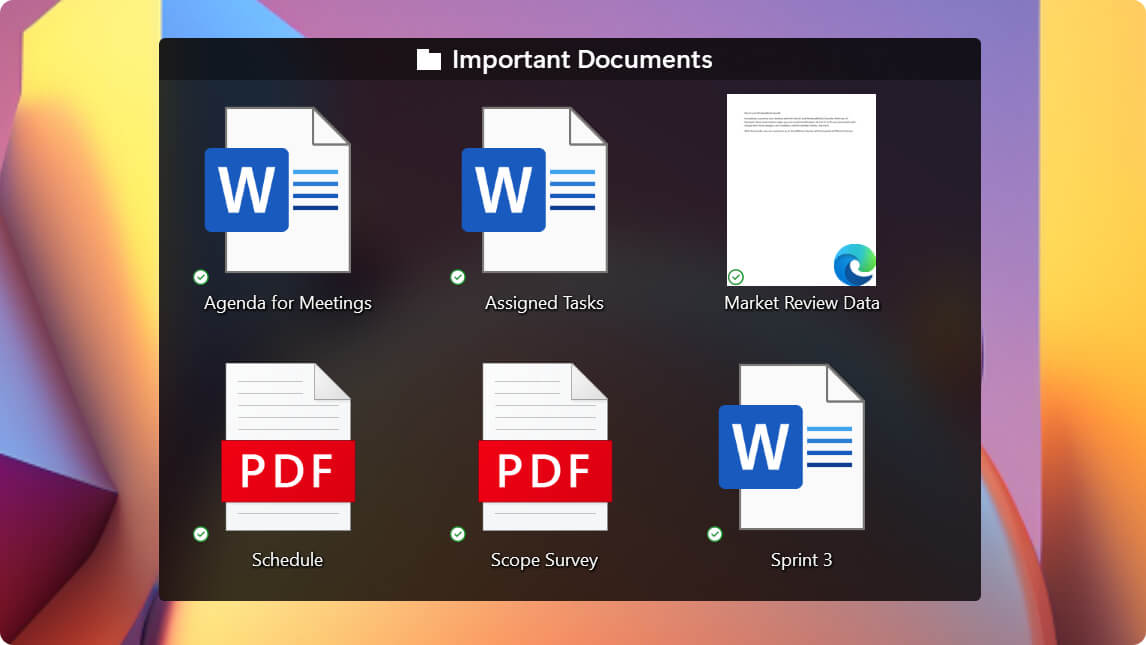
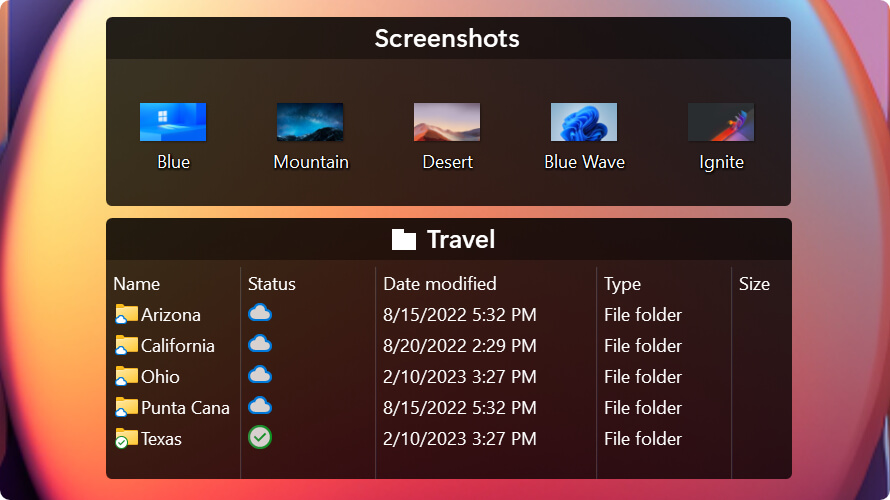
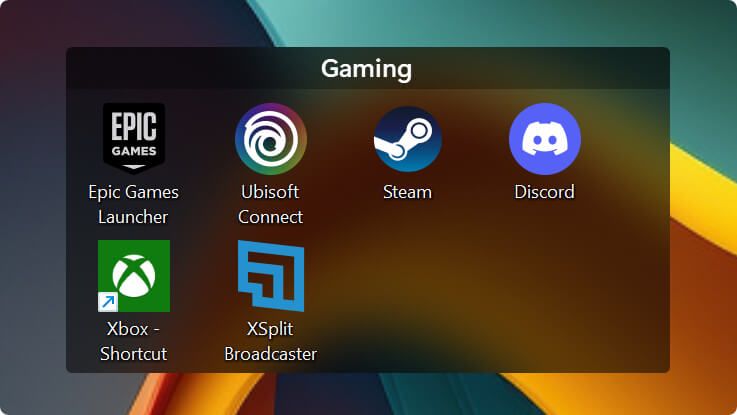
Fences is a desktop organization software for Windows that allows users to group and organize desktop icons into movable and customizable areas called "fences." These fences can be resized, colored, and made transparent to create a personalized and tidy workspace. One of its standout features is the "Peek" functionality, which lets users quickly access the contents of fences even when other windows are open. This makes navigating a cluttered desktop more manageable and efficient, especially for those who work with many files and shortcuts.
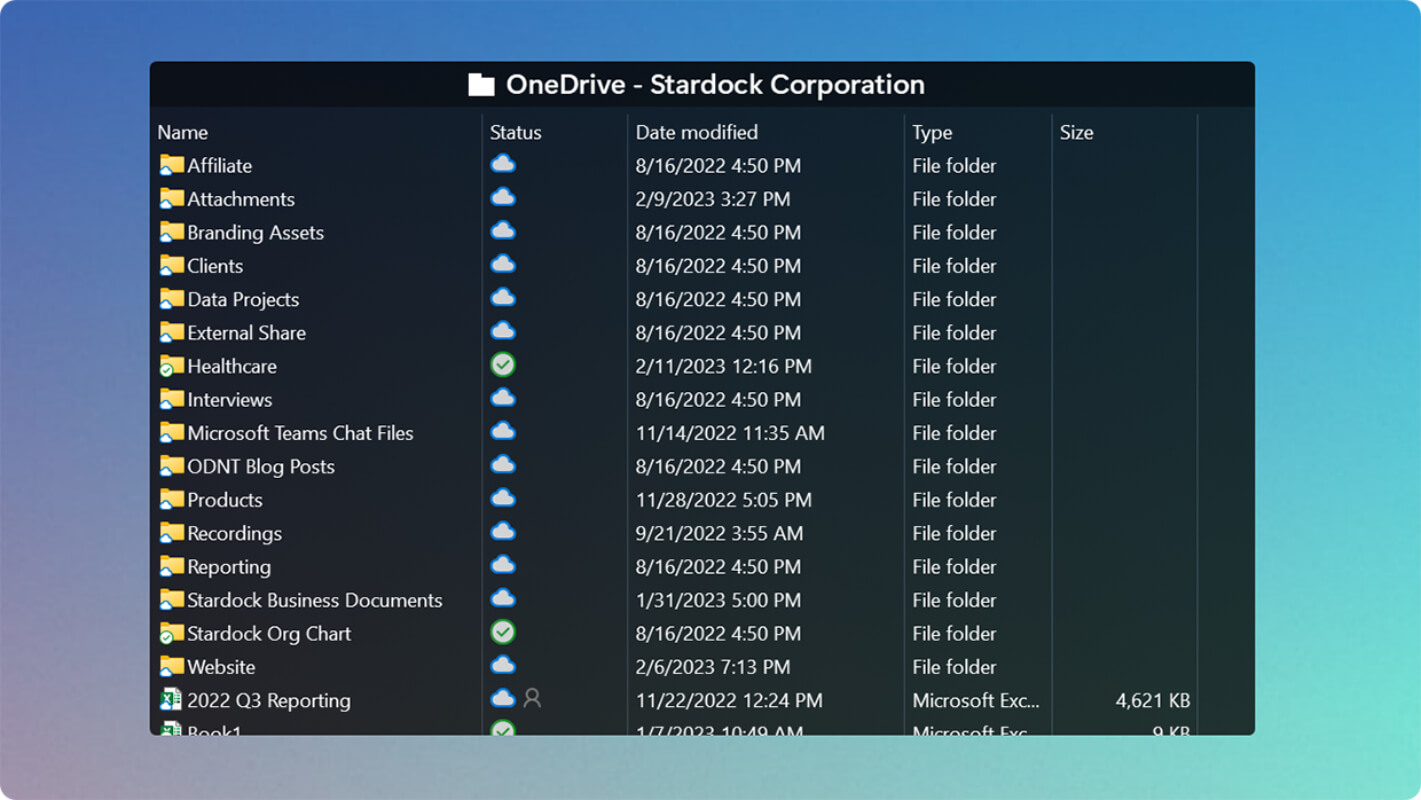
In addition to its core features, Fences offers automatic sorting of icons based on type, name, or other criteria, which helps maintain an organized desktop with minimal effort. The "Folder Portals" feature allows users to display the contents of any folder directly on the desktop for easy access to frequently used files. With the "Quick-hide" mode, users can quickly hide all icons by double-clicking an empty space on the desktop, ideal for presentations or when needing a clean workspace. The latest version, Fences 6, introduces the "Chameleon" feature, which integrates fences with the desktop background for a more seamless and distraction-free experience.