Select your language

Home arrow-right ... arrow-right File Management Tools arrow-right Directory Opus

We've compiled a list of 4 free and paid alternatives to Directory Opus. The primary competitors include Total Commander, Marlin. In addition to these, users also draw comparisons between Directory Opus and YetiShare, PowerDesk Pro. Also you can look at other similar options here: File Management Tools.



Directory Opus provides a complete replacement for Explorer with far more power and functionality...

Directory Opus Platforms

Windows Windows

Directory Opus Video and Screenshots

Directory Opus Overview

Directory Opus provides a complete replacement for Explorer with far more power and functionality than any other file manager available today.

There are far too many features to list them all here, but to name a few:

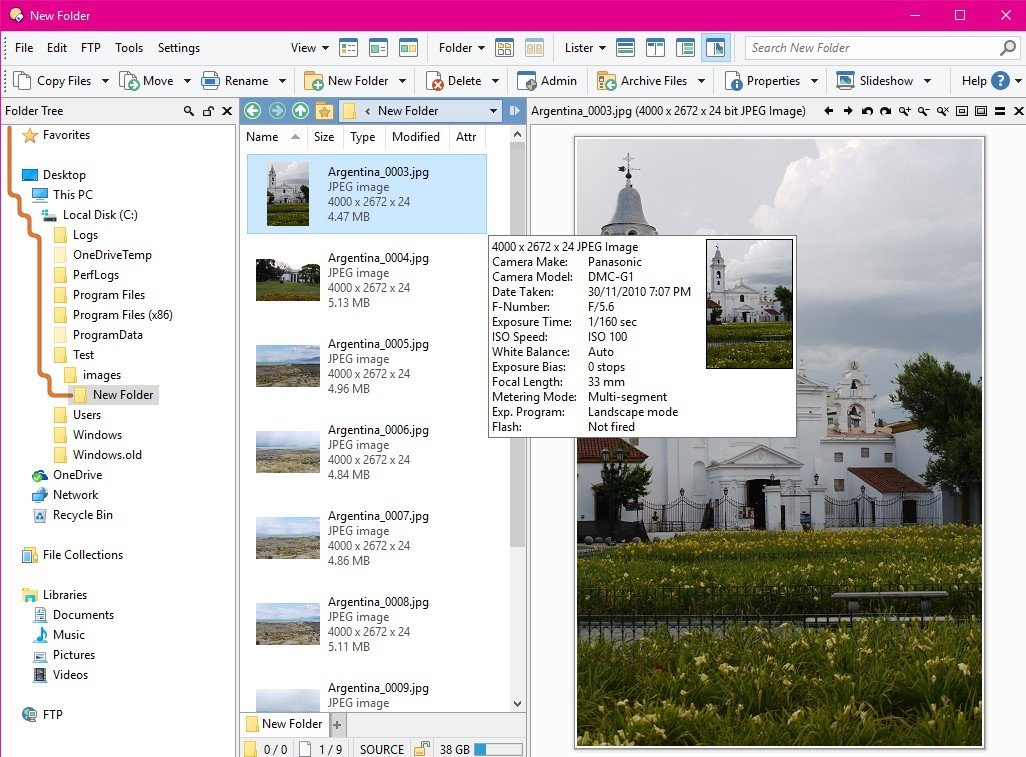
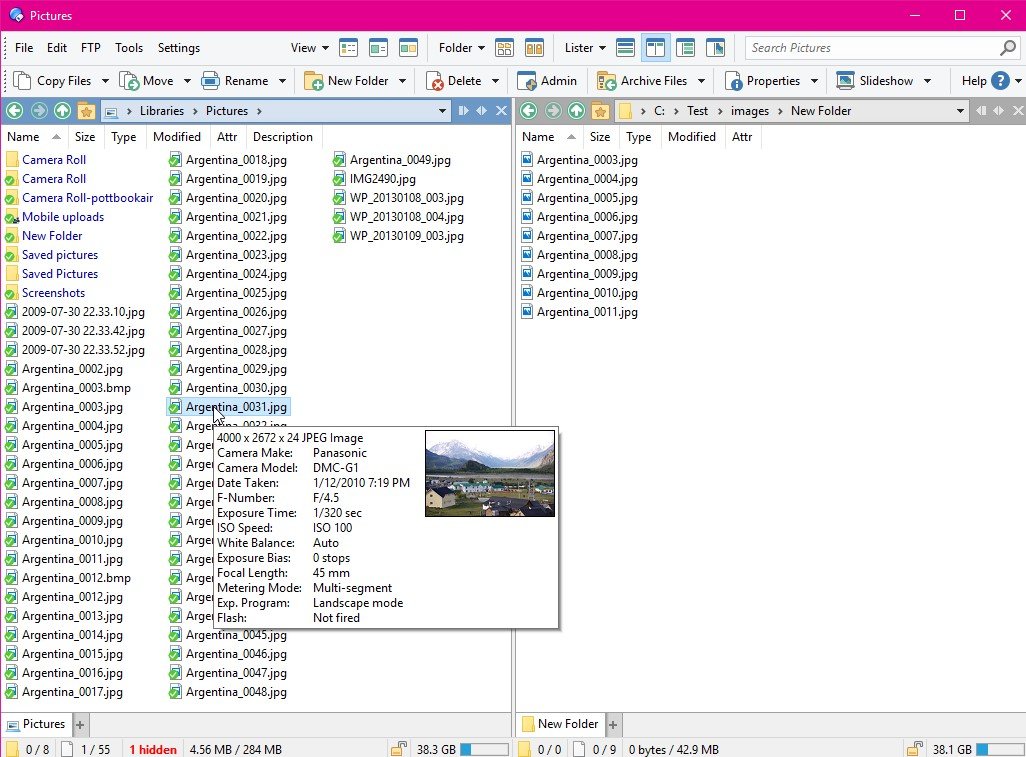
- Single or dual file displays, with single or dual trees, make navigating and manipulating files a breeze
- Folder tabs let you keep multiple folders open and switch quickly between them
- Unique Explorer Replacement mode provides a full replacement for Windows Explorer
- Integrated viewer pane lets you preview many common image and document file formats
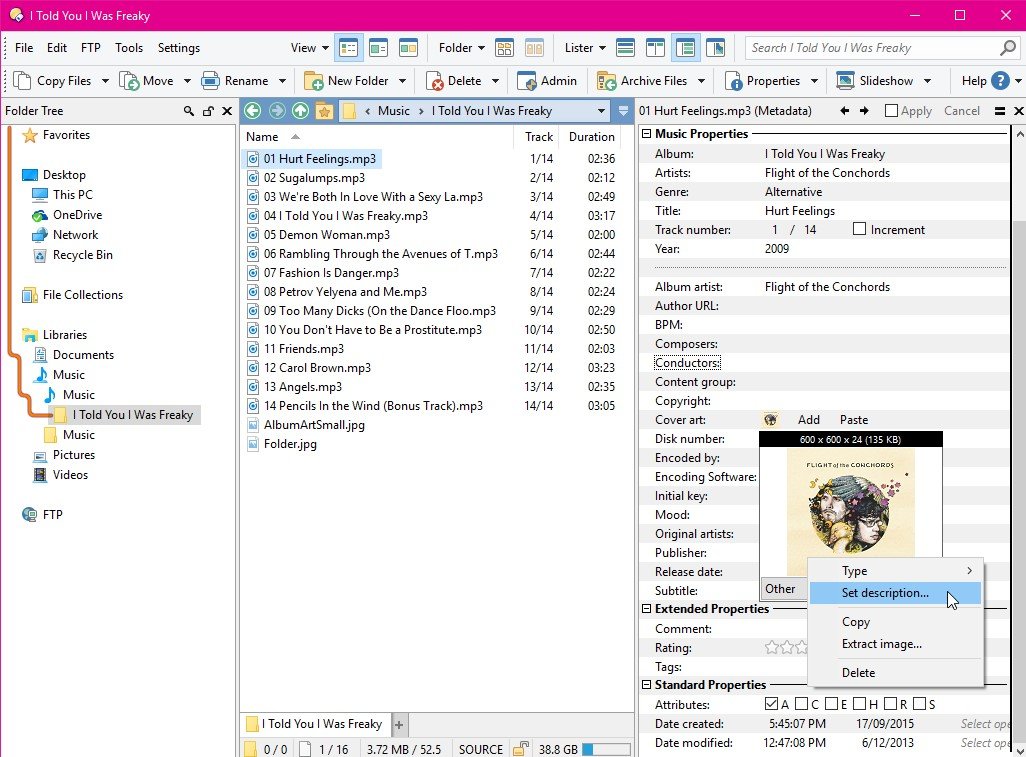
- View and edit file metadata (EXIF, MP3, PDF, etc)
- Sorting, grouping, filtering and searching has never been easier
- Color code or assign status icons, star ratings, tags and descriptions to your files and folders to make them easier to find
- Batch renaming including easy-to-use keyboard macros, and the option for a fully scripted rename using metadata
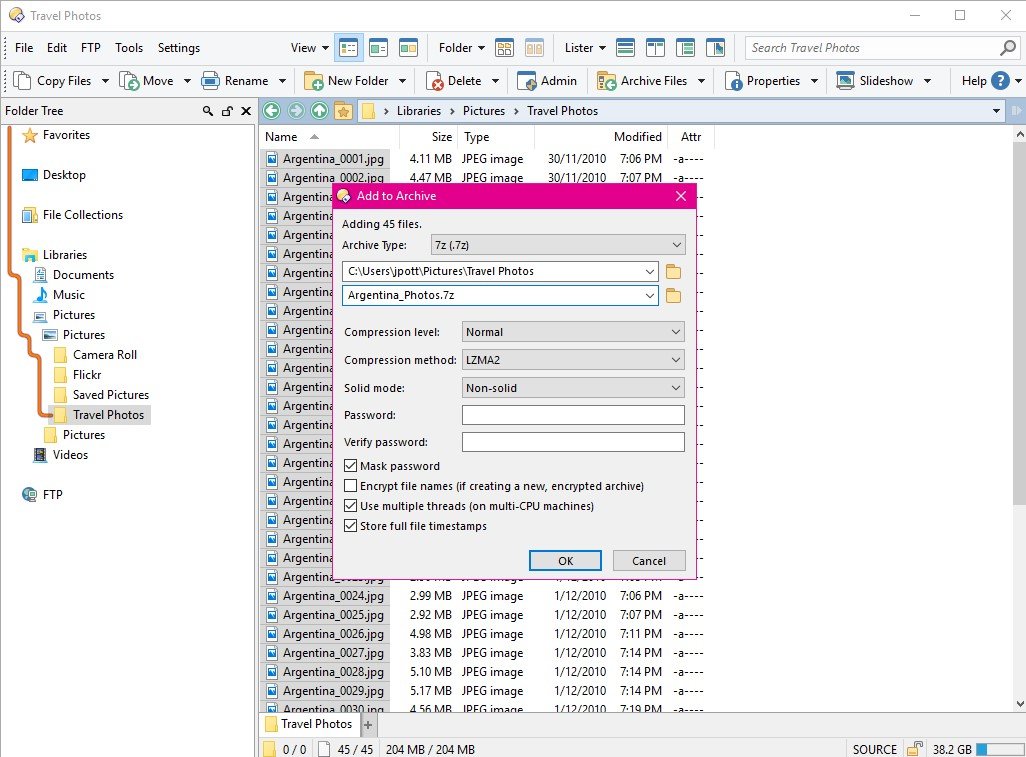
- Support for FTP, Zip, 7-Zip, RAR and many other archive formats
- Access content on portable devices like phones, tablets and cameras
- Built-in tools including synchronize, duplicate file finder, image converter and uploader and more
- Print or export folder listings, copy file listings to the clipboard, calculate folder sizes
- Queue multiple file copies for improved performance
- Support for CD/DVD burning
- Support for the latest Windows features including jumplists and indexed search
- Fully configurable user interface - colors, fonts, toolbars, keyboard hotkeys and much more can be tailored to suit your needs
- Full scripting interface supports VBScript, JScript or any compatible installed Active Scripting language
- Efficient, multi-threaded, modern design - native 32 and 64 bit versions
- Supports high DPI monitors natively - crisp, clear interface in 4K or 5K without blurring or tiny icons
- Supports Windows XP, Vista, Windows 7, Windows 8 and Windows 10 (including Server versions)

Directory Opus Features

tick-square Flat view
tick-square Dual Pane Support
tick-square Batch rename files
tick-square Duplicate File Finder
tick-square File-sync
tick-square Integrated Search

Top Directory Opus Alternatives

Share your opinion about the software, leave a review and help make it even better!

Directory Opus Tags

file-conversion explorer-replacements folder-size slideshow tagging file-explorer file-management ssh-client sftp-clients ftp-client

Suggest Changes

() out of 5

Your Feedback

Select a rating
Please select a rating

Your vote has been counted.

Do you have experience using this software?