Select your language

Home arrow-right ... arrow-right Network and Admin Software arrow-right Datadeck

We've compiled a list of 12 free and paid alternatives to Datadeck. The primary competitors include Open Web Analytics, Stagraph. In addition to these, users also draw comparisons between Datadeck and QlikView, Splunk, Adalyz. Also you can look at other similar options here: Network and Admin Software.



QlikView is a data analytics and business intelligence platform that enables fast data visualization and interactive dashboards. It helps users analyze complex data, discover insights, and make data-driven decisions through intuitive tools and real-…

Adalyz is a cross-channel Ad Analytics platform which provides actionable insights of Ad campaigns...

Datadeck Platforms

Mac Mac
Web-Based Web-Based
Windows Windows

Datadeck Video and Screenshots

Datadeck Overview

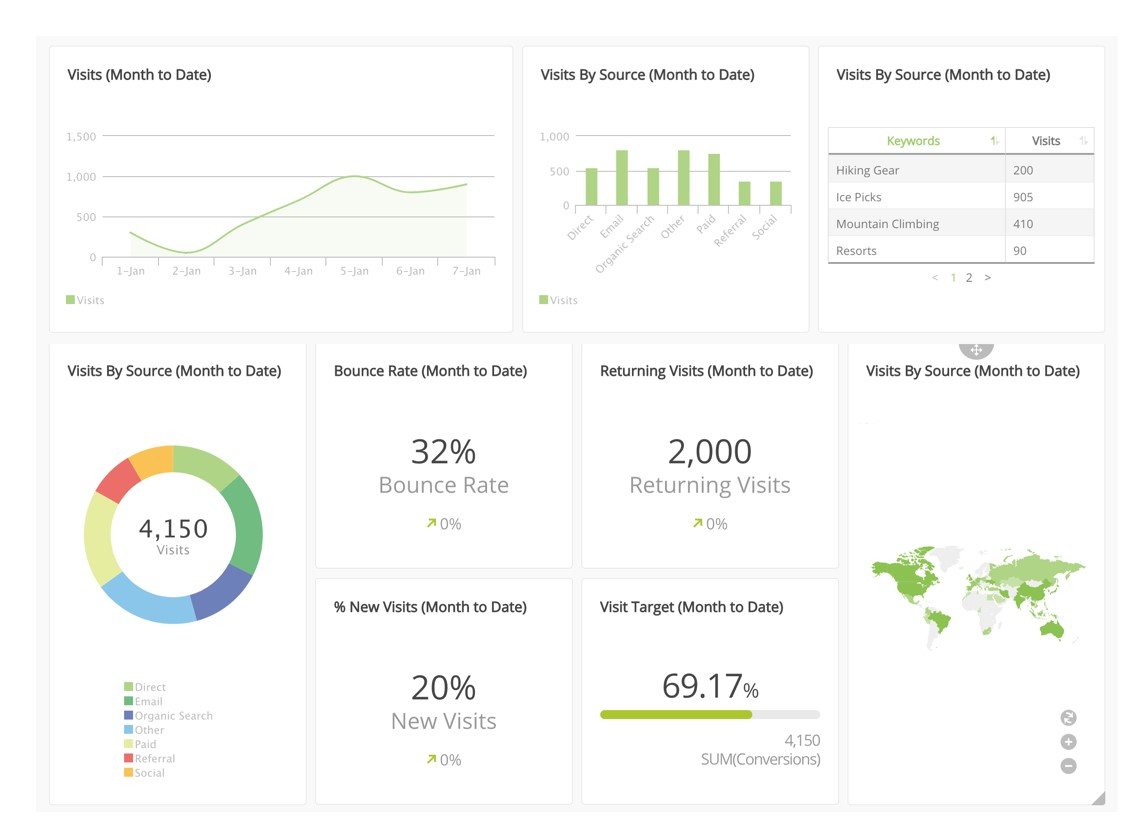
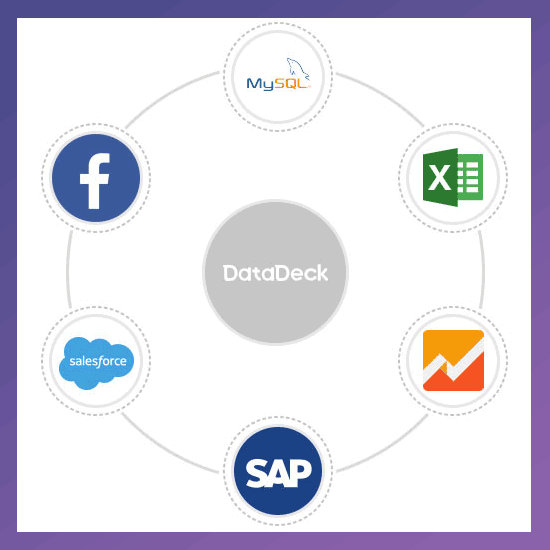
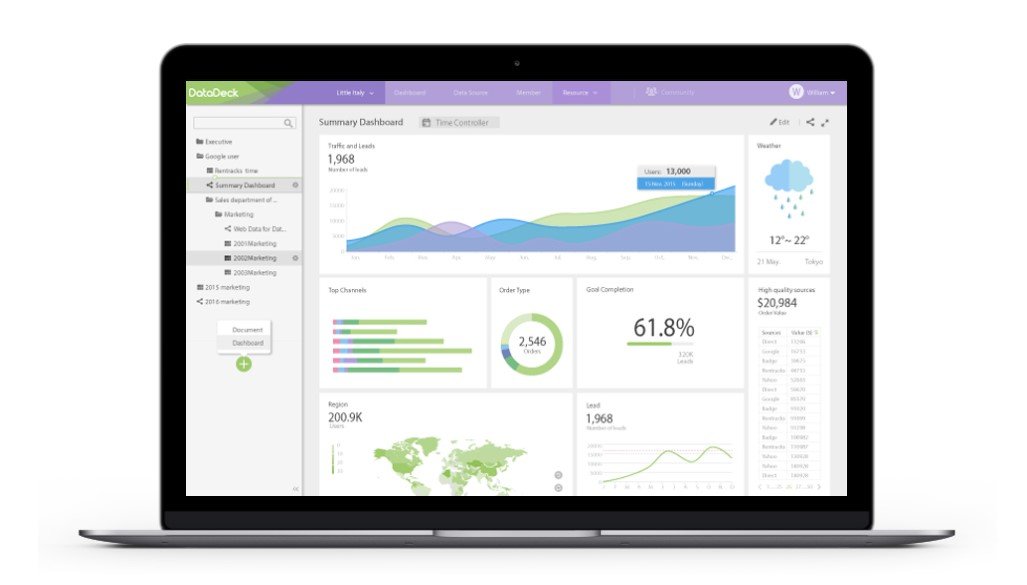
Datadeck is a data visualization platform that allows you to see all your data on one single platform. Create beautiful dashboards from data sources such as Facebook Ads, MySQL, Excel, and Google Analytics to consolidate and analyze your data all in one place. Save time, improve file sharing security and get your whole team involved with data.

Using Datadeck allows teams to collaborate on data analysis, create professional reports, and ultimately save time by having all your data sources in one place. Centralize your data to create powerful reports, dashboards, and keep track of your important metrics.

Overview of Datadeck benefits:

Security: All your data and files are secure with Datadeck. You can select who can access what, give different access permissions to your team, and much more. You can go down all the way to select which IPs can access your dashboard.

Collaboration: Allow anyone in your company to get close to data and allow them to use this data to benefit the company. Get your team working together and avoid sending files and more files through email or instant message.

Easy to Use: Datadeck doesn’t require any previous data analysis knowledge or any experience with business intelligence platforms. No manual required, you can start using within minutes and learn other tricks as you use the platform. Simply drag and drop field to get beautiful visual representations of your data.

Fast Setup: Add data sources with ease and start working with them in less than a minute.

Professional Reporting: Datadeck’s dashboards double as professional reports to whatever time frame you might need to act upon - hourly, daily, weekly, monthly - you build it and share it with anyone you would like to give access.

Time-Saving: Centralize your data into one place and spend less time logging in and out of apps, switching between apps, and sending files to your colleagues and clients. Have more time with what matters with a well designed and ergonomic tool as Datadeck

Datadeck Features

tick-square Web log analysis

Top Datadeck Alternatives

Share your opinion about the software, leave a review and help make it even better!

Datadeck Categories

Network and Admin Software

Datadeck Tags

web-traffic web-analytics business-analytics marketing statistics data-visualization business-intelligence big-data analytics

Suggest Changes

() out of 5

Your Feedback

Select a rating
Please select a rating

Your vote has been counted.

Do you have experience using this software?