Select your language

Home arrow-right ... arrow-right Collaboration and Productivity Software arrow-right Video Conferencing Software arrow-right CoPointer

We've compiled a list of 20 free and paid alternatives to CoPointer. The primary competitors include Miro, Conceptboard. In addition to these, users also draw comparisons between CoPointer and Stormboard, Trello, ClickUp. Also you can look at other similar options here: Collaboration and Productivity Software, Video Conferencing Software.



Miro
Subscription Free Free Trial

Miro is an online tool for collaborating and visualizing ideas. It provides the ability to create interactive whiteboards where users can collaborate, add cards, images, comments, and other objects.

Conceptboard
Subscription Free Free Trial

Conceptboard is an online whiteboard that helps distributed teams collaborate visually. It acts as a central hub for projects like product development, design collaboration, and agile project management, supporting tasks such as brainstorming, wiref…

Trello
Subscription Free Free Trial

Trello is a project management tool that organizes tasks using boards, lists, and cards. It helps teams collaborate, track progress, and manage workflows visually. Trello simplifies task tracking, improves communication, and boosts productivity for …

ClickUp
Subscription Free Free Trial

ClickUp is an all-in-one task and project management tool that includes a variety of features and capabilities for organizing workflow. With ClickUp, users can create tasks, plan projects, set deadlines, communicate with the team, and use a variety …

Splashtop Remote Support
Subscription Free Trial

Splashtop Remote Support is a comprehensive remote support and endpoint management solution designed for Managed Service Providers (MSPs). It enables secure remote access, monitoring, and management of computers from any location, facilitating remot…

Zight (CloudApp)
Subscription Free

Zight (Cloudapp) is a comprehensive screen recording tool designed to facilitate the creation, modification, and dissemination of videos, screenshots, and GIFs tailored for business purposes.

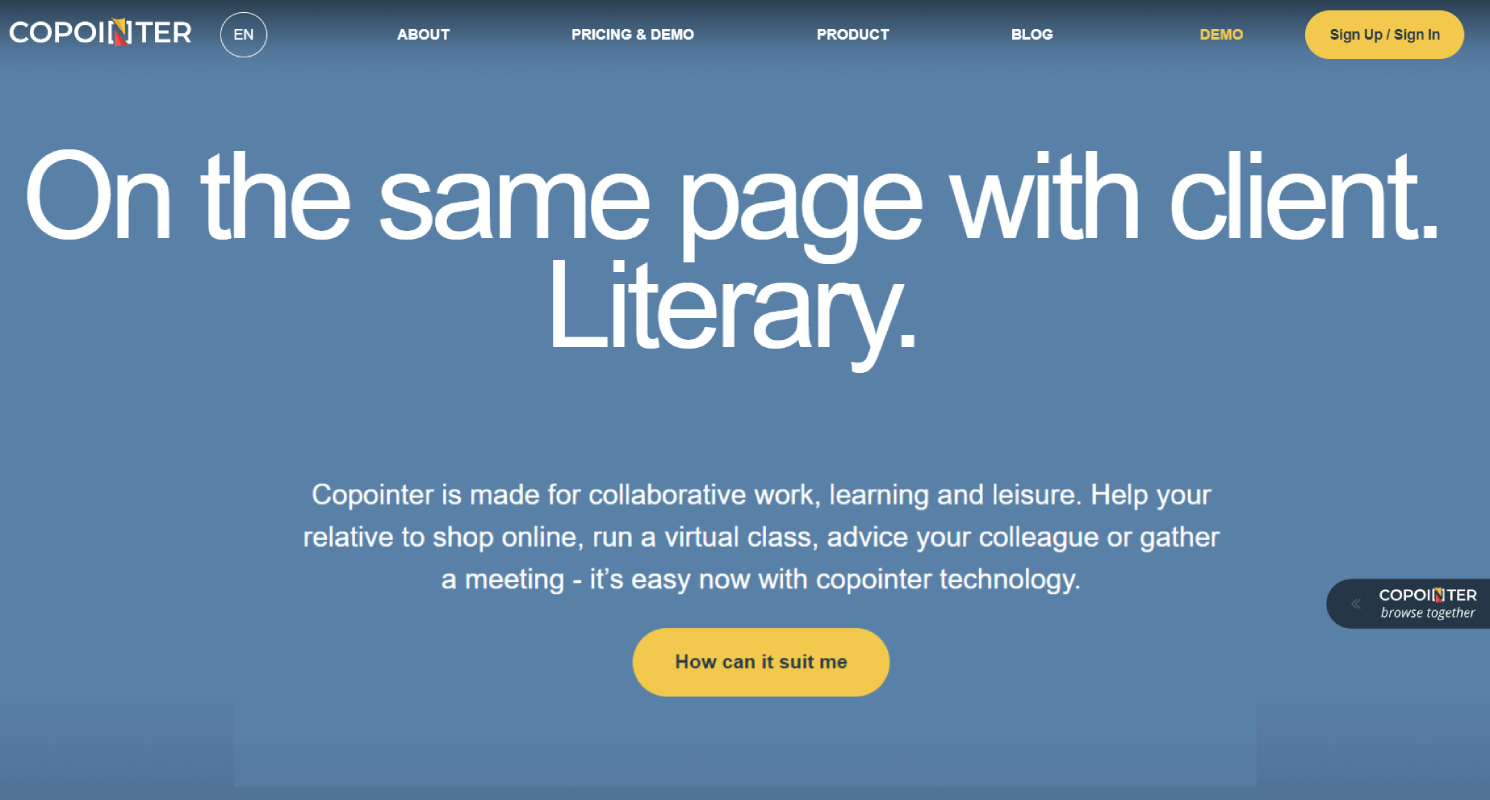
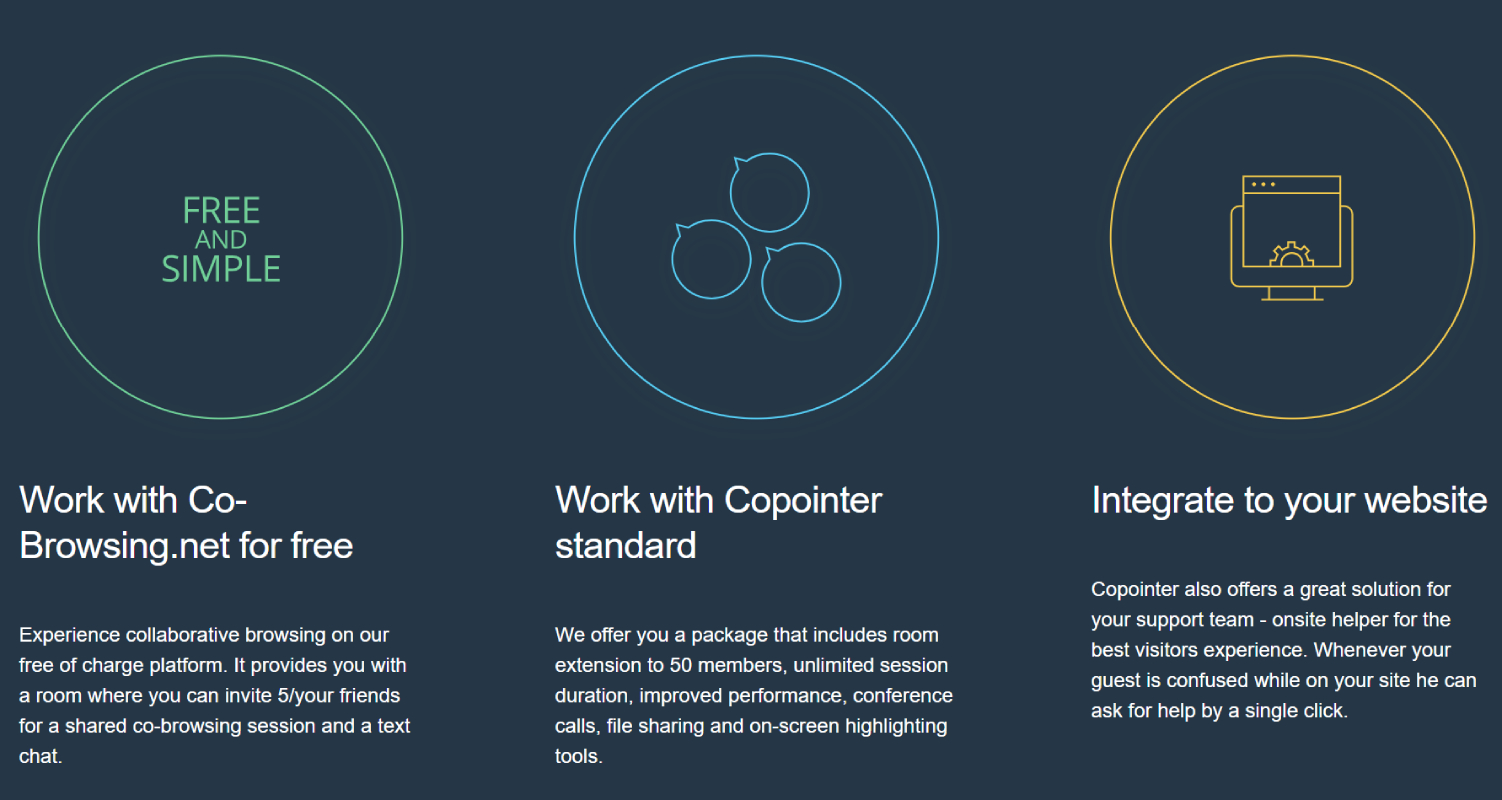
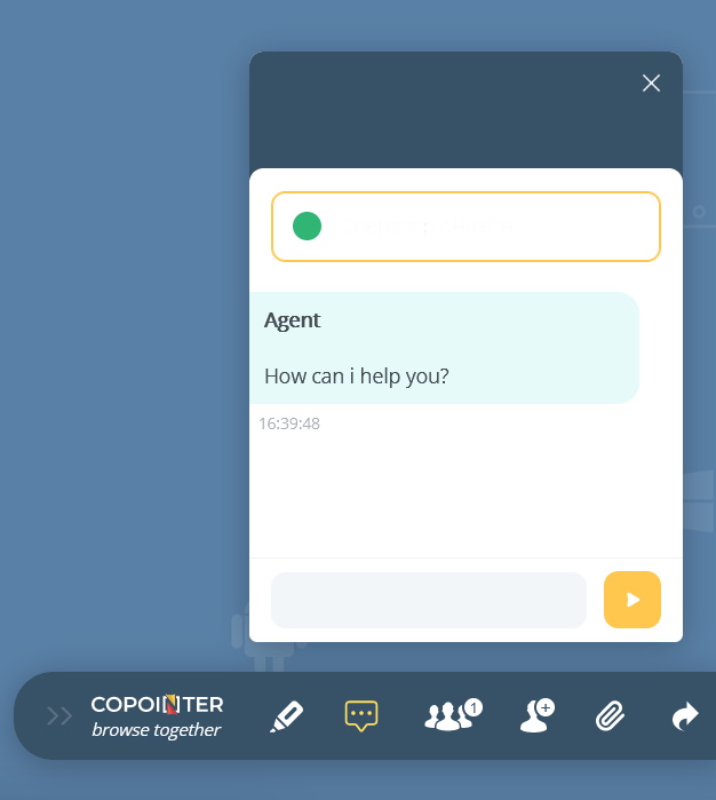
CoPointer is a versatile co-browsing and collaboration platform designed to enhance real-time interaction and engagement on websites. CoPointer offers features such as virtual classes, colleague meetings, support, virtual tours, cobrowsing, audio, video, and text chat, as well as file sharing and on-screen highlighting tools, making it a versatile platform for remote assistance, education, team collaboration, and customer support.

CoPointer Platforms

Web-Based Web-Based

CoPointer Video and Screenshots

CoPointer Overview

CoPointer is a geospatial platform that simplifies the process of mapping and tracking assets in the field. It enables businesses to visualize and manage their assets through detailed maps and real-time tracking tools. CoPointer offers solutions for industries such as logistics, construction, and utilities, improving operational efficiency and asset management.

The platform also provides features for asset inspection and reporting, ensuring that teams can track the condition and status of equipment or infrastructure. CoPointer helps organizations make data-driven decisions by offering accurate, real-time insights into asset performance. With its easy-to-use interface and robust capabilities, CoPointer enhances field operations and asset management.

CoPointer Features

tick-square Troubleshooting
tick-square Real-Time Chat
tick-square Collaboration Tools
tick-square Remote Access/Control
tick-square Screen Sharing

Share your opinion about the software, leave a review and help make it even better!

Suggest Changes

() out of 5

Your Feedback

Select a rating
Please select a rating

Your vote has been counted.

Do you have experience using this software?