Select your language

Home arrow-right ... arrow-right Photos and Graphics Software arrow-right Bloom

We've compiled a list of 15 free and paid alternatives to Bloom. The primary competitors include Adobe Photoshop, Inkscape. In addition to these, users also draw comparisons between Bloom and Affinity Photo, Affinity Designer, Photopea. Also you can look at other similar options here: Photos and Graphics Software.

Inkscape
Free Open Source

An Open Source vector graphics editor, with capabilities similar to Illustrator, CorelDraw, or Xara...

Online photo editor, which can work with PSD, XCF and Sketch files (Photoshop, Gimp and Sketch App).

sK1
Free Open Source

A free online vector graphics editor designed to let anyone create and share amazing graphics and...

Bloom Platforms

Linux Linux
Mac Mac
Windows Windows

Bloom Video and Screenshots

Bloom Overview

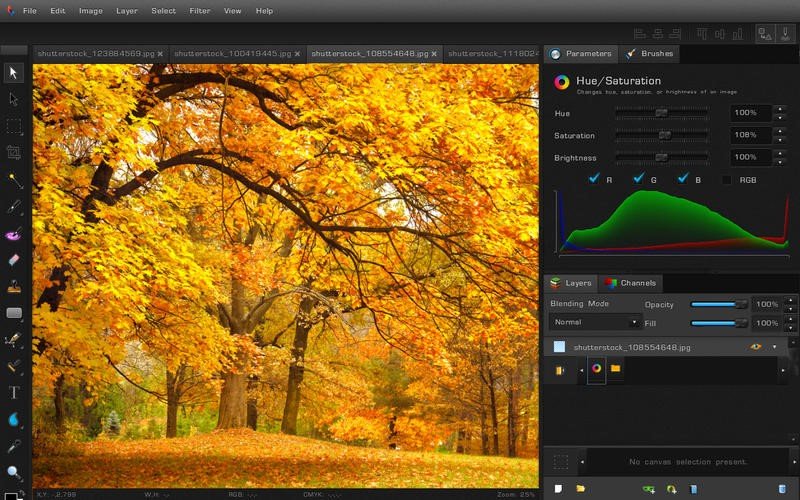
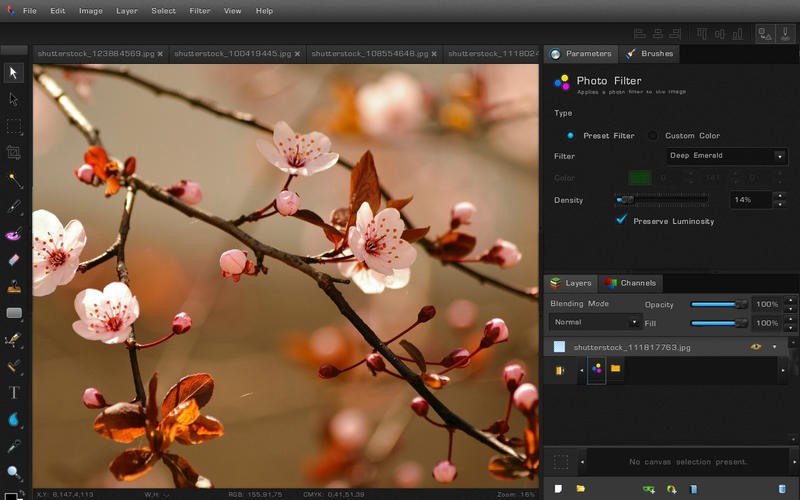
Bloom is a fast, light-weight, cross-platform procedural graphics editor that lets you tweak any action you have ever performed - organized by layer.

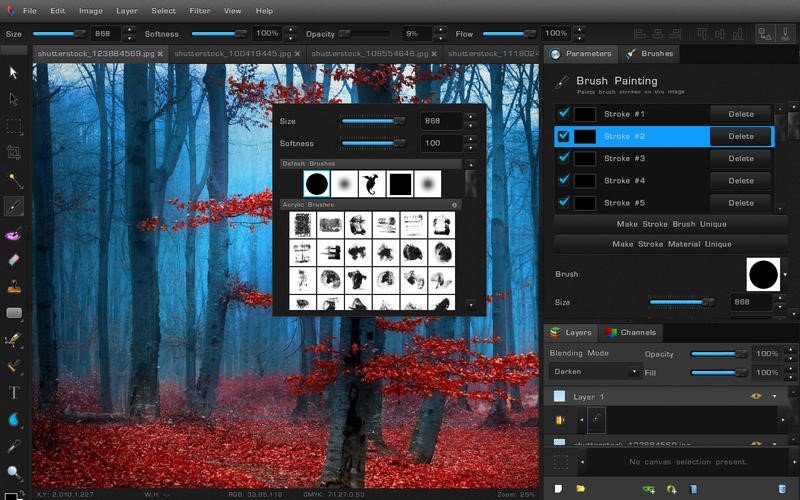
Bloom is the first editor to allow true non-destructive editing. Every filter, effect, brush stroke or vector edit you apply is stored separately, and nothing is baked in. This allows you to come back to anything you've done in the past and adjust it - without redoing all of the subsequent work. Even brush strokes are editable after you've drawn them!

Bloom is a purely 16-bit per channel application. Everything, including images, shape colors, masks, and any other color data is stored with 16 bits per channel. This means you never lose precision and color accuracy, allowing for the most vibrant and precise images to be created.

In Bloom, everything is numerically adjustable - all the time, long after the initial effect has been applied. You can tweak and adjust every detail to your heart's delight until your creation is absolutely perfect.

FEATURES
- Completely Non-Destructive Editing Workflow
- Vector Shapes & Editing
- Raster Image Editing
- Universal 16 bits Per Channel Support
- Best-in-Class Adobe Photoshop™ PSD File Importer with Layers, Groups, Masks, and Layer Blending Styles
- Group and Layer Blending Styles
- Optimized for Large Files
- Digital Drawing Tablet Support
- Editable Liquify and Brush Strokes
- Multitude of import and export formats, including all camera RAW files

Bloom Features

tick-square Vector Drawing

Share your opinion about the software, leave a review and help make it even better!

Bloom Tags

vector-editing image-processing image-converter photography interface-design graphic-design graphics graphics-editor image-editing vector-graphics

Suggest Changes

() out of 5

Your Feedback

Select a rating
Please select a rating

Your vote has been counted.

Do you have experience using this software?