We've compiled a list of 10 free and paid alternatives to Blink Shell. The primary competitors include ConEmu, PowerShell. In addition to these, users also draw comparisons between Blink Shell and JuiceSSH, Remote Desktop Manager, Termux. Also you can look at other similar options here: Network and Admin Software.
We've compiled a list of 10 free and paid alternatives to Blink Shell. The primary competitors include ConEmu, PowerShell. In addition to these, users also draw comparisons between Blink Shell and JuiceSSH, Remote Desktop Manager, Termux. Also you can look at other similar options here: Network and Admin Software.
PowerShell (including Windows PowerShell and PowerShell Core) is a task automation and configuration management framework from Microsoft, consisting of a command-line shell and associated scripting language built on the .NET Framework.
Remote Desktop Manager is a centralized platform designed for IT professionals to manage remote connections and credentials securely. It supports over 50 protocols, including RDP, SSH, VNC, and VPNs.
Alacritty is a blazing fast, GPU accelerated terminal emulator. It’s written in Rust and uses OpenGL for rendering to be the fastest terminal emulator available. Alacritty is available on GitHub in source form.
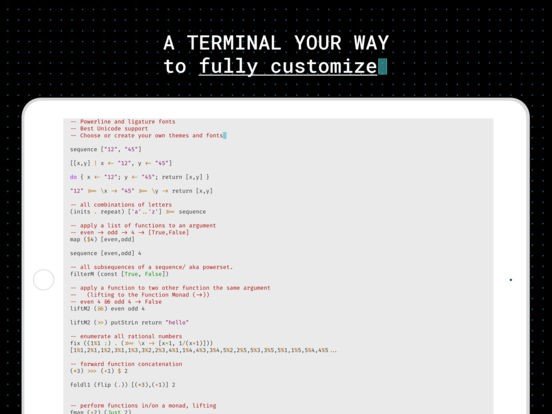
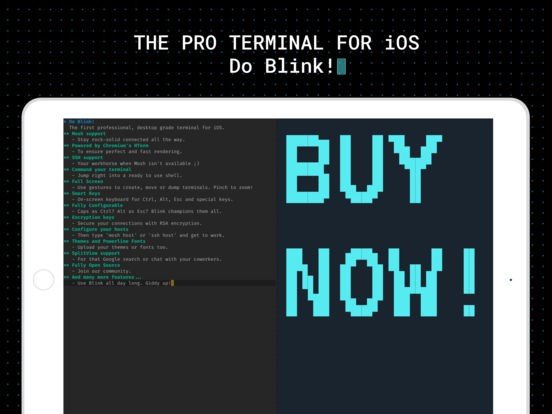
Blink Shell is the professional, desktop-grade terminal emulator for iOS. It's a full-featured and highly configurable open-source terminal that can be compiled from the source at GitHub or purchased as a pre-compiled app from the App Store to support the developers.
FEATURES
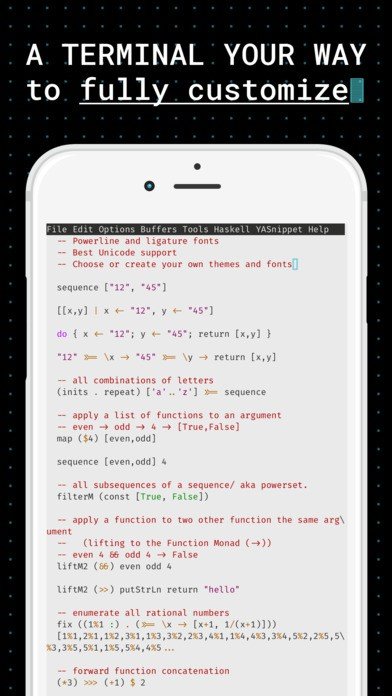
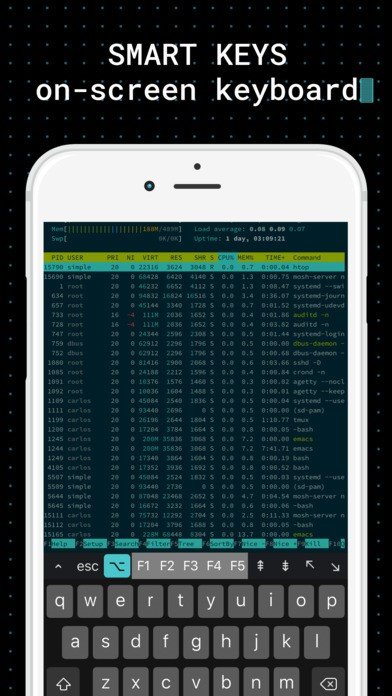
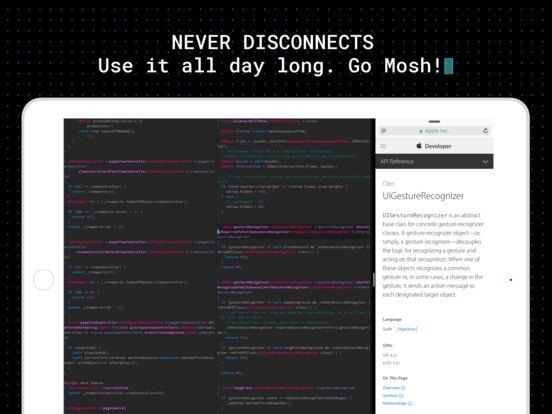
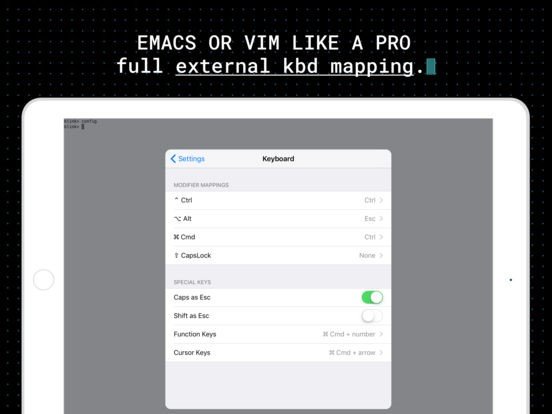
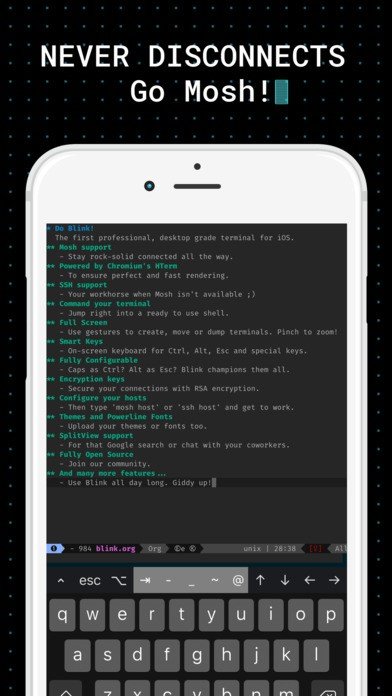
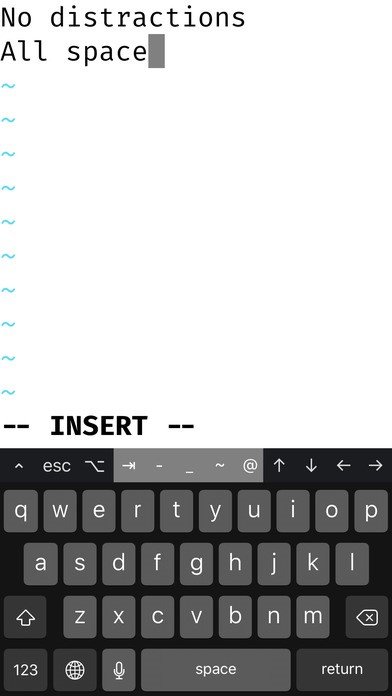
Mosh support. SSH support for sessions and exec commands. Multiple concurrent sessions. Create your hosts: predefine keys, prediction modes, startup commands, ports and everything else you need. Back to My Mac support. Smart Keys: On-screen keyboard with modifier keys for continuous presses. Gestures based interaction. Use swipe to move between your open connections, slide down to close them, and even pinch to zoom! Encryption keys. This product includes software developed by the OpenSSL Project for use in the OpenSSL Toolkit. ssh-copy-id command to copy your secure keys Keychain support for secure storage of private keys and passwords. Modifier keys (Ctrl, Opt, Cmd, Caps) to Ctrl or Esc sequences. Cursor (home, end, pgup, pgdw) and function keys (f1...f10). SplitView support. Excellent Unicode support (including composed seqs). Copy and Paste support. Optimized battery consumption. Non-blocking requests. Inluded Themes: Solarized, Flat, Light Monokai and HTerm's default. Inluded Fonts (powerline): Source Code Pro, Menlo and Roboto Mono.