A versatile cloud-based platform, optimizes project management and team collaboration. Boosting productivity across software development, marketing, sales CRM, HR, it empowers seamless task tracking, deadline management, and analytics for enhanced p…
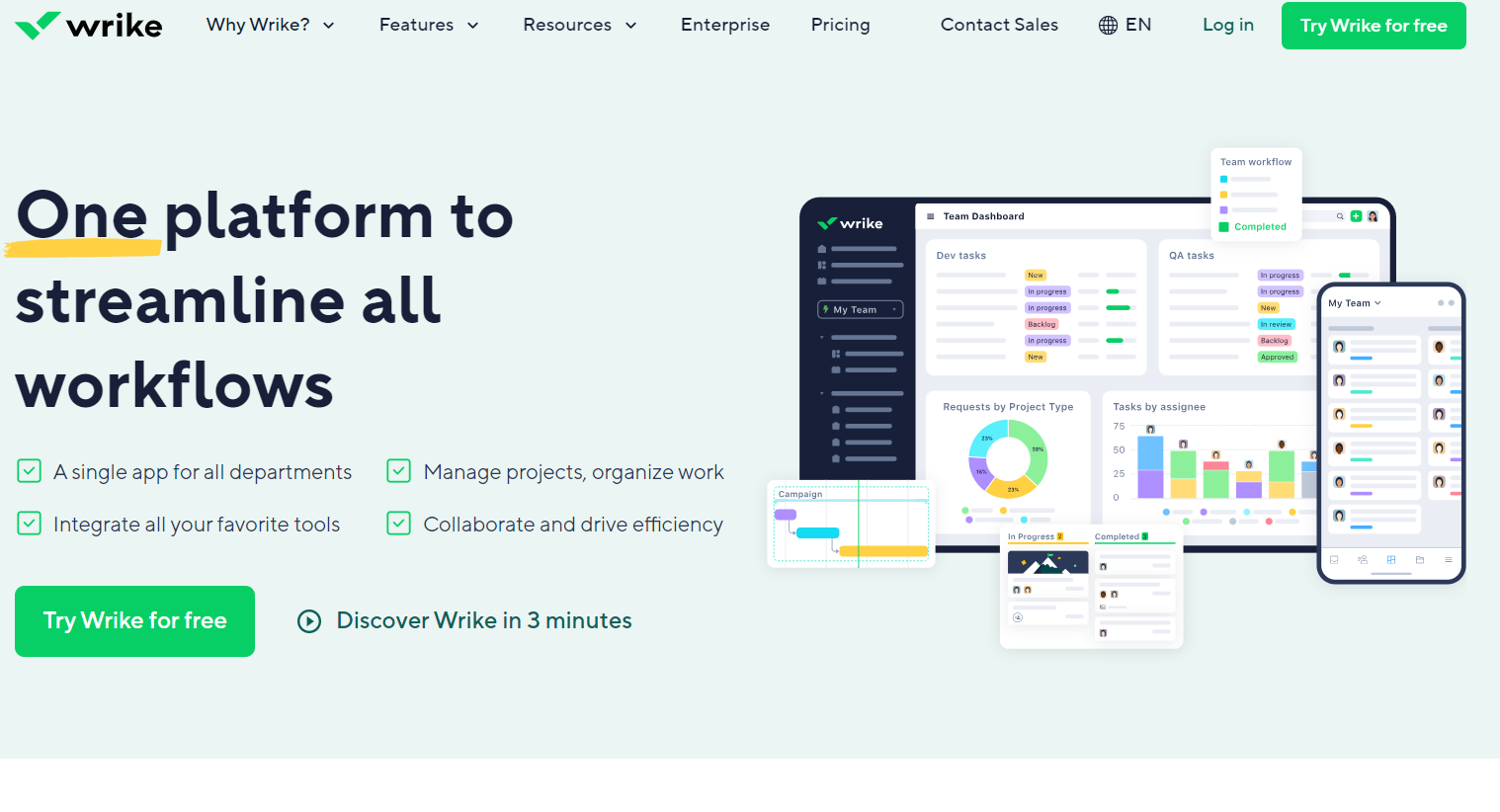
Dynamic work management platform fostering seamless collaboration in task handling, project planning, and document sharing. Perfect for businesses with multiple teams requiring efficient coordination. Track time and manage tasks effortlessly.
Optimized for e-commerce teams automating ad creation and campaign management. Focuses on real-time optimization and cross-channel advertising, expanding beyond Bannerflow’s creative production strengths.
Designed for enterprises needing integrated campaign planning, execution, and analytics. Offers comprehensive data-driven marketing tools, while Bannerflow centers on ad design and scaling.
Focuses on AI-driven ad design generation to boost conversion rates quickly. Provides automated creative concepts, differing from Bannerflow’s more manual, brand-centric creation workflow.
Built for centralized digital asset management with brand consistency control. Emphasizes file management and collaboration, complementing Bannerflow’s ad creation focus.
Targets marketers needing dynamic ad building with easy publishing across platforms. Prioritizes creative automation and workflow efficiency, closely aligned with Bannerflow’s core use case.
Combines retargeting and prospecting with AI-powered ad delivery. Focuses on audience targeting and conversion, addressing campaign performance more than Bannerflow’s creative production.
Offers programmatic native advertising with audience insights and optimization. Excels in media buying and targeting, contrasting Bannerflow’s emphasis on creative development.
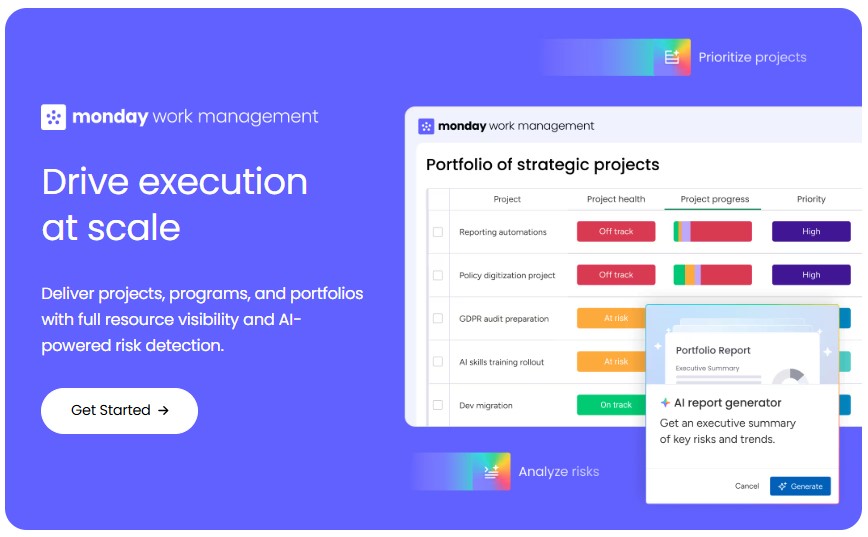
Designed for large teams producing scalable, data-driven creatives. Provides extensive collaboration and workflow tools, extending Bannerflow’s ad production with enterprise-level management.
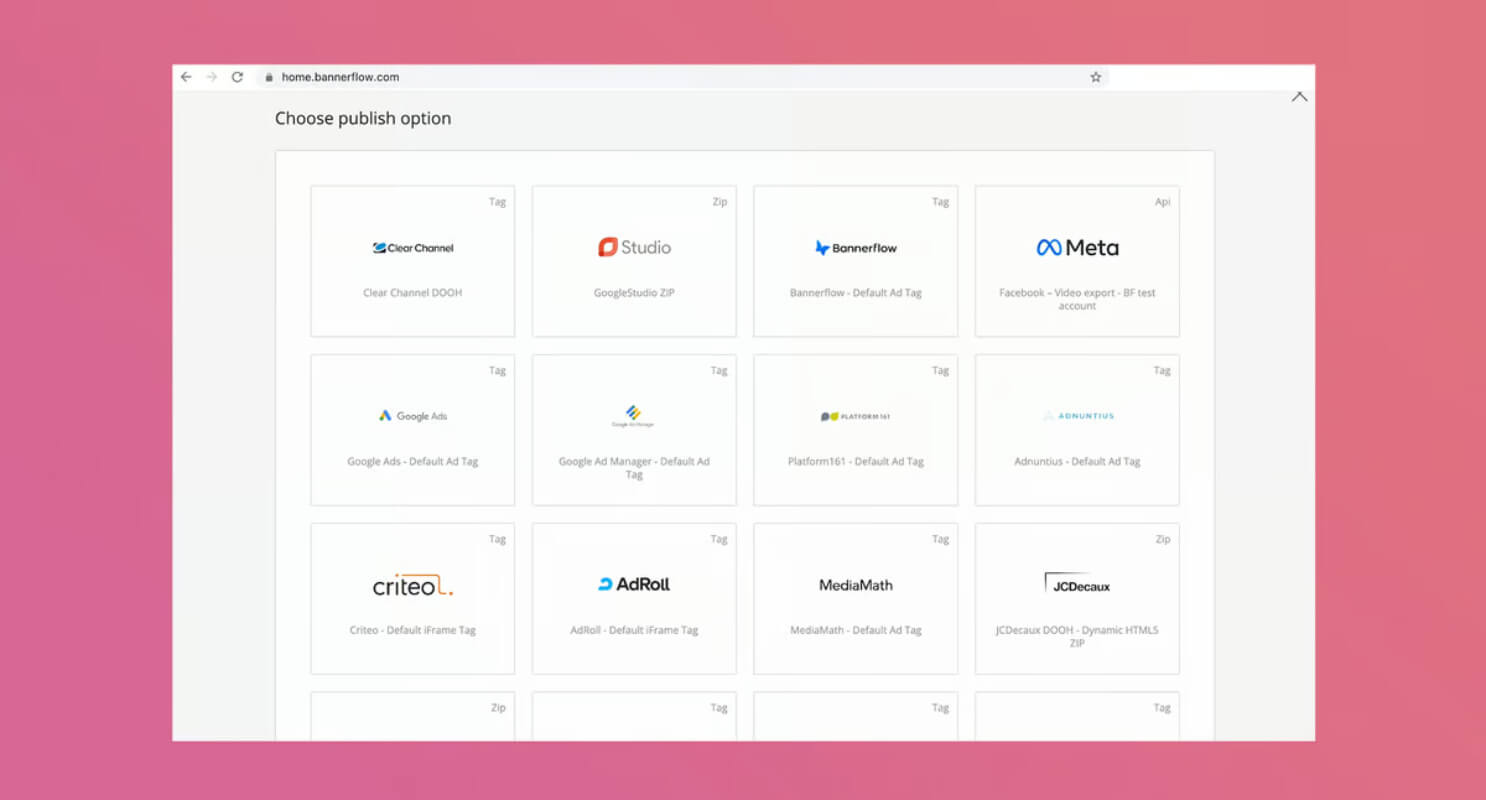
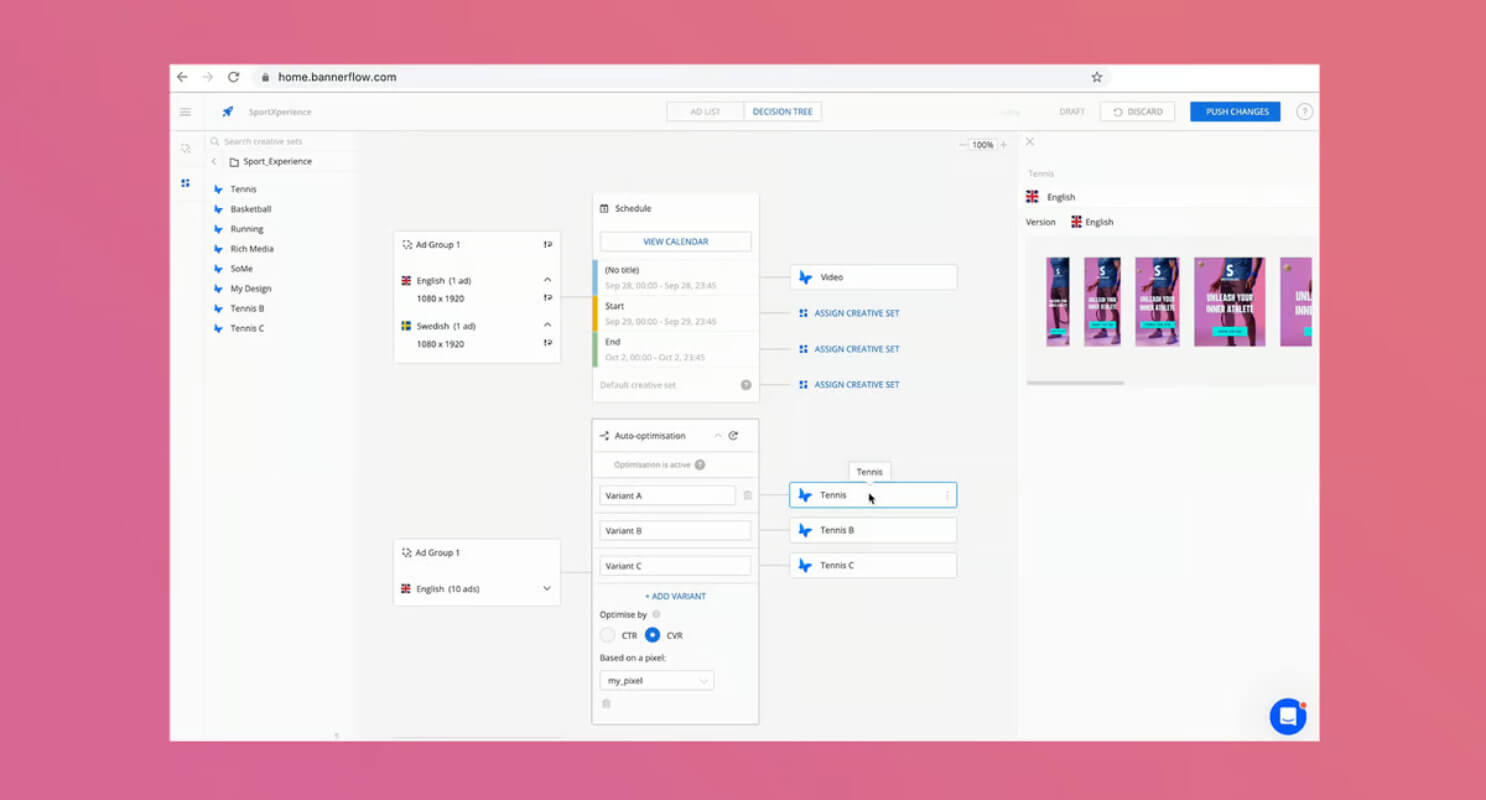
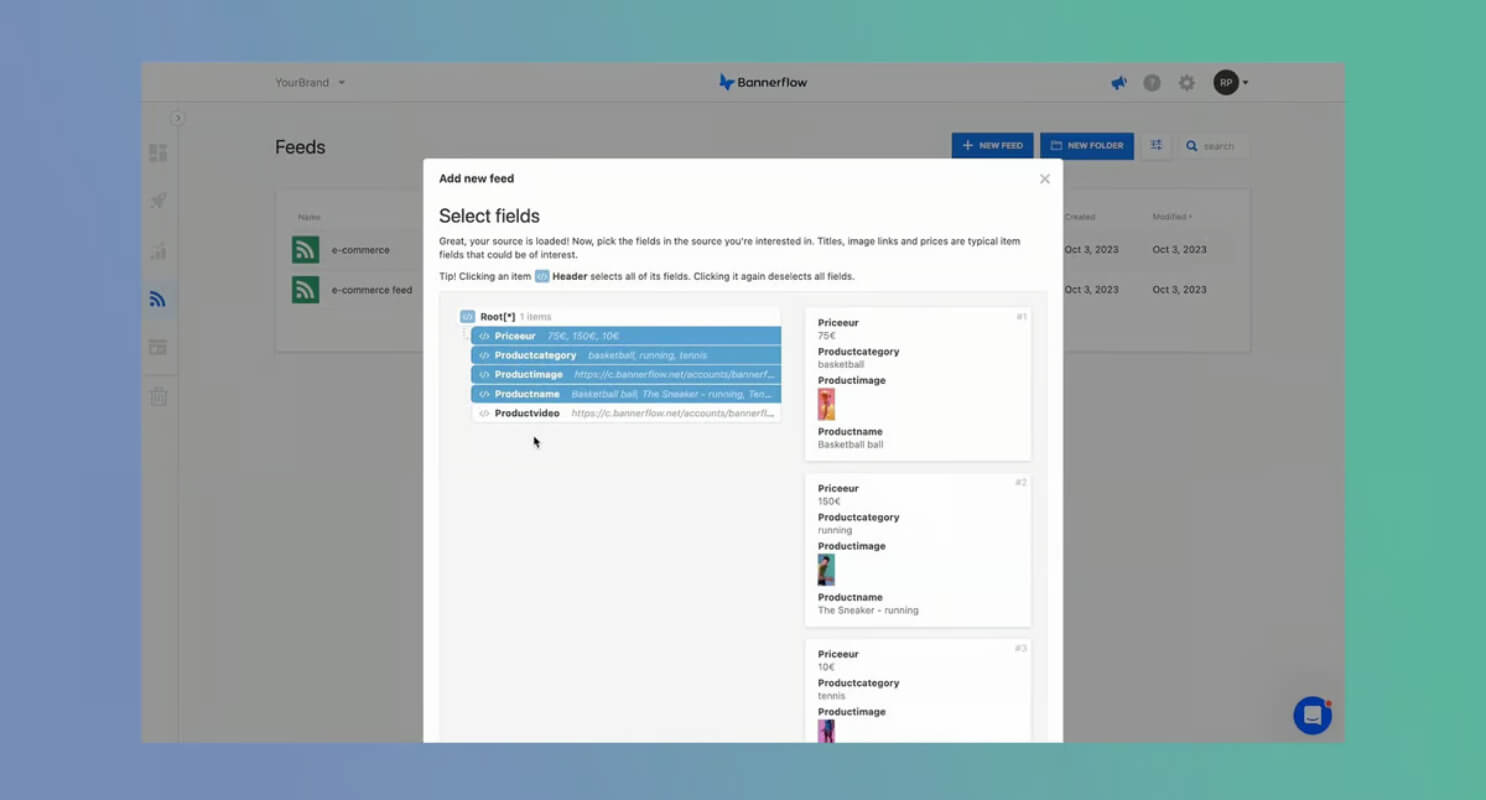
Bannerflow is an all-in-one creative management platform that automates and scales digital advertising. It simplifies campaign management, supports multiple formats like Display, Social, Video, and Mobile, and uses AI for smart scaling and creative automation. The platform enables real-time collaboration, instant translations, and seamless export to various ad formats, enhancing productivity and ROI.
Bannerflow is an all-in-one creative management platform that automates and scales digital advertising. It simplifies campaign management, supports multiple formats like Display, Social, Video, and Mobile, and uses AI for smart scaling and creative automation. The platform enables real-time collaboration, instant translations, and seamless export to various ad formats, enhancing productivity and ROI.
Bannerflow Platforms
Web-Based
Bannerflow Video and Screenshots
Bannerflow Overview
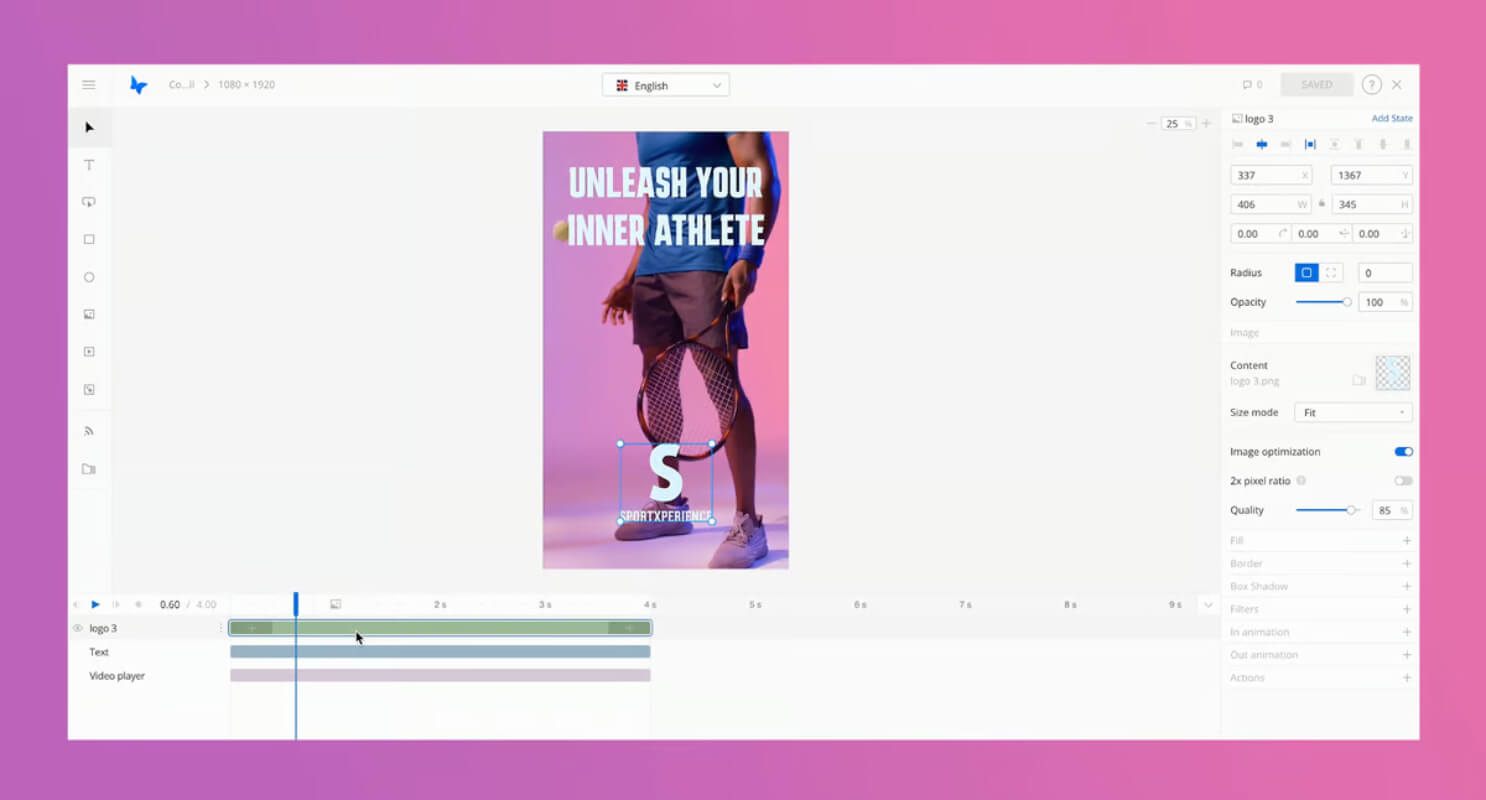
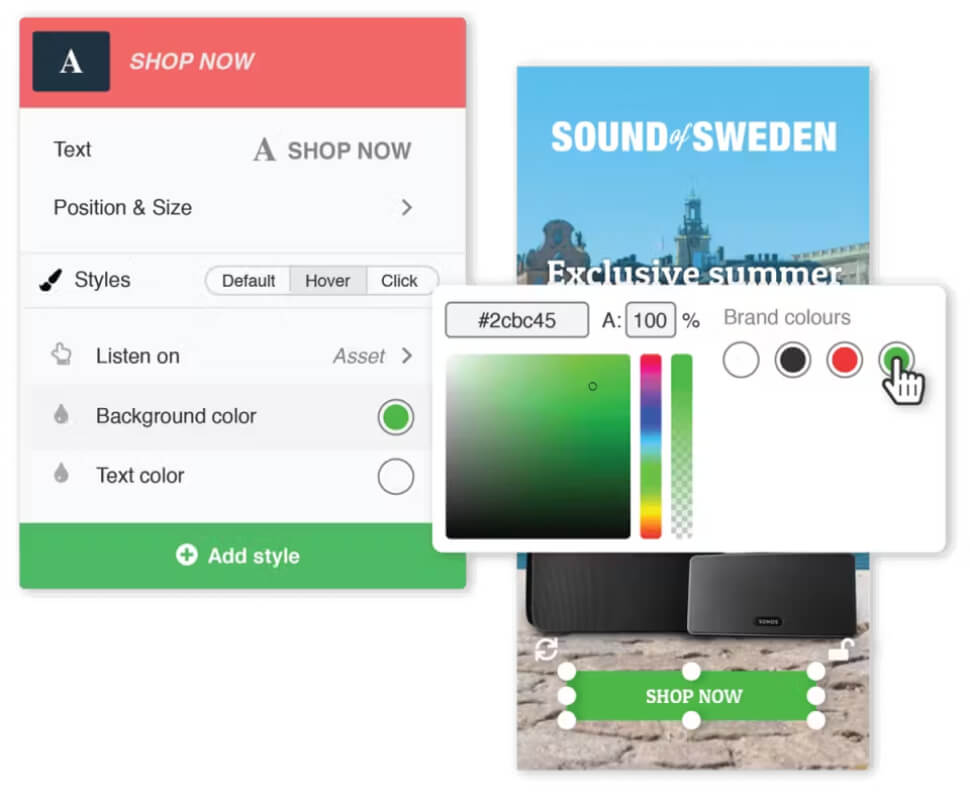
Bannerflow is a creative management platform designed to streamline the creation, management, and optimization of digital ads. It enables marketing teams to design, edit, and launch dynamic banner ads across various channels without needing technical expertise. Bannerflow’s intuitive drag-and-drop interface allows for easy customization, while its collaboration tools enhance teamwork among designers, marketers, and other stakeholders.
The platform supports a variety of ad formats and integrates with major advertising networks, allowing businesses to manage campaigns from one central location. Bannerflow also provides analytics and reporting features to track campaign performance and optimize ad creatives, ensuring that businesses can maximize their digital advertising ROI.