We've compiled a list of 38 free and paid alternatives to Adobe Bridge. The primary competitors include Adobe Photoshop, Greenshot. In addition to these, users also draw comparisons between Adobe Bridge and Box, Pixlr, TagSpaces. Also you can look at other similar options here: File Management Tools.
We've compiled a list of 38 free and paid alternatives to Adobe Bridge. The primary competitors include Adobe Photoshop, Greenshot. In addition to these, users also draw comparisons between Adobe Bridge and Box, Pixlr, TagSpaces. Also you can look at other similar options here: File Management Tools.
TwicPics is a real-time image processing CDN that delivers perfectly sized media for websites and applications, ensuring fast, light, and engaging visual experiences. It optimizes images and videos in real time, preserving quality while reducing fil…
Cloudinary simplifies media management by optimizing and delivering images and videos automatically. It offers APIs, widgets, and a user-friendly interface for storing, transforming, and managing media assets, while AI-powered features scale workflo…
ImageKit.io is a media processing and Digital Asset Management (DAM) platform offering real-time optimizations, transformations, and streaming via a URL-based API. It includes AI-driven image generation, centralized asset storage, and seamless integ…
A cloud-based digital asset management solution for architecture, engineering, construction, and real estate firms. Leverages AI and project-based organization to streamline tagging, search, and asset management.
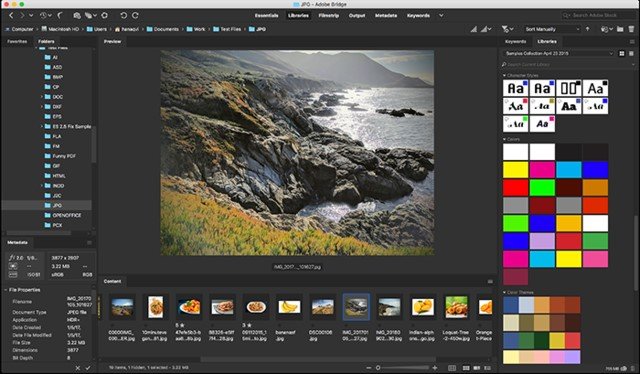
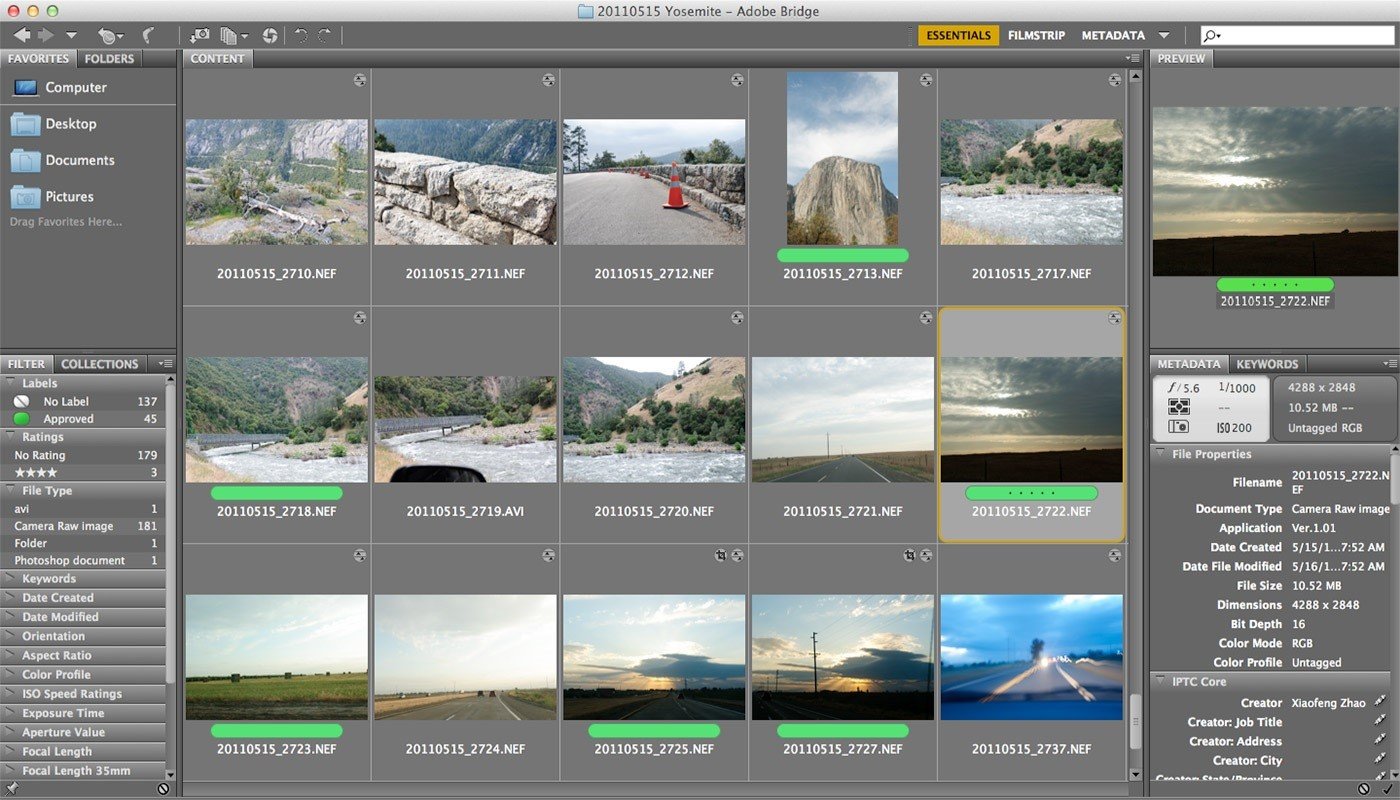
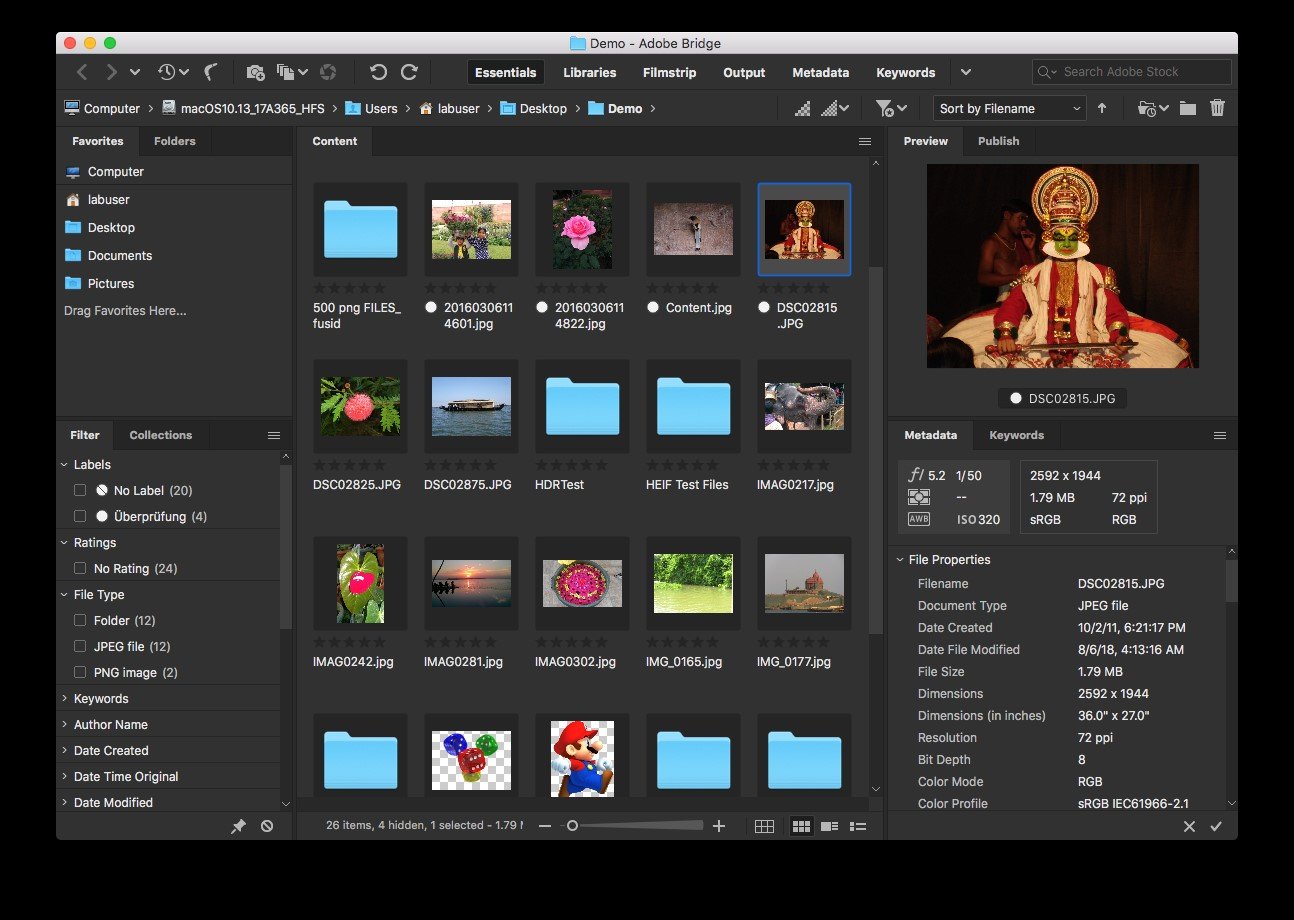
Bridge CC gives you centralized access to all the files and assets you need for your creative projects. Organize personal and team assets, batch edit with ease, add watermarks, set centralized color preferences, and even upload your photos to Adobe Stock. Bridge simplifies your workflow and keeps you organized and now with CC Libraries.
Features: Bulk import, export and preview CC Libraries assets Edit photo capture time Export/ Import network cache Native PDF Output Module Easy upload of images to Adobe Stock so you can get royalties for your work Support for Retina and HiDPI displays with the ability to scale Automated cache management Publishing to Adobe Portfolio to build your personalized website Quick organization and stacking of panoramic and HDR images On-demand thumbnail and metadata generation Option to import photos and videos from your mobile device or digital camera on macOS Support for CEP HTML5 Flexible batch processing Drag-and-drop file flexibility Centralized color settings
Lots of free training videos Optional cloud storage