Chúng tôi đã tổng hợp danh sách 46 phần mềm thay thế miễn phí và trả phí cho Quiver. Các đối thủ chính bao gồm: Simplenote, Notezilla. Ngoài ra, người dùng cũng tiến hành so sánh giữa Quiver và Standard Notes, Remember The Milk, CintaNotes. Bạn cũng có thể xem các tùy chọn tương tự khác tại đây: Công cụ phát triển.
Chúng tôi đã tổng hợp danh sách 46 phần mềm thay thế miễn phí và trả phí cho Quiver. Các đối thủ chính bao gồm: Simplenote, Notezilla. Ngoài ra, người dùng cũng tiến hành so sánh giữa Quiver và Standard Notes, Remember The Milk, CintaNotes. Bạn cũng có thể xem các tùy chọn tương tự khác tại đây: Công cụ phát triển.
Không gian làm việc tất cả trong một của bạn cho wiki, tài liệu và dự án. Hợp lý hóa các ứng dụng công việc của bạn thành một nền tảng thống nhất, nâng cao khả năng cộng tác và năng suất. Khám phá tương lai của công việc với tích hợp AI.
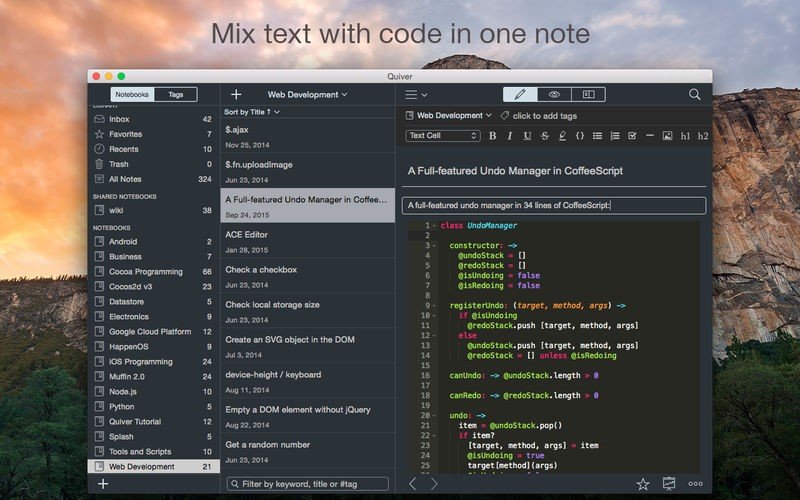
Quiver is a notebook built for programmers. It lets you easily mix text, code and Markdown within one note, edit code with an awesome code editor, live preview Markdown and LaTeX cells, and find any note instantly via the full-text search.
## Mix Text, Code and Markdown
A note in Quiver is comprised of cells --- snippets of text, code, Markdown or LaTeX. You can freely mix different cell types within one note. You can set different languages for different code cells, too.
## Edit In Place
Whether you are writing code or text, editing is always made in-place. There is no mode switching in Quiver. You just click inside the editor and start typing.
## An Awesome Code Editor
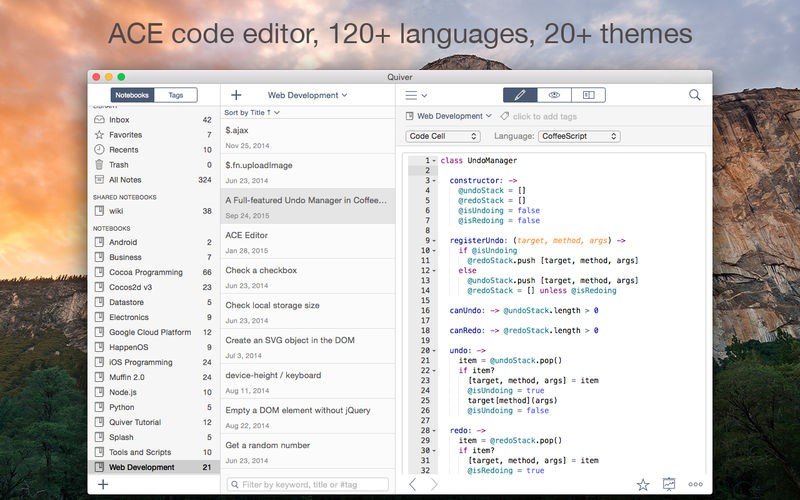
The programmer's notebook should make code editing effortless. Quiver packs the awesome ACE code editor in code cells, with syntax highlighting support for more than 110 languages, over 20 themes, automatic indent and outdent, and much more.
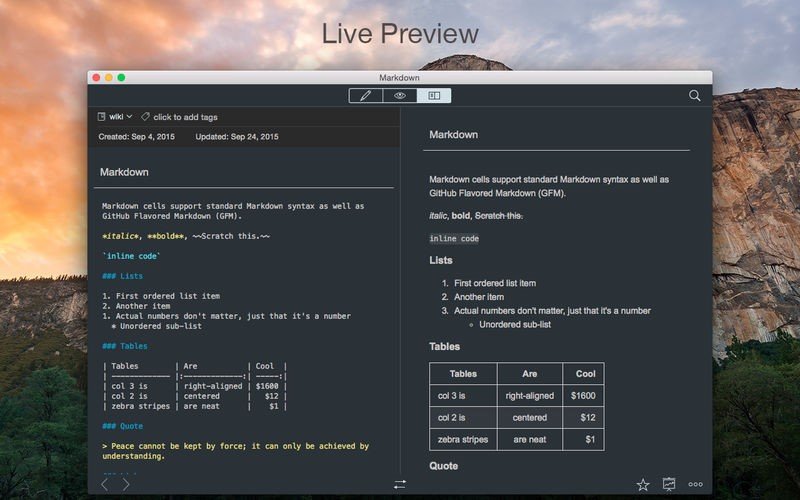
## Markdown Support
Quiver lets you write in Markdown with inline formatting and custom CSS options. A live preview window renders Markdown as you type.
## LaTeX Support
Quiver has built-in LaTeX support (thanks to MathJax), so it's easy to include beautifully typeset mathematical equations in your notes.
## Images, Files and Links
Drag an image into a text cell and it will be saved locally with the note. Drag a file into a text cell and it will become a clickable file link. URLs in text cells are automatically detected.
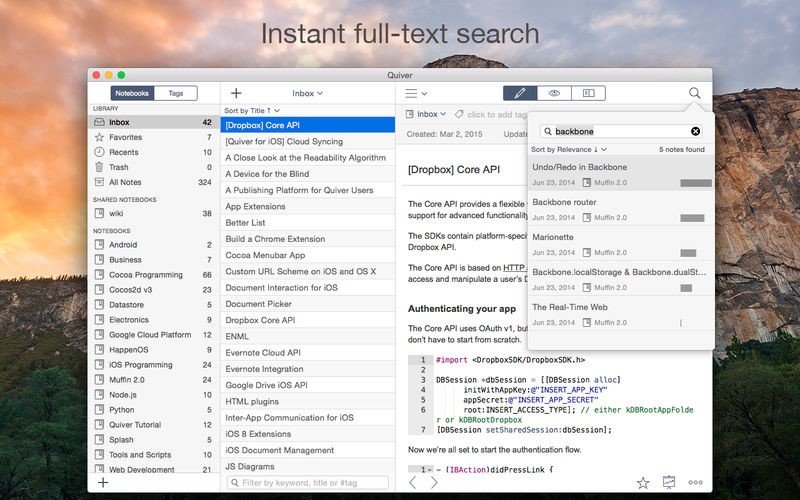
## Instant Full-Text Search
Notes are only useful if you can find them quickly. Quiver's full-text search is based on Search Kit, the same technology used to power Spotlight on your mac. That's how Quiver can search through thousands of notes in a blink of an eye.
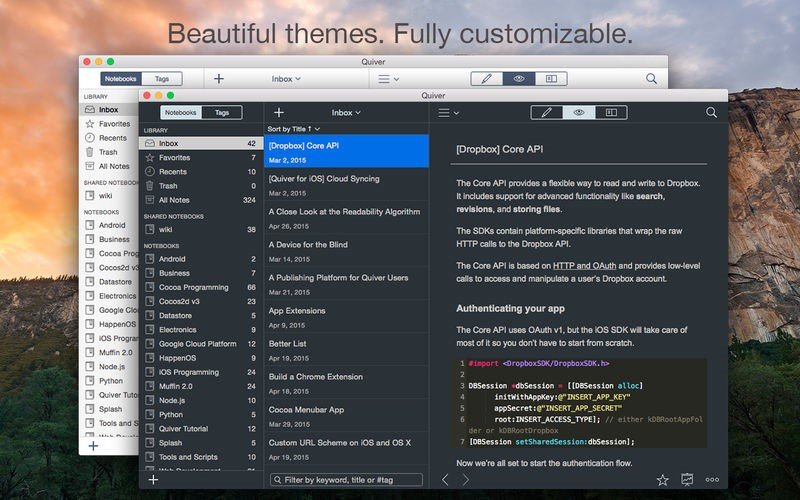
## Two Beautiful UI Themes
Quiver comes with two beautifully designed UI themes: a light theme and a dark theme.
## Live Preview
Quiver supports live preview of Markdown and LaTeX cells.