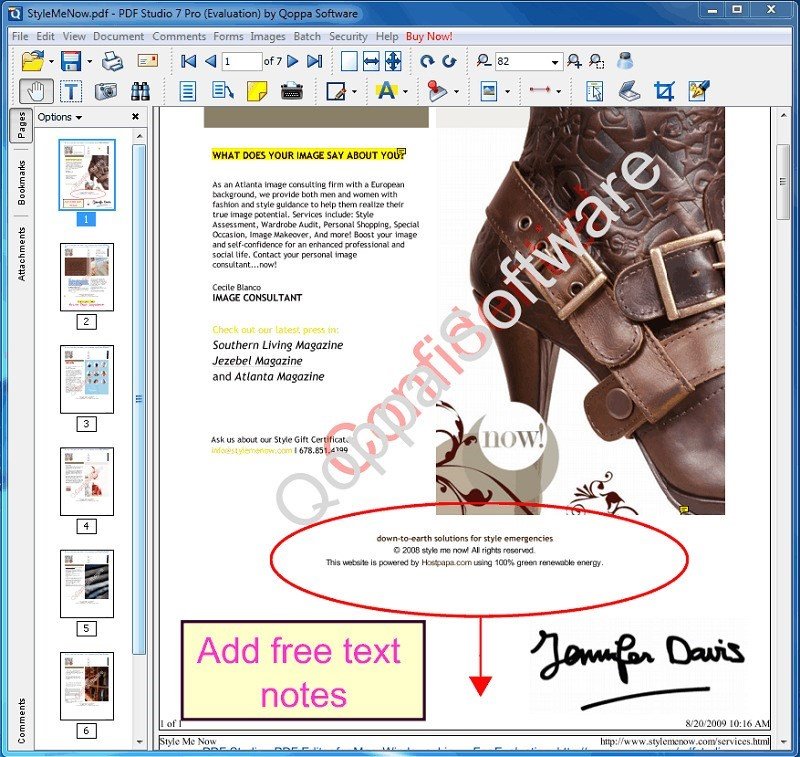
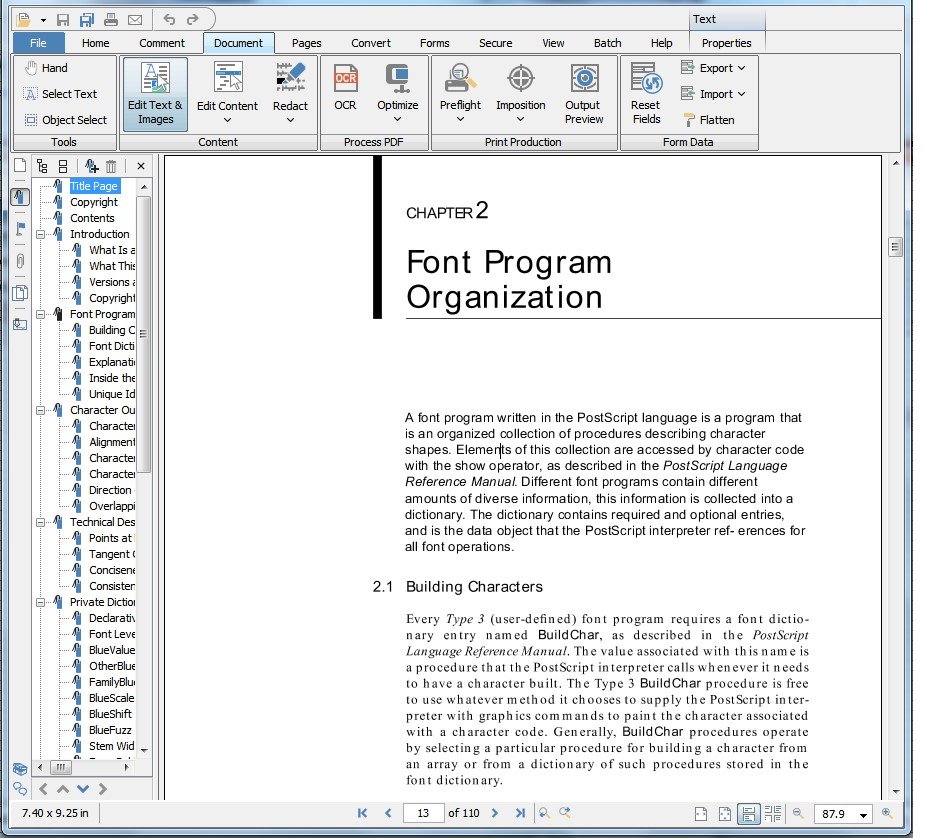
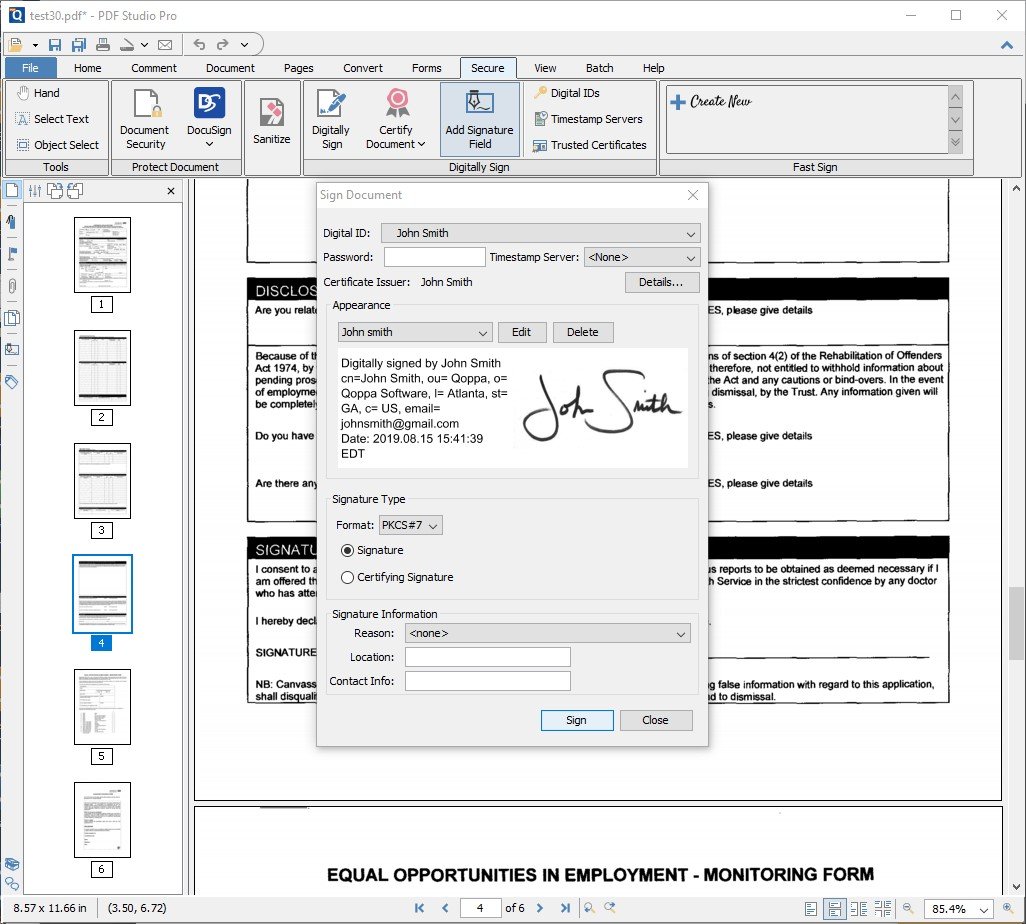
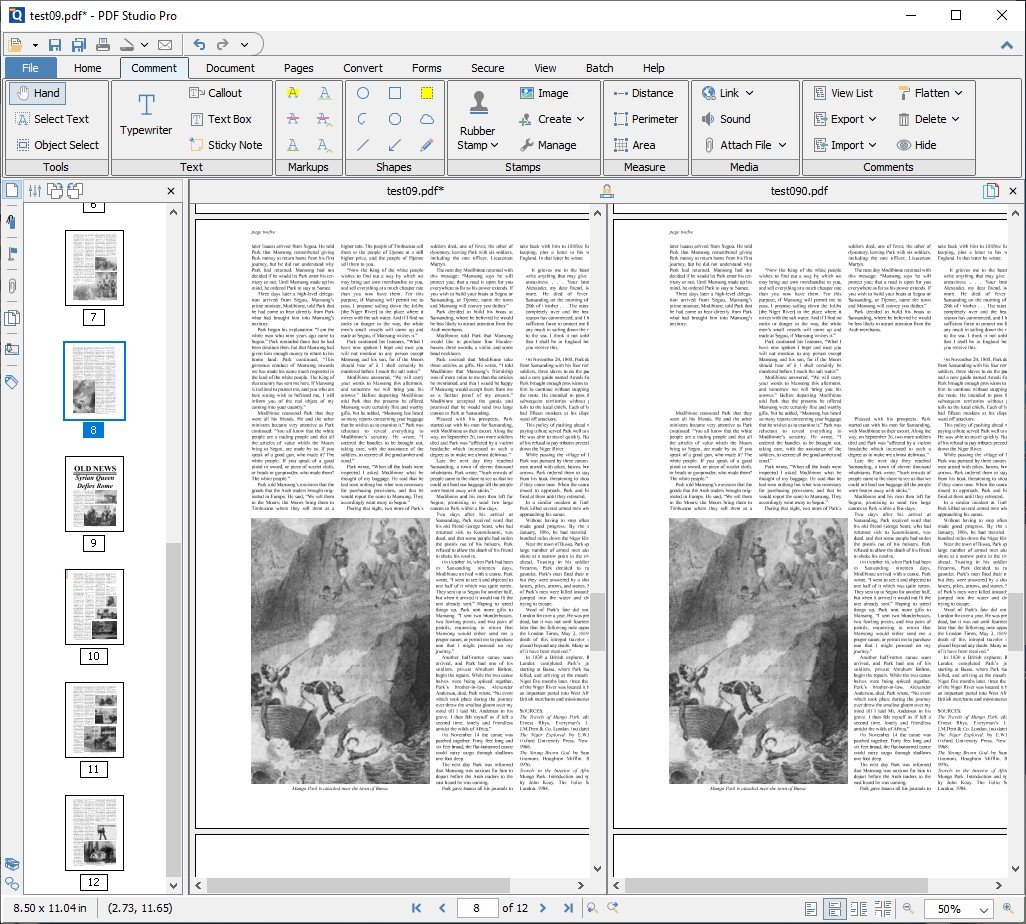
Wir haben eine Liste von 27 kostenlosen und kostenpflichtigen Alternativen zu Qoppa PDF Studio zusammengestellt. Zu den Hauptkonkurrenten gehören PDF-XChange Viewer, Okular. Neben diesen vergleichen Benutzer auch Qoppa PDF Studio mit PDFsam, PDF Reader, Foxit PhantomPDF. Außerdem können Sie hier auch andere ähnliche Optionen ansehen: Dateiverwaltungstools.
Wir haben eine Liste von 27 kostenlosen und kostenpflichtigen Alternativen zu Qoppa PDF Studio zusammengestellt. Zu den Hauptkonkurrenten gehören PDF-XChange Viewer, Okular. Neben diesen vergleichen Benutzer auch Qoppa PDF Studio mit PDFsam, PDF Reader, Foxit PhantomPDF. Außerdem können Sie hier auch andere ähnliche Optionen ansehen: Dateiverwaltungstools.
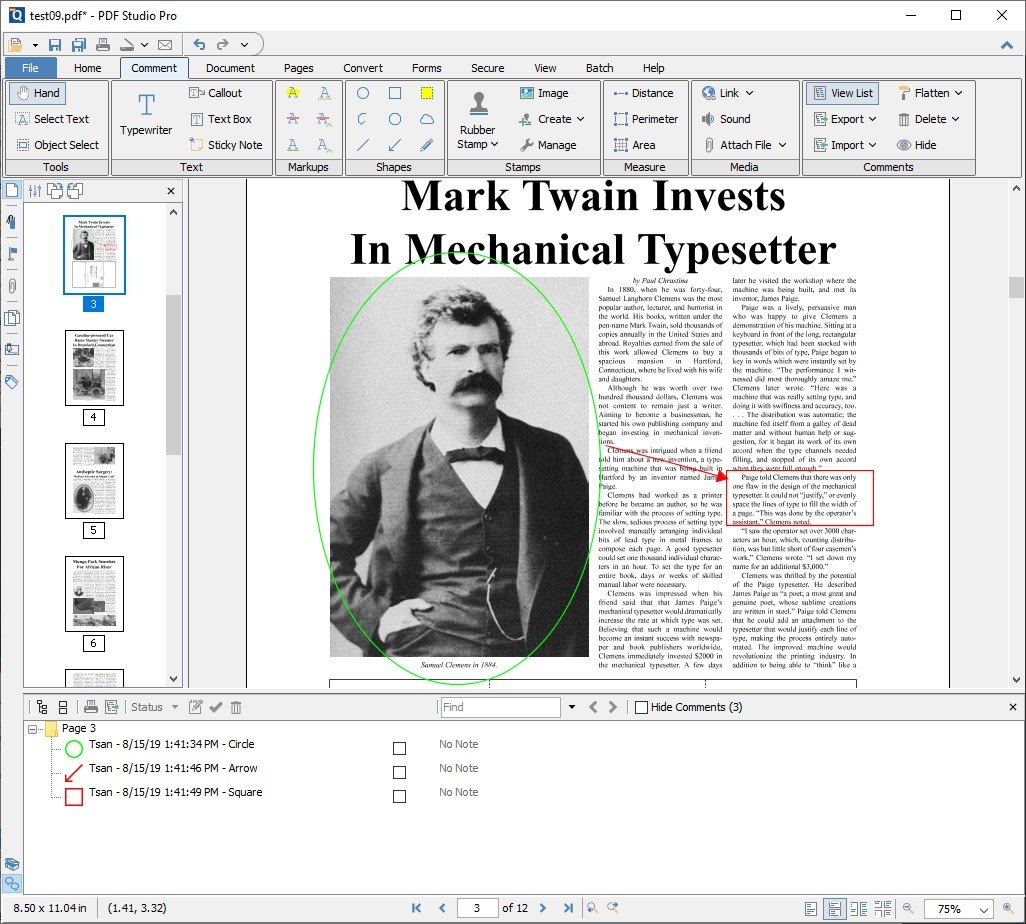
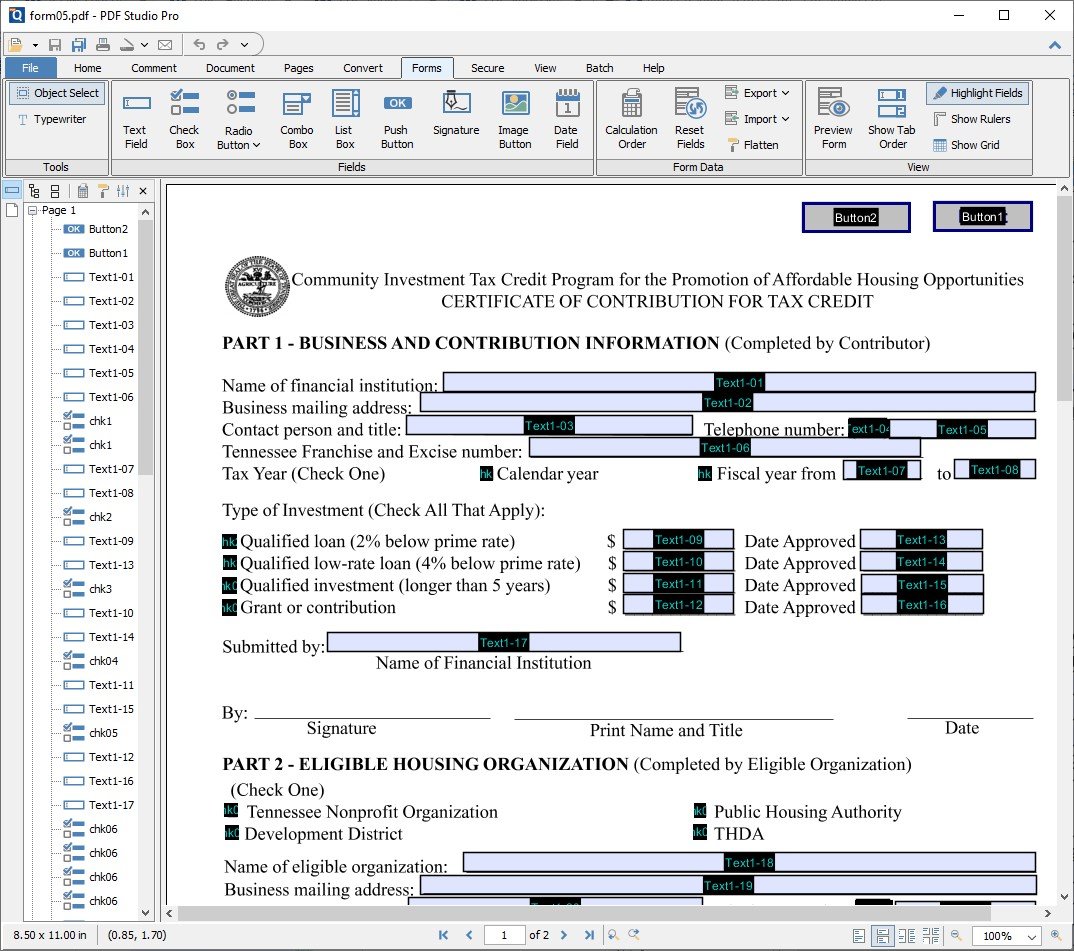
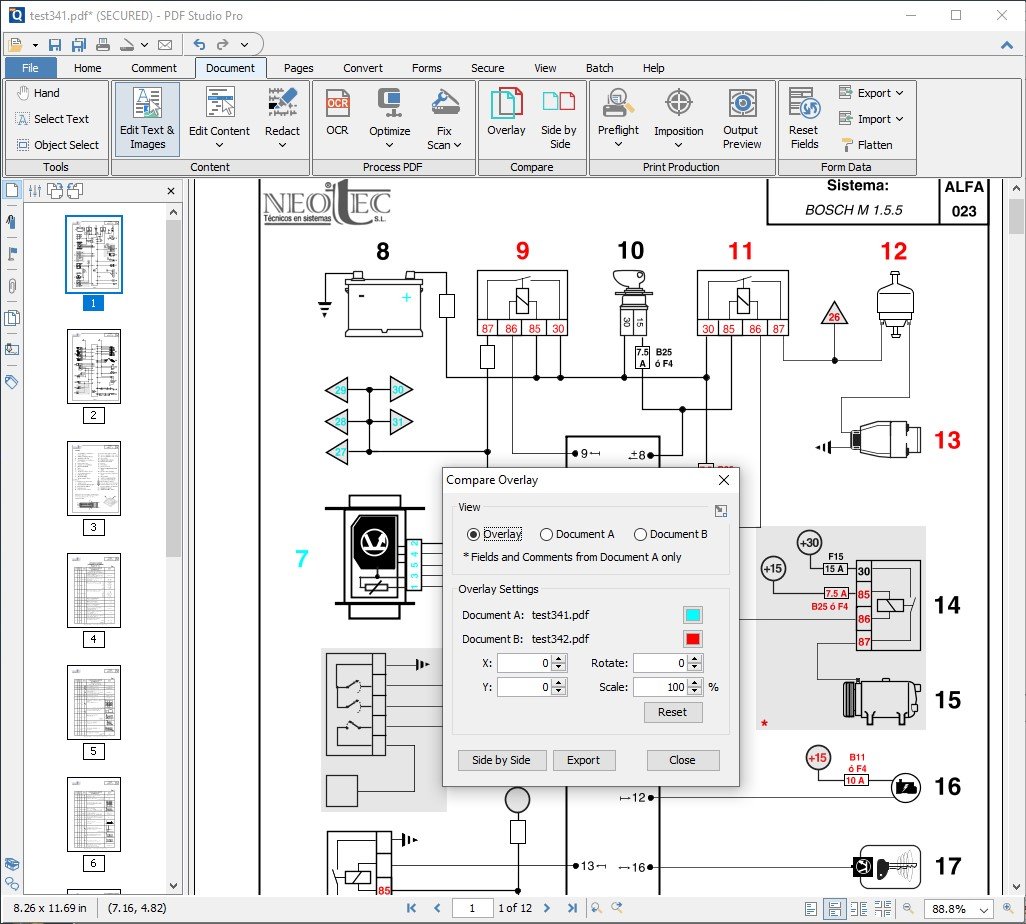
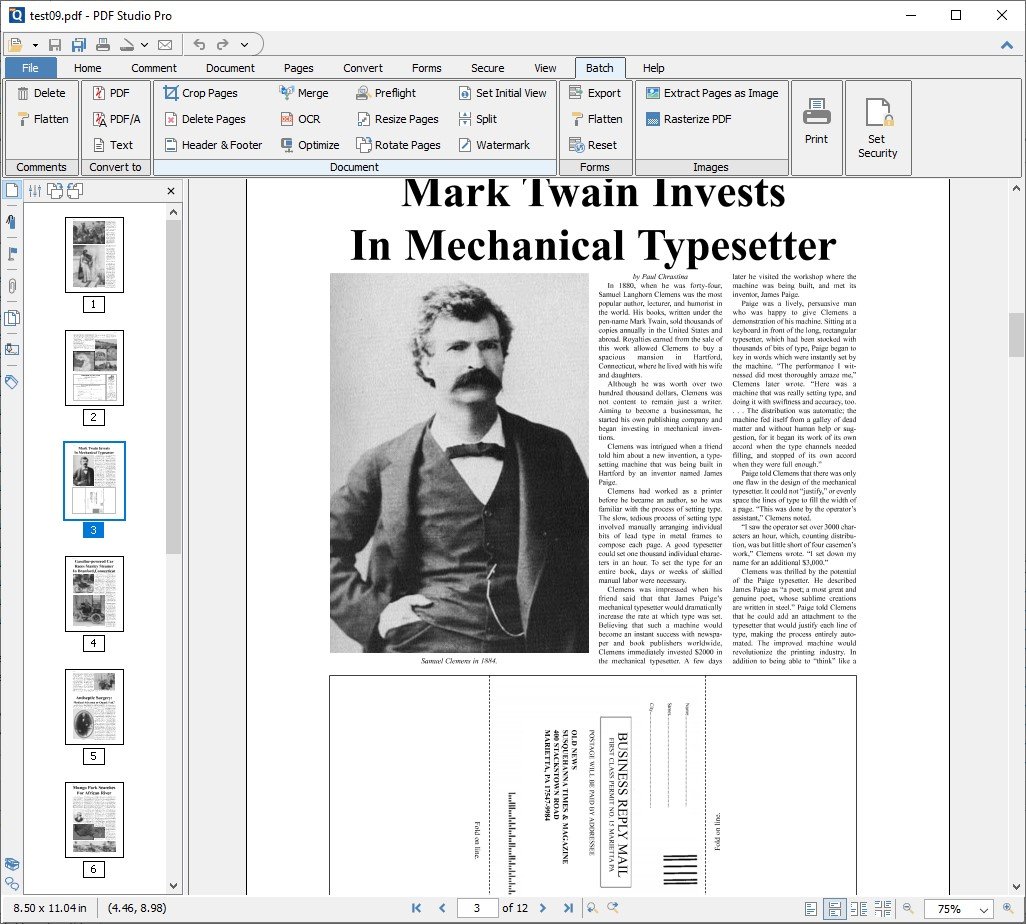
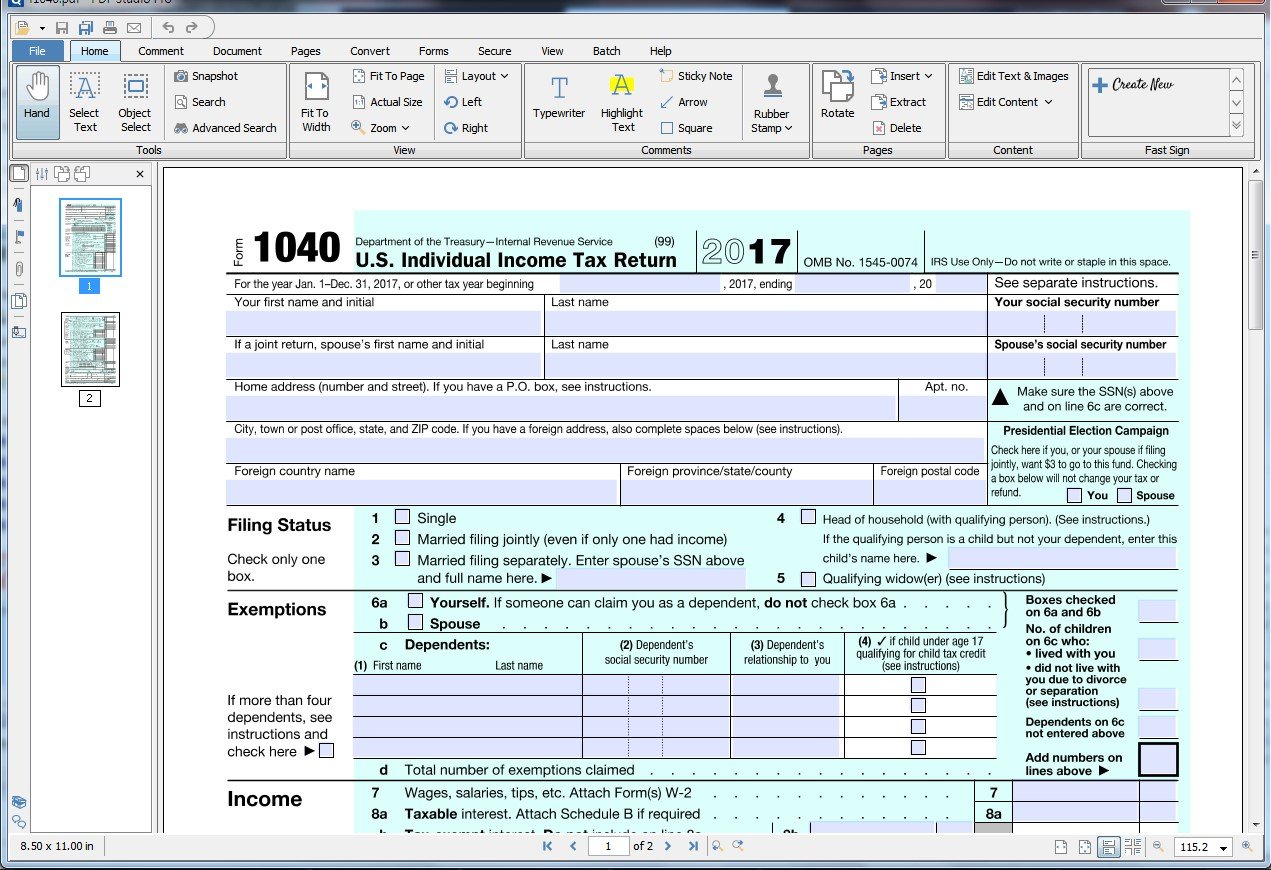
Voll ausgestattete Lösung zum Anzeigen, Erstellen, Bearbeiten, Kommentieren, Online-Zusammenarbeit, Sichern, Organisieren, Exportieren, OCR und Signieren von PDF-Dokumenten und Formularen. Jetzt mit ConnectedPDF-Technologie verfügbar.
Create, Convert, Review and Edit PDF Documents on Windows, macOS, and Linux
Create, Convert, Review and Edit PDF Documents on Windows, macOS, and Linux
Qoppa PDF Studio Plattformen
Linux
Mac
Android
Windows
Qoppa PDF Studio Video und Screenshots
Qoppa PDF Studio Überblick
Create, Review and Edit PDF Documents on Windows, Mac OS X, and Linux.
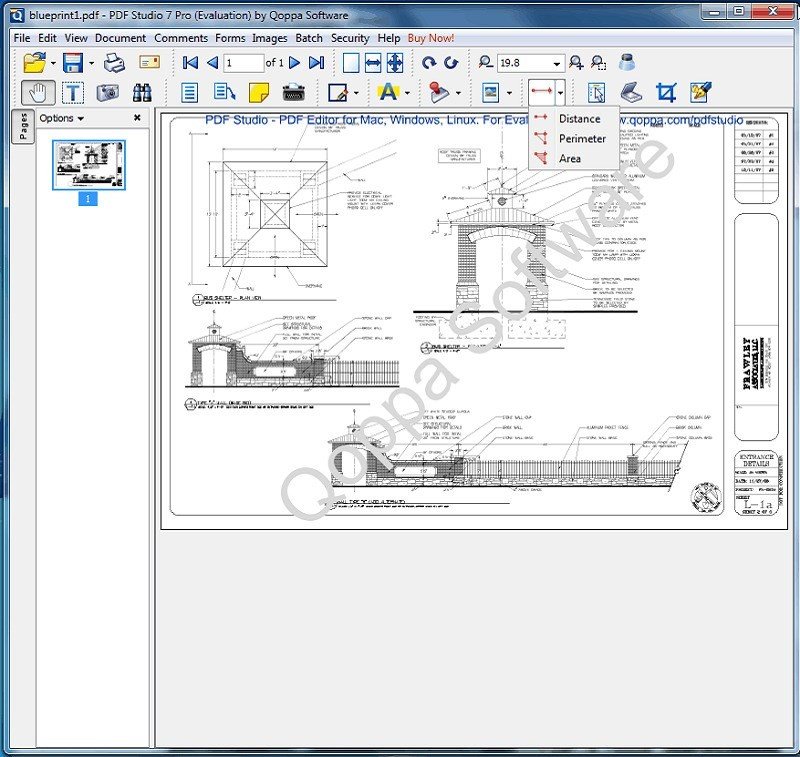
PDF Studio is an all-in-one, easy to use PDF editor that provides all PDF features needed at a fraction of the cost of Adobe Acrobat Reader DC and other PDF editors. PDF Studio maintains full compatibility with the PDF Standard.
PDF Studio is available in 3 versions: Viewer, Standard and Pro.
- PDF Studio Viewer
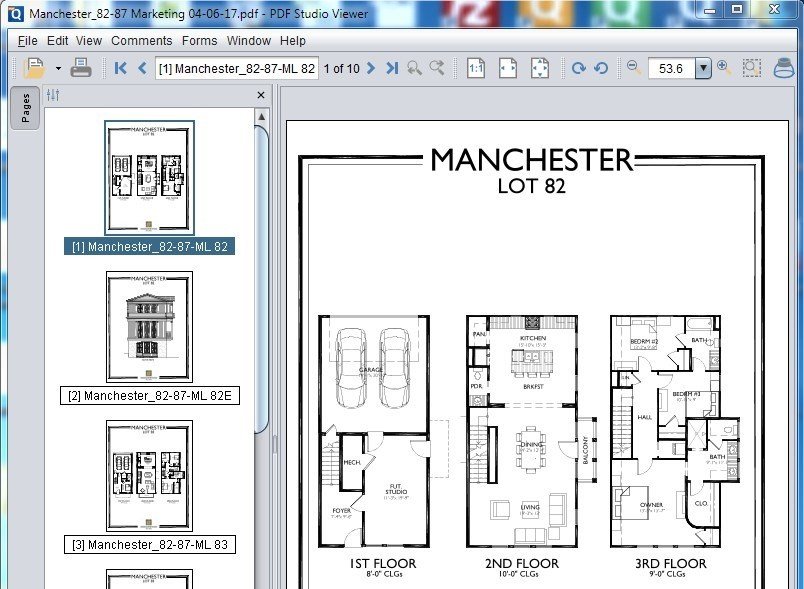
Display PDFs with high fidelity Render all interactive features: Annotations & Form Fields Digital Signatures & Layers Advanced User Interface: Thumbnails & Comments Panes Loupe, Pan & Zoom Rulers & Grids Advanced Print & Search Options
- PDF Studio Standard
All Features in Viewer Plus…
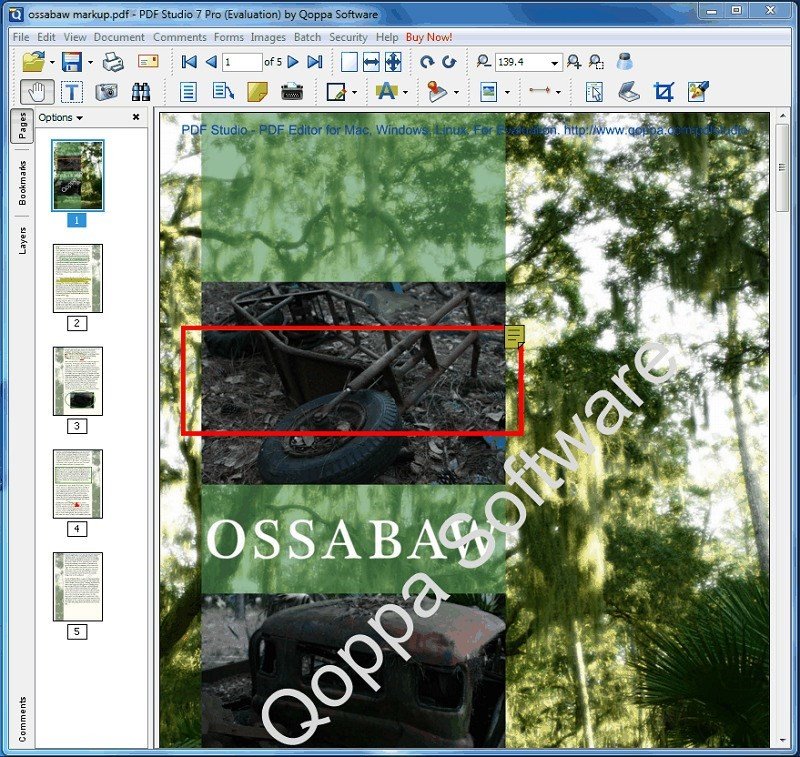
PDFs erstellen Convert to/from PDFs Scan-To-PDF Annotate and Markup PDFs Fill In & Save PDF Forms Secure Documents (Passwords) Append / Delete Pages Apply Watermarks, Headers, Footers Create Bookmarks / Table of Contents