PowerShell (включая Windows PowerShell и PowerShell Core) представляет собой среду автоматизации задач и управления конфигурацией от Microsoft, состоящую из оболочки командной строки и соответствующего языка сценариев, созданного на основе .NET Fram…
Windows console emulator with tabs, which presents multiple consoles and simple GUI applications as...
Windows console emulator with tabs, which presents multiple consoles and simple GUI applications as...
ConEmu Платформы
Windows
ConEmu Видео и скриншоты
ConEmu Обзор
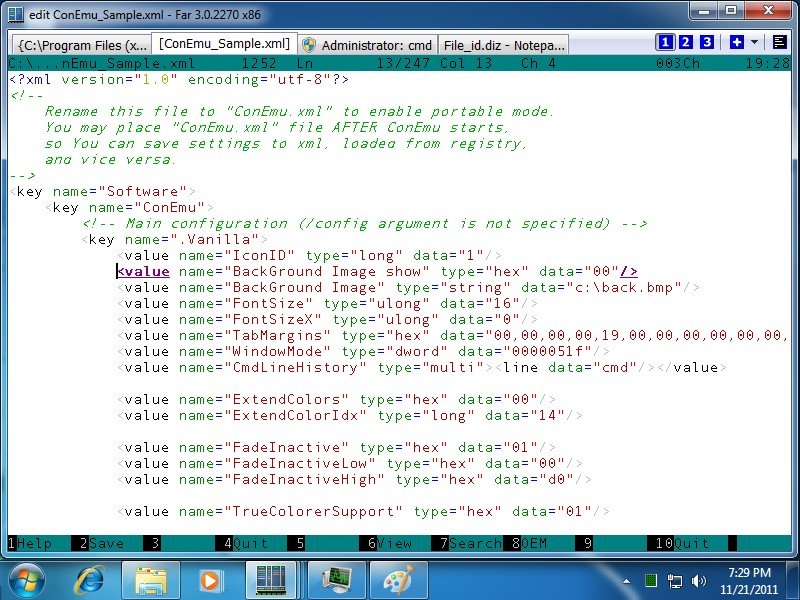
Windows console emulator with tabs, which presents multiple consoles and simple GUI applications as one customizable GUI window with various features. Initially, the program was created as a companion to Far Manager . Today, ConEmu can be used with any other console application or simple GUI tools (like PuTTY for example). ConEmu is an active project, open to suggestions.
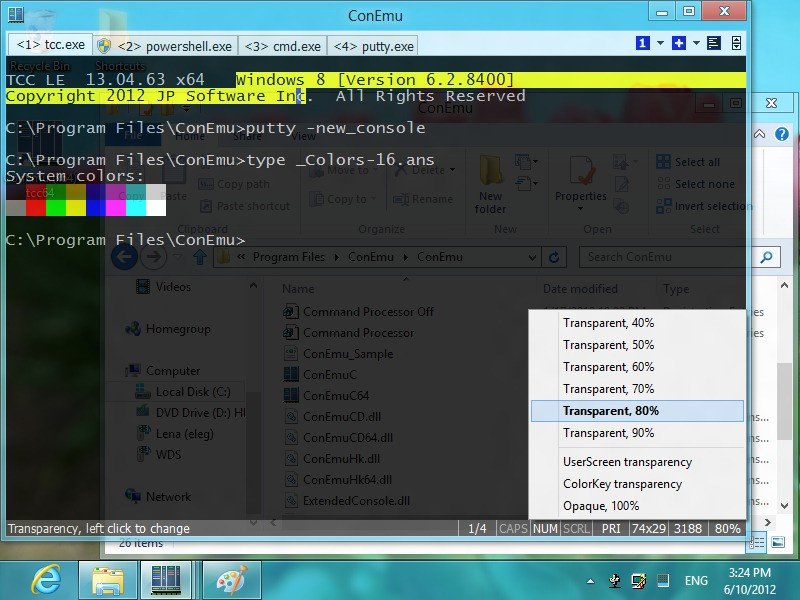
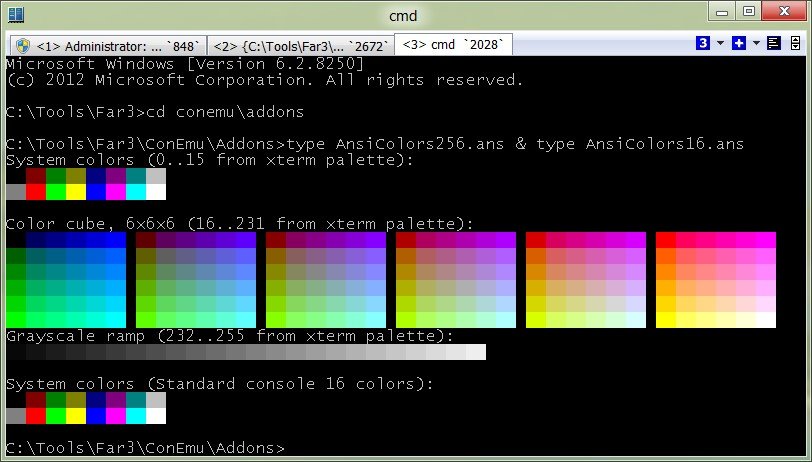
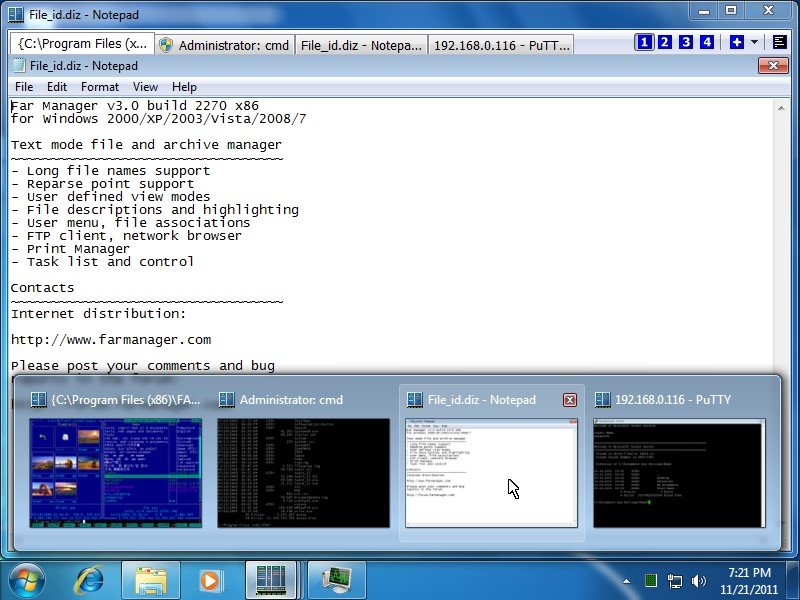
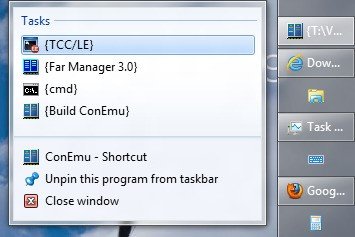
ConEmu starts a console program in hidden console window and provides an alternative customizable GUI window with various features: smooth and friendly window resizing; tabs for editors, viewers, panels and consoles; run simple GUI apps in tabs; Windows 7 Jump Lists and Progress on Taskbar buttons; easily run old DOS applications (games) in Windows 7 or 64-bit OS; thumbnails and tiles in Far Manager; normal, maximized and full screen graphical window modes; customizable window fonts; using 24-bit colors in Far Manager 3.x; ANSI X3.64 and Xterm 256 colors; cursor: standard console (horizontal) or GUI (vertical); optional per-application settings (eg palette); vertical console buffer scrolling using the keyboard (BufferHeight mode); show full output (1K+ lines) of last command in Far Manager's editor/viewer; customizable Far Manager right click behaviour (long click opens context menu); drag and drop (explorer style) of files and folders in Far Manager; limited support of BDF fonts; user friendly text and block selection; transparency and desktop mode; customizable starting tabs; configurable and clickable status bar; and more, and more...
All settings are read from the registry (multiple named configurations are supported), after which the command line parameters are applied. Parameters /Config and /BufferHeight can only be specified on the command line. Most settings are configured using the Settings dialog, not from the command line.